
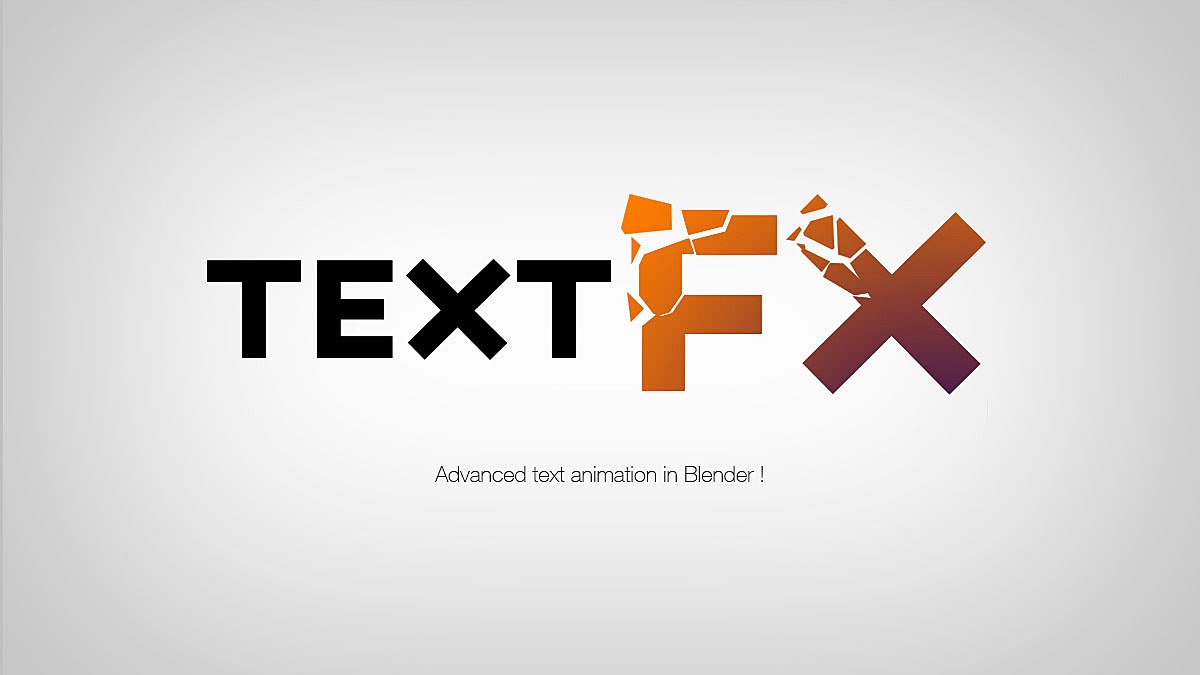
textEffect for Blender
textEffect for Blender v2.0 – The Ultimate 3D Typography & Kinetic Text Animation Suite
Versions: v1.0
File Size: 3 MB
Download textEffect for Blender v2.0 for Windows and Mac, a specialized motion graphics and typography addon designed to transform flat, boring text into stunning, dynamic 3D masterpieces. Whether you are creating high-energy title sequences, broadcast lower thirds, YouTube intros, or stylized kinetic typography, this addon eliminates the tedious process of manually stacking modifiers, fixing curve normals, and animating complex text deformations. By providing a massive library of one-click text effects, procedural deformation tools, and pre-wired kinetic animations, textEffect allows you to focus entirely on the creative design rather than the technical setup.
Key Features of textEffect for Blender v2.0:
- One-Click Text Effect Presets: Instantly apply over 50 professionally designed 3D text styles, including Neon Glow, Liquid Metal, Inflated Balloon, Chrome Extrusion, Glitch, Holographic, and Brutalist Concrete. Each preset comes with perfectly tuned materials and geometry modifiers.
- Kinetic Typography Animator: Built-in animation presets that automatically animate your text entering, exiting, and interacting with the camera. Features include “Typewriter,” “Wave,” “Bounce,” “Explode,” and “Magnetic Attraction,” all fully customizable via simple sliders.
- Smart Curve & Extrusion Engine: Converts native Blender text objects into optimized, beautifully beveled meshes instantly. It automatically fixes the notorious “pinched corners,” “bad normals,” and “shading artifacts” common in default text extrusion.
- Procedural Text Deformation: Utilizing advanced Geometry Nodes, apply complex, non-destructive deformations to your text. Bend it along a curve, twist it into a spiral, melt it like slime, or shatter it into floating 3D blocks.
- Glitch & Distortion FX: Dedicated shader and geometry setups for cyberpunk and modern broadcast styles. Includes RGB chromatic aberration, datamosh pixel sorting, digital noise, and scanline overlays that can be animated over time.
- Text-to-Particle & Scatter FX: Instantly convert your text into a swarm of particles, falling sand, floating bubbles, or scattered geometric shapes. Perfect for dramatic reveals and transitions.
- Auto-Alignment & Spacing Tools: Professional typographic controls that allow you to perfectly center text, adjust kerning, track, and leading, and align multiple lines of text with mathematical precision.
- Stylized Material Library: A curated collection of PBR and NPR materials specifically tuned for typography, including anisotropic metals, glowing emissives, frosted glass, and hand-painted toon shaders.
- Non-Destructive Modifier Stack: All effects are applied via a clean, organized, and color-coded modifier stack. You can tweak the extrusion depth, bevel profile, or animation timing at any time without breaking the text object.
- Motion Graphics Export Ready: Includes optimized export presets for After Effects (via camera and null object tracking) and ensures geometry is lightweight and clean for real-time engines.
Perfect For:
- Motion Designers & Broadcast Artists creating high-energy title sequences, logo reveals, and news lower thirds.
- YouTube & Social Media Creators generating eye-catching intros, subscribe animations, and stylized captions.
- UI/UX Animators prototyping dynamic text interactions and micro-animations for app interfaces.
- Music Video Editors creating rhythmic, audio-reactive kinetic typography that syncs perfectly to the beat.
- Event Visualizers designing large-scale 3D text for concert visuals, VJ loops, and stage LED screens.
- Beginners who want professional-looking 3D text but are intimidated by Blender’s native curve and modifier workflows.
System Requirements:
- Blender: 3.6, 4.0, 4.1, 4.2, 4.3, 4.4+ (Latest LTS recommended; Geometry Nodes required for deformation tools).
- OS: Windows 10/11 (64-bit) or macOS 10.15+.
- RAM: 8GB minimum (16GB+ recommended for scenes with heavy particle text effects and high-resolution rendering).
- Render Engine: Fully compatible with Cycles (for accurate glass, metal, and emission) and Eevee (for real-time viewport previews and fast render times).
Installation:
- Download the textEffect for Blender v2.0
.zipfile. - Open Blender and go to Edit > Preferences > Add-ons.
- Click Install…, select the downloaded file, and enable the checkbox next to Object: textEffect.
- Access via the 3D Viewport Sidebar (N-panel) under the textEffect tab, or the Object Context Menu (Right-Click) > Apply Text Effect.
Key Highlights of the v2.0 Update:
- Blender 4.4 Full Compatibility: Updated all Geometry Nodes and curve evaluation APIs to ensure flawless stability, correct UI scaling, and perfect integration with the newest Blender 4.4 release.
- New “Liquid Metal” Module: Added a highly requested fluid simulation preset that makes your text melt, drip, and pool realistically on the floor, complete with pre-configured metallic materials.
- Audio-Reactive Text: Introduced a new tool that automatically links text scale, rotation, and emission strength to an audio file, allowing for instant beat-synced typography animations.
- Faster Curve Evaluation: Rewritten the text-to-mesh conversion backend, reducing the viewport lag when editing long paragraphs or complex fonts by 60%.
- Enhanced Glitch Shaders: Upgraded the digital distortion effects with new “VHS Tracking” and “Digital Corruption” modes, featuring randomized seed controls for unique, non-repeating animations.
- UI Overhaul: Redesigned the N-panel with visual thumbnails for every text preset and effect, making it incredibly easy to browse and apply styles on the fly.
Note:
textEffect for Blender v2.0 is built on the philosophy that typography should be as dynamic as the imagery it accompanies. In traditional 3D workflows, creating a simple extruded text with a bevel and a neon material can take 15 minutes of fiddling with curve settings and shader nodes. textEffect reduces this to a single click. By combining robust geometry cleanup, procedural deformation, and pre-animated kinetic setups, it empowers artists to produce broadcast-quality typography in a fraction of the time. Whether you are designing a sleek corporate logo reveal or a chaotic, glitchy music video title, textEffect provides the exact tools you need to make your words pop off the screen.
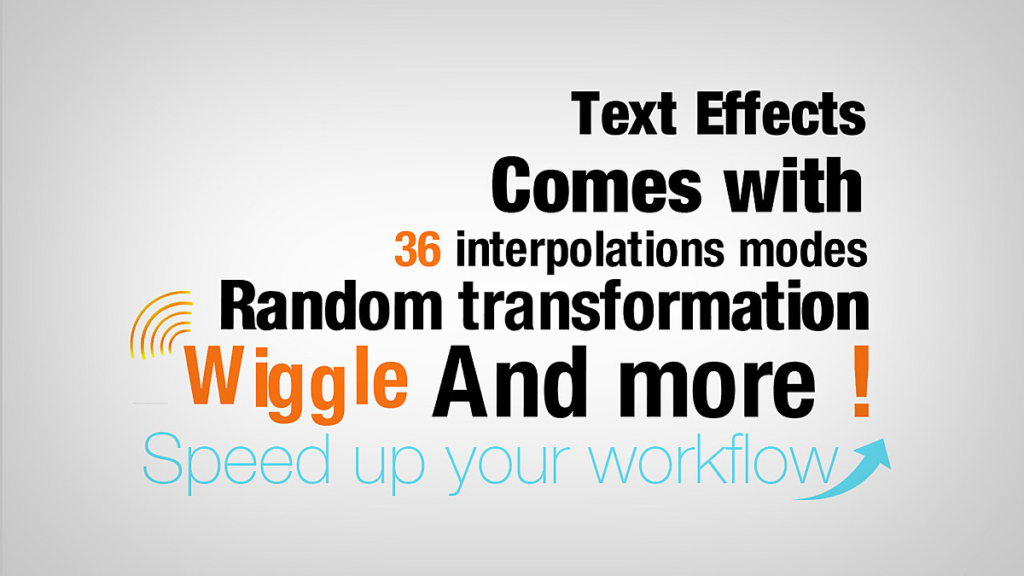
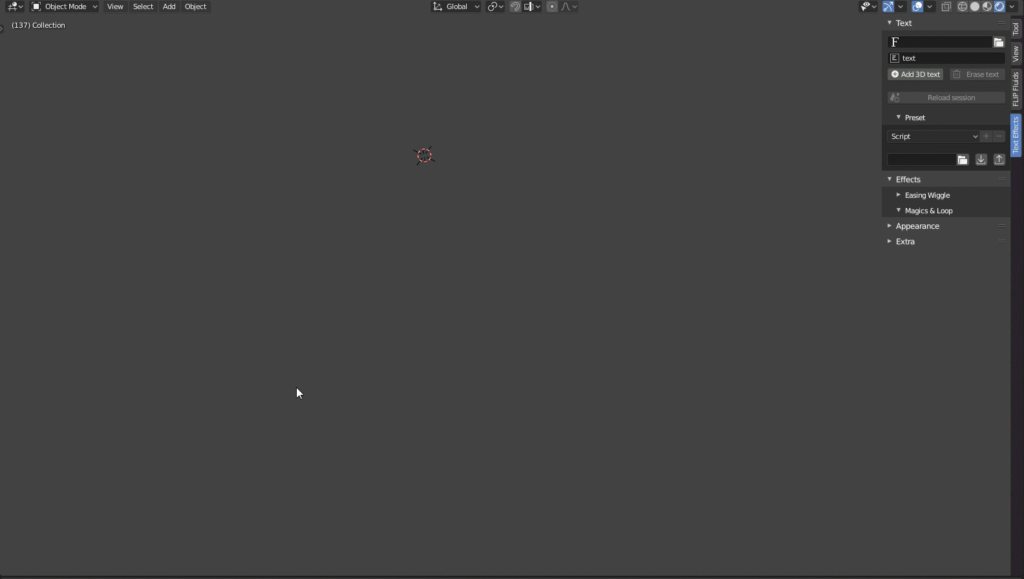
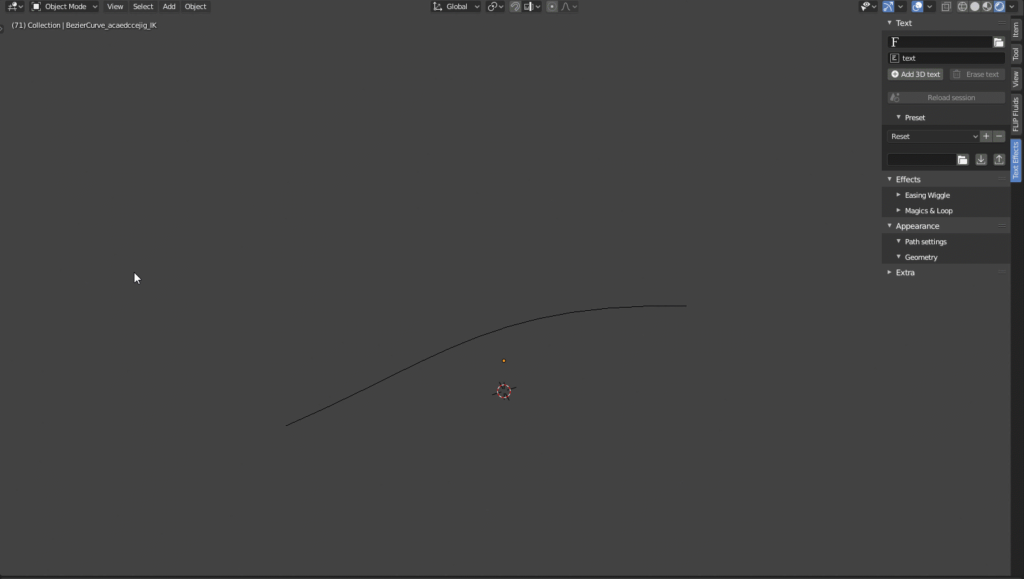
Text Effects is the fastest way to animate 3D text in Blender!
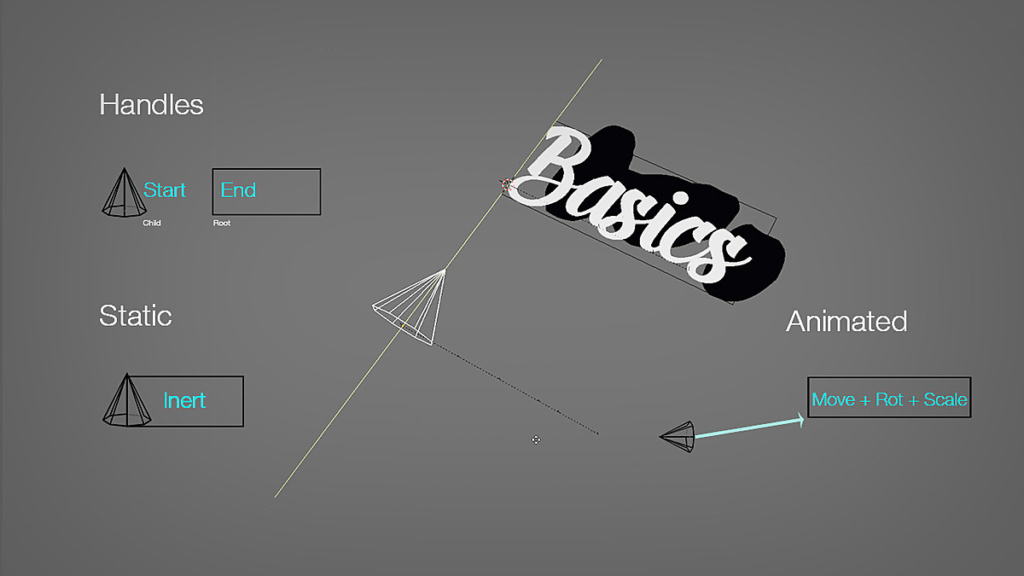
Text Effect allows you to build complex font animation without maths or key frames. All you need is to apply your favorite effect to your text (such as typewriter, wave, wiggle, randomize…) and get your animation done.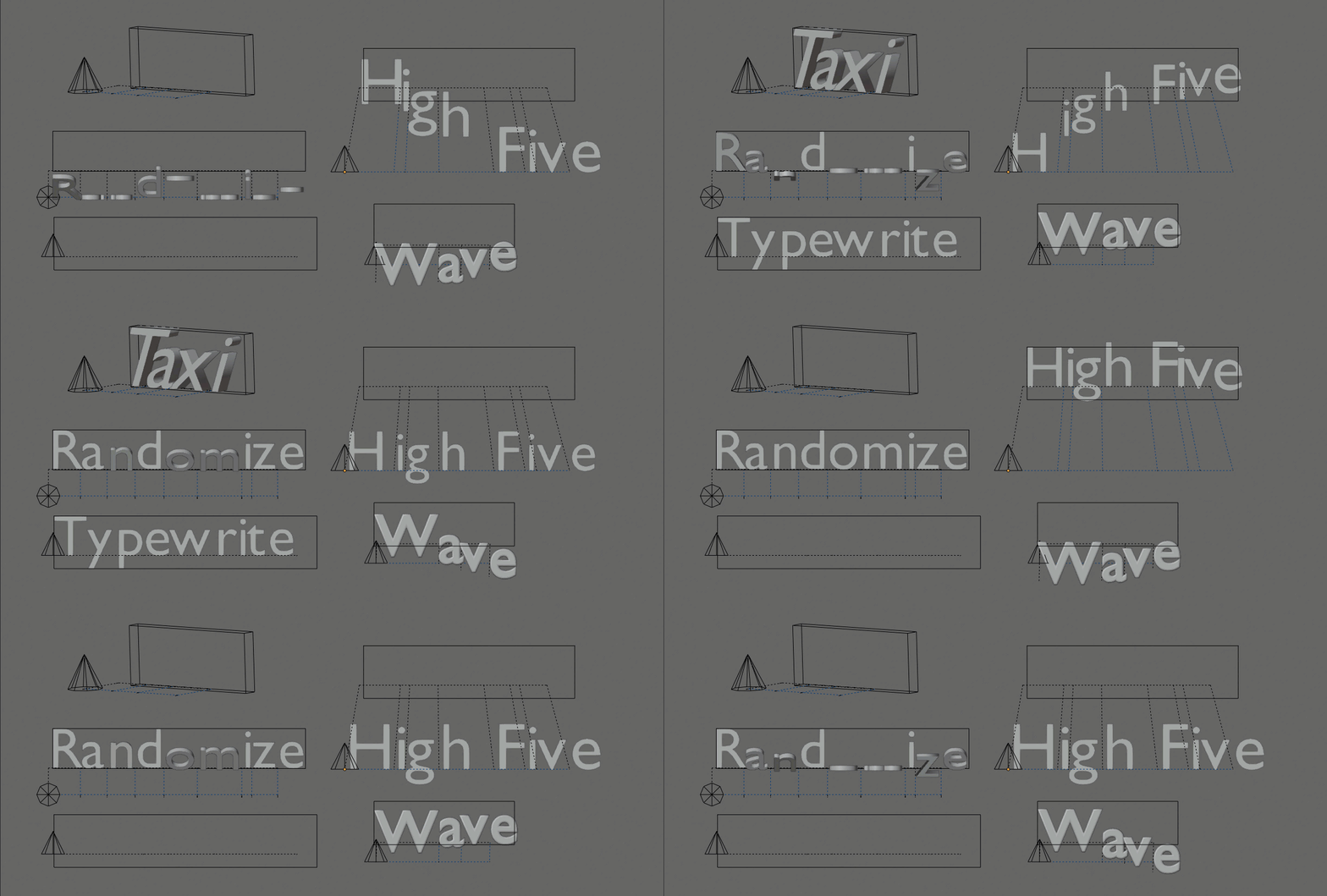
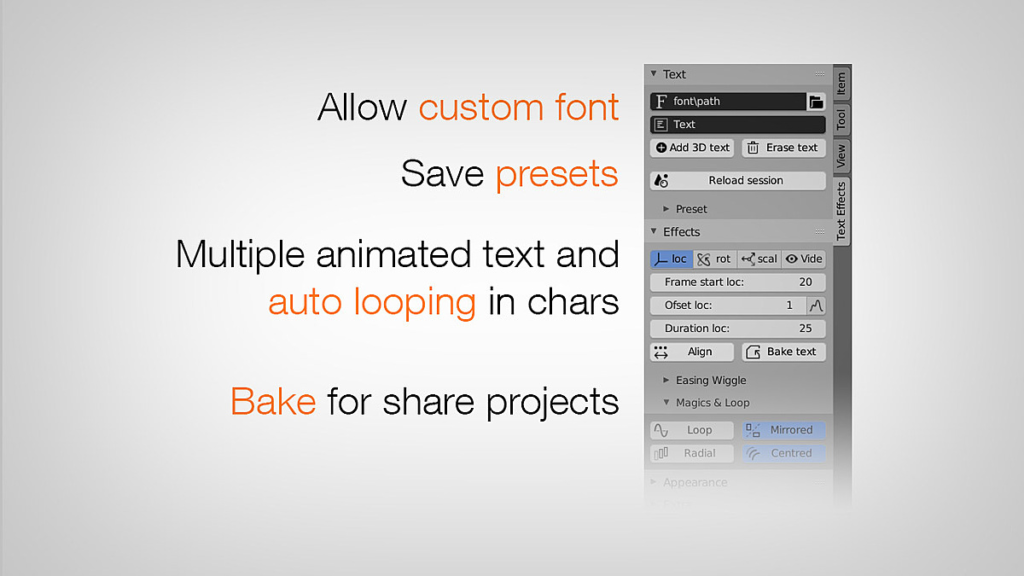
Text Effect is built around the concept of preset and reusable template. So any existing text in your scene can be converted to animation, any text Fx can be replaced, duplicated and shared.
Rebuilt for scale — new Rust engine
 Version 5 is a complete re-architecture. All the heavy math — glyph layout, kerning, every per-frame transform, cascade and baking — now runs in a native, fully multithreaded Rust engine. While every other text tool stays single-threaded, Text Effect uses all your CPU cores: up to ~60× faster text creation and true real-time editing (the old Sync step is gone). This is the foundation that unlocks mass workflows like subtitling and large-scale text animation.
Introduction: Tutorial #2
Main features — v5 :
Text
- Convert any existing text to animation
- Live text editor (multi-line & paragraphs)
- Import .srt subtitles — auto playback, per-line re-wrap & duration New
- Text alignment (left / center / right)
- Import animated text (template) from .blend
- Duplicate / replace text, change font on the fly
- Text on curve path
- Custom presets (with embedded font)
- Native FreeType kerning engine + manual kerning refine New
- Multiple animated texts / session reload
Animation
- Counter, an animated number channel (count-up / countdown) New
- Per-letter, per-word & per-line propagation (Cascade) New
- Scramble / decode “code” effect New
- Audio / sound bake (sync to sound) New
- Position / Motion Effector, radial propagation
- Wave, Wiggle (+ random walk), random transformation
- Custom interpolation curves (per channel)
- 38 interpolations / easing (+ stepped) New
- Animation loop (ping-pong, repeat, delay)
- Bake animation (single & batch)
Appearance
- Fading (transparency)
- Random color
- Material FX (shader)
- Path up axis
- Path follow normal
Roadmap:
- Auto-subtitles from audio (speech-to-text) + VSE integration
- Use 3D objects as font
- Geometry Nodes effects (procedural deformation & instancing)
Supercharge your 3D creation workflow with premium selection of Blender Add-ons. Whether you are modeling intricate characters, sculpting realistic environments, or animating cinematic sequences, the right add-on can transform how you work inside Blender. Our curated collection includes powerful tools for UV unwrapping, procedural texture generation, rigging automation, rendering optimization, and more—each rigorously tested for compatibility with the latest Blender versions. Eliminate tedious manual processes and unlock advanced functionality that lets you focus on what matters most: bringing your creative vision to life. Explore our full range of professional Blender plugins today and take your 3D projects to the next level.
➡️ ➡️ For more Blender Plugins 😀 😀
Reviews
There are no reviews yet.