
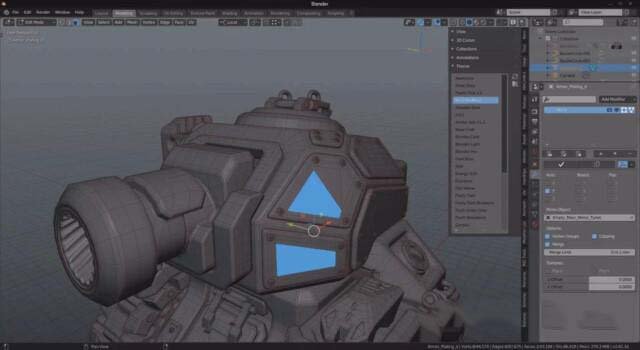
Theme Switcher for Blender
theme switcher addon
Theme Switcher v1.1 for Blender – Quick UI Theme Management & Preset Tool
Download Theme Switcher v1.1 for Blender on Windows, Mac, and Linux, a simple but powerful add-on that lets you quickly switch between Blender UI themes with a single click. Browse, preview, and apply custom themes, and create your own theme presets—perfect for artists who want to match their interface to their mood or project type .
Key Features of Theme Switcher v1.1:
- One-Click Theme Switching: Instantly change Blender’s UI theme from a dropdown menu
- Theme Preview: See theme previews before applying
- Custom Theme Support: Import and apply custom .xml theme files
- Theme Presets: Save your favorite theme configurations for quick access
- Auto-Detection: Automatically detects installed themes in Blender’s themes folder
- Recent Themes: Quick access to recently used themes
- Reset Option: One-click reset to Blender’s default theme
- Workspace Sync: Option to apply themes to all workspaces
- v1.1 Updates: Enhanced preview, new theme support, and compatibility with Blender 4.0+
Perfect For:
- Artists who prefer different themes for different tasks
- Studios wanting consistent interface branding
- Users who frequently switch between light and dark interfaces
- Anyone who collects and enjoys Blender UI themes
- Artists who want to customize their workspace appearance
System Requirements:
- Blender 3.6, 4.0, 4.1, 4.2, 4.3
- Windows 10/11 (64-bit), macOS, or Linux
- 4GB RAM minimum (8GB+ recommended)
- 5MB available disk space
Installation:
- Download the add-on zip file
- In Blender, go to Edit > Preferences > Add-ons
- Click “Install” and select the downloaded zip file
- Enable the add-on by checking the box next to “Theme Switcher”
Note: Theme Switcher makes it easy to change Blender’s UI theme with a single click, perfect for artists who want to match their interface to their mood or project . The theme preview and custom theme support make it essential for theme enthusiasts . Version 1.1 includes full compatibility with Blender 4.0 and above . Designed for Blender 3.6 and above . Perfect for quick theme switching . Essential for interface customization .
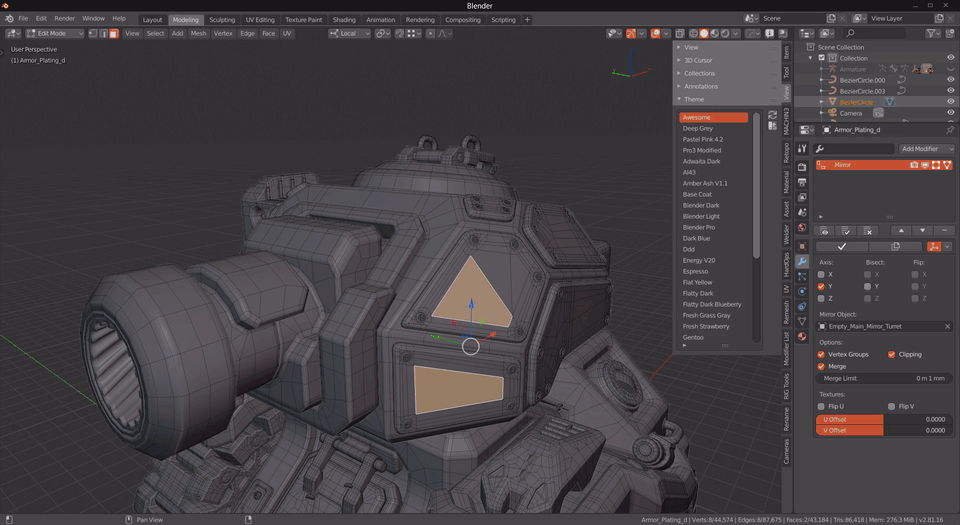
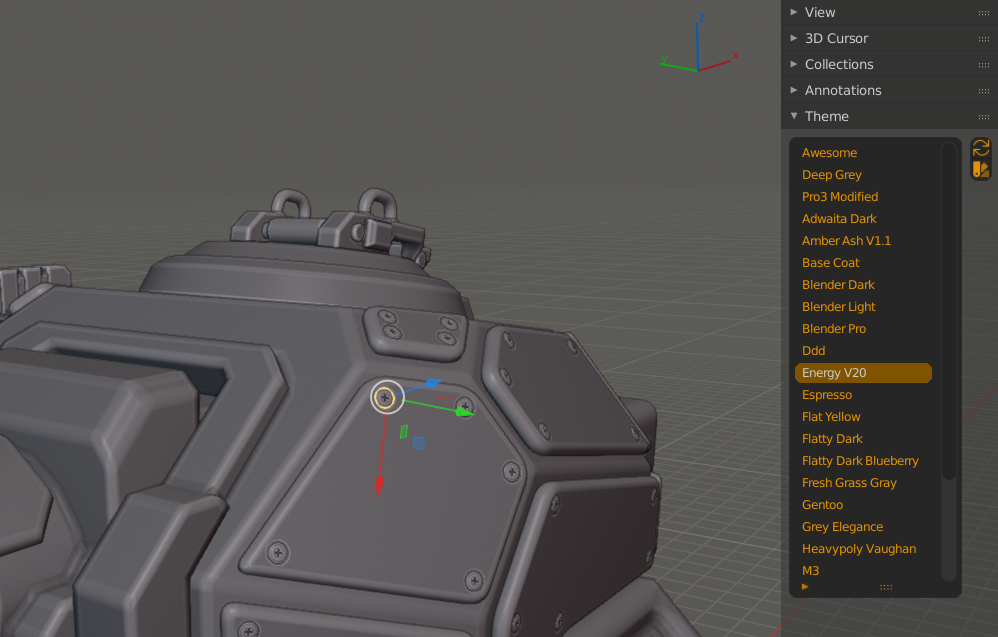
Blender add-on to quickly change active theme not leaving 3D View.
If you want to pick a blender theme for your mood it could be tedious to open each time the preferences, select a theme from the drop-down menu, switch back to see its colors and repeat if you aren’t satisfied with them.
Instead with this add-on, you can select a theme in the sidebar list that shows all themes at once. You can use the arrow keys on the keyboard or Ctrl+Scroll to quickly switch between themes, or click on a theme name.
Supercharge your 3D creation workflow with premium selection of Blender Add-ons. Whether you are modeling intricate characters, sculpting realistic environments, or animating cinematic sequences, the right add-on can transform how you work inside Blender. Our curated collection includes powerful tools for UV unwrapping, procedural texture generation, rigging automation, rendering optimization, and more—each rigorously tested for compatibility with the latest Blender versions. Eliminate tedious manual processes and unlock advanced functionality that lets you focus on what matters most: bringing your creative vision to life. Explore our full range of professional Blender plugins today and take your 3D projects to the next level.
➡️ ➡️ For more Blender Plugins 😀 😀
Reviews
There are no reviews yet.