
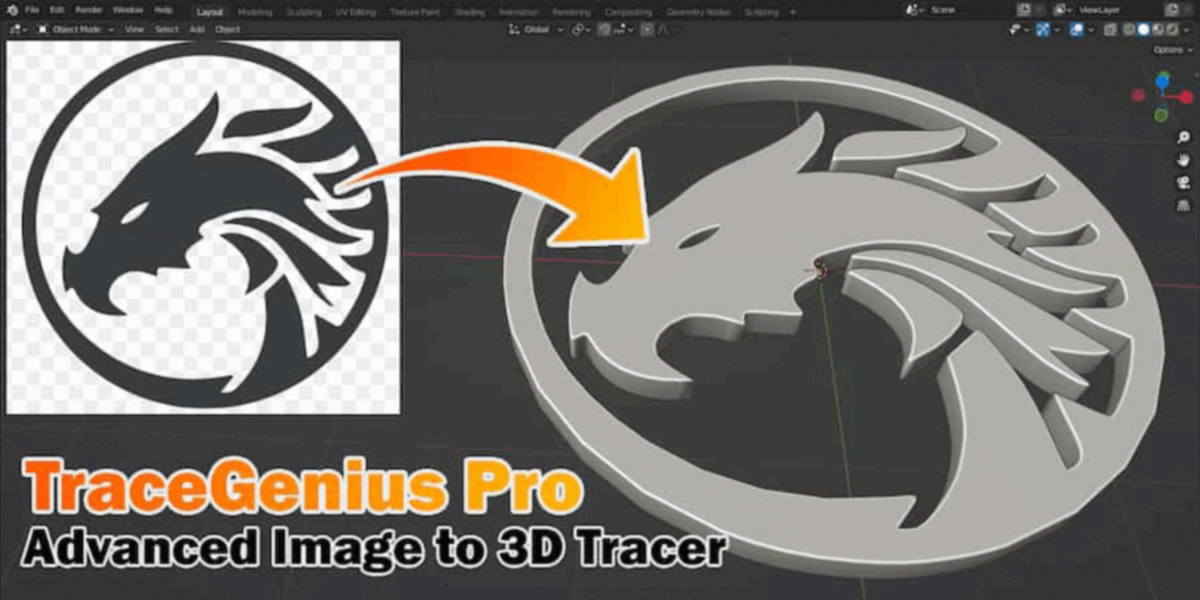
Tracegenius Pro for Blender
Tracegenius Pro V3.2 for Blender
The Ultimate 2D Image to 3D Mesh Tracing and Conversion Tool
Download Tracegenius Pro V3.2 today. Consequently, you can transform any 2D image—whether a hand-drawn sketch, a logo, or a detailed illustration—into fully editable 3D geometry with just a few clicks . Because concept artists, game developers, and 3D designers frequently need to bridge the gap between 2D concepts and 3D assets, having access to a fast and reliable tracing tool is absolutely essential. Nevertheless, manually recreating 2D shapes in 3D space through traditional box-modeling or poly-by-poly approaches can consume countless hours of production time. Fortunately, Tracegenius Pro eliminates this bottleneck completely. Moreover, it acts as a streamlined front-end for Blender’s built-in Grease Pencil tracing engine, simplifying the entire process while maintaining full integration with Blender’s native workflow . In short, you can generate detailed, production-ready 3D models from any image with remarkable speed and precision.
Intuitive Image Import and Setup
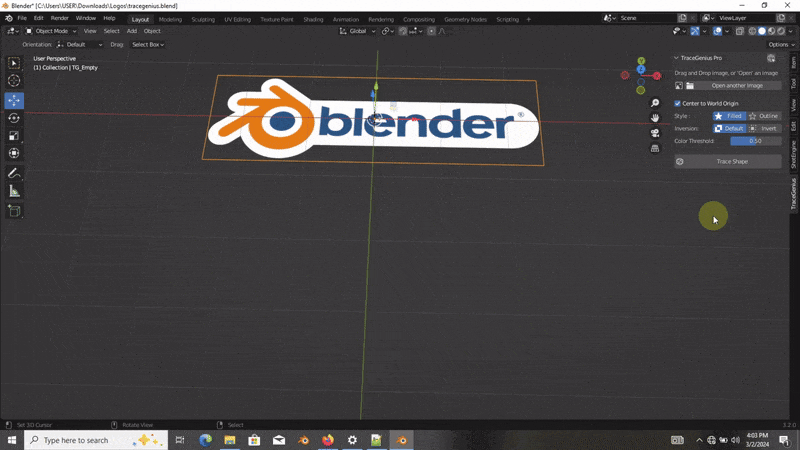
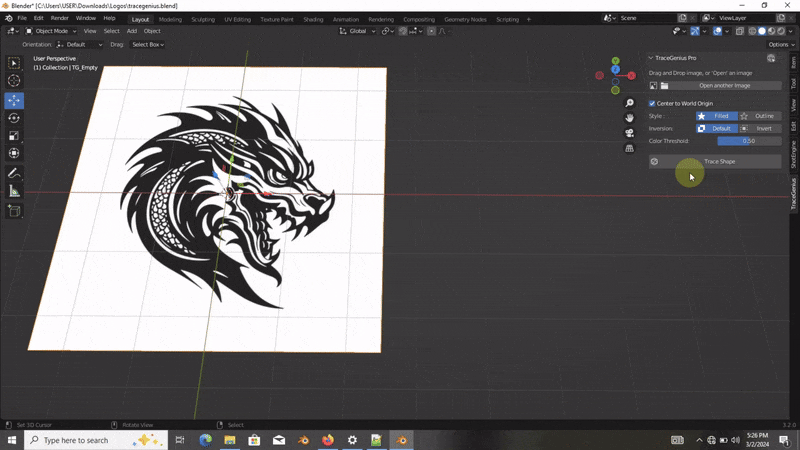
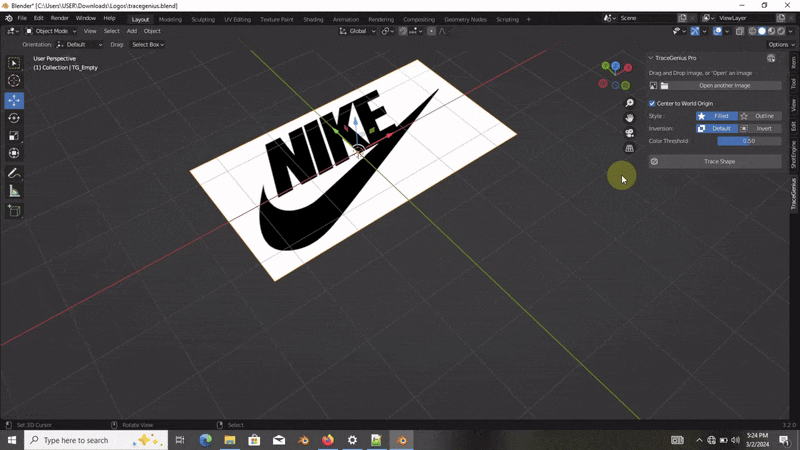
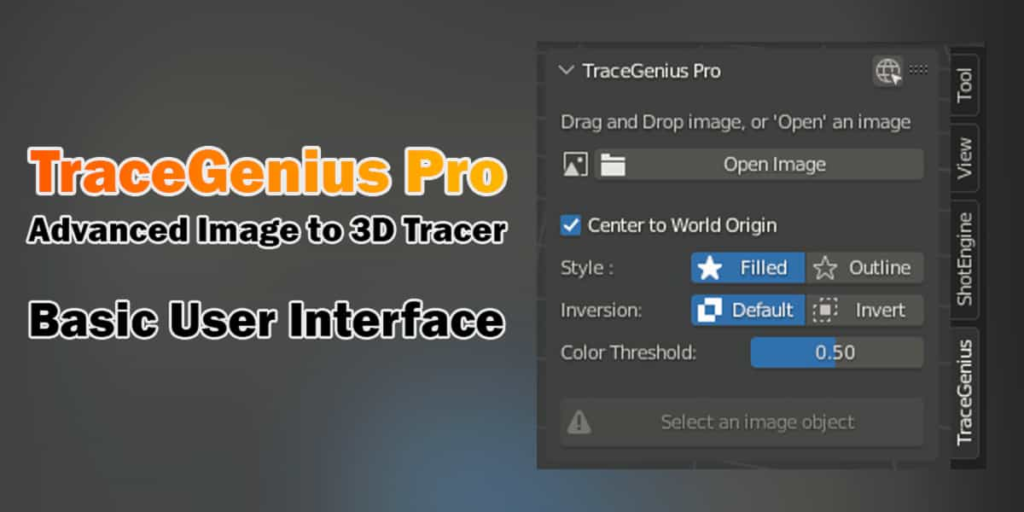
The core of this addon lies in its straightforward, user-friendly approach to image processing. For instance, you can import your image simply by dragging and dropping it into Blender’s viewport, or by using the addon’s Import Image button . Furthermore, Tracegenius Pro supports a variety of image formats, including JPG, PNG, and Webp, ensuring broad compatibility with your existing assets . Once the image is loaded, the addon displays a clean, compact layout where you can select your active image and begin adjusting parameters . This simplicity allows you to start tracing almost immediately.
Advanced Tracing Controls and Real-Time Feedback
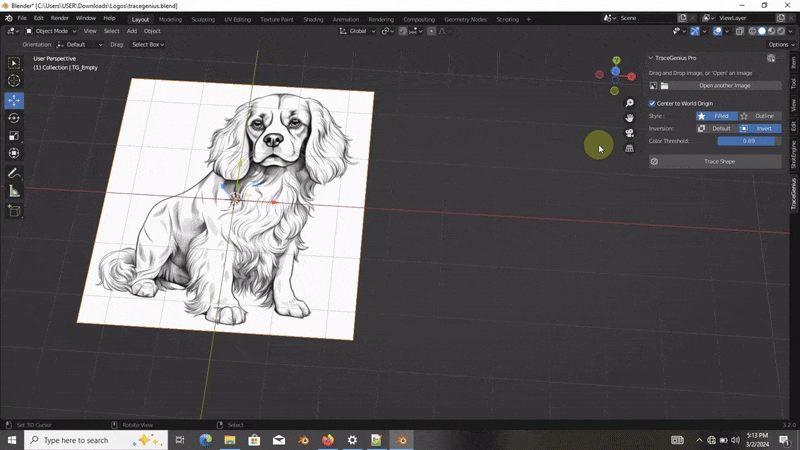
Professional tracing results depend on fine-tuned controls and instant visual feedback. Therefore, the addon provides a comprehensive suite of adjustable parameters accessible through an intuitive control panel . For example, you can adjust the Accuracy Slider to control how closely the strokes follow the image, with higher accuracy capturing more intricate details . Additionally, the Color Threshold sensitivity allows you to fine-tune the detection of dark and light edges, enabling you to isolate specific parts of the image . A real-time preview updates instantly as you tweak these settings, ensuring you always know exactly how your final trace will look . You can also choose between different tracing styles, such as outline or filled, to suit your specific project needs .
Versatile Extraction Modes and 3D Conversion
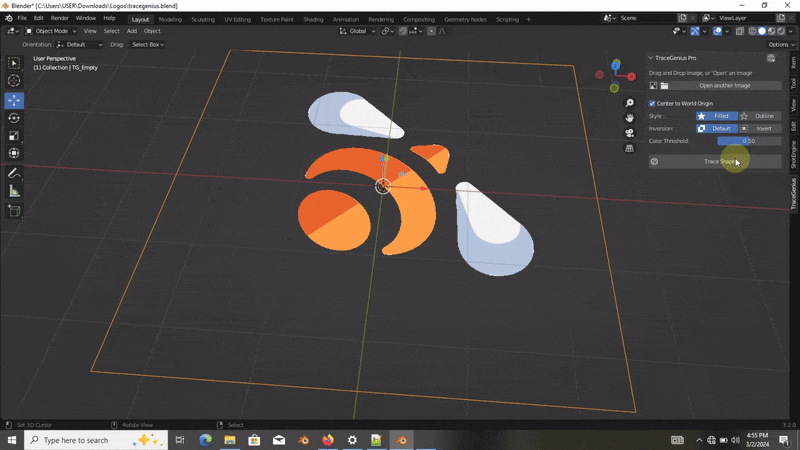
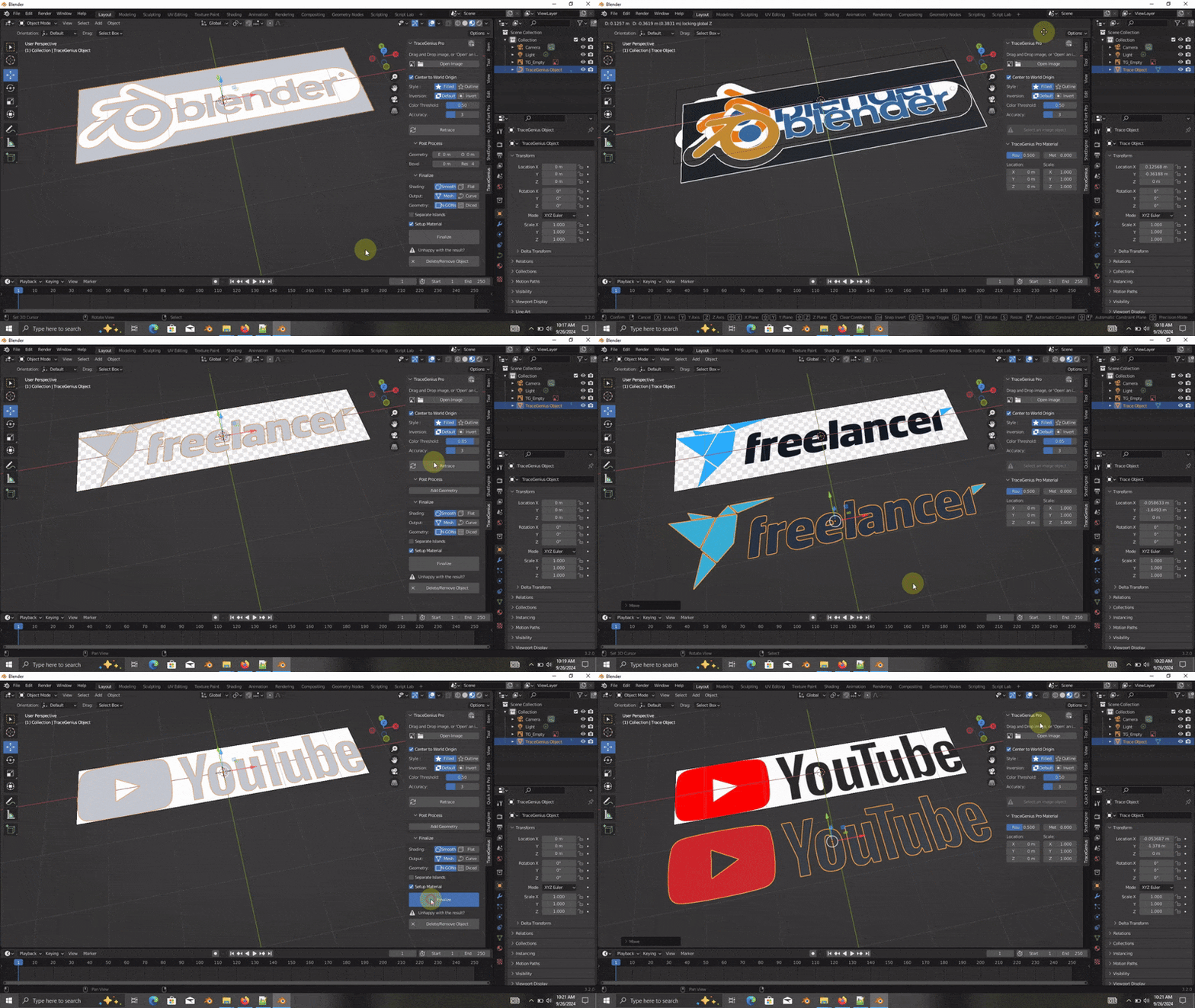
Tracegenius Pro offers multiple modes to handle different types of source imagery and desired outputs. For instance, you can extract a single continuous outline from a logo or silhouette, or isolate multiple layers by separating colors or brightness levels . Once the trace is complete, you can seamlessly convert the generated strokes into curves, meshes, or editable 3D geometry . The addon also includes advanced features like extrusion and beveling, allowing you to add thickness and detailed edge profiles to your extracted shapes . Furthermore, an automatic UV unwrapping and PBR material setup can be applied with a single click, saving you significant setup time .
V3.2 New Features and Workflow Enhancements
Version 3.2 introduces several significant improvements that make the addon more powerful and reliable than ever. For example, the new Rework option lets you make adjustments to your trace and update the mesh instantly, eliminating the need to undo, reset, or start over each time . A convenient progress indicator now provides real-time visual feedback during the tracing operation. The addon also features a smart cleanup tool that safely removes a traced object and its dependencies, leaving no residual data behind . Additionally, the UV unwrapping and auto-material creation have been improved to handle any image, regardless of cropping or positioning, and advanced bevel options provide precise, customizable edge control .
Perfect for Concept Artists, Game Developers, and 3D Printers
This addon is particularly well-suited for concept artists who need to quickly bring 2D sketches into 3D space for prototyping . Similarly, game developers creating props, characters, or environments will appreciate the ability to rapidly generate base geometry from reference art . Furthermore, 3D printing enthusiasts can use the tool to convert line art into extruded models ready for fabrication . Ultimately, Tracegenius Pro V3.2 accelerates your entire 3D production pipeline.
System Requirements and Compatibility
The addon supports a comprehensive range of Blender versions, spanning from 2.91 through 4.3, with partial support for Blender 4.3+ . It works across all major operating systems including Windows, macOS, and Linux . Best results are achieved with high-contrast, clearly defined images .
Installation and Usage Guide
To install, first download the ZIP file from your library. Next, open Blender and navigate to Edit Preferences. Then, select Add-ons and click Install. For Blender 4.1 and above, use the “Install from Disk” option from the dropdown menu. After that, locate and select the downloaded ZIP file, then enable Tracegenius Pro. Finally, open the N-panel in the 3D viewport, select the Tracegenius Pro tab, import your image, adjust the tracing parameters, and click “Trace Shape” to generate your model . Thus, your professional image-to-3D workflow will be ready instantly.
What is Included Inside?
The pack contains the complete Tracegenius Pro V3.2 addon. Furthermore, it includes all core tracing functionality, the improved UV and auto-material system, and the new Rework feature. Additionally, you receive advanced bevel controls, a progress indicator, and safe deletion tools. Ultimately, you receive everything needed for professional 2D to 3D asset creation.
Final Thoughts on the Addon
Effortless image-to-3D tracing evokes profound creative freedom. Therefore, this addon provides the ultimate foundation for your concept and asset creation workflows. You can transform 2D images into detailed 3D geometry with unprecedented speed and precision. Consequently, your creative vision becomes a stunning reality.
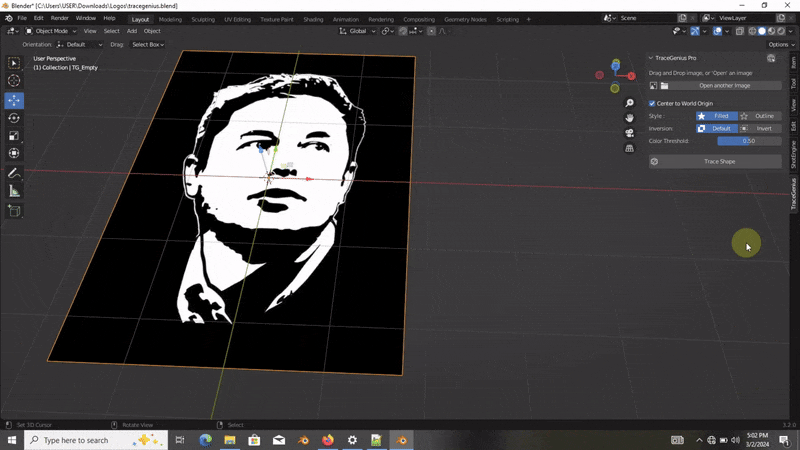
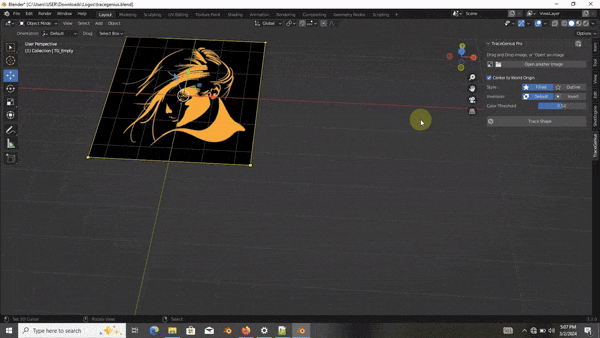
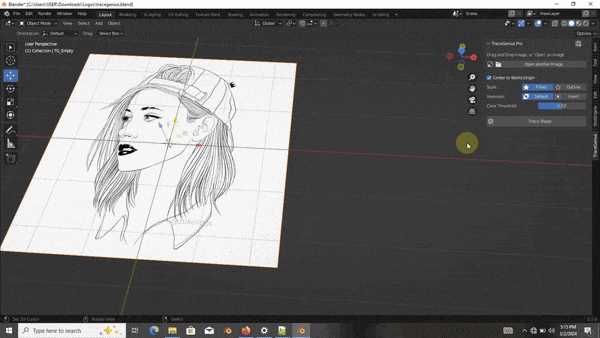
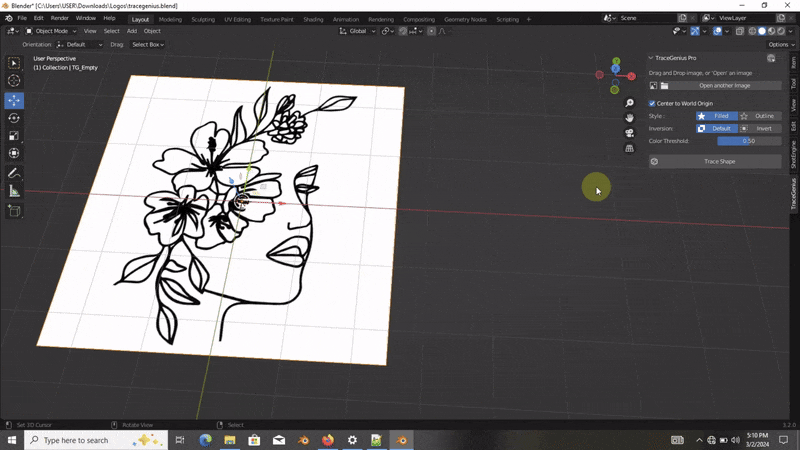
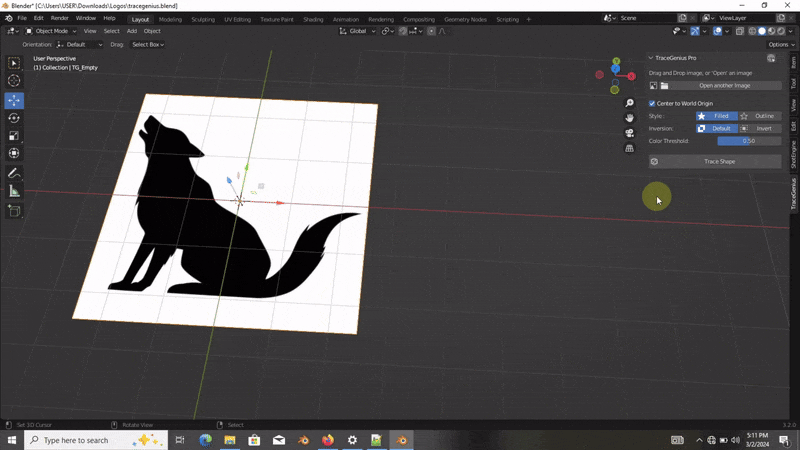
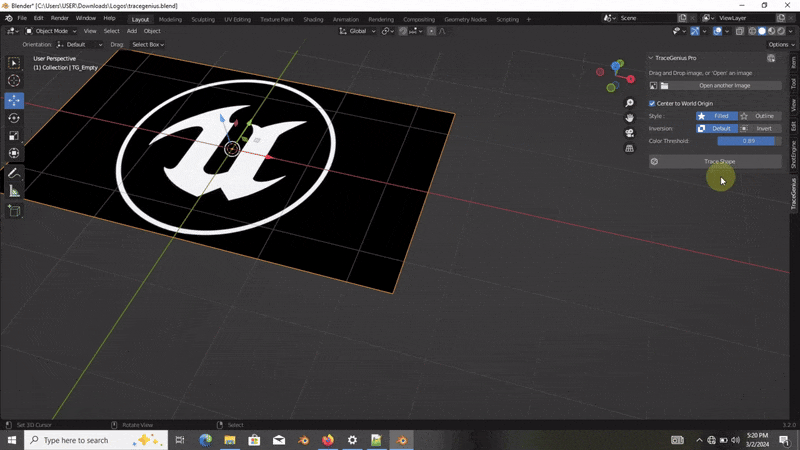
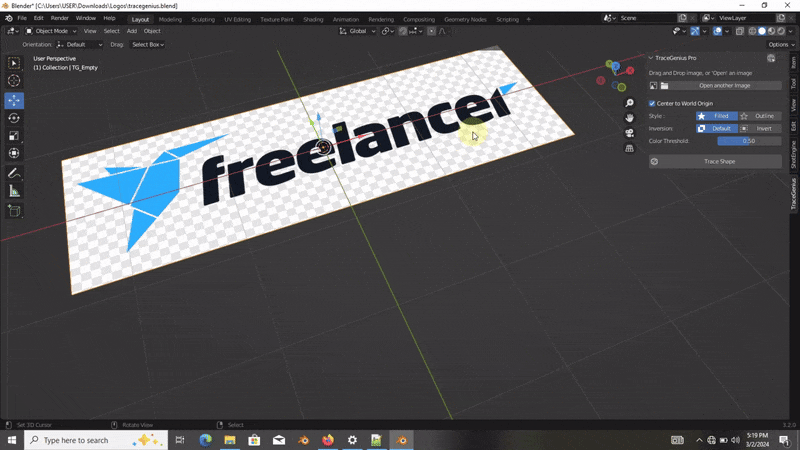
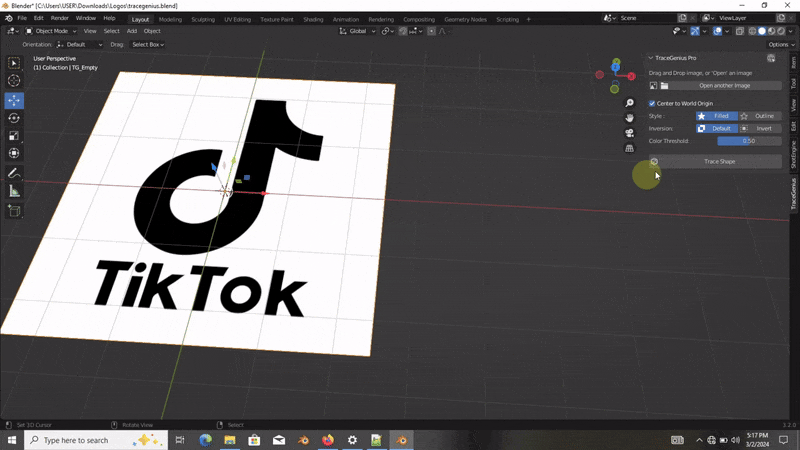
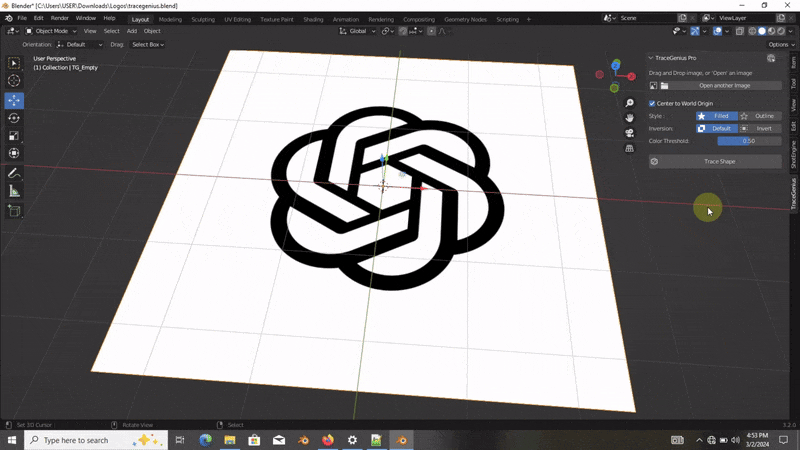
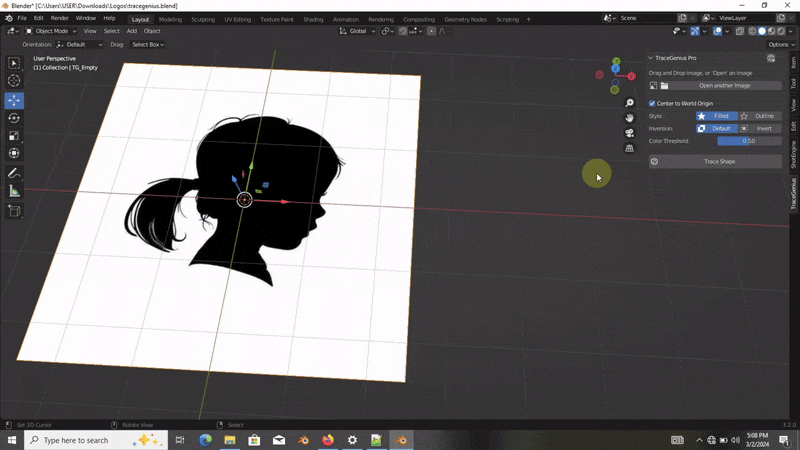
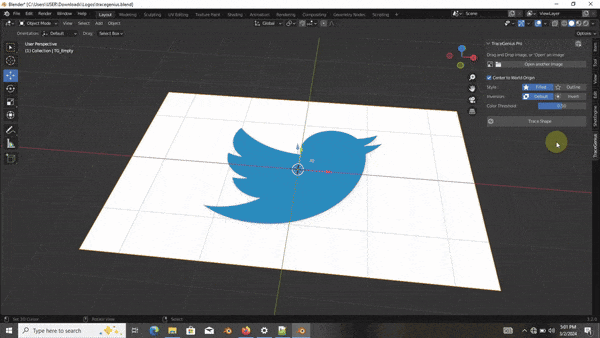
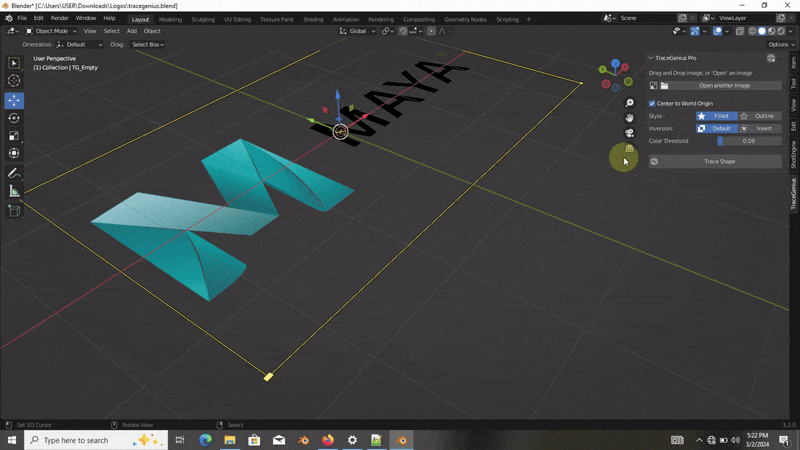
TraceGenius Pro 4.7: Advanced 2D Image to 3D Mesh Tracer
Updated to FULLY support all Blender versions from 2.8 onward — including the latest release and future versions.
The solution for artists and designers seeking precision and efficiency in image-to-3D conversions.

Key Features:
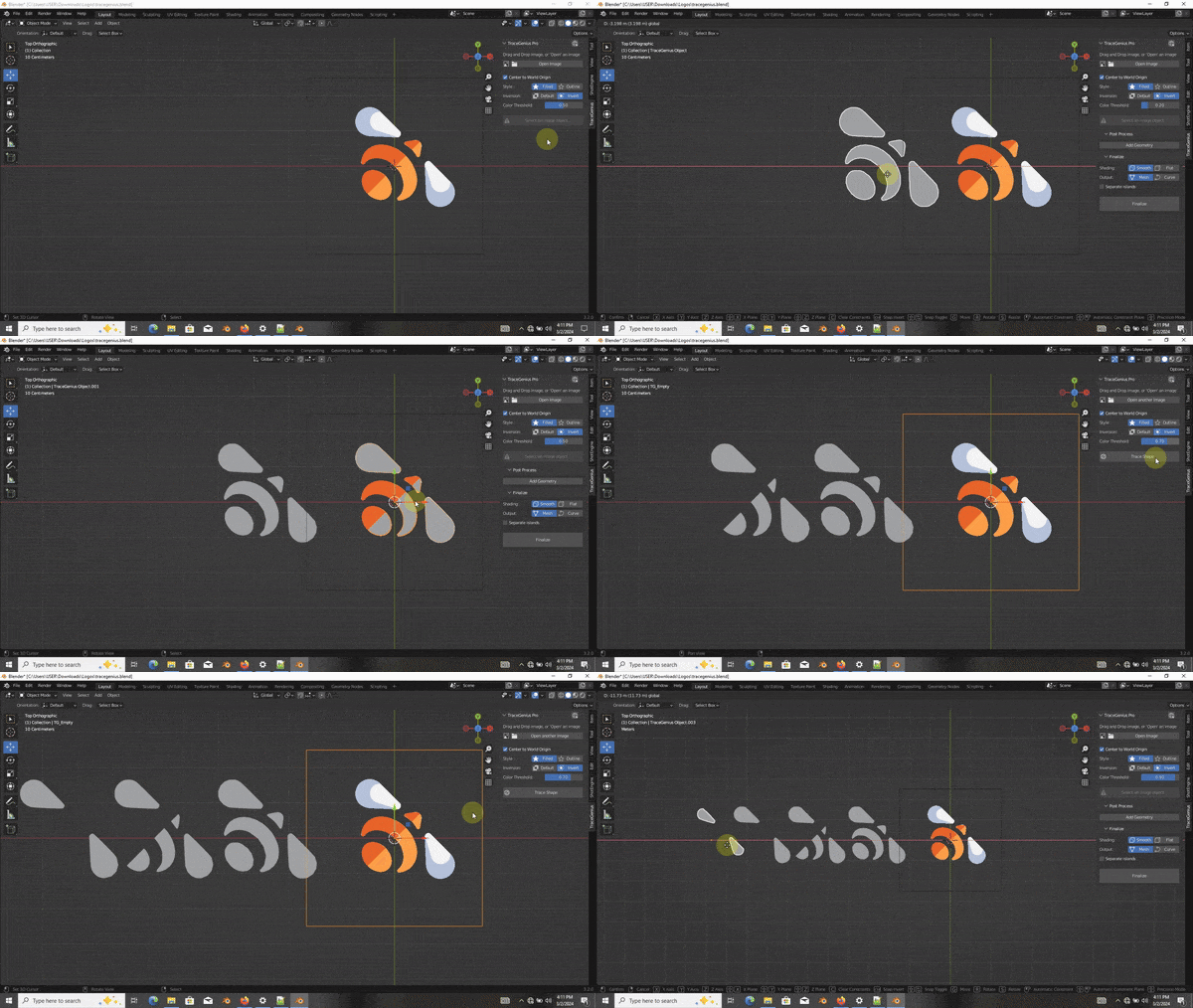
Drag-and-drop or open image files with ease
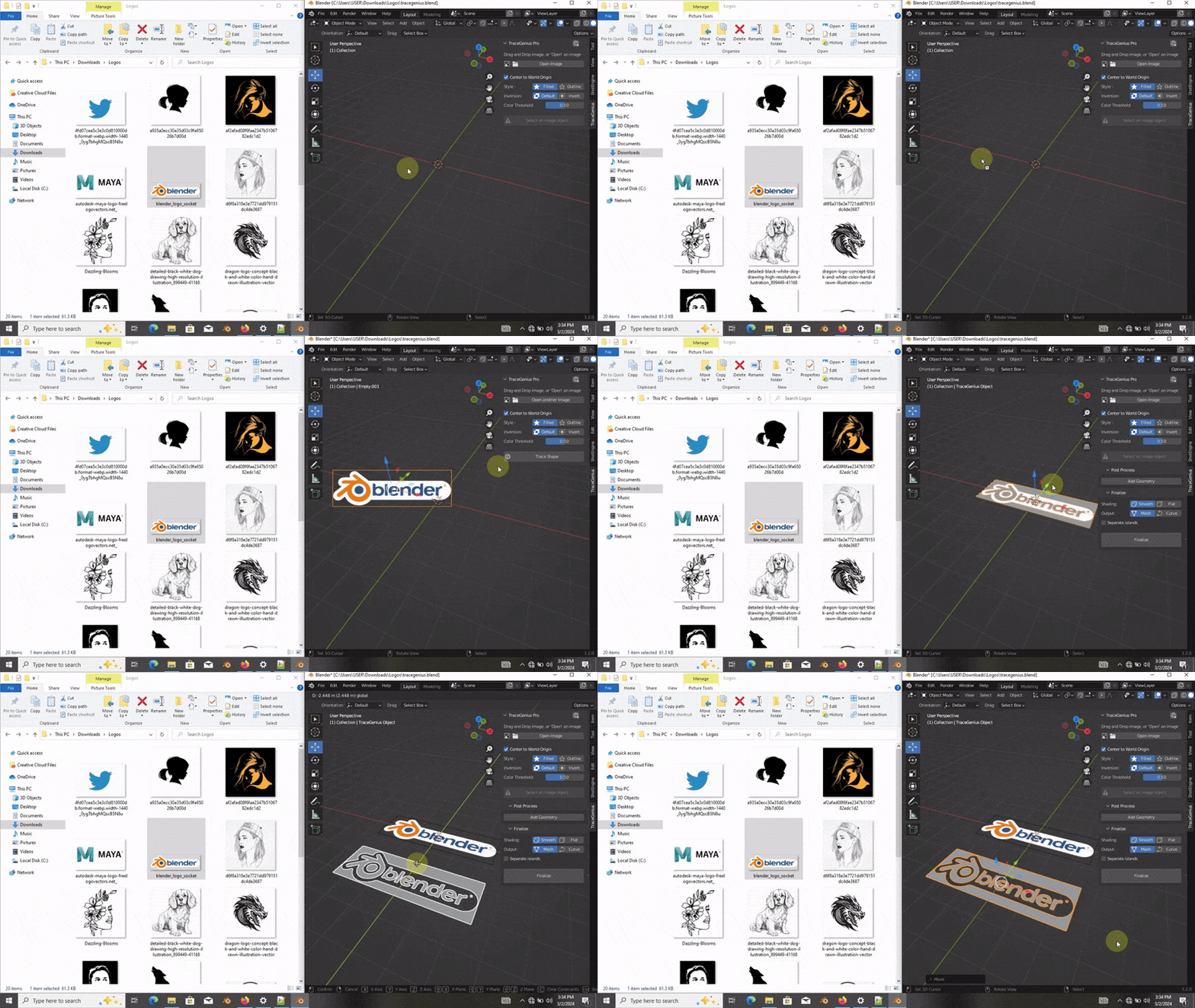
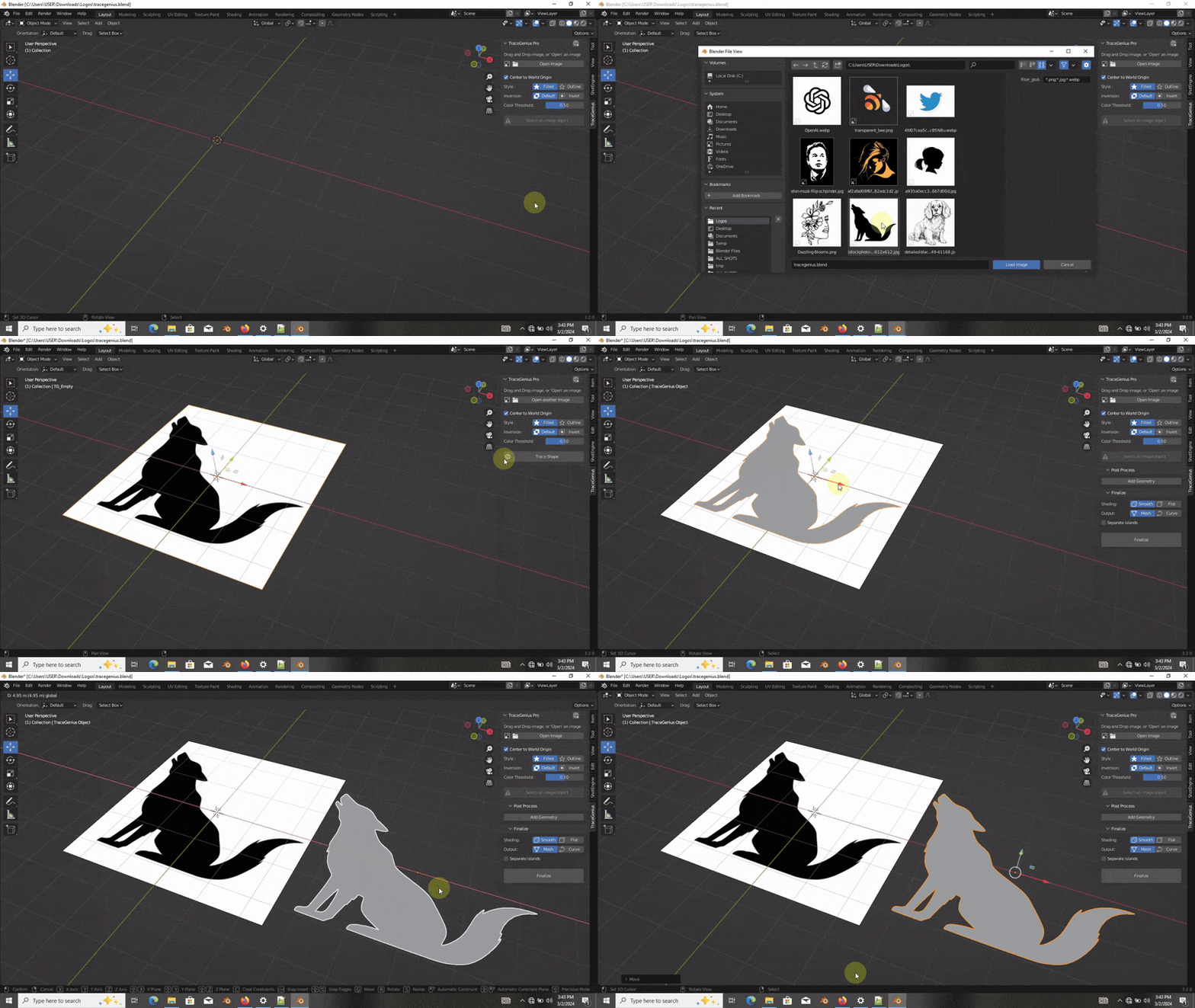
Extract outlines or faces for customized 3D results
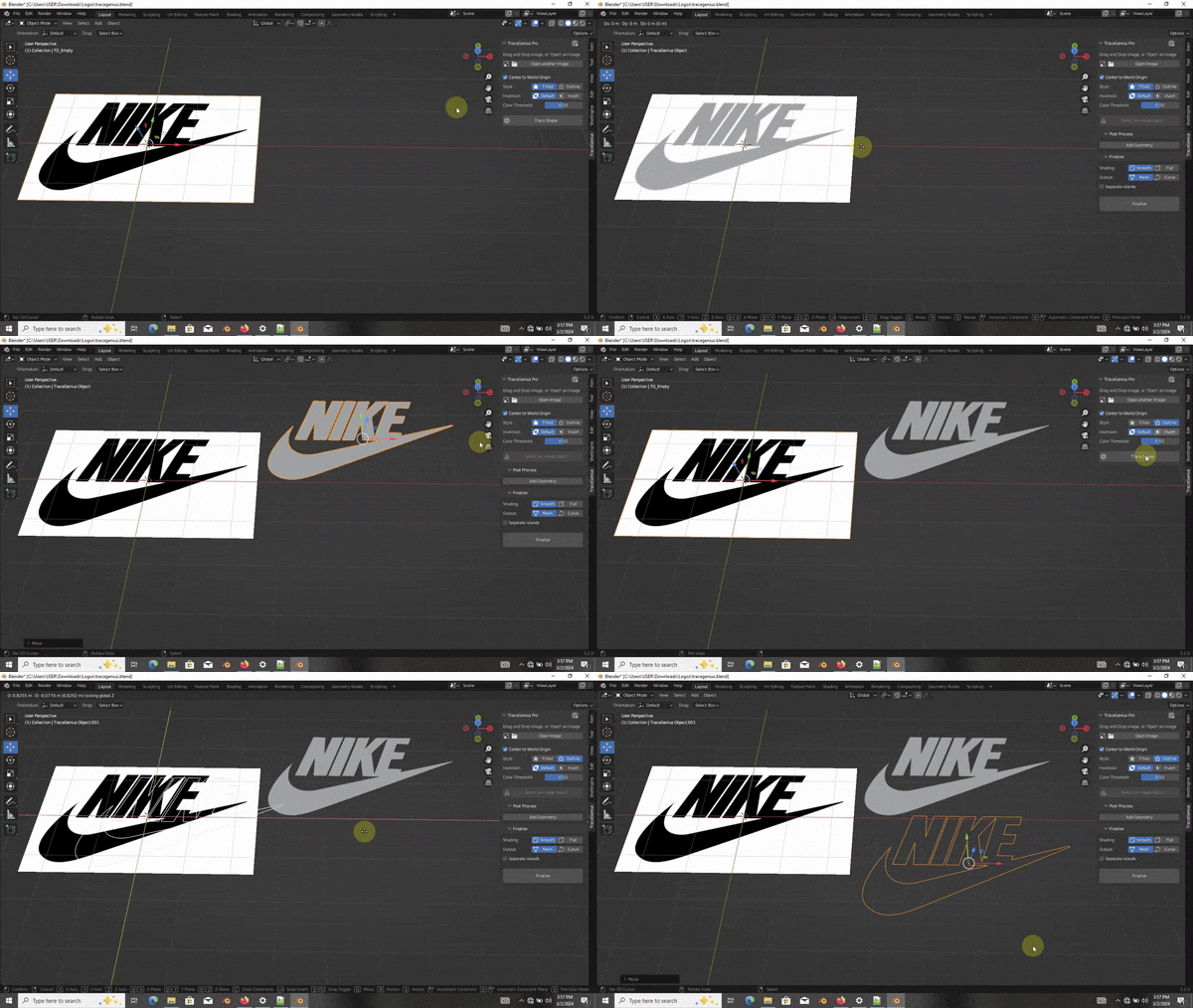
Invert image selection for creative flexibility
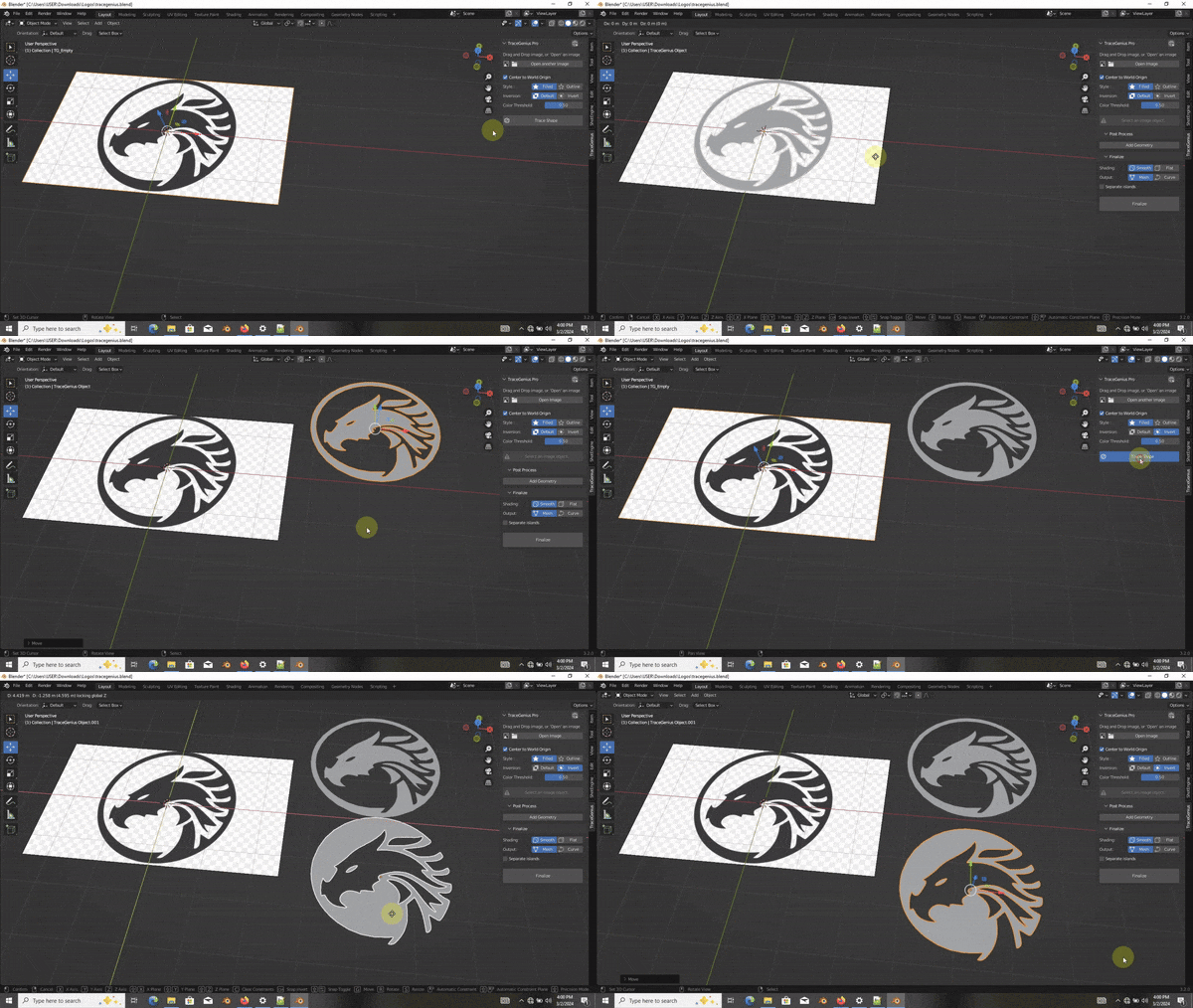
Fine-tune with color/brightness thresholds
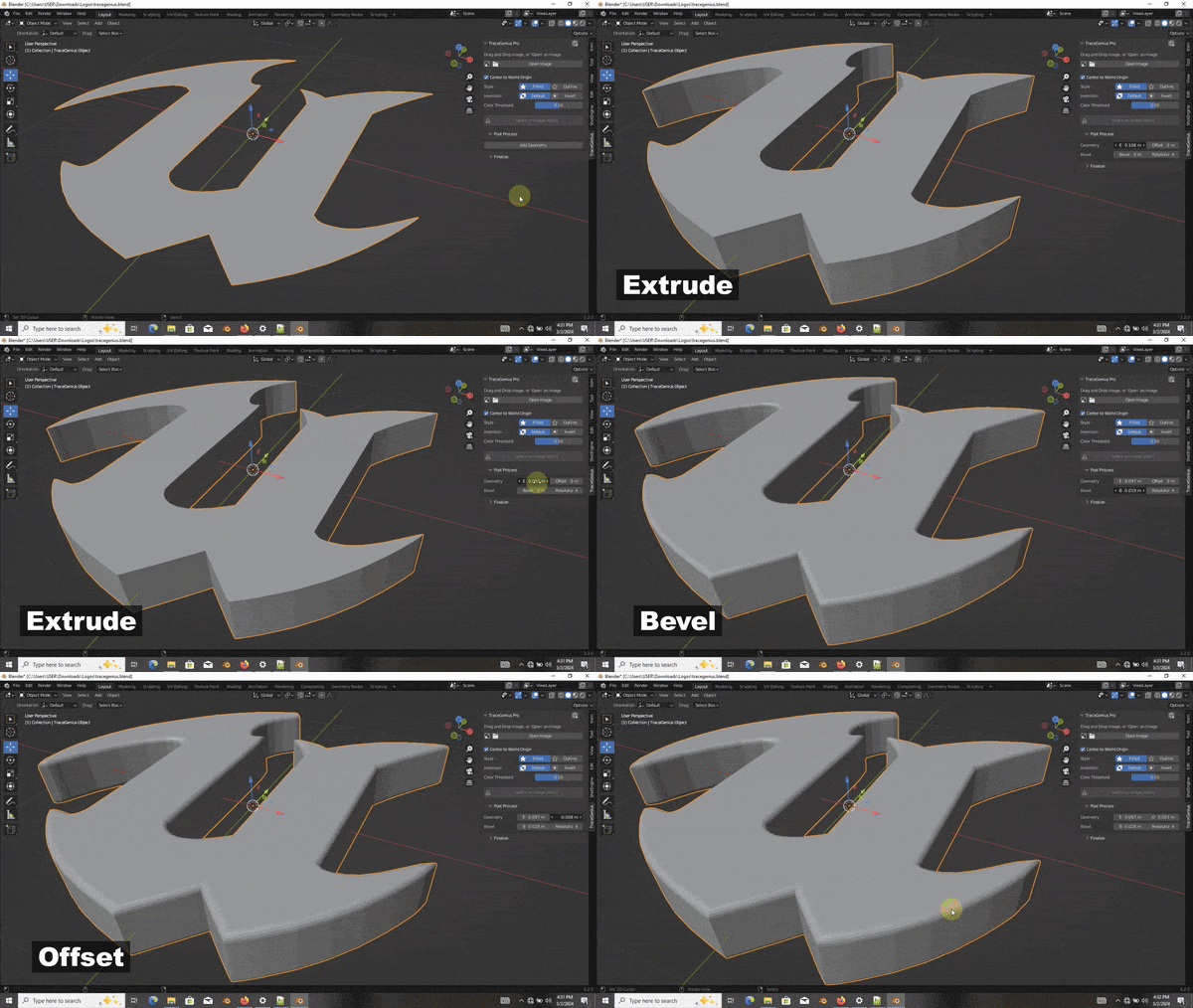
Extrude and bevel extracted shapes for intricate detailing
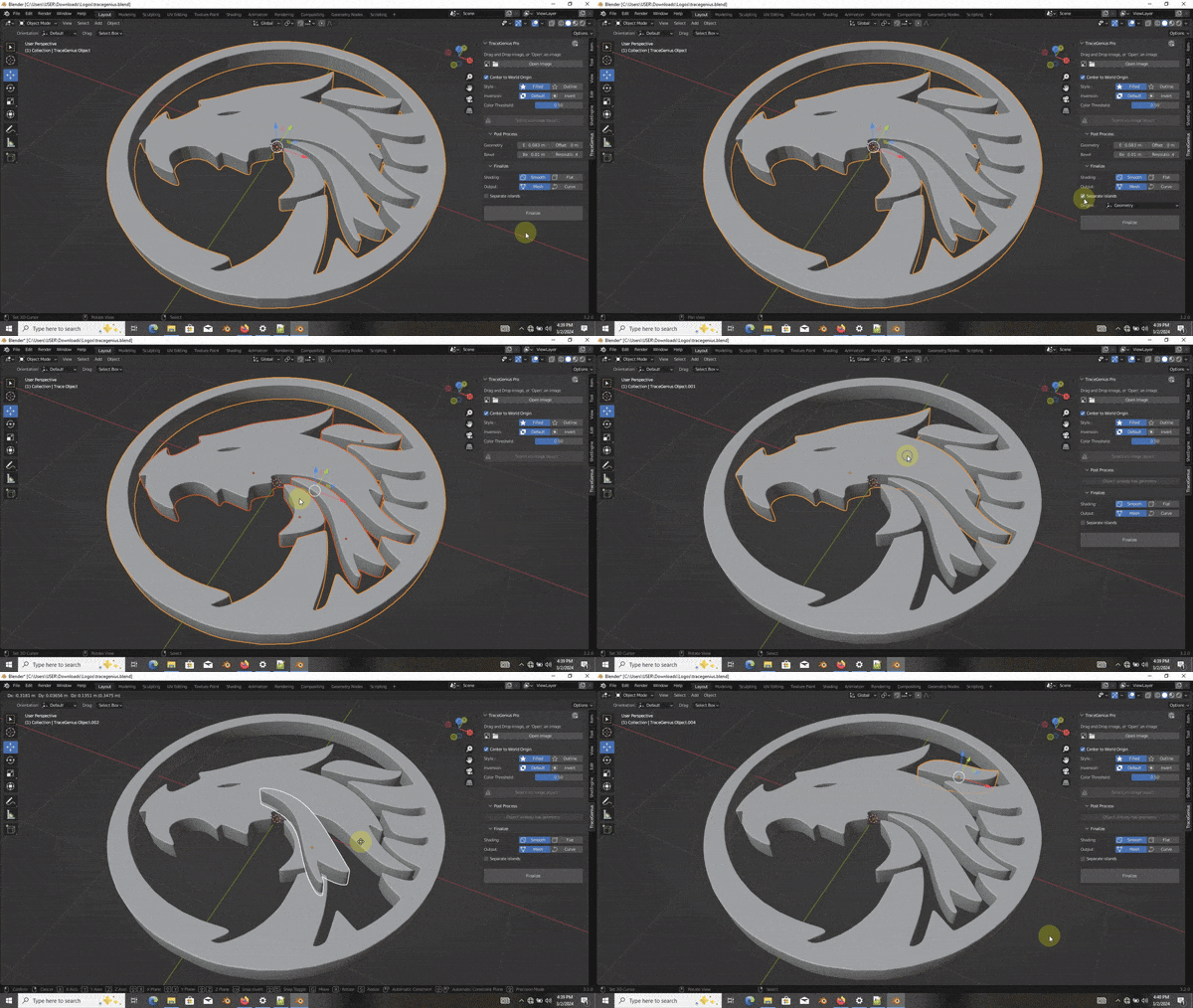
Separate individual parts after mesh generation
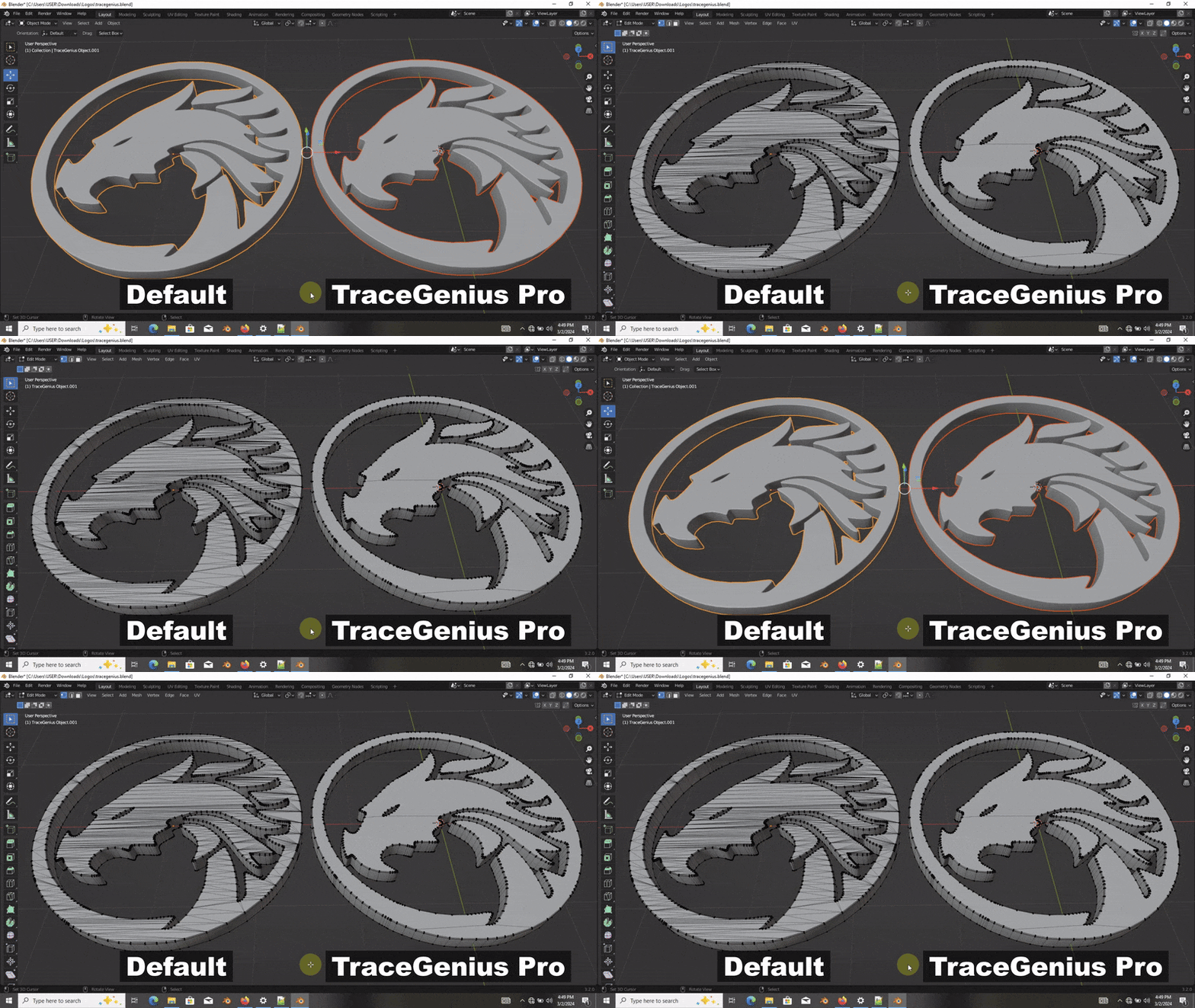
Utilize an advanced algorithm for clean and efficient mesh/geometry
How To Install
- Open Blender and navigate to Edit → Preferences.
- In the Preferences window, go to the Add-ons tab on the left.
- Click the Install button at the top of the window.
- Locate the downloaded
.zipfile for TraceGenius Pro on your computer. - Select the file and click Install Add-on.
Supercharge your 3D creation workflow with premium selection of Blender Add-ons. Whether you are modeling intricate characters, sculpting realistic environments, or animating cinematic sequences, the right add-on can transform how you work inside Blender. Our curated collection includes powerful tools for UV unwrapping, procedural texture generation, rigging automation, rendering optimization, and more—each rigorously tested for compatibility with the latest Blender versions. Eliminate tedious manual processes and unlock advanced functionality that lets you focus on what matters most: bringing your creative vision to life. Explore our full range of professional Blender plugins today and take your 3D projects to the next level.
➡️ ➡️ For more Blender Plugins 😀 😀
Reviews
There are no reviews yet.