
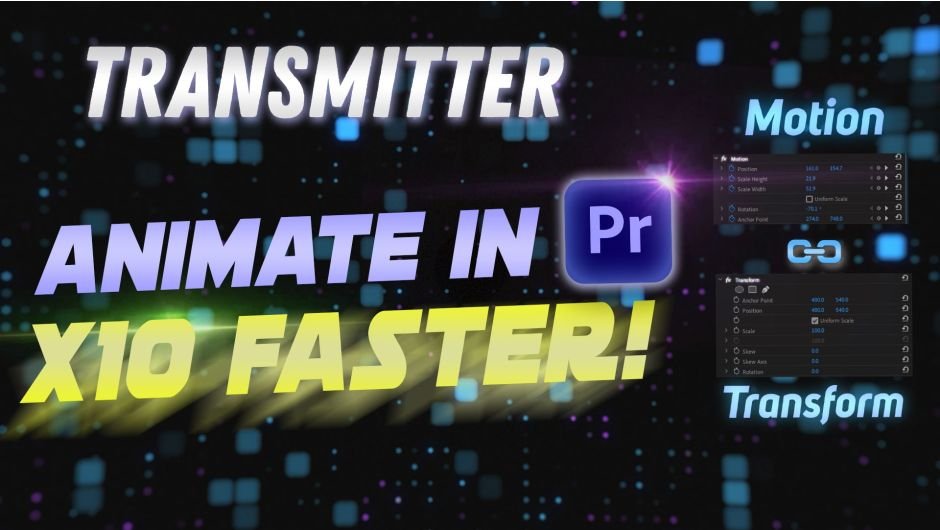
Transmitter for Premiere Pro
transmitter for premiere pro script
Download Transmitter for Premiere Pro v1.2.0 on Windows and Mac, a powerful extension that dramatically speeds up your animation workflow by combining the best of both worlds: the fast, intuitive UI of the Motion effect with the advanced capabilities of the Transform effect .
Why Transmitter?
Every clip in Premiere Pro has the Motion effect with its excellent visual interface for animation—but it lacks the versatility of the Transform effect . The Transform effect has powerful features like motion blur, alpha matte capability, and independent axis flipping, but animating with it is painfully slow . Transmitter bridges this gap by letting you animate with the Motion effect and instantly send those keyframes to the Transform effect—making your workflow up to 10x faster .
Key Features of Transmitter v1.2.0:
- One-Click Keyframe Transfer: Animate with the intuitive Motion effect, then send all keyframes to the Transform effect with a single click—no more manual recreation of complex animations
- Target Specific Transform Effects: Rename any Transform effect to “tr” to target it specifically—the plugin ignores other Transform effects and only applies changes to those named “tr” or left unnamed
- Motion Blur Control: Set precise Shutter Angle values to control motion blur intensity for professional, cinematic animations
- Anchor Align Tool: Set the same zoom direction for two selected clips—the first clip’s value serves as the base for consistent scaling
- Reset Motion: Clear the Motion effect with a single click after transferring keyframes
- Add Interpolation: Fine-tune animation curves for smooth, professional motion
- Align Anchor Point and Position: Precise controls for aligning transform properties
- Element Descriptions: Right-click any element to view its purpose and functionality
- Optimized Performance: v1.2.0 features significantly faster keyframe creation and a redesigned user interface
- Graphics Compatibility: Works correctly with text and shape layers
Version 1.2.0 Updates (May 20, 2024):
- New user interface design
- Optimized keyframe creation speed
- Other minor improvements
Perfect For:
- Editors creating complex animations in Premiere Pro
- Motion graphics artists who need motion blur with keyframe control
- Anyone frustrated by the slow animation workflow of the Transform effect
- Designers creating animations with multiple identical objects (throwing balls, flying birds, etc.)
- Professionals who want to adjust clip position, scale, and rotation without affecting existing animations
System Requirements:
- Adobe Premiere Pro 2024, 2023, 2022, 2021, 2020
- Windows 10/11 (64-bit) or macOS
- 4GB RAM minimum (8GB+ recommended)
- 25MB available disk space
Installation:
Copy the plugin file to your Adobe Common Plug-ins folder:
- Windows:
C:\Program Files\Adobe\Common\Plug-ins\7.0\MediaCore\ - Mac:
/Library/Application Support/Adobe/Common/Plug-ins/7.0/MediaCore/
After installation, access Transmitter via Window > Extensions > Transmitter. A free demo is available after logging in for testing before purchase .
Animate and work with “Transform” effect x10 faster!

The Transform effect has a lot of features
Its only downside is the slow animation process…

… as opposed to the Motion effect!
It’s fast and visually intuitive

Every item has the Motion effect and it offers a GREAT UI for animating, but it is not as versatile as the “Transform” effect.
With help from Transmitter you can now combine the advantages of both effects together to drastically speed up your animation workflow in Premiere Pro.
Just animate a clip with the Motion effect and send keyframes to the “Transform” effect, it really is as simple as that!

Features
- Send keyframes from “Motion” to “Transform” effect
- Reset “Motion” with a single click of a button
- Add Interpolation to your animation
- Align Anchor Point and Position in “Transform” effect

Why Transform over Motion effect?
Create “Alpha Matte” with Opacity mask 
Motion Blur
Adjust clip without effecting animation
Easily adjust clip position, scale and rotation without messing up the animation. It especially comes in handy, when you have to animate a lot of identical objects (e.g. throwing balls, flying birds etc)
Animate one object, duplicate it, offset the timing, and adjust position
Animate horizontal and vertical flips
Add “Transform” effect to an Adjustment Layer to effect all clips below

Elevate your motion graphics workflow with premium collection of After Effects plugins. Whether you are a seasoned professional or just starting your VFX journey, powerful tools designed to streamline complex tasks, unlock creative possibilities, and save you hours of rendering time. From stunning glitch effects and seamless transitions to advanced 3D extrusion and text animation tools, each plugin in our library is rigorously tested for compatibility with the latest versions of Adobe after Effects. Enhance your video production value today and download industry-leading plugins that help you create breathtaking visuals without the technical headaches. Browse our full range and find the perfect extension to supercharge your editing suite now.
➡️ ➡️ For more after effects Plugins 😀 😀
➡️ ➡️ System requirements AE
Reviews
There are no reviews yet.