
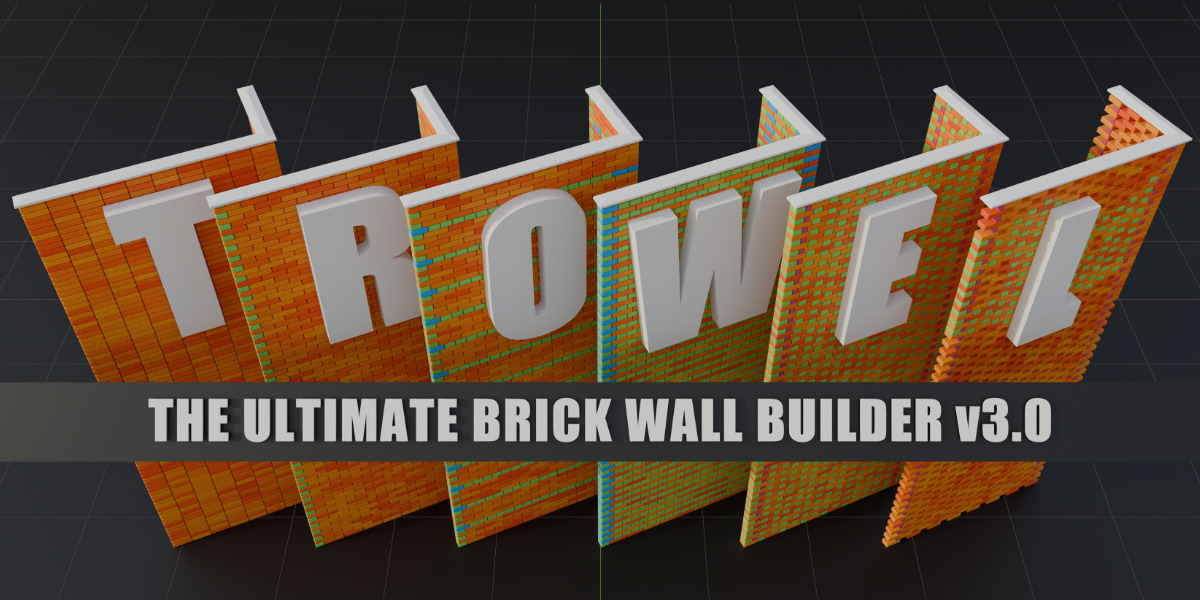
Trowel for Blender
Trowel v2.2 for Blender – The Ultimate Interactive Scattering & Physics-Based Population Tool
Download Trowel v2.2 for Blender on Windows and Mac, a highly specialized, artist-friendly scattering and environment population addon designed to bring your landscapes to life with organic, natural realism. While many scattering tools rely on rigid, grid-based distribution that looks artificial, Trowel focuses on interactive, brush-based painting and physics-driven settling. Whether you are planting a lush botanical garden, scattering a realistic forest floor with twigs and ferns, or dropping rubble across a destroyed battlefield, Trowel allows you to “plant” and “drop” objects exactly where they belong, ensuring they interact naturally with the terrain and each other.
Key Features of Trowel v2.2:
- Interactive Scatter Brush: Paint objects directly onto your terrain using a highly responsive, customizable brush. Control the radius, density, falloff, and rotation randomness in real-time, giving you the artistic control of a sculpting brush but for environment population.
- Physics-Based Settling & Dropping: The standout feature of Trowel. Instead of just snapping objects to the surface, activate “Drop Mode” and let your scattered assets (like rocks, fallen leaves, or debris) physically fall and collide. They will naturally settle into crevices, rest against slopes, and stack on top of one another for hyper-realistic placement.
- Smart Collision & Overlap Avoidance: Trowel’s intelligent distribution engine ensures that objects don’t awkwardly intersect. Ferns won’t grow through the middle of a boulder, and grass blades won’t clip through each other, maintaining clean, believable silhouettes.
- Slope, Altitude & Curvature Masking: Automatically restrict where objects appear based on the terrain’s geometry. Force moss to only grow on north-facing slopes, keep pine trees on high altitudes, or restrict pebbles to the edges of riverbanks.
- Multi-Layer Biome System: Stack multiple scattering layers to create complex ecosystems. Build a base layer of dirt and dead leaves, an undergrowth layer of ferns and small bushes, and a canopy layer of tall trees, all with independent density and masking controls.
- Dynamic LOD & Viewport Culling: Built-in Level of Detail (LOD) management automatically swaps high-poly 3D assets for lightweight billboards or low-poly impostors based on camera distance. This keeps your viewport running at 60 FPS even with millions of instances.
- Clump & Cluster Generator: Nature rarely grows in perfect isolation. Trowel includes specialized “clumping” algorithms that group plants and rocks together in natural, organic clusters, breaking up the repetitive “copy-paste” look.
- Wind & Animation Integration: Seamlessly link your scattered assets to Trowel’s built-in wind fields or Geometry Nodes simulation zones. Animate gentle swaying for grass and leaves, or violent rustling for stormy weather scenes.
- Non-Destructive Geometry Nodes Backend: 100% of the scattering logic is built on Geometry Nodes. You can tweak the seed, density, scale variance, and physics settings at any time without having to re-bake or regenerate the scene.
- Game Engine Export & Baking: Tools to instance-to-real, decimate distant objects, and bake scattering data into vertex colors or image maps, ensuring your lush environments can be exported cleanly to Unity, Unreal Engine, or Godot.
Perfect For:
- Environment Artists building lush forests, overgrown ruins, and natural landscapes that require organic, non-repetitive plant and rock placement.
- Architectural Visualizers adding realistic landscaping, garden planting, and natural ground cover to exterior and interior renders.
- Game Developers populating open-world maps with optimized, LOD-ready vegetation and environmental storytelling elements.
- VFX Studios creating realistic forest floors, scattered debris, and destruction environments using physics-based dropping.
- Concept Artists rapidly blocking out environmental compositions and exploring different ecological densities.
- Anyone who is frustrated by the “perfect grid” look of native particle systems and wants true, artistic control over natural scattering.
System Requirements:
- Blender: 3.6, 4.0, 4.1, 4.2, 4.3, 4.4+ (Geometry Nodes required; heavily optimized for Blender 4.x).
- OS: Windows 10/11 (64-bit) or macOS 10.15+.
- RAM: 8GB minimum (32GB+ highly recommended for massive scenes with physics-based settling and dense vegetation).
- Render Engine: Fully compatible with Cycles and Eevee.
Installation:
- Download the Trowel v2.2
.zipfile. - Open Blender and go to Edit > Preferences > Add-ons.
- Click Install…, select the downloaded file, and enable the checkbox next to Object: Trowel.
- Access via the 3D Viewport Sidebar (N-panel) under the Trowel tab, or the Object Context Menu (Right-Click) > Trowel Scatter.
What’s New in v2.2?
- Blender 4.4 Full Compatibility: Updated all Geometry Nodes and physics simulation APIs to ensure flawless stability and perfect integration with the newest Blender 4.4 release.
- Faster Physics Solver: Rewritten the collision and settling backend, reducing the time it takes to drop and settle millions of objects by 50%.
- New “Root” Brush Mode: Added a specialized brush that not only scatters plants but automatically generates subtle ground displacement and root-like dirt mounds around the base of larger flora.
- Enhanced Collision Avoidance: The overlap prevention algorithm now takes into account the custom collision bounds of individual assets, ensuring perfect placement even with irregularly shaped rocks and debris.
- Improved Billboard Generator: The LOD system now creates much higher-quality, alpha-tested billboards that look virtually identical to the 3D assets from a distance.
- Bug Fix: Resolved a rare issue where physics-settled objects would occasionally clip through the terrain if the mesh had non-uniform scaling applied.
Note:
Trowel v2.2 is built on the philosophy that nature is messy, and your scattering tools should embrace that. Traditional scattering tools often result in environments that look like they were populated by a robot—perfectly spaced, floating slightly above the ground, and awkwardly intersecting. Trowel changes the paradigm by letting you “paint” and “drop” your assets just like a real gardener or set dresser. The physics-based settling alone is worth the download, as it instantly grounds your objects in reality, allowing rocks to tumble into ravines and leaves to pile up in the corners of walls. Whether you are creating a serene, mossy woodland or a chaotic, debris-filled alleyway, Trowel gives you the organic, natural results you need with unprecedented speed and control.
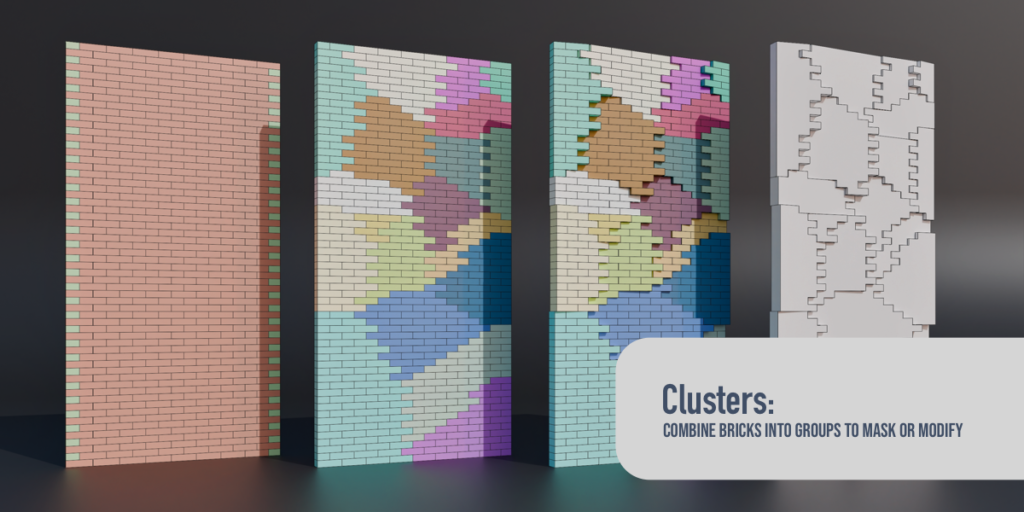
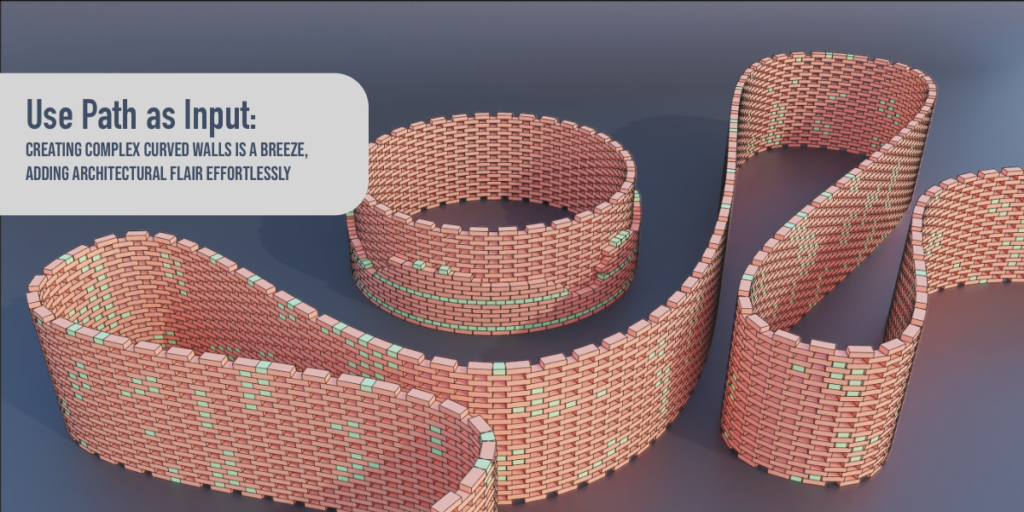
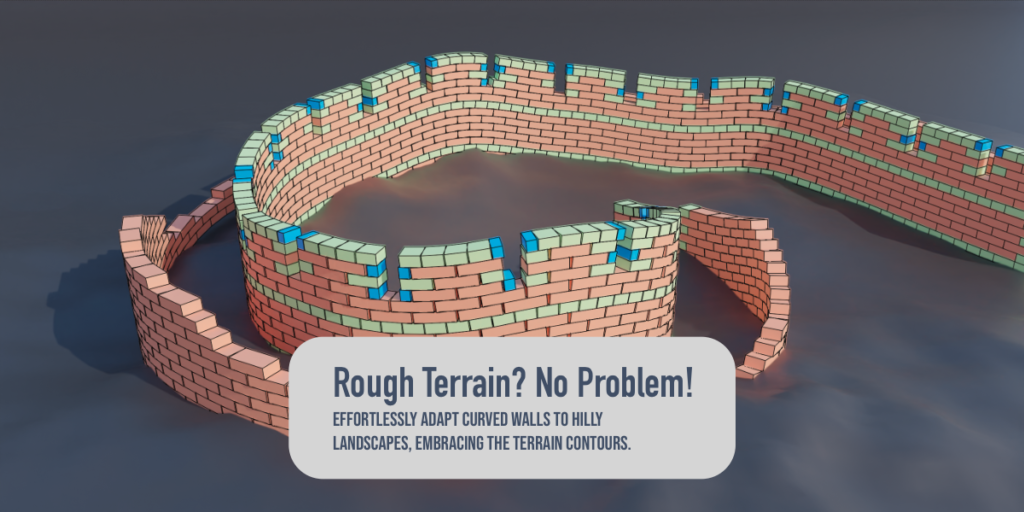
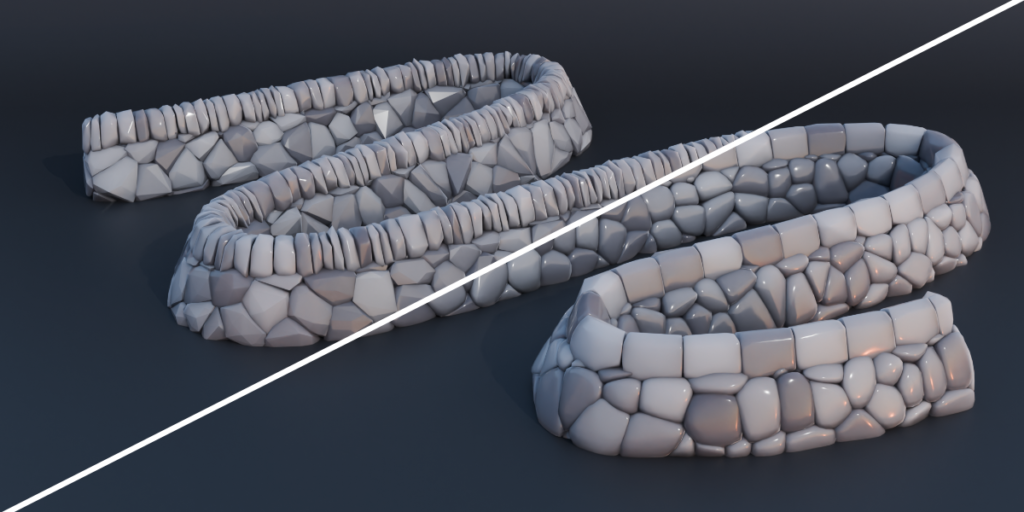
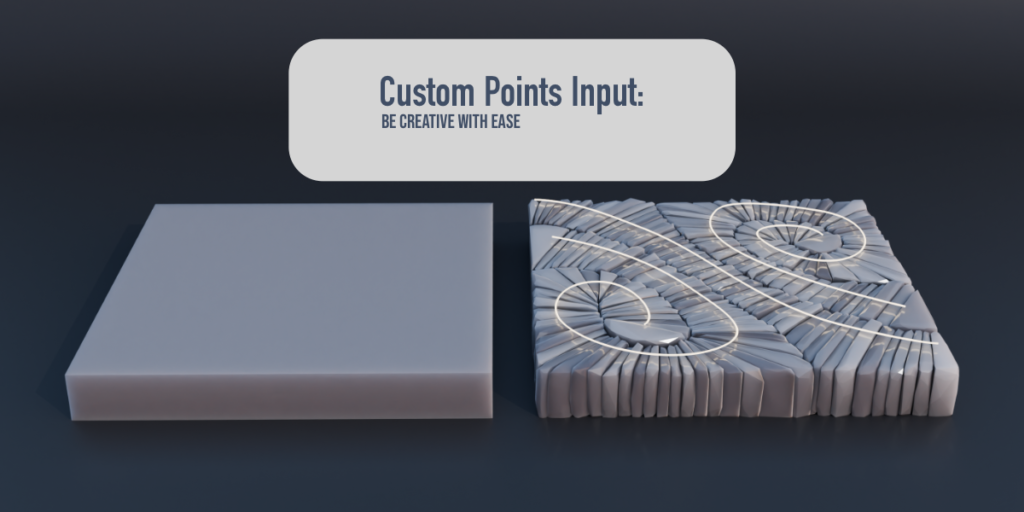
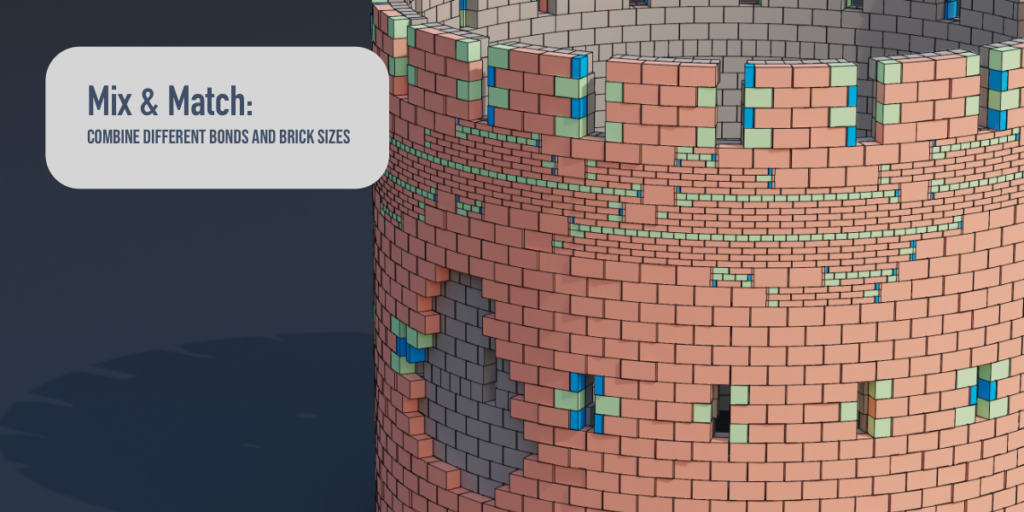
Unleash your creativity and transform your scenes with Trowel, the most versatile and powerful brick wall generation add-on for Blender. Effortlessly create stunning brick walls, ruins, and architectural masterpieces with a wide array of customizable options and features tailored to your needs.

Under the hood of Trowel, you’ll find an advanced logic system built with over 1500 carefully tailored nodes. This powerful system takes the hard work out of brick wall creation, allowing users to simply adjust parameters to suit their needs and focus on being creative.

Key Features:
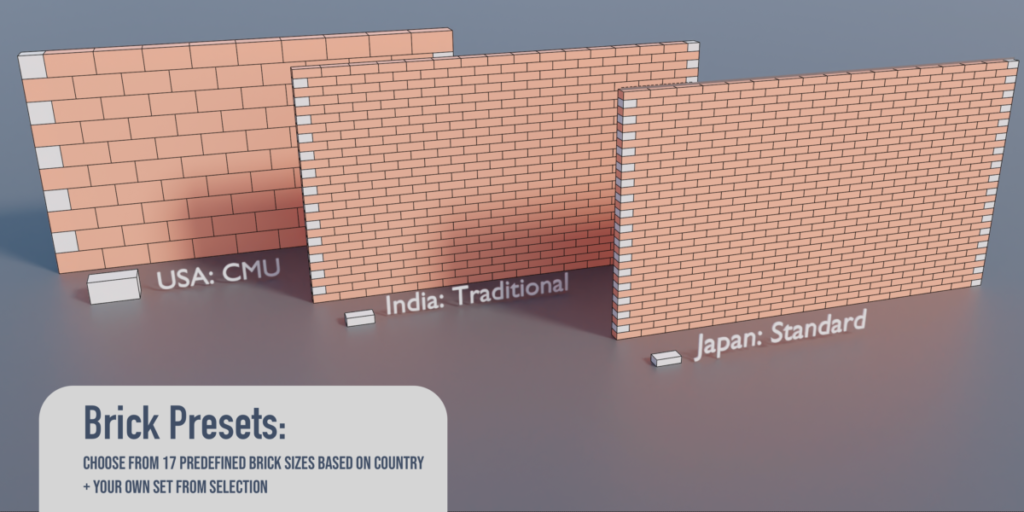
- Brick Presets: Choose from 17 predefined brick sizes based on country or create your own custom set from selection with a click of a button.
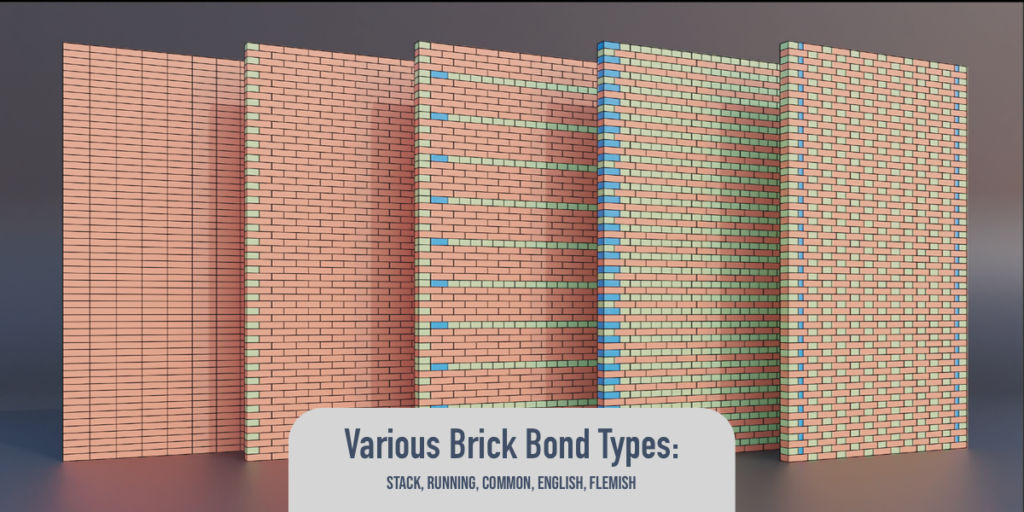
- Various brick bond types: Easily achieve different styles with 5 commonly used bond types – Stack, Running, Common, English and Flemish
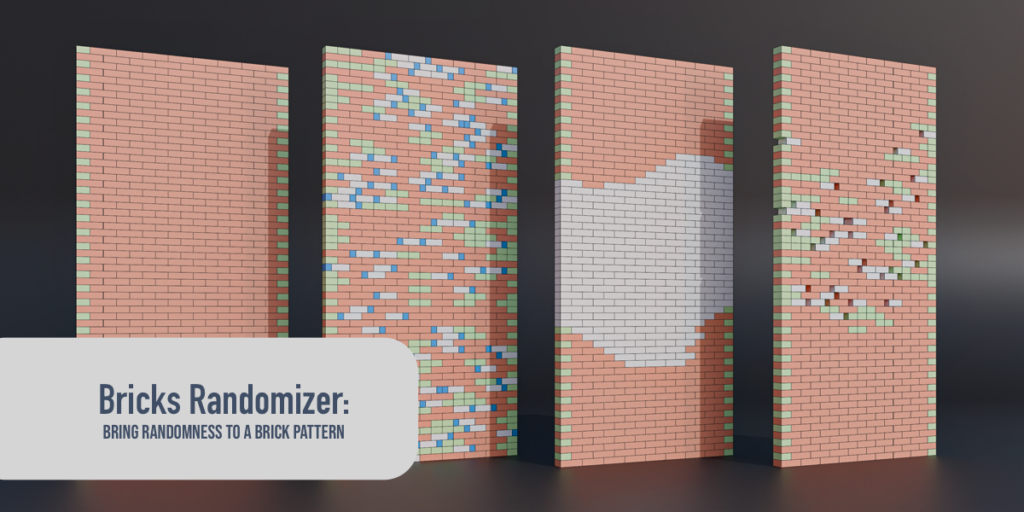
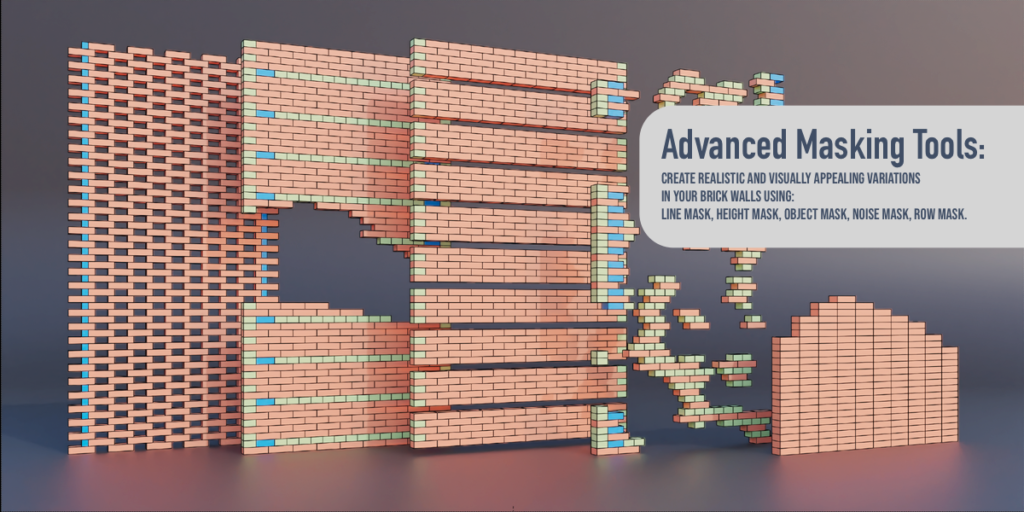
- Advanced masking tools: Create realistic and visually appealing variations in your brick walls using Line Mask, Height Mask 1.2, Object Mask, Noise Mask and Row Mask.
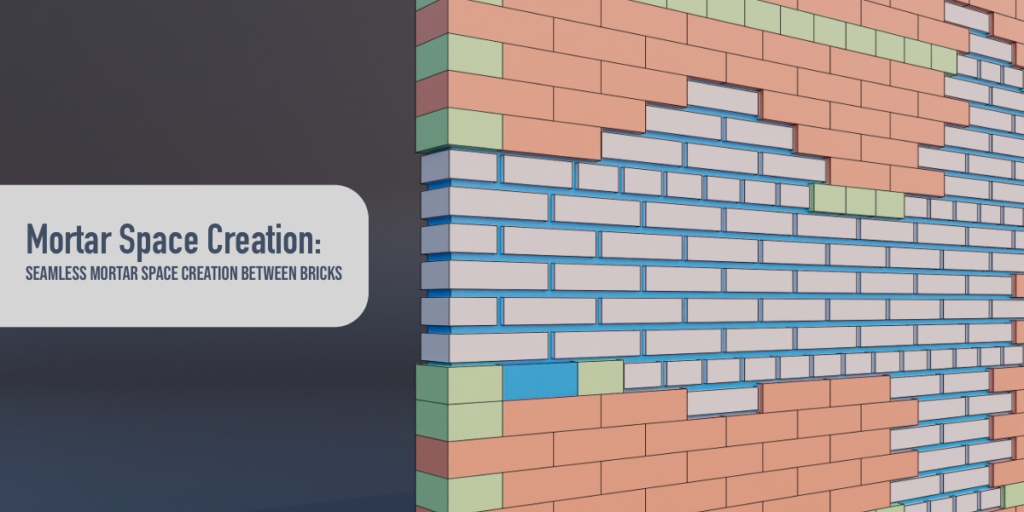
- Powerful modifiers: Fine-tune your creations with PosRotScale, Random Position, Random Rotation, Random Scale, and 180-Degree Randomizer modifiers, MORTAR and OFFSET/TRIM
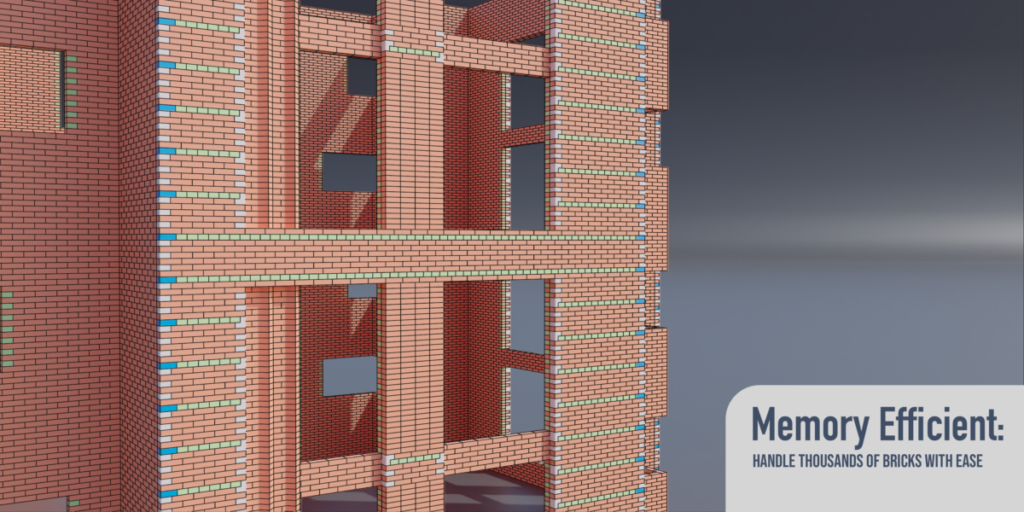
- Memory-efficient instancing: Handle thousands of bricks with ease, thanks to Trowel’s highly optimized and memory-efficient instancing system.
- Seamless integration: Trowel is built upon Blender’s Geometry Nodes, allowing you to utilize the full potential of Geometry Nodes in your projects.
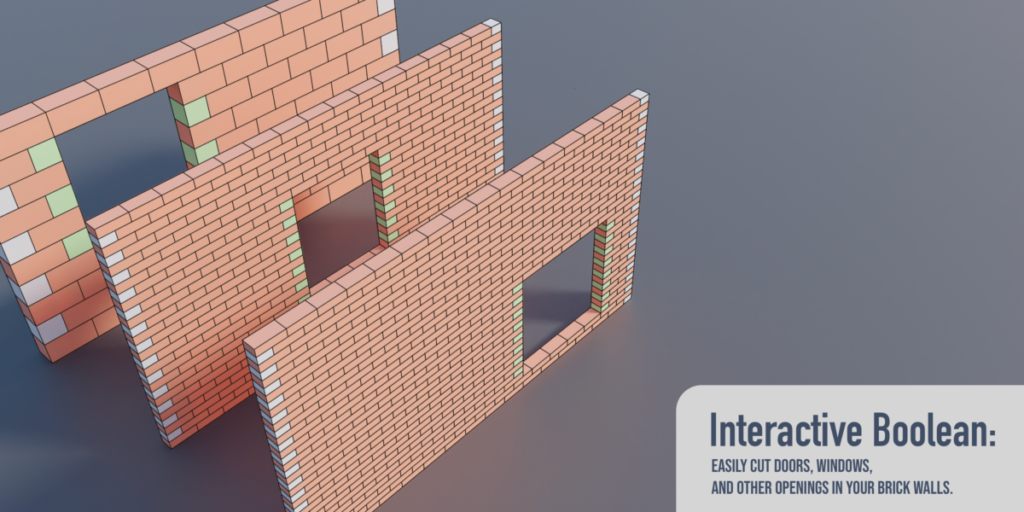
- Interactive Boolean operations: Easily cut doors, windows, and other openings in your brick walls.
- Intuitive UI: Access Trowel’s features through the N panel in 3D View and the Trowel menu in Geometry Nodes Editor.
- Beginner-friendly and expert-ready: Start creating quickly using automated workflows or dive into manual mode for complete control.
Created with usability and simplicity in mind, Trowel is designed to make creating realistic brick walls a breeze for Blender users. We’ve streamlined the process and made it accessible for users of varying skill levels, allowing you to focus on your creativity.Trowel simplifies the process of creating complex brick bonds, such as Common bond, by automatically generating all the necessary brick sizes for you. Even when creating a custom brick size, all you need to do is create one Base brick, and Trowel will take care of generating the rest for you. This saves time and effort, allowing you to focus on creating stunning brick wall designs with ease.
Elevate your architectural visualization, game assets, and environmental designs with Trowel. Don’t miss out on this must-have add-on for Blender. Get Trowel now and revolutionize the way you create brick structures!
This is just the beginning of Trowel’s journey – expect more features, bond types, and enhancements in future updates, all of which are free for our users.
Join our Discord server for support and connect with our community!
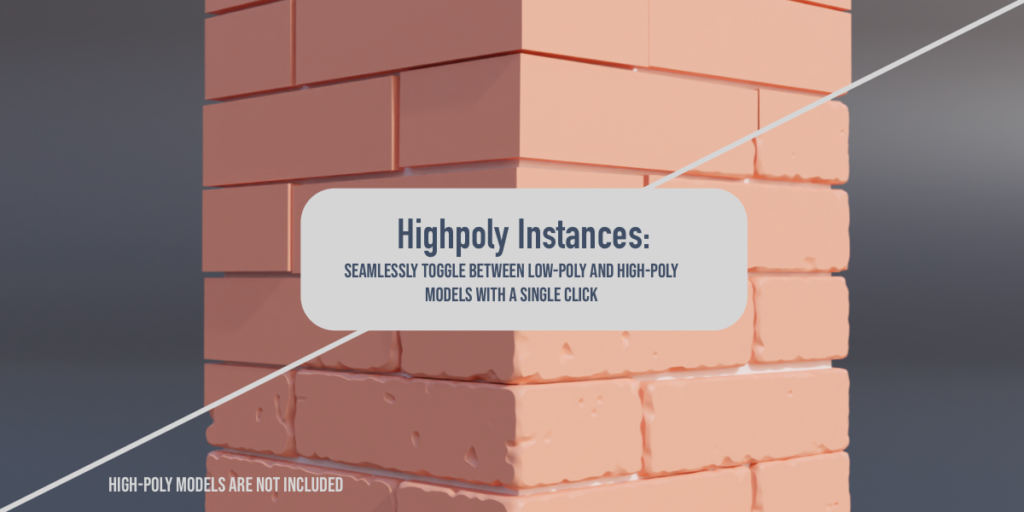
Maximize your results with One Click Damage (OCD): For the ultimate realistic brick walls, pair Trowel with our other add-on, One Click Damage. OCD helps you generate highly detailed, high-poly bricks to use in Trowel’s High-Poly collection instances, taking your creations to the next level. Together, these add-ons work seamlessly to provide a powerful solution for creating stunning, realistic brick walls in Blender.
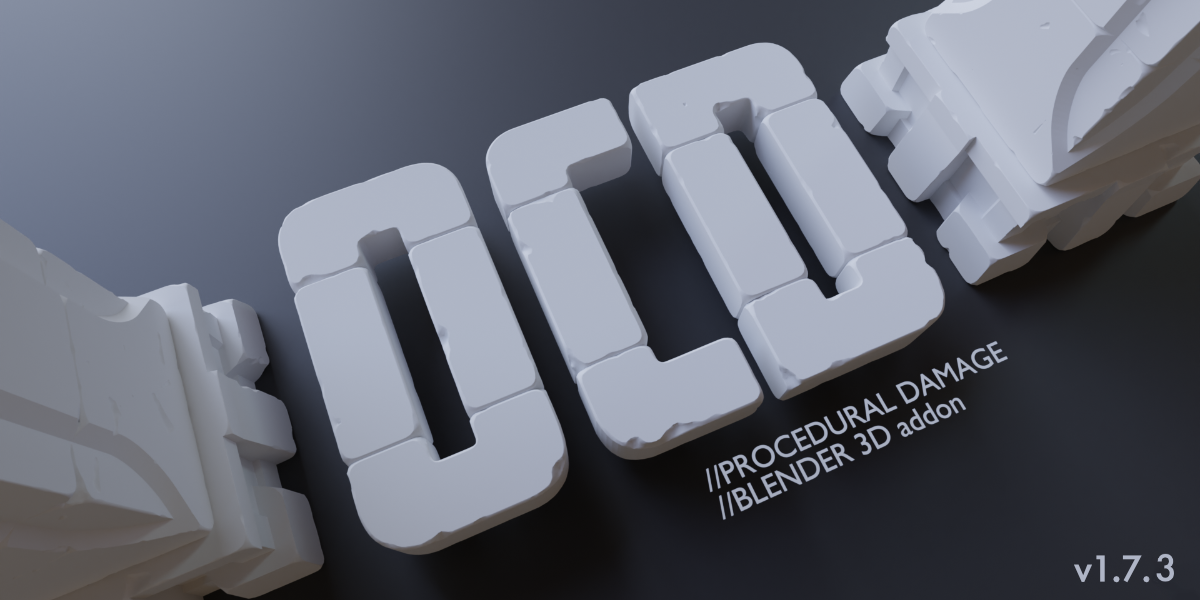
While Trowel is a powerful and versatile tool for creating brick walls, please note that it may not cover all the unique brick bond types and laying methods found worldwide. We’ve made it highly adaptable to provide you with a wide range of options, but some custom brick bonds may require additional manual adjustments or customization.
Supercharge your 3D creation workflow with premium selection of Blender Add-ons. Whether you are modeling intricate characters, sculpting realistic environments, or animating cinematic sequences, the right add-on can transform how you work inside Blender. Our curated collection includes powerful tools for UV unwrapping, procedural texture generation, rigging automation, rendering optimization, and more—each rigorously tested for compatibility with the latest Blender versions. Eliminate tedious manual processes and unlock advanced functionality that lets you focus on what matters most: bringing your creative vision to life. Explore our full range of professional Blender plugins today and take your 3D projects to the next level.
➡️ ➡️ For more Blender Plugins 😀 😀
Reviews
There are no reviews yet.