
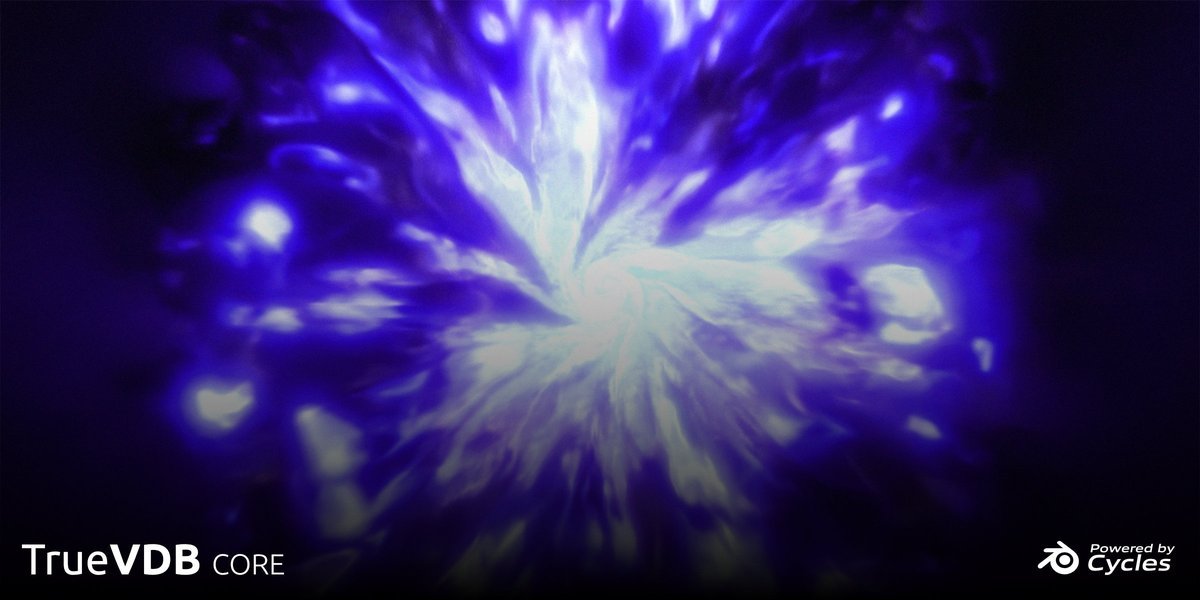
True VDB for Blender
True VDB v1.1.1 for Blender – The Ultimate OpenVDB Management & Volumetric Toolkit
Versions: v1.1.1
File Size: 8.20 MB
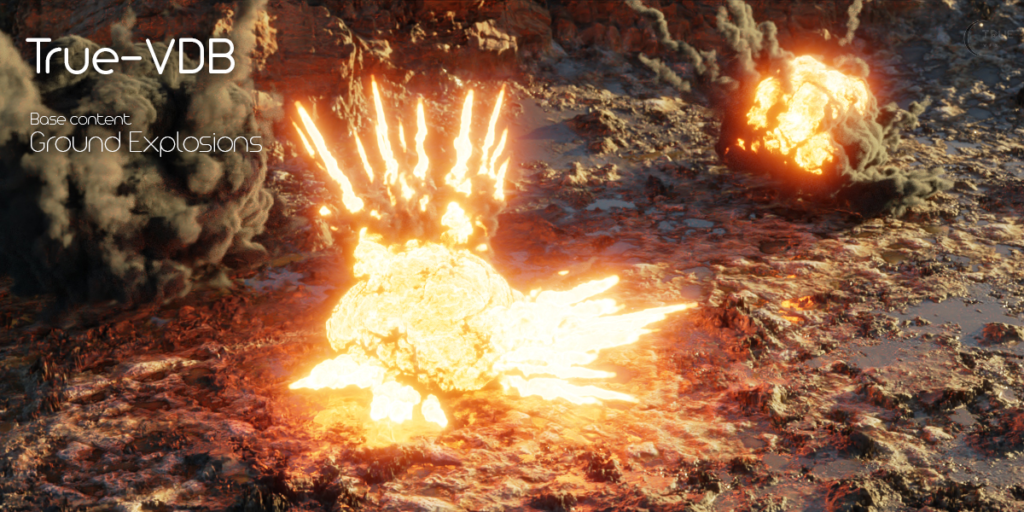
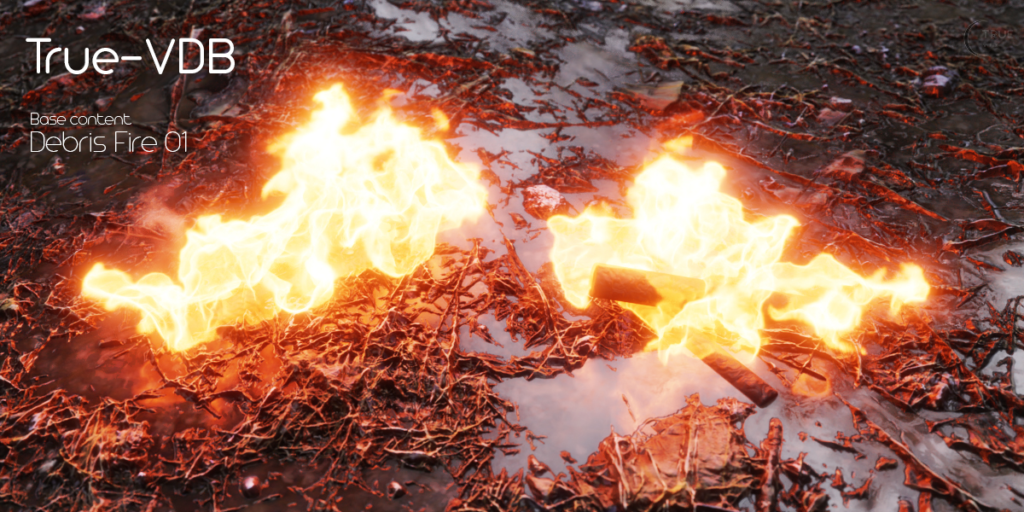
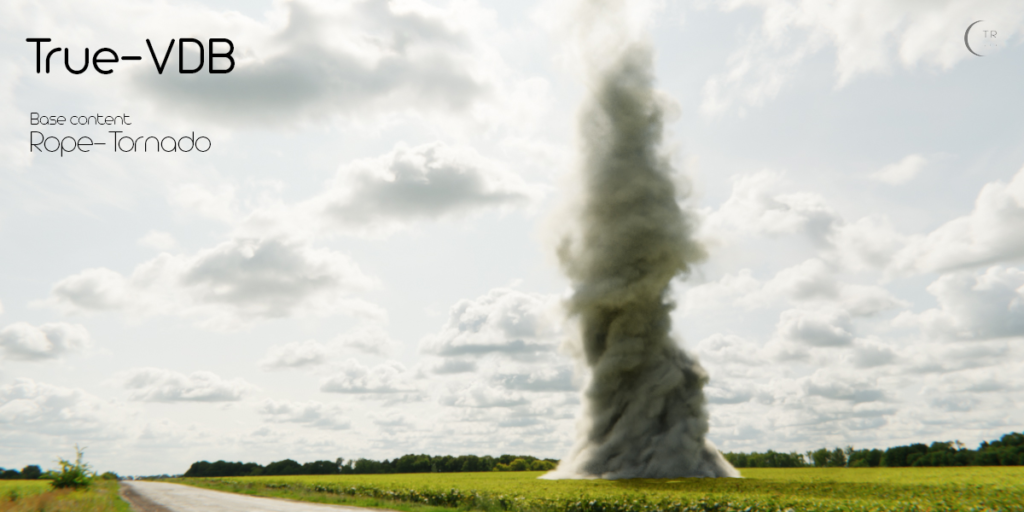
Download True VDB v1.1.1 for Blender on Windows and Mac, a specialized VFX and pipeline utility designed to completely streamline the handling, visualization, and manipulation of OpenVDB (.vdb) files. Volumetric data is notoriously heavy, often causing massive viewport lag, memory spikes, and frustrating cache management issues. True VDB acts as your ultimate volumetric command center, providing lightning-fast import/export, smart viewport proxies, advanced mesh-to-volume conversion, and a library of production-ready volumetric shaders. It allows VFX artists and motion designers to work with massive smoke, fire, and cloud simulations without crashing their software or losing their creative momentum.
Key Features of True VDB v1.1.1:
- Lightning-Fast VDB Import & Export: A highly optimized backend that reads and writes multi-gigabyte VDB caches without freezing the UI. Handles complex, multi-grid files (density, temperature, velocity) seamlessly.
- Smart Viewport Proxies: The ultimate performance saver. Automatically generates lightweight, wireframe bounding boxes for massive VDB caches during playback. The full volumetric data only loads when you pause or render, keeping your viewport at a buttery 60 FPS.
- Mesh-to-VDB & VDB-to-Mesh: Instantly convert solid 3D geometry into volumetric data (perfect for creating custom smoke sources or fluid obstacles), or extract crisp, editable isosurfaces from VDB files back into polygonal meshes.
- Multi-Grid Channel Extraction: Easily separate and route different data channels stored within a single VDB file. Map the “temperature” grid to emission and the “density” grid to the volume scatter node with one click.
- Advanced Volumetric Material Library: A curated collection of physically accurate, pre-configured Principled Volume setups. Includes realistic presets for Black Smoke, Orange Fire, Magical Fog, Alien Atmospheres, and God Ray Dust.
- Cache Management & Compression: Built-in tools to merge multiple VDB sequences, split them into smaller chunks, or compress them to save valuable hard drive space without losing visual quality.
- Time-Offset & Scrubbing: Shift your volumetric caches forward or backward on the timeline without having to rename files or re-bake the simulation.
- Automated Domain Setup: Instantly generate perfectly sized volumetric domain boundaries that match the exact dimensions and padding of your imported VDB files.
- Memory Leak Prevention: Intelligent cache flushing ensures that old VDB frames are unloaded from your RAM as you scrub forward, preventing the dreaded “Out of Memory” crashes during long animation reviews.
- Non-Destructive Workflow: All volumetric setups, proxy toggles, and material routings are managed via clean modifier and shader node groups, keeping your scene file organized.
Perfect For:
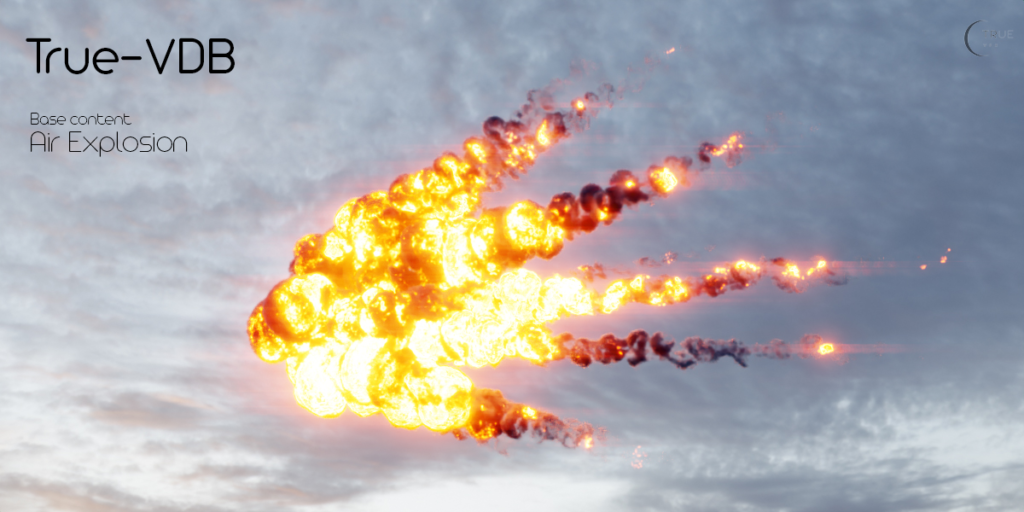
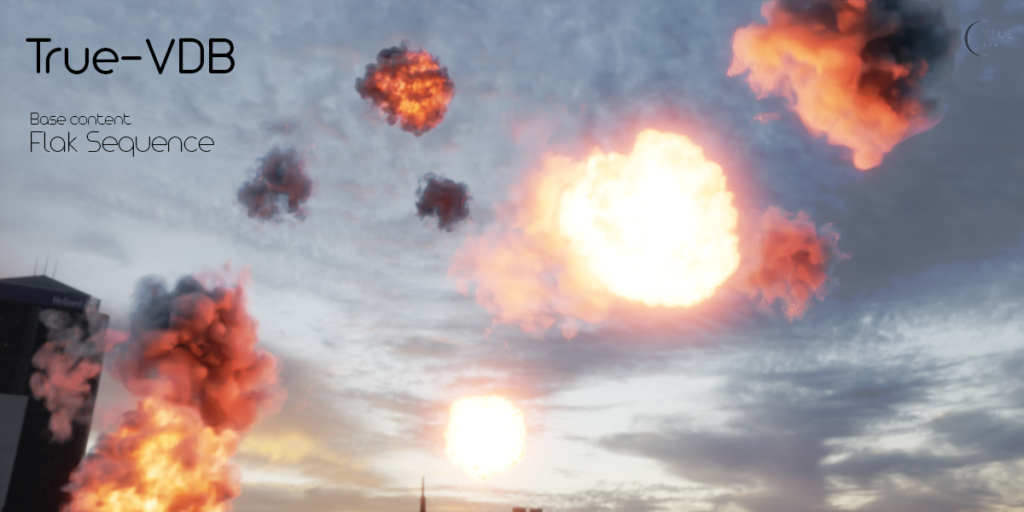
- VFX Artists working with complex smoke, fire, explosion, and fluid simulations imported from external solvers like EmberGen, Houdini, or Phoenix FD.
- Motion Designers creating abstract volumetric logos, magical auras, and stylized cloud environments.
- Environment Artists integrating realistic volumetric fog, mist, and atmospheric haze into architectural and landscape renders.
- Technical Directors managing heavy cache pipelines, optimizing file sizes, and ensuring smooth playback for animation reviews.
- Game Developers baking volumetric effects into texture atlases or extracting VDB isosurfaces for optimized in-game assets.
- Anyone who has ever experienced Blender crashing due to RAM exhaustion when opening a heavy VDB sequence.
System Requirements:
- Blender: 3.6, 4.0, 4.1, 4.2, 4.3, 4.4+ (Latest LTS recommended).
- OS: Windows 10/11 (64-bit), macOS 10.15+, or Linux.
- RAM: 16GB minimum (32GB to 64GB+ highly recommended for loading and manipulating high-resolution VDB caches).
- Render Engine: Fully compatible with Cycles (for accurate, ray-traced volumetric rendering) and Eevee (with volumetrics enabled for real-time previews).
Installation:
- Download the True VDB v1.1.1
.zipfile. - Open Blender and go to Edit > Preferences > Add-ons.
- Click Install…, select the downloaded file, and enable the checkbox next to Import-Export: True VDB or Object: True VDB.
- Access via the 3D Viewport Sidebar (N-panel) under the True VDB tab, or the Properties Panel > Physics/Modifiers when a volume object is selected.
What’s New in v1.1.1?
- Blender 4.4 Full Compatibility: Updated all volume evaluation and file I/O APIs to ensure 100% stability, correct UI scaling, and flawless integration with the newest Blender 4.4 release.
- Faster Isosurface Extraction: Rewritten the VDB-to-Mesh algorithm, reducing the time it takes to convert high-resolution volumetric clouds into editable geometry by 40%.
- New “Volumetric Glow” Presets: Added specialized shader setups for neon gases, magical energy fields, and bioluminescent fog that interact beautifully with Eevee’s bloom.
- Enhanced Proxy Generation: The bounding box proxies now include directional arrows indicating the primary flow/velocity of the simulation, helping artists orient their cameras.
- UI Overhaul: Grouped the import, proxy, and material tools into clean, collapsible panels with visual progress bars for heavy cache operations.
- Bug Fix: Resolved a rare issue where multi-grid VDBs with mismatched resolutions would occasionally cause a shift in the volumetric alignment during import.
Note:
True VDB v1.1.1 is an absolute lifesaver for any pipeline that relies on volumetric data. Native VDB handling in Blender can be a black box of frustration—files are huge, viewport playback is sluggish, and setting up the correct shader nodes for temperature and density is tedious. True VDB completely removes these bottlenecks. By introducing Smart Viewport Proxies, it allows you to animate, light, and camera-match your scenes smoothly, only loading the heavy voxel data when it’s time to hit “Render.” Whether you are importing a massive explosion from EmberGen or creating a mystical fog for a fantasy environment, True VDB ensures your volumetric workflow is fast, stable, and professional.
Supercharge your 3D creation workflow with premium selection of Blender Add-ons. Whether you are modeling intricate characters, sculpting realistic environments, or animating cinematic sequences, the right add-on can transform how you work inside Blender. Our curated collection includes powerful tools for UV unwrapping, procedural texture generation, rigging automation, rendering optimization, and more—each rigorously tested for compatibility with the latest Blender versions. Eliminate tedious manual processes and unlock advanced functionality that lets you focus on what matters most: bringing your creative vision to life. Explore our full range of professional Blender plugins today and take your 3D projects to the next level.
➡️ ➡️ For more Blender Plugins 😀 😀
Reviews
There are no reviews yet.