
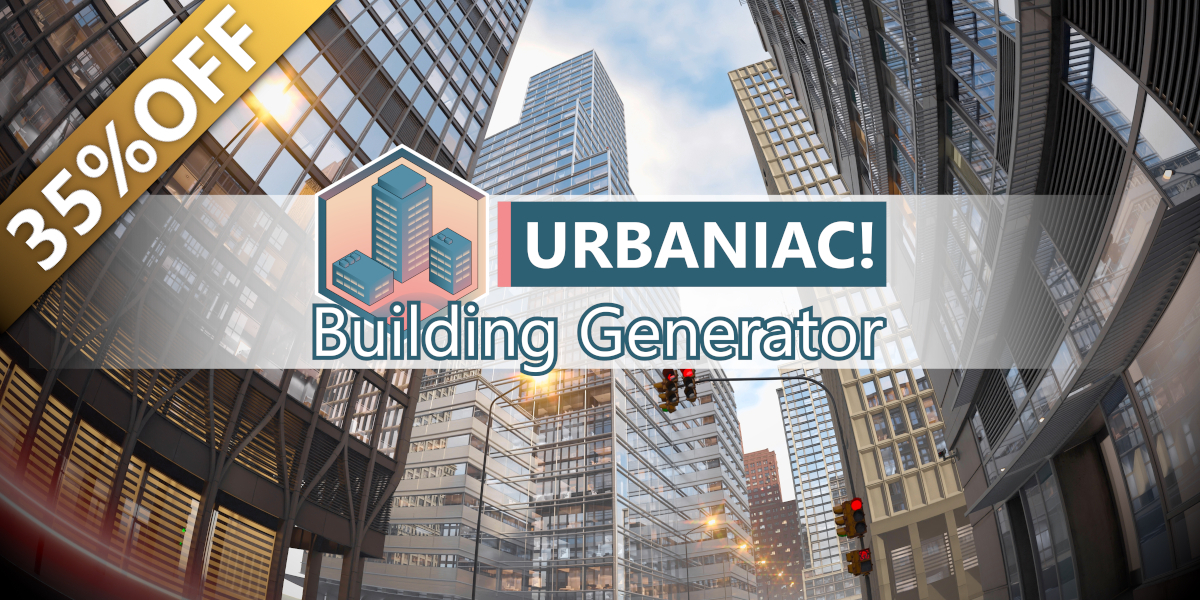
URBANIAC Building Generator for Blender
URBANIAC Building Generator V0.31 for Blender
The Ultimate Intuitive Procedural City Building Creation Tool
Download URBANIAC Building Generator V0.31 today. Consequently, you can create complex, fully customizable buildings from simple shapes in real-time, without the steep learning curve of traditional modeling . Because cityscape creation for game development, architectural visualization, and animation often demands hundreds of unique structures, having access to an intuitive and efficient generation tool is absolutely essential. Nevertheless, manually modeling each building individually can consume countless hours of valuable production time. Fortunately, the Building Generator eliminates this bottleneck completely. Moreover, this tool allows you to move, rotate, scale, extrude, or add new geometry to modify any building’s appearance instantly . In short, you can populate entire city blocks with unique, detailed structures in a fraction of the usual time.
Intuitive Real-Time Generation and Customization
The core of this addon lies in its incredibly user-friendly and interactive workflow. For instance, you can start from a simple shape and watch as the building adapts to your changes in real time . Furthermore, with a simple operation, you can extrude new sections or move existing geometry, allowing for endless creative variations . Since the final version offers up to 20 different architectural styles, you can easily mix and match to create the perfect city aesthetic . Consequently, even users new to Blender can quickly generate impressive results.
Versatile Asset Library and Material Customization
Professional results require high-quality materials and a rich library of assets. Therefore, the Building Generator comes with a library of easily adjustable PBR and procedural materials, allowing you to change color, scale, aging, and more . This flexibility ensures your buildings adapt perfectly to any scene’s specific needs. Additionally, the library includes a diverse range of architecture, with an upcoming version providing even more variety to enhance your scenes further . Thus, your city will maintain a high level of visual quality and realism.
Advanced Asset Browser Integration and Scene Control
V0.31 introduces seamless integration with Blender’s official Asset Browser, significantly streamlining your workflow . This integration makes adding new buildings and managing your library more efficient. Furthermore, the plugin features a Launcher panel for global scene control, allowing you to adjust lighting across your entire Urbaniac! library in real-time, making it easy to switch between day and night scenes . You can also animate these values for spectacular cinematic effects. Consequently, your creative control extends from individual buildings to the entire cityscape.
Performance-Optimized HD and Mid-Poly Versions
Managing detail versus performance is a critical balance for any city builder. Therefore, the Building Generator provides both HD and Mid-Poly versions for each model . The HD versions feature high-quality details and procedural materials, ideal for close-up shots in Cycles. Meanwhile, the Mid-Poly versions use PBR materials and are optimized for animation and large-scale cityscapes in EEVEE . Thus, you can always choose the right level of detail for your project’s specific requirements.
Stunning 3D Interiors and VFX Control
The visual impact of your buildings is greatly enhanced by the inclusion of pre-baked mid-poly 3D interiors . These interiors achieve remarkable realism while keeping resource consumption low, and the included curtain shaders add extra depth to the facades . Additionally, from the same launcher panel, you can add special effects like snow, wet surfaces, and animated rain to all surfaces in your Urbaniac! library, and these effects work in real-time in both Cycles and EEVEE . Consequently, your scenes will have an unprecedented level of depth and realism.
Perfect for Environment Artists, Game Developers, and Animators
This addon is particularly well-suited for environment artists and game developers who need to create detailed, populated cities quickly . Similarly, animators and VFX artists working on cinematic shots will appreciate the ability to generate high-quality backgrounds and control scene-wide effects. Additionally, architectural visualizers can use the intuitive tools to rapidly prototype urban environments. Ultimately, the URBANIAC Building Generator V0.31 accelerates your entire environment creation and world-building pipeline.
System Requirements and Compatibility
The addon supports an extensive range of Blender versions from 3.1 through 4.4 . Furthermore, the tool is compatible with both the Cycles and EEVEE render engines. It works across all major operating systems that support Blender, including Windows, macOS, and Linux. The download size is approximately 193MB (RAR compressed) .
Installation and Usage Guide
To install, first download the archive and extract its contents . For Blender 4.0 and below, navigate to Edit Preferences, select Add-ons, click Install, and choose the ZIP file . For Blender 4.1 and above, use the dropdown menu in the top right corner of the Add-ons panel and select “Install from Disk” . Finally, you will need to add the Ur!BG_Library folder path to your Asset Library in the File Paths preferences . Thus, your powerful city-building toolkit will be ready instantly.
What is Included Inside?
The pack contains the complete URBANIAC Building Generator V0.31 addon and preset library . Furthermore, it includes the extensive library of 20 architectural styles and all HD and Mid-Poly versions of the assets . Additionally, you receive the intuitive generation and customization tools, the advanced Material system, and the Launcher panel for lighting and VFX control . Ultimately, you receive everything needed for professional, procedural city creation.
Final Thoughts on the Addon
Effortless and intuitive city-building evokes profound creative freedom. Therefore, this addon provides the ultimate foundation for your environment creation workflows. You can generate detailed, customizable cities with unprecedented speed and simplicity. Consequently, your world-building vision becomes a stunning reality.
Procedural Building Generator
Create complex Buildings from Simple Shapes
Introducing our procedural building library, “Ur! Building Generator.” We have developed an innovative way to create buildings that adapt to any shape you need in real-time, and it’s incredibly simple and intuitive. With this tool, you can easily move, rotate, scale, extrude, or even add new geometry to modify the appearance of the buildings. Furthermore, the final version will offer up to 20 different architectural styles for you to mix and match in your scene.

Customize Materials: Achieve Greater Variety
Our library features materials that can be easily adapted and modified, allowing you to change their color, scale, aging, and more. This flexibility enables the scene to effortlessly adapt to your specific needs. In addition, our procedural materials offer a level of photorealistic realism and seamlessly adapt to any modifications you make to the meshes and our PBR material versions provide unparalleled performance, ensuring a high level of visual quality in your creations.

Asset Browser: New feature!
The new version of our add-on seamlessly integrates with Blender’s official asset browser, enabling a more efficient and intuitive workflow. This new method of adding objects to your scene greatly streamlines the process of creating your cities.

HD & Mid-Poly Versions: Balancing Detail and Performance
The new release of Building Generator introduces two versions for each building model. The HD version features high-quality details and procedural materials, ideal for close and medium-range shots in Cycles. Additionally, we offer a reduced-polygon version with PBR materials, specifically optimized for animations or creating vast cityscapes in EEVEE.

Outstanding Details: 3D interiors
Our buildings boast an abundance of intricate details, with a particular highlight on their meticulously crafted mid-poly pre-baked 3D interiors. Thanks to the pre-baking process, these interiors achieve a remarkable level of realism while keeping resource consumption to a minimum. To further enhance the visual appeal, our buildings are complemented by a shader for curtains, adding an additional layer of variety and charm to the facades.

Fully Integrated with the Ur! Launcher
Lights Control:
You will be able to control the lights of your entire scene from the Launcher panel. With this, all your Urbaniac! libraries, including all the buildings from the Building Generator, will instantly and in real-time change the intensity and quantity of the lights turned on. Switching between a daytime and nighttime scene has never been easier. The values can be animated to create spectacular animations.

VFX Control:
From the same scene configuration panel, you will be able to add special effects like snow, wet surfaces, and animated raindrops on all the surfaces of the “Urbaniac!” libraries, all changing simultaneously and in real-time, both in Cycles and EEVEE. The best part? You can easily add these special effects to your materials!
Supercharge your 3D creation workflow with premium selection of Blender Add-ons. Whether you are modeling intricate characters, sculpting realistic environments, or animating cinematic sequences, the right add-on can transform how you work inside Blender. Our curated collection includes powerful tools for UV unwrapping, procedural texture generation, rigging automation, rendering optimization, and more—each rigorously tested for compatibility with the latest Blender versions. Eliminate tedious manual processes and unlock advanced functionality that lets you focus on what matters most: bringing your creative vision to life. Explore our full range of professional Blender plugins today and take your 3D projects to the next level.
➡️ ➡️ For more Blender Plugins 😀 😀
Reviews
There are no reviews yet.