
V-Ray for cinema 4D
vray render plugin
V-Ray v6.10.01 for Cinema 4D 2024 – Professional Photorealistic Render Engine
Download V-Ray v6.10.01 for Cinema 4D 2024 on Windows, the industry-standard photorealistic render engine for architectural visualization, product design, and VFX. Used by top studios worldwide, V-Ray delivers stunning realism with powerful lighting, shading, and rendering tools—fully integrated into Cinema 4D’s native workflow.
Key Features of V-Ray v6.10.01:
- Photorealistic Rendering: Physically-based ray tracing with accurate global illumination, caustics, and materials
- GPU & CPU Rendering: Hybrid rendering using both GPU and CPU for optimal speed and memory efficiency
- Interactive Rendering: Real-time viewport updates as you adjust lights, materials, and camera settings
- V-Ray Material Library: Extensive library of ready-to-use PBR materials
- V-Ray Sun & Sky: Physically accurate daylight system with cloud and volumetric effects
- V-Ray Fur: Generate realistic fur, grass, and hair with intuitive controls
- V-Ray Scatter: Efficiently populate scenes with vegetation, people, and objects
- V-Ray Denoiser: Intelligent denoising for clean renders with fewer samples
- V-Ray Frame Buffer: Professional color correction and compositing tools
- Cinema 4D 2024 Optimized: Full compatibility with Cinema 4D 2024’s new features
Perfect For:
- Architectural visualization professionals creating photorealistic interiors and exteriors
- Product designers rendering high-end product visualizations
- VFX artists integrating CG elements into live-action footage
- Motion graphics designers adding realistic elements to animations
- Anyone needing professional-grade rendering in Cinema 4D
System Requirements:
- Cinema 4D 2024 (also compatible with R20-2023)
- Windows 10/11 (64-bit)
- 8GB RAM minimum (16GB+ recommended)
- NVIDIA or AMD GPU with 4GB+ VRAM for GPU rendering
- 2GB available disk space
Installation:
Run the installer and select your Cinema 4D version. V-Ray will appear in your render settings dropdown after installation.
Note: V-Ray v6.10.01 is the industry-standard render engine for photorealistic visualization, trusted by architectural visualization professionals, product designers, and VFX artists worldwide. This version is fully optimized for Cinema 4D 2024, delivering stunning realism with powerful lighting, shading, and rendering tools. Requires a separate V-Ray license. Essential for any professional rendering pipeline. Good.
Professional 3D rendering software for Cinema 4D artists and designers.
V-Ray® for Cinema 4D puts industry-standard technology for photorealistic 3D rendering into the hands of Cinema 4D artists and designers. With smart tools and powerful rendering capabilities, Chaos V-Ray’s combination of speed and creative control is perfect for any project.

Bring ideas to life
With V-Ray’s complete set of lighting, shading, Emmy and Academy Award-winning rendering tools, you can bring any idea to life.

Built to handle it all
Built to handle your biggest projects, including scenes with massive amounts of geometry and thousands of lights.

Get the job done with ease
Artist-friendly tools and an intuitive interface help you work smarter, making it easy to get the job done.

Render fast
V-Ray’s GPU and CPU rendering capabilities bring a speed boost to any production. With fast interactive rendering, you’ll see the changes to your scene rendered on the fly.

Ready to scale
Harness the power of multiple computers to render high-resolution images with V-Ray’s distributed rendering. Or take your rendering to the cloud with direct access to Chaos® Cloud.

Go beyond rendering
V-Ray is more than a renderer. Its powerful tools allow you create worlds and post-process renders without separate applications interrupting your creative process.
Rendering
© CS Designstudio
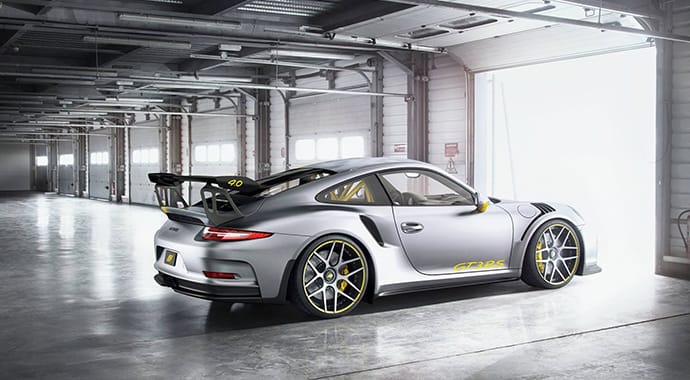
GPU + CPU rendering
Take full advantage of your hardware. With V-Ray, you can render on GPUs, CPUs, or a combination of both.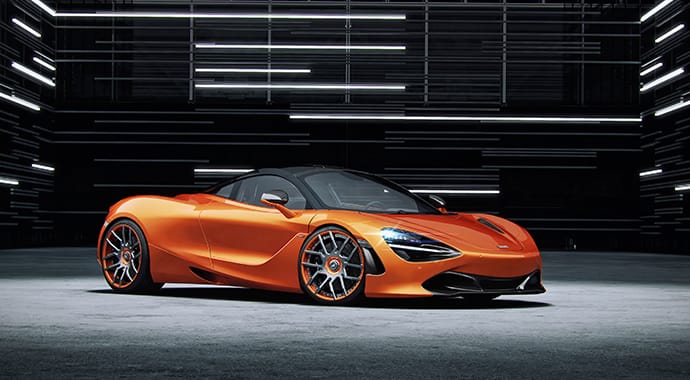
© CS Designstudio
GPU production rendering
Get a powerful speed boost with the GPU-accelerated performance of V-Ray GPU—and go even faster with an NVIDIA RTX card.
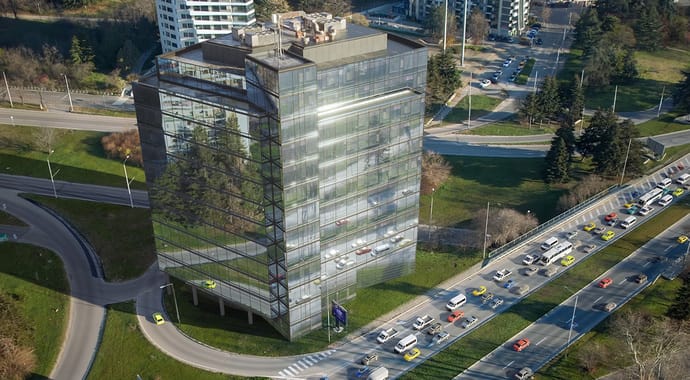
Gaussian splats support
Easily place buildings in context or create and render complex 3D environments with accurate reflections and refractions. Fill your scenes with splats of real-world environments or objects that are memory-efficient and rich in detail.

Fast interactive rendering
Create the look you want without the wait. Interactive rendering lets you see the changes to your scene rendered on the fly.
Distributed rendering
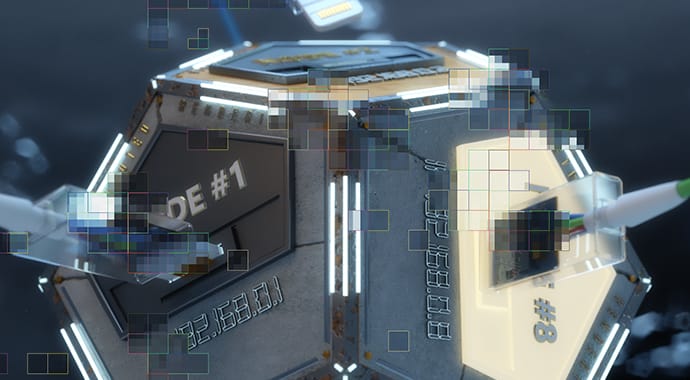
Easily harness the power of multiple machines working together to render images even faster. In DR 2, there are no longer limitations on how many machines can participate in the rendering process – the more machines you add, the faster rendering is. Progressive rendering assures better scaling with multiple machines.

Multiple additive Dome Lights
You can now render multiple Dome Lights at the same time. Direct support in Light Mix makes it easier than ever to mix light sources and relight your scene even after you’ve rendered.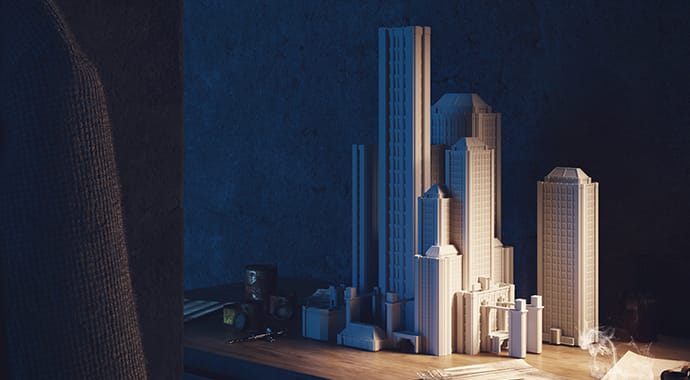
© nu.ma
AI Denoising
The NVIDIA AI Denoiser uses artificial intelligence that instantly reduces noise while you render.
Chaos Cloud
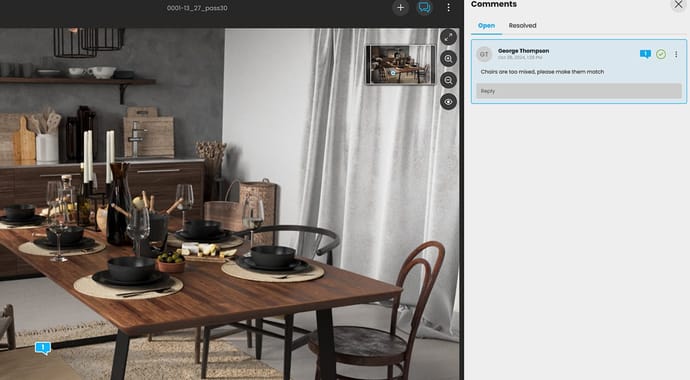
Render anything from simple visualizations to complex animations, collaborate during design reviews, and present your projects effectively through virtual tours—all possible in Chaos Cloud.
Learn more about our cloud services >

Render-ready content
Our integrated asset library, Chaos Cosmos, enables you to search and add render-ready models, materials, and HDRI skies to your scene directly from the V-Ray toolbar. Cosmos assets have automatic level-of-detail, accurate scale, and can be used across 3ds Max, Cinema 4D, Rhino, SketchUp, and Revit.
Initial Enscape compatibility
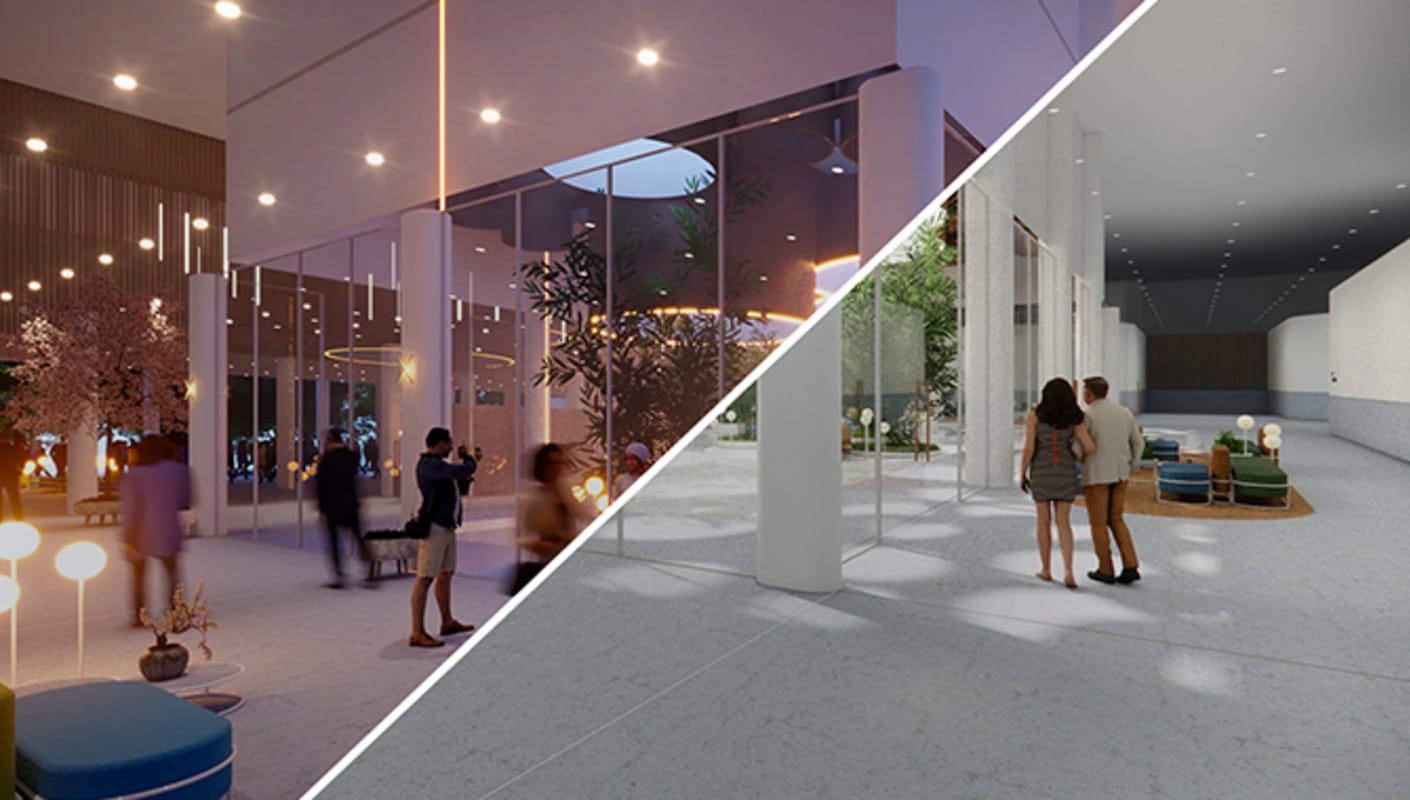
Effortlessly transfer data from Enscape within CAD software such as Archicad or Vectorworks to V-Ray. Fine-tune and add details to transform real-time designs into sophisticated, high-end visualizations. Preserve design decisions and ensure continuity from concept to final render, freeing up precious time to bring your creative vision to life.

[beta] V-Ray scene content exchange
Connect effortlessly with other departments and unleash your creativity using V-Ray in your preferred application. Import V-Ray scene data as native objects into Cinema 4D without the hassle of material recreation or reassignment. Your data flow between integrations has never been more seamless.

Chaos Vantage Live Link
Explore even your most complex scenes ray traced in real-time with zero setup with a live link to Chaos Vantage. Achieve final production quality animations in record time or quickly generate previews without any additional material setup.

Particle rendering support
Quickly render particles based on different conditions such as size, speed, color, and many more. Achieve a wide variety of effects — from splashes and foam to bubbles and sparks.
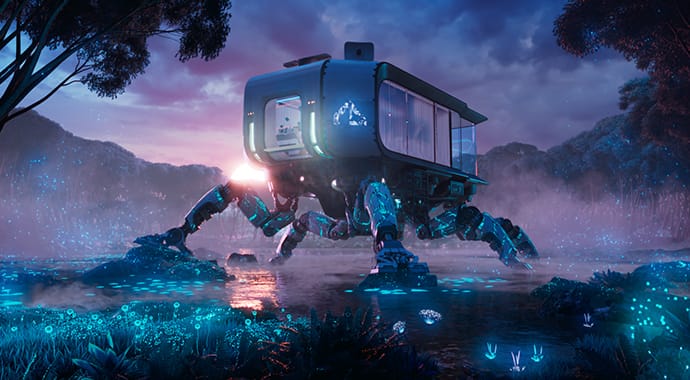
ACEScg support
Use ACEScg for industry-standard color workflows. Render with automatic color space adjustment for textures, dispersion, sun & sky, and light temperature colors.
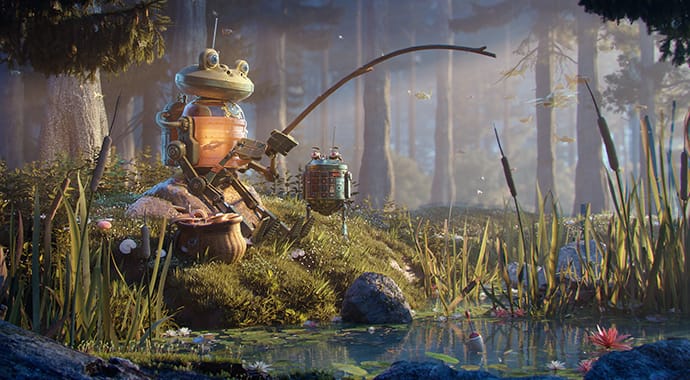
MaterialX rendering support
Immerse yourself in any project with the freedom to seamlessly load and render MaterialX shaders directly in V-Ray for Cinema 4D — no reworking, no data loss. This support is introduced through the V-Ray VRmat material.
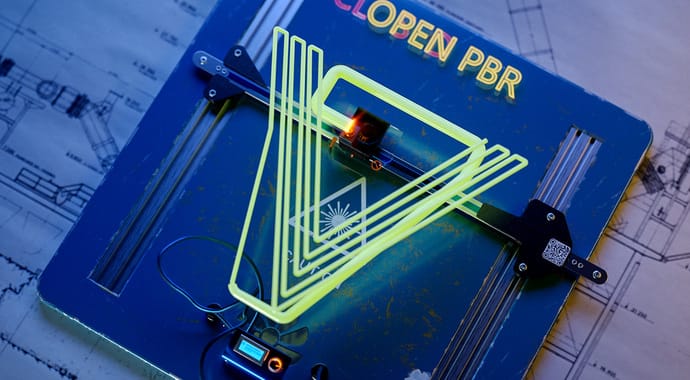
OpenPBR support
Achieve consistent shading across applications with the new OpenPBR standard. The V-Ray Material now includes an OpenPBR mode, enabling you to import and use materials created with the OpenPBR standard seamlessly in V-Ray.

V-Ray Profiler
Get reports on the time spent calculating shaders and volumes, compiling geometry and displacement, loading bitmaps, and more. Locate all hot spots in your scene and optimize pipelines for even faster rendering.
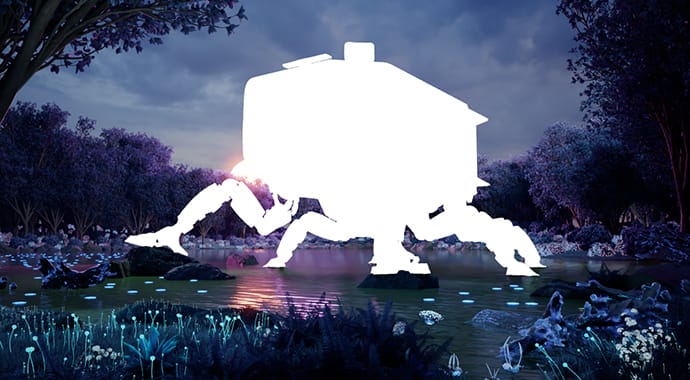
V-Ray Render Masks
Make changes to any object or group of objects in your scene even after you’ve rendered. No need to re-render the whole image.

Progressive caustics
Add realism to your renders with V-Ray’s new progressively calculated caustics, helping you achieve real-world reflections and refractions faster. And it’s easier to set up, without the need for pre-calculated photon maps.

Resumable rendering
Forget about having to start your render all over again because of a power outage, or because you realized you forgot to make a change. You can now continue your render exactly where you left off.
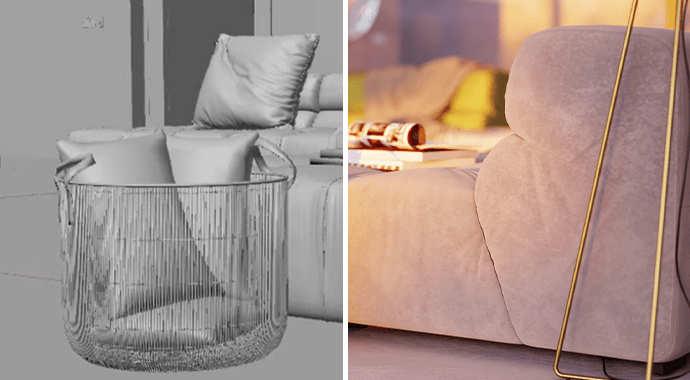
Viewport interactive rendering
Save time with the new interactive rendering functionality that allows you to simultaneously navigate through your scene and make changes while it is being rendered — all inside Cinema 4D’s viewport.
Lighting
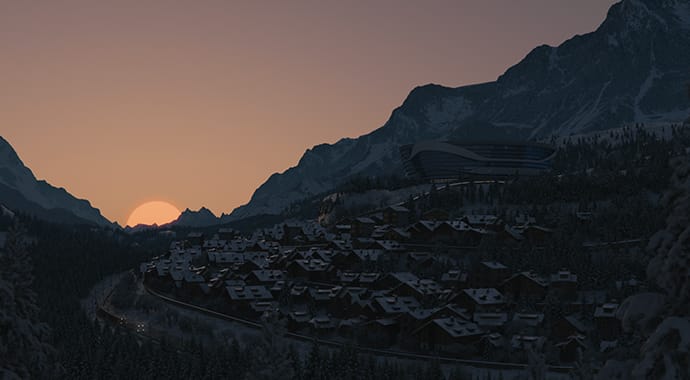
Enhanced Sun and Sky model
Capture the light of magic hour. The new Sun & Sky model is more accurate and looks better with support for nautical twilight, varying observer altitudes, and different turbidity levels.

Night Sky
Create realistic and astronomically precise night skies with ease. Achieve unparalleled realism in night scenes with accurate positions and light intensity of the stars, the Moon and its phases, and the Milky Way.

Light instancing
Work with multiple lights more efficiently, and improve performance with new V-Ray Light instancing.
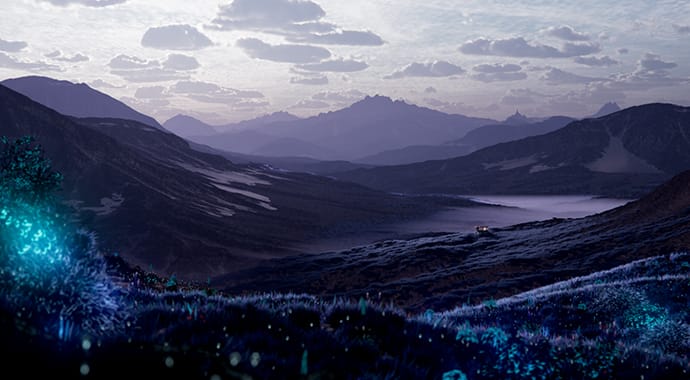
Procedural clouds
Create the perfect sky for your environment in just a few clicks with V-Ray Sun and Sky’s new procedural clouds system. Easily simulate a variety of cloud types and weather conditions, from partly cloudy to overcast. Render realistic stills, or dynamic timelapses.
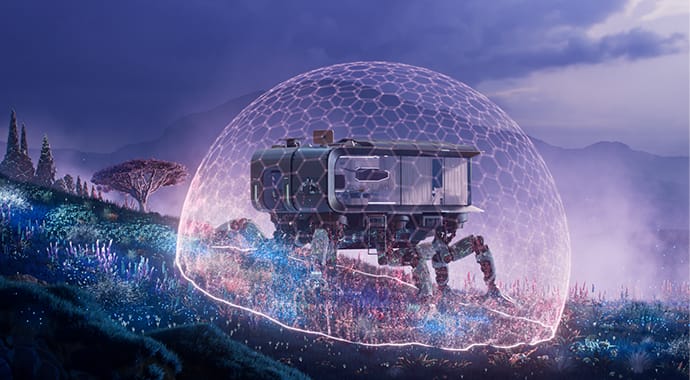
Finite Dome light mode
Elevate your product design and HDRI renders with the new, more flexible ground projection capabilities of the V-Ray Dome Light. Control the size of a dome light and blend settings with the new finite mode.

Custom Light Decay
Define how much light is emitted over distance. With creative control over hotspots, light intensity, spread and length of the rays, and more, you can create any effect.

V-Ray Luminaires
Enjoy dramatically faster, more accurate rendering of complex light fixtures with the introduced support for V-Ray Luminaires. Instantly enhance the atmosphere of your designs and speed up rendering by using the luminaire assets in Chaos Cosmos.
Use AI as your creative partner.
AI-powered creation

AI Enhancer
Easily improve the look of people and vegetation without making unnecessary changes to the architecture, furniture, and other important aspects of your renders. With the advanced controls, you can fine-tune the appearance of people, and refine vegetation for precision and consistency.
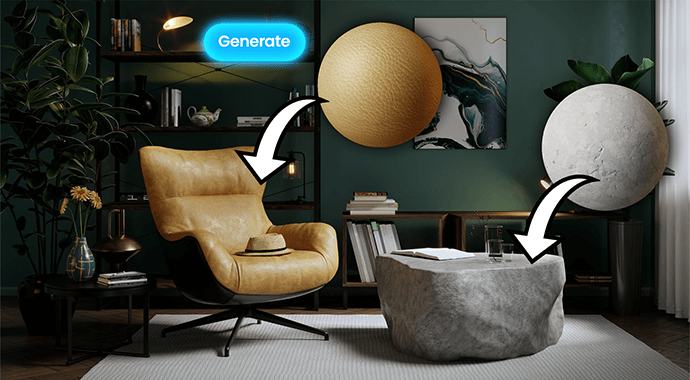
AI Material Generator
Create materials in seconds thanks to the now Al Material Generator available in Chaos Cosmos. With this new powerful feature, you can upload a photo of a real-world surface and turn it into a render-ready PBR material with all necessary maps in just a few clicks.
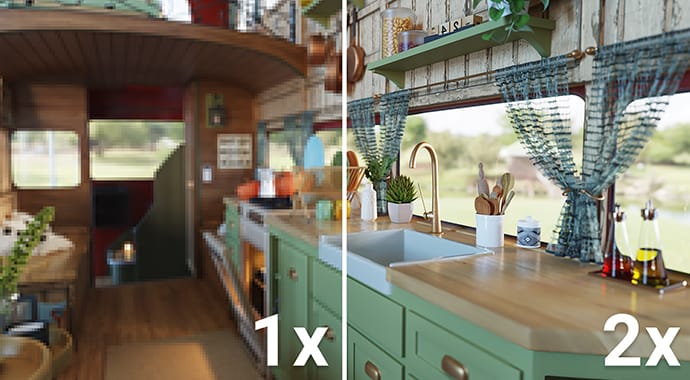
AI Upscaler
Turn low-resolution renders into high-quality, presentation-ready visuals, saving hours of rendering time while still getting crisp, photoreal results. Part of Chaos Cloud Collaboration, the Al Upscaler not only boosts resolution, it also sharpens textures and details, so your work looks even more polished.
Camera effects
© Ernest Kośka
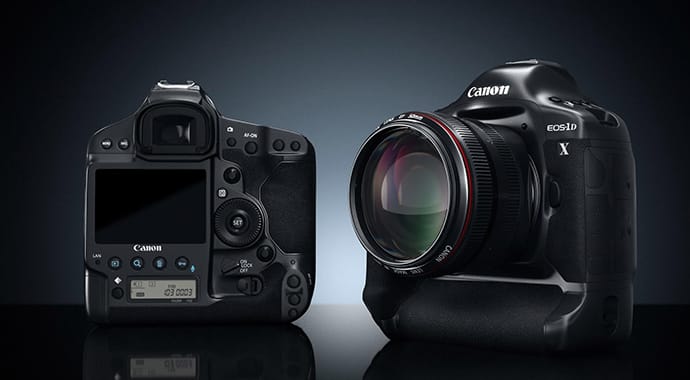
Photorealistic Cameras
Real-world camera controls let you work like a photographer. Render images with detailed depth of field and cinematic motion blur.
© Tonic CGI
Point & Shoot Camera
Perfect renders are as easy as taking a snapshot with the Automatic Exposure and White Balance settings.
Materials
.jpg?1624443942)
Node-based material editing
With support for Cinema 4D’s latest node-based material editing system, you can now easily view and manage your entire V-Ray shading network—all the way from creating materials and textures to adding the finishing touches.
Asset © Bruno Camara
V-Ray Toon
Achieve 2D cartoon and cel shading effects in no time with the V-Ray Toon material. Add cartoon-style outlines to objects in your scenes. Great flexibility and fine control allow you to easily create eye-catching renders.

Coat layer
Easily create layered materials with reflective coatings directly in the V-Ray Material. It’s faster to set up and renders more quickly than a blend material.
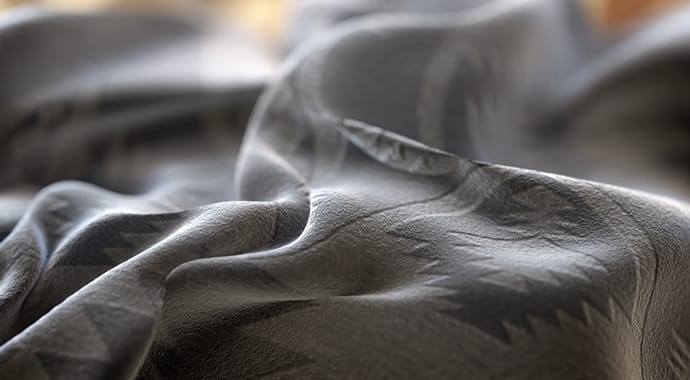
Sheen layer
Easily create materials for fabrics like velvet, satin and silk with the new Sheen layer added to the V-Ray Material.

Matalness
Metalness reflections are now supported directly by the V-Ray Material, making it fully compatible with PBR workflows.
.jpg?1624264572)
New V-Ray Material Translucency
It’s now easier than ever to render photorealistic skin, plastic, wax, and more. The updated V-Ray Material with built-in volumetric subsurface scattering lets you create translucent materials in just a few clicks.

Car Paint 2 Material
Take your automotive renders to the next level with a new car paint material that includes more realistic flakes and uses less memory.

Physical Hair Material
Achieve more realistic results with the new physically accurate V-Ray Hair Material.

Material displacement with advanced blending
Create more detailed materials effortlessly with the new material displacement with advanced blending. Now, you can blend the displacement from multiple V-Ray materials to apply it to any object, achieving stunning realism instantly without complex setups.

Chaos Scans Material Library support
Get access to a library of over 1,000 unbelievably real materials — a great asset to help you with your V-Ray visualizations.
Learn more about Chaos Scans >
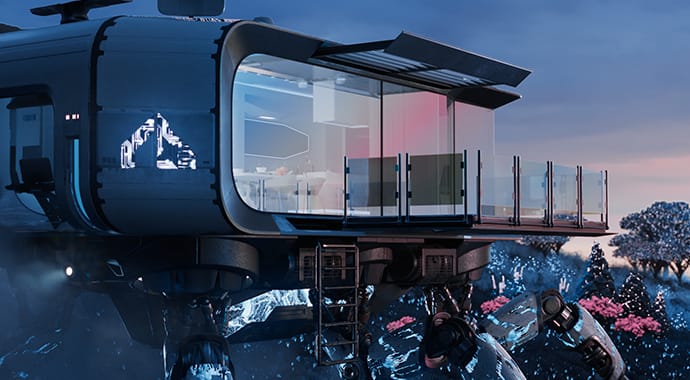
Thin Film layer
Easily create iridescent materials such as soap bubbles, oil spills, and more with the new Thin Film option available in the V-Ray Material.

V-Ray OSL
Take your material and texture creation to the next level. Render stunning procedural materials and intricate textures by harnessing the power of the reintroduced V-Ray OSL Material and Texture, enabling you to create customized, realistic, and visually stunning renders.
Textures
Improved V-Ray Dirt
Give surfaces a weathered look. With the improved V-Ray Dirt texture, you can add dirt to cracks and crevices, create procedural streaks, or cover an entire surface.
Texture randomization
Add variety to your scene by randomizing colors and textures with the VRayUVWRandomizer map and enhanced VRayMultiSubTex controls.
Stochastic texture tiling
The new V-Ray UVW Randomizer with Stochastic tiling helps you add natural variety to materials for extra realism, and eliminates the problem of texture tiling artifacts.
Blue-noise sampling
See a cleaner render faster. With blue-noise sampling, you’ll see less noise in your renders using the same amount of samples.
Native Support for Cinema 4D Noises
Enhance your renderings with different noise patterns and detailed surfaces. Now with less memory consumption.
Geometry
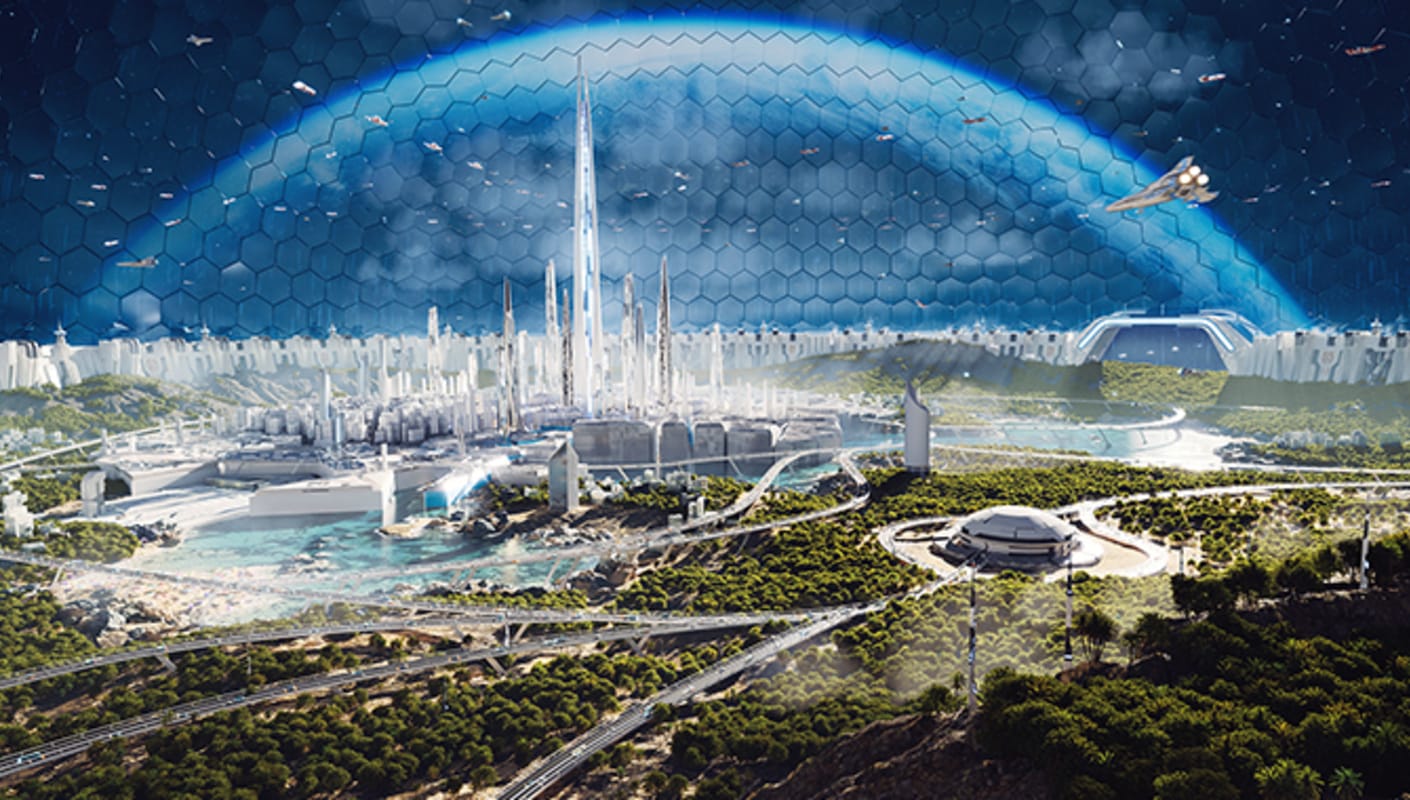
Instance millions of objects in just a few clicks. Quickly and easily populate any scene with vegetation, rocks, crowds, and more, without using lots of memory. Distribute the scattered objects exactly as you want to achieve the desired look. Get started now with assets

V-Ray Decal
Add anything from stickers and labels to cracks, stains, and scratches in just a few clicks. Project V-Ray Decals onto surfaces at any angle without extra UVW work or disturbing the underlying materials. Turn on displacement for even more realism.

V-Ray Enmesh
Tile 3D geometry patterns across objects to create complex surfaces with lots of detail for stunning close-up shots. Enmesh is ideal for creating intricate panels, fences, fabrics, and so much more, and it uses much less memory than displacement or copying by hand.

Render realistic hair and fur faster than ever before using V-Ray’s procedural fur. Simulate realistic grass, fabrics, carpets, hair, and much more.

Create quick cutaways and section renders with V-Ray Clipper. Convert any scene object to a clipper.
Atmospheric and volumetric effects
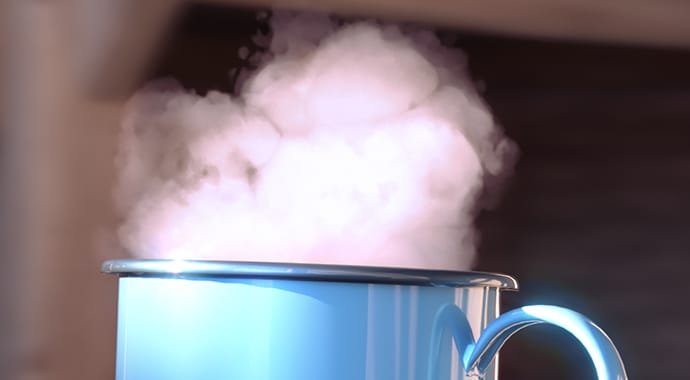
Volume rendering
Render realistic fog, smoke and atmospheric effects with V-Ray Volume Grid. Bring in volume grid caches from Houdini, FumeFX and Phoenix FD.
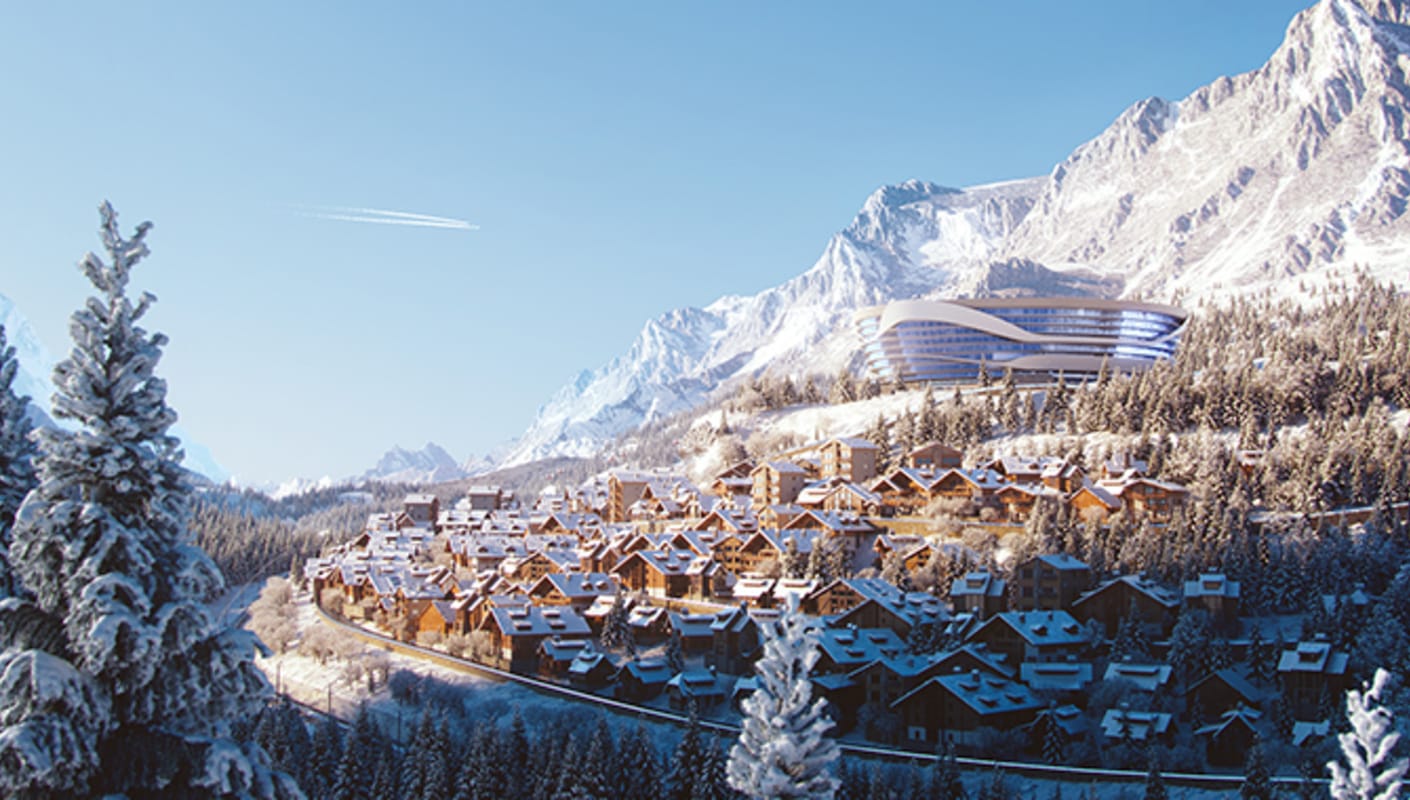
Aerial Perspective
Simulate natural-looking skies with realistic atmospheric depth.
Render elements
Render Elements
Choose from nearly 50 unique beauty, utility, and matte passes to give you more control over your rendered images in compositing.
Cryptomatte
Auto-create ID mattes with support for transparency, depth of field and motion blur.
Light Path Expressions
For the ultimate control, you can create your own render passes with Light Path Expressions, using the behavior of light, rather than just geometry for more efficient compositing.
Post-processing
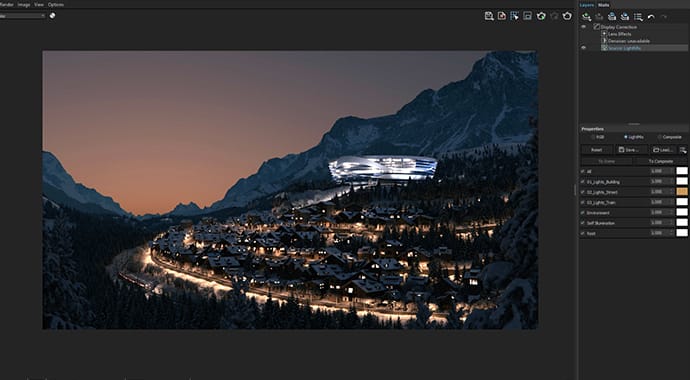
Light Mixing
Create dozens of lighting scenarios from a single render. Interactively edit the color and intensity of lights, and see the results without rendering again.
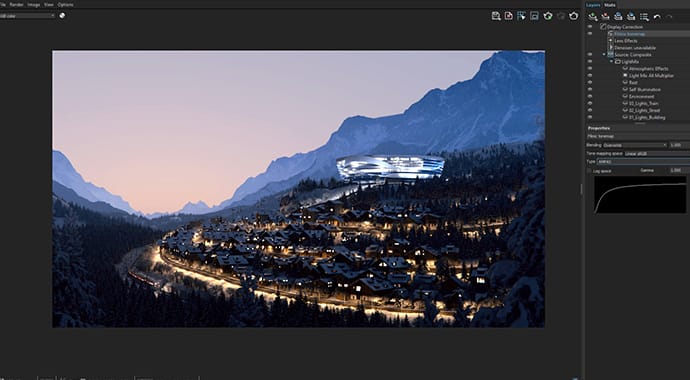
Built-in compositing
The layer-based compositor allows you to combine render passes, set blending modes and adjust colors without going to a separate app.

Fine-tune parts of your render using any of V-Ray’s masking render elements—Cryptomatte, MultiMatte, and Object/Render/Material IDs. No need to re-render or go to another app.
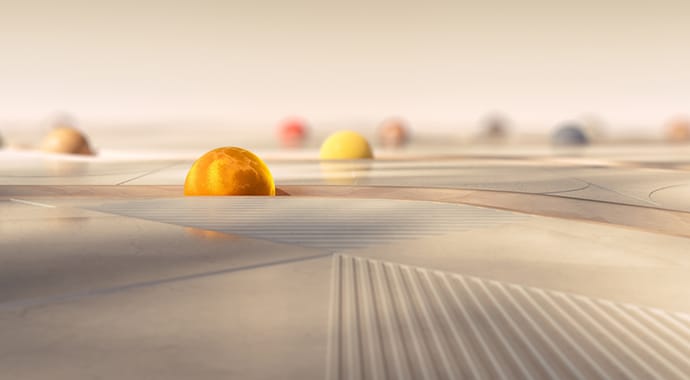
Blur and Sharpen in the VFB
Adjust the details of your renders using the new Blur and Sharpen layers right in the V-Ray Frame Buffer. No need for a separate post-processing app!

Masking for post effects
Get even more post-processing control right from the V-Ray Frame Buffer. With this new masking option, you can decide which objects to apply lens effects to, which ones to blur, sharpen, or even denoise — all without re-rendering.

Shadow Select
Take compositing control to a new level thanks to the Shadow Select option inside the Light Select render element. Effortlessly control individual shadows, including their visibility, scene influence, intensity, and color.
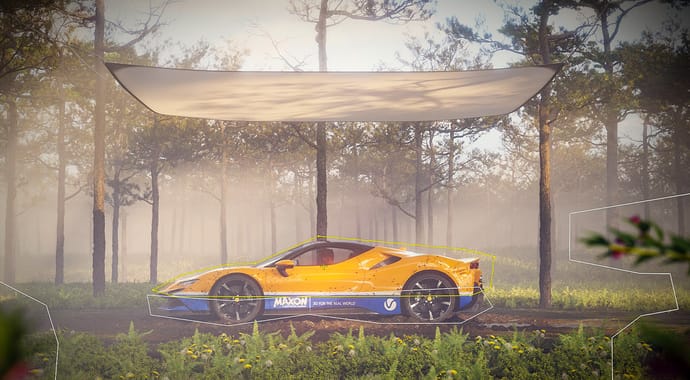
Custom-shaped render regions
Refine and render specific parts of your scene by defining custom-shaped regions in the VFB without unnecessary re-rendering. Create multiple regions in any shape and focus precisely on the areas you want to fine-tune.
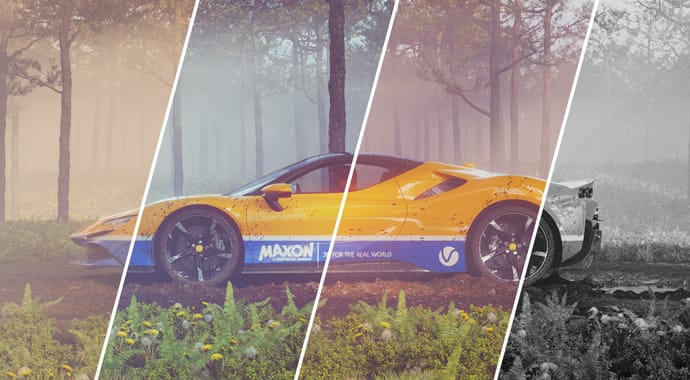
Color correction presets
Quickly explore different looks for your renders with the new color correction presets in the VFB. Once you’ve chosen the mood/style you’re after, you can easily customize the selected preset to perfectly match your creative vision.
Looking for the best Cinema 4D plugins to enhance your 3D workflow? Browse our collection of premium C4D plugins, scripts, and render engines including Redshift, Octane, X-Particles, and TurbulenceFD. Whether you need faster rendering, advanced particle effects, or modeling automation, these Cinema 4D add-ons will help you create stunning 3D visuals. All plugins are tested and compatible with the latest versions of Maxon Cinema 4D. Download now and take your 3D projects to the next level.
➡️ ➡️ For more Cinema 4D Plugins
➡️ ➡️ More Other Plugins
Reviews
There are no reviews yet.