
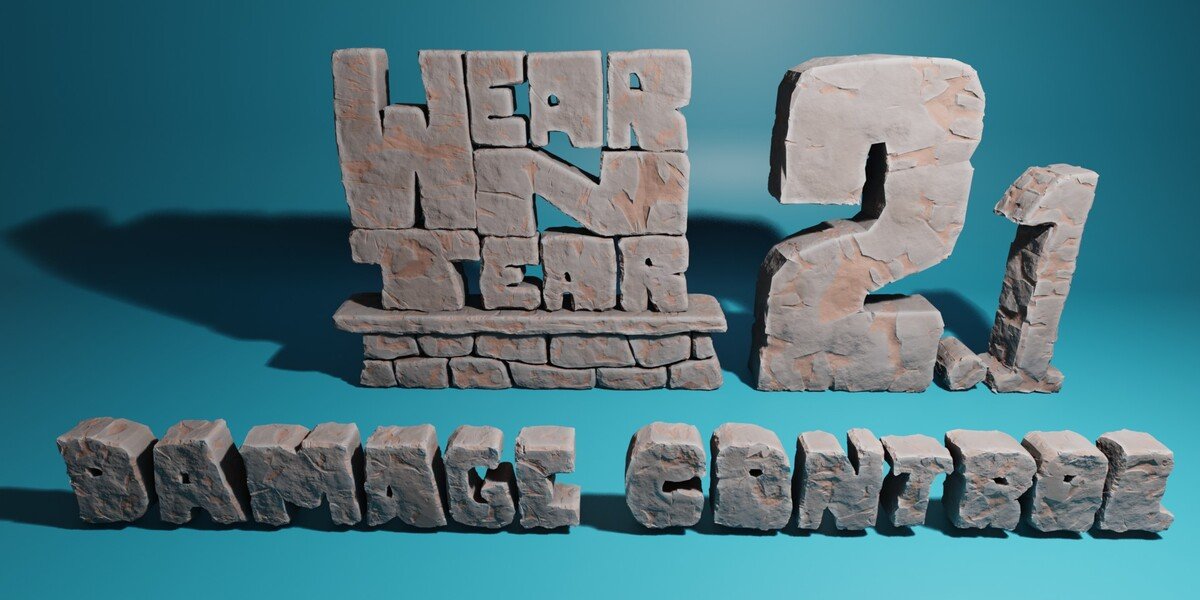
Wear N Tear PRO for Blender
Wear N Tear v2.0.0 PRO for Blender – The Ultimate Procedural Aging, Weathering & Material Degradation Suite
Download Wear N Tear v2.0.0 PRO for Blender on Windows and Mac, a powerhouse procedural material addon designed to instantly transform pristine, sterile 3D models into realistic, lived-in, and weathered assets. Whether you need to add subtle edge wear to a sci-fi prop, simulate years of rust and peeling paint on an industrial machine, or cover a building in dust and grime, Wear N Tear automates the complex process of material degradation. By analyzing your mesh’s geometry, curvature, and ambient occlusion, it applies physically plausible weathering effects in seconds, eliminating the need for hours of manual texture painting.
Key Features of Wear N Tear v2.0.0 PRO:
- Intelligent Edge Wear & Chipping: Automatically detects convex edges, corners, and high-contact areas to apply realistic paint chipping, metal polishing, and surface abrasion, mimicking how objects naturally degrade from friction and handling.
- Gravity-Aware Rust & Streaks: Unlike random noise textures, the rust and water stain generators understand gravity. Streaks flow naturally downward from crevices and holes, pooling realistically in lower areas and corners.
- Multi-Layer Material Peeling (PRO Feature): Automatically generates complex material masks where top layers (like paint or primer) peel and curl away to reveal rusted or bare metal underneath, with accurate thickness and microscopic edge detailing.
- Smart Dust & Grime Accumulation: Utilizes ambient occlusion and upward-facing normal data to pack realistic dust, dirt, and grease deep into crevices, panel gaps, and horizontal surfaces where debris naturally settles.
- Directional Scratch & Scuff Generator: Add highly realistic micro-scratches and scuffs that follow specific directional patterns (like brushed metal or circular sanding marks) or random impact scuffs.
- Vertex Color Masking & Control: Use vertex colors or a simple brush to manually “paint” areas where weathering should never happen (like a clean logo or freshly painted section) or must happen (like a specific impact zone), giving you ultimate artistic control.
- One-Click Environment Presets: Instantly apply comprehensive weathering setups tailored to specific environments, including Desert Sun-Baked, Abandoned Industrial, Freshwater Submerged, Arctic Frost, and Urban Smog.
- Bio-Growth Module (PRO Feature): Procedurally generate organic weathering, including moss, algae, mold, and lichen, which automatically grow in damp, shaded, and low-lying areas.
- Animation & Progression: Keyframe the weathering intensity to animate an object degrading over time—watch paint peel, rust spread, and dust accumulate dynamically during a sequence.
- Non-Destructive Node Groups: All effects are built using clean, organized, and color-coded node groups in the Shader Editor. You can tweak the exact shade of rust, the intensity of the edge wear, or the size of the dust particles at any time.
Perfect For:
- Hard-Surface Modelers needing to add final storytelling details, edge wear, and grime to vehicles, weapons, and robots before rendering.
- Environment Artists aging architectural elements, props, and set dressing for post-apocalyptic, historical, or realistic modern scenes.
- Game Developers creating hero props and modular kits that look grounded in reality without spending days in external texturing software.
- Architectural Visualizers adding realistic wear to exterior building materials, stonework, and urban props to break up the “perfect CG” look.
- VFX Studios simulating progressive decay, corrosion, and environmental interaction on set pieces.
- Freelancers & Generalists who need to deliver high-quality, weathered assets on tight deadlines without specializing in manual texture painting.
System Requirements:
- Blender: 3.6, 4.0, 4.1, 4.2, 4.3, 4.4+ (Latest LTS recommended).
- OS: Windows 10/11 (64-bit) or macOS 10.15+.
- RAM: 8GB minimum (16GB+ recommended for scenes with complex, multi-layered procedural shaders).
- Render Engine: Fully compatible with Cycles (recommended for accurate material layering and displacement) and Eevee.
Installation:
- Download the Wear N Tear v2.0.0 PRO
.zipfile. - Open Blender and go to Edit > Preferences > Add-ons.
- Click Install…, select the downloaded file, and enable the checkbox next to Material: Wear N Tear.
- Access via the 3D Viewport Sidebar (N-panel) under the Wear N Tear tab, or the Shader Editor Add Menu > Group > Wear N Tear.
What’s New in v2.0.0 PRO?
- Blender 4.4 Principled BSDF v2 Support: Fully updated the shader logic to perfectly match the new sheen, coat, and emission parameters introduced in the latest Blender releases, ensuring flawless AgX color space handling.
- Advanced “Micro-Curl” Peeling: The PRO peeling module now includes microscopic edge curling and thickness variation, making the transition between paint layers look incredibly tactile and real.
- New “Bio-Growth” Module: Added highly realistic procedural presets for organic weathering, allowing moss and algae to react to moisture maps and surface normals.
- Performance Optimization: Optimized the underlying node tree evaluation, reducing shader compilation time and viewport lag by 40% when applying complex weathering to high-poly meshes.
- Directional Scratch Mapping: The scratch generator can now be driven by UV coordinates or World Space, allowing for perfectly aligned brushed metal or anisotropic wear patterns.
- UI Overhaul: Redesigned the N-panel interface with visual thumbnails for every preset and effect, making it easier to manage objects with multiple weathering layers active.
Note:
Wear N Tear v2.0.0 PRO is built on the philosophy that imperfection tells a story. A clean, pristine 3D model often looks artificial and disconnected from its environment. Wear N Tear bridges that gap by applying physically grounded degradation logic to your materials. It knows that paint chips on sharp edges first, that rust streaks flow down, and that dirt settles in corners. Because it is entirely non-destructive and procedural, you can freely experiment with different levels of decay, knowing you can always dial it back or tweak the specific type of rust with a simple slider. Whether you are creating a slightly scuffed smartphone or a heavily bombed-out tank, Wear N Tear delivers photorealistic decay instantly.
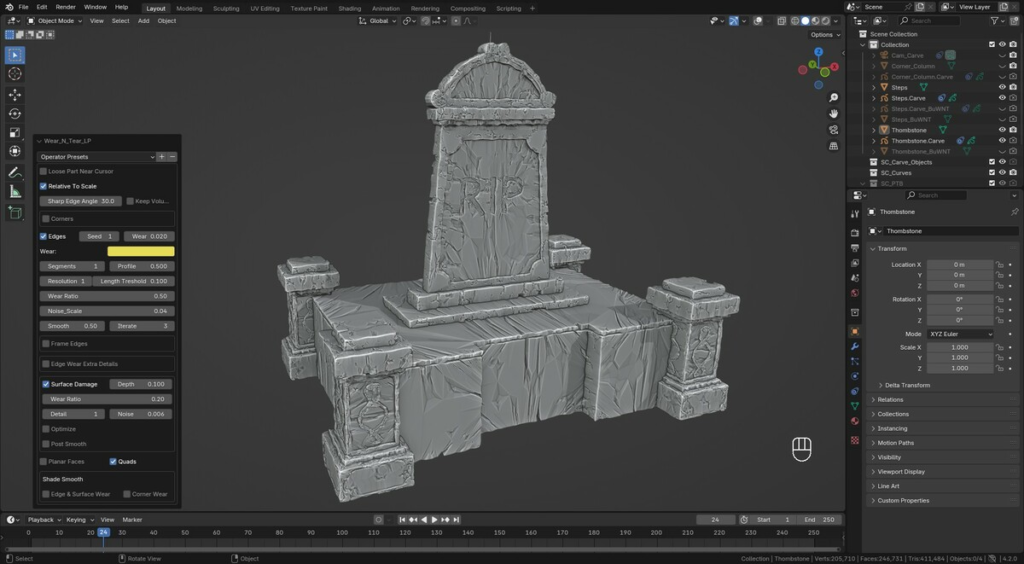
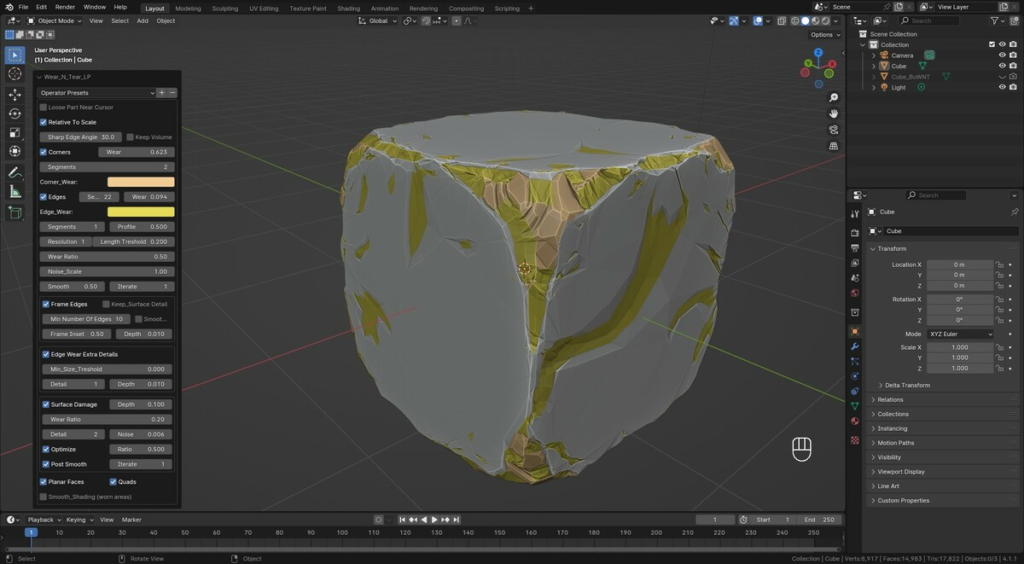
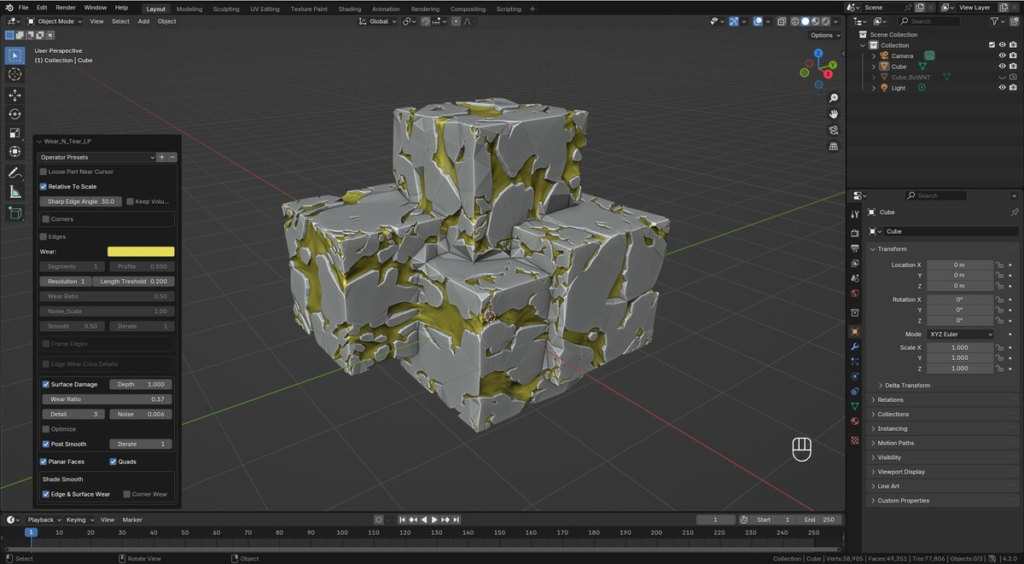
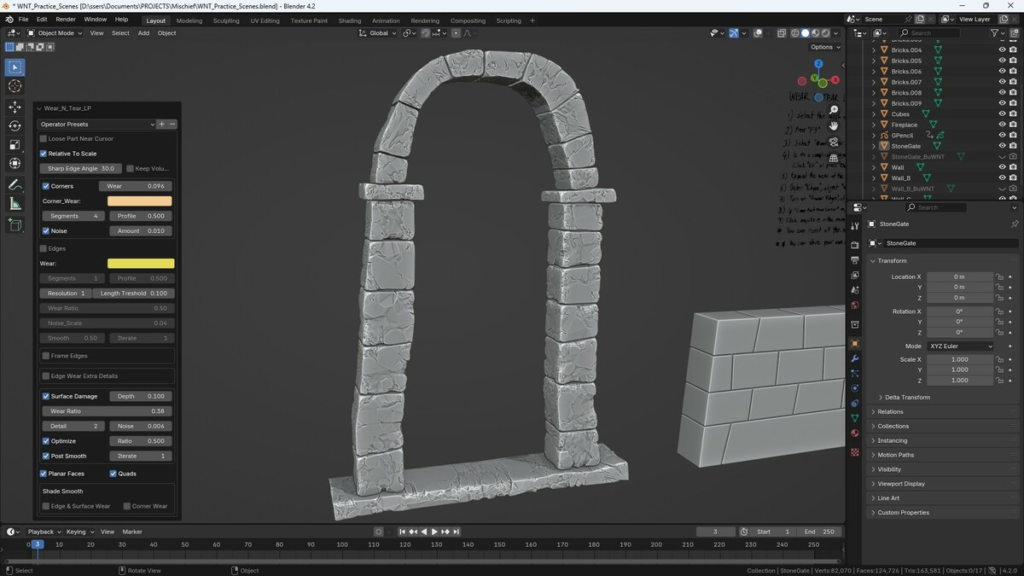
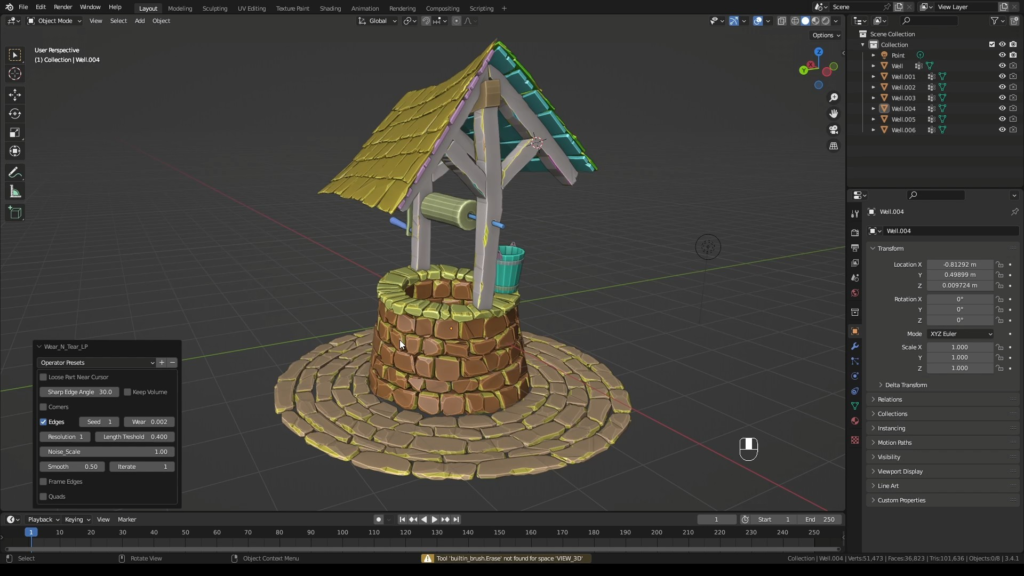
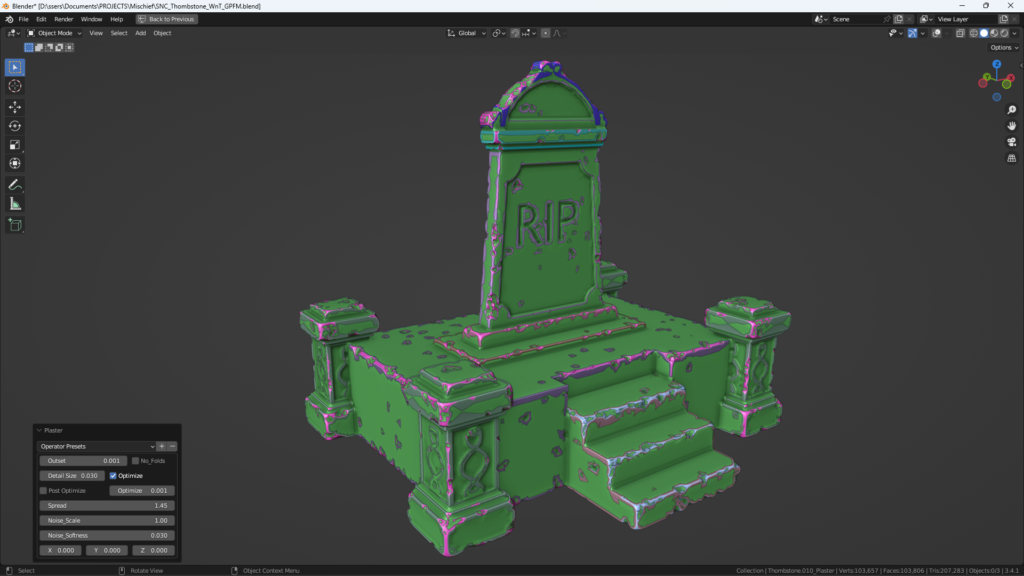
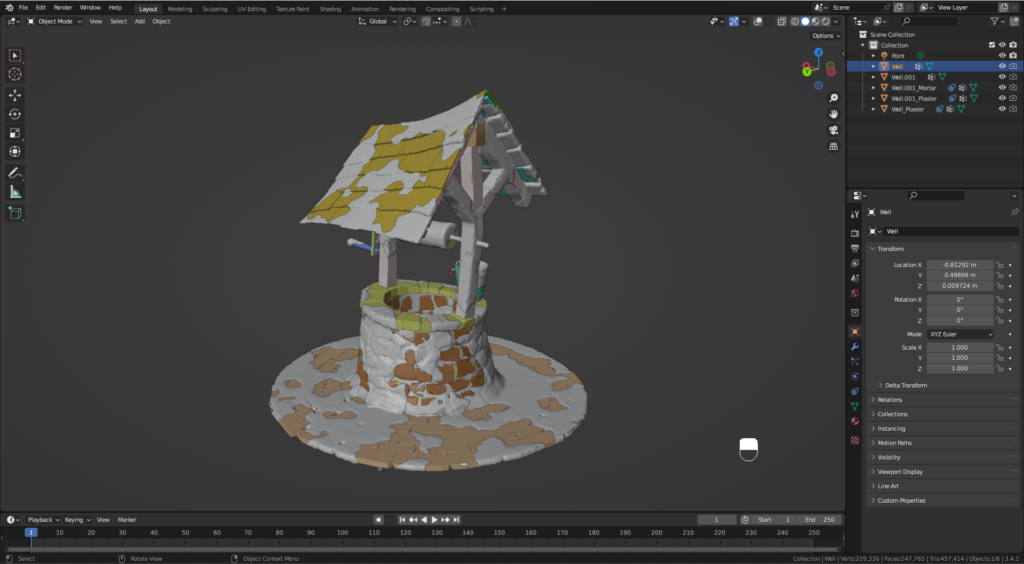
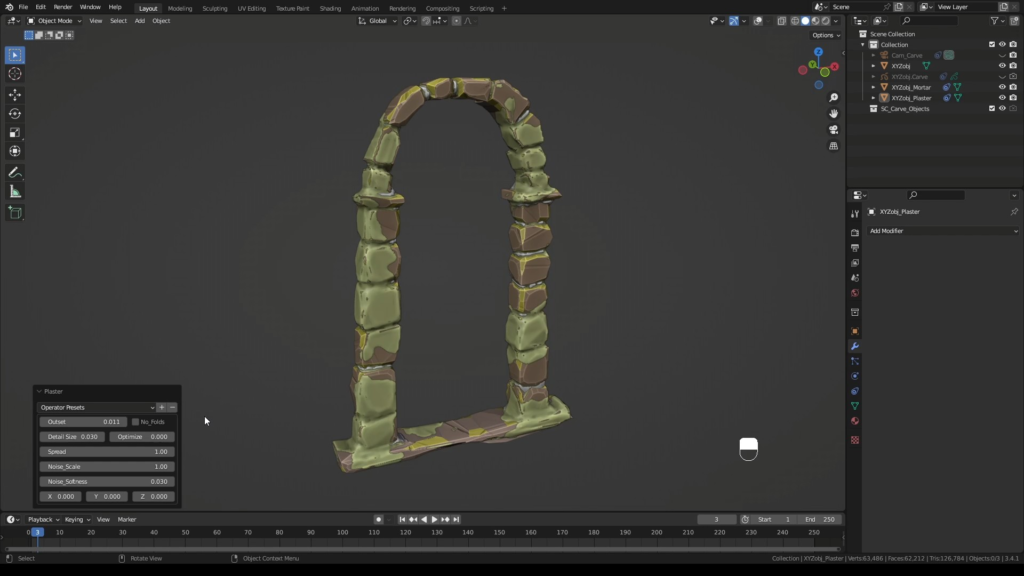
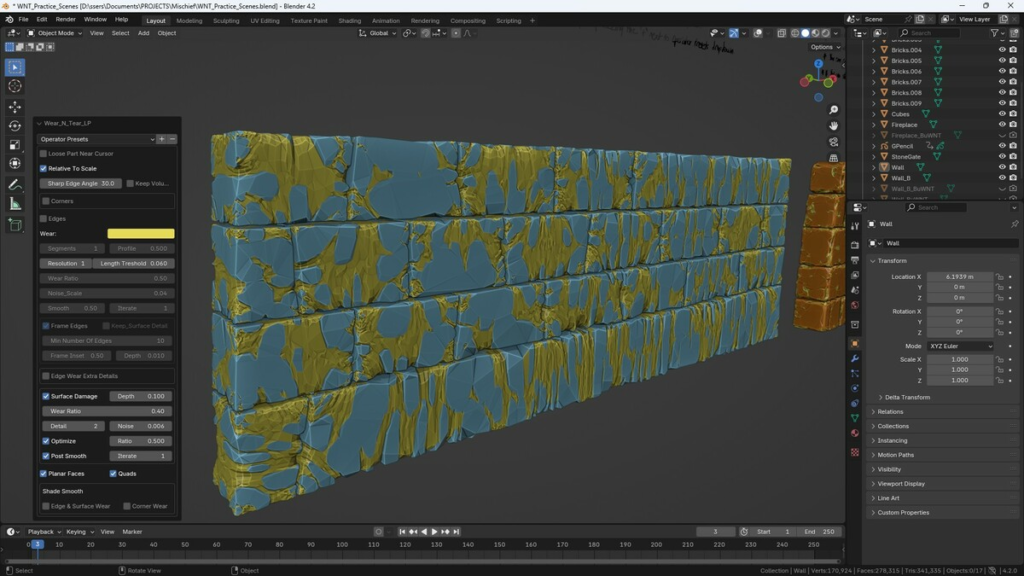
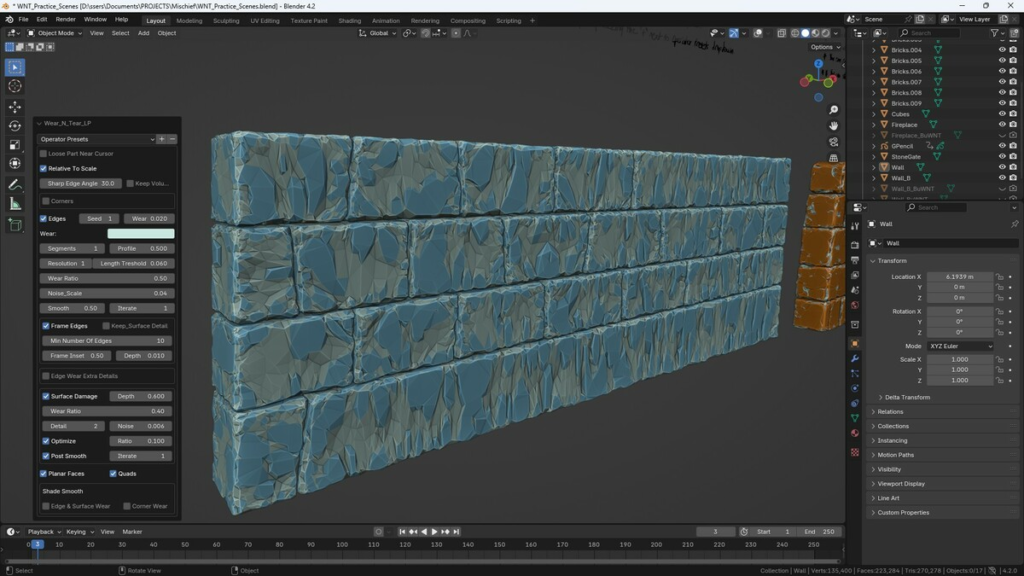
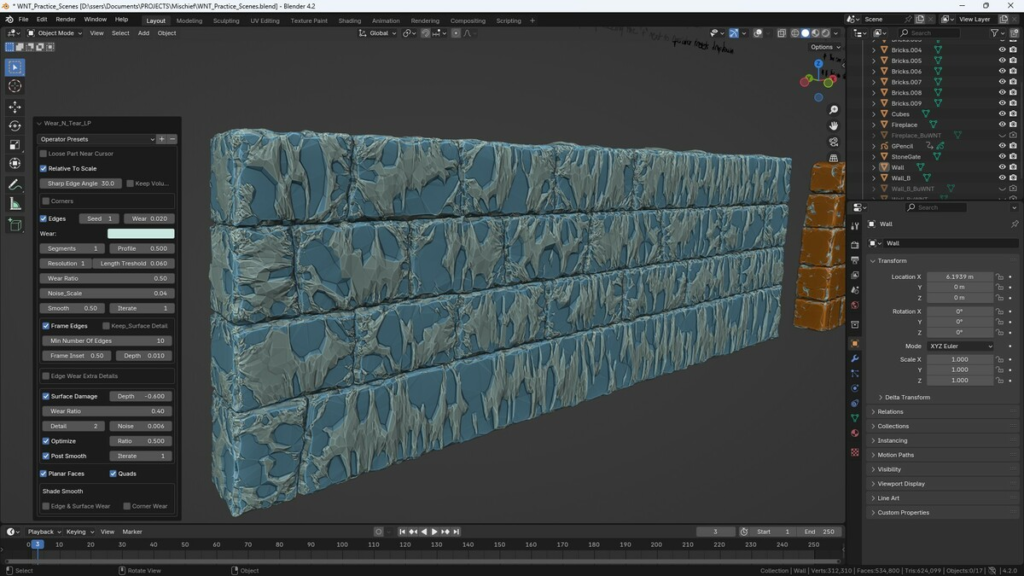
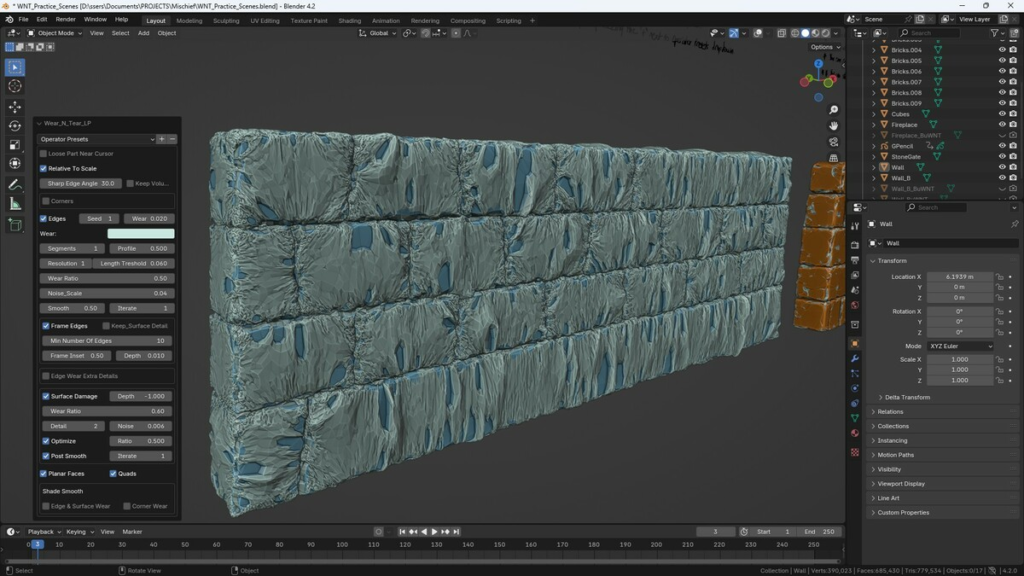
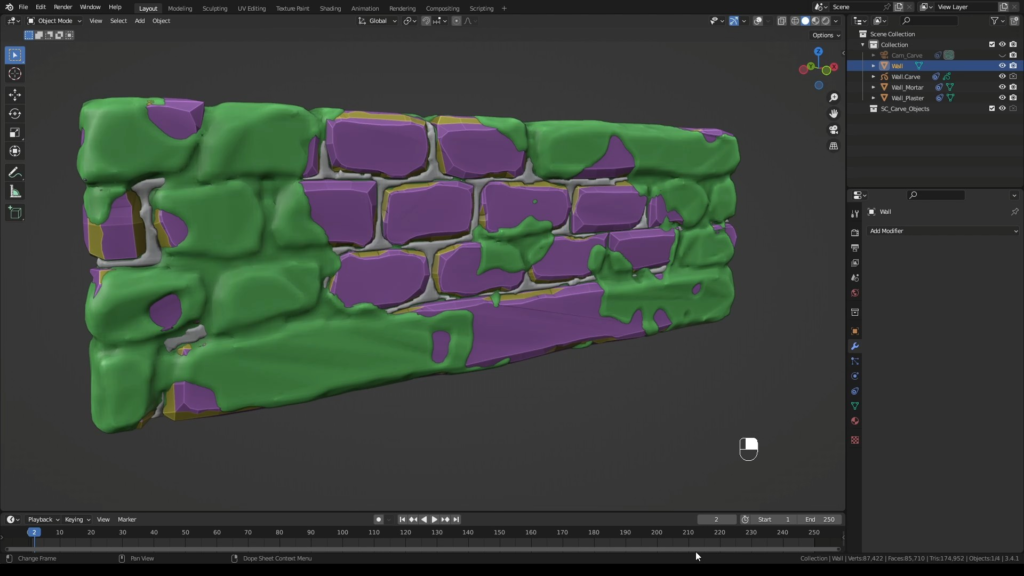
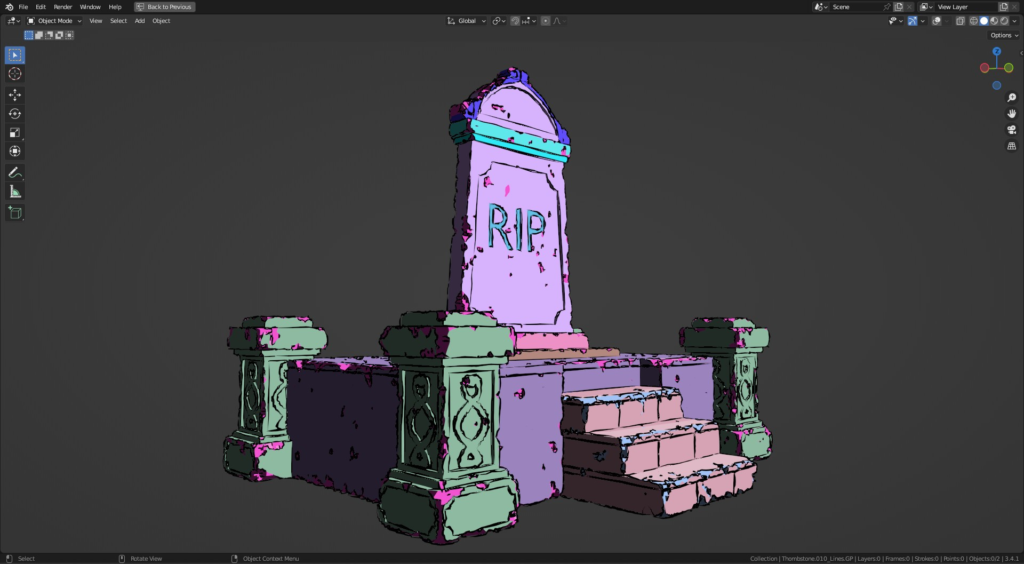
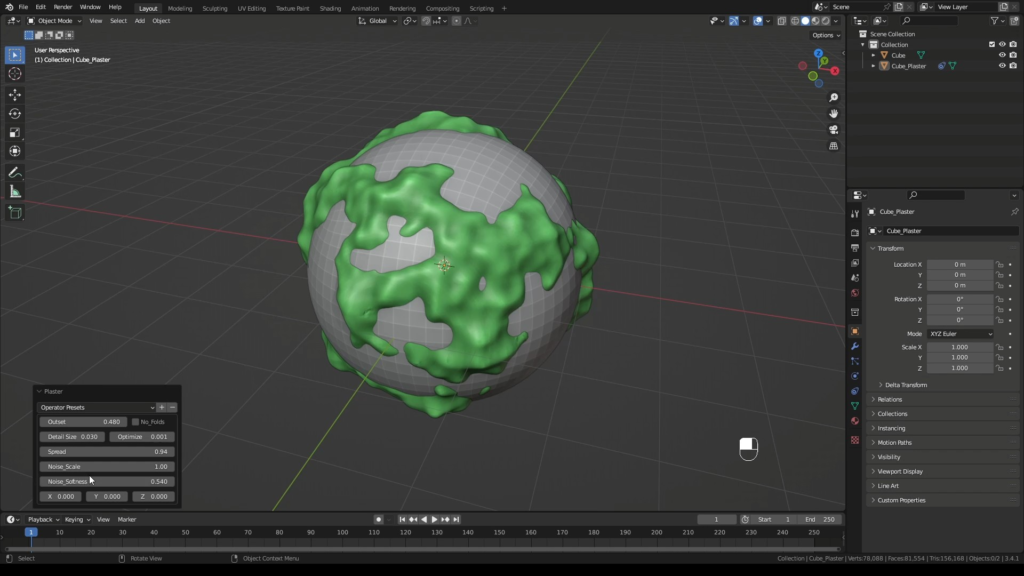
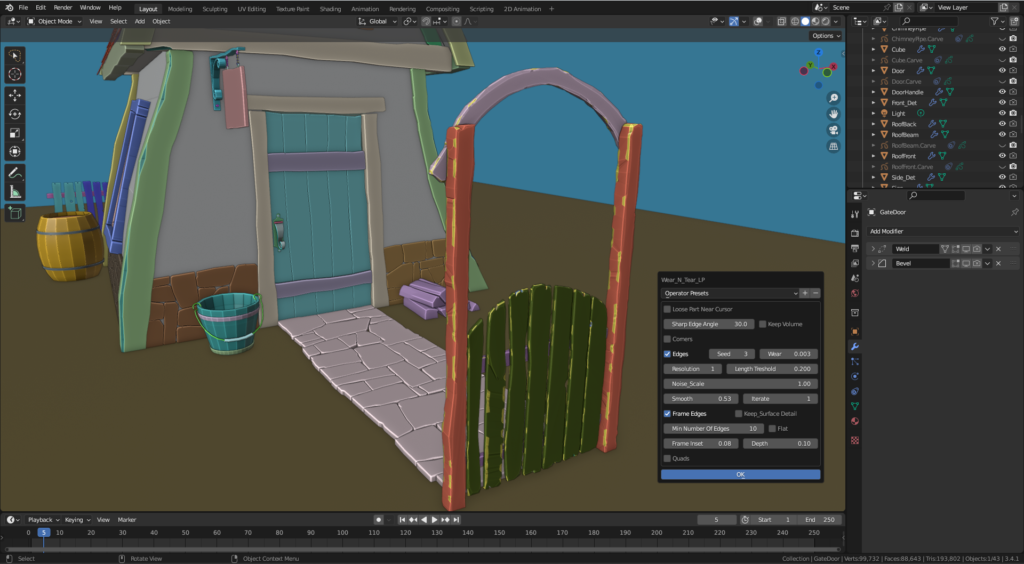
Erode your models by adding Wear N’ Tear to create that used, worn out feel.
Activate the add-on by pressing “F9“.
Select Wear N’ Tear HP (Realistic) or Wear N’ Tear LP for a stylized look.
Erode your model(s) individually one at a time or multiple objects simultaneously (multi select).
Process entire walls at once. No need to separate the bricks, stones or any part at all. Fast real time response.
Restore your model in whole or partially (loose part) to its original state as many times as needed. Forever. No need to work “non destructively”.
Add mortar between Stones or bricks (Pro).
Cover your model(s) with plaster (Pro). Or, create landscapes with it (See below: The Plaster Planet).
Cut cracks, cut parts off, add scratches, rip, tear, shred. Heck, build the model first with Sketch N’ Carve CORE which is a full function modeler (Damage Control).
Simulate parts to create a realistic debris using Sketch N’ Simulate_SE (Full Damage Control)
Let’er rip!
****PRACTICE SCENES WITH STEP BY STEP INSTRUCTIONS INCLUDED****
Also see Rock Star, a great companion to Wear N’ Tear, expanding the damage options with a new look:
https://blendermarket.com/products/rock-star
What’s included with each version:

WNTear Version: 2.1.0g1 (Blender 4.3 and later)
WNTear Version: 2.0.0g_R (Blender 4.2 and before)
Sketch N’ Carve CORE: 4.4.1d (Blender 4.3 and later)
Sketch N’ Carve CORE: 4.1.0d (Blender 4.2 and before)
SNSimulate_SE Version: 1.1.0l
SketchN Camera Controls Version: 4.3.0a
*If you’d like to upgrade to full Sketch N’ Carve use the coupon code “wntsnc” for $10 off
Wear N’ Tear Video Tutorial (YouTube)
Herod’s Temple Mount (YouTube): A professional production that uses Wear N’ Tear on every object in the video. Courtesy of Jeremy Park for the Bible Scenes.

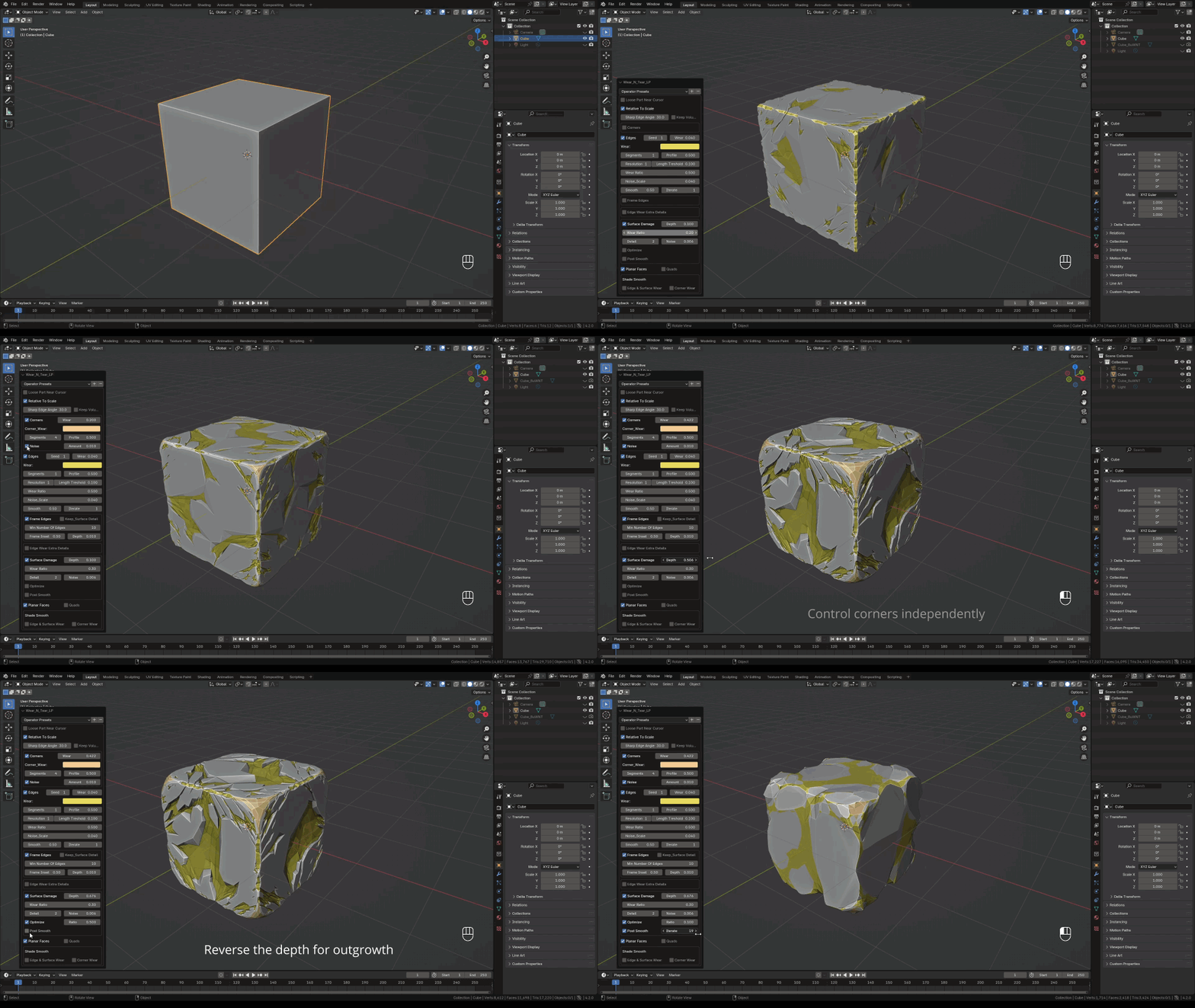

Procedural Textures (WNT Full Damage Control)

Procedural Texture (Surface & Mortar) (WNT Full Damage Control)

Procedural Texture (WNT Full Damage Control)

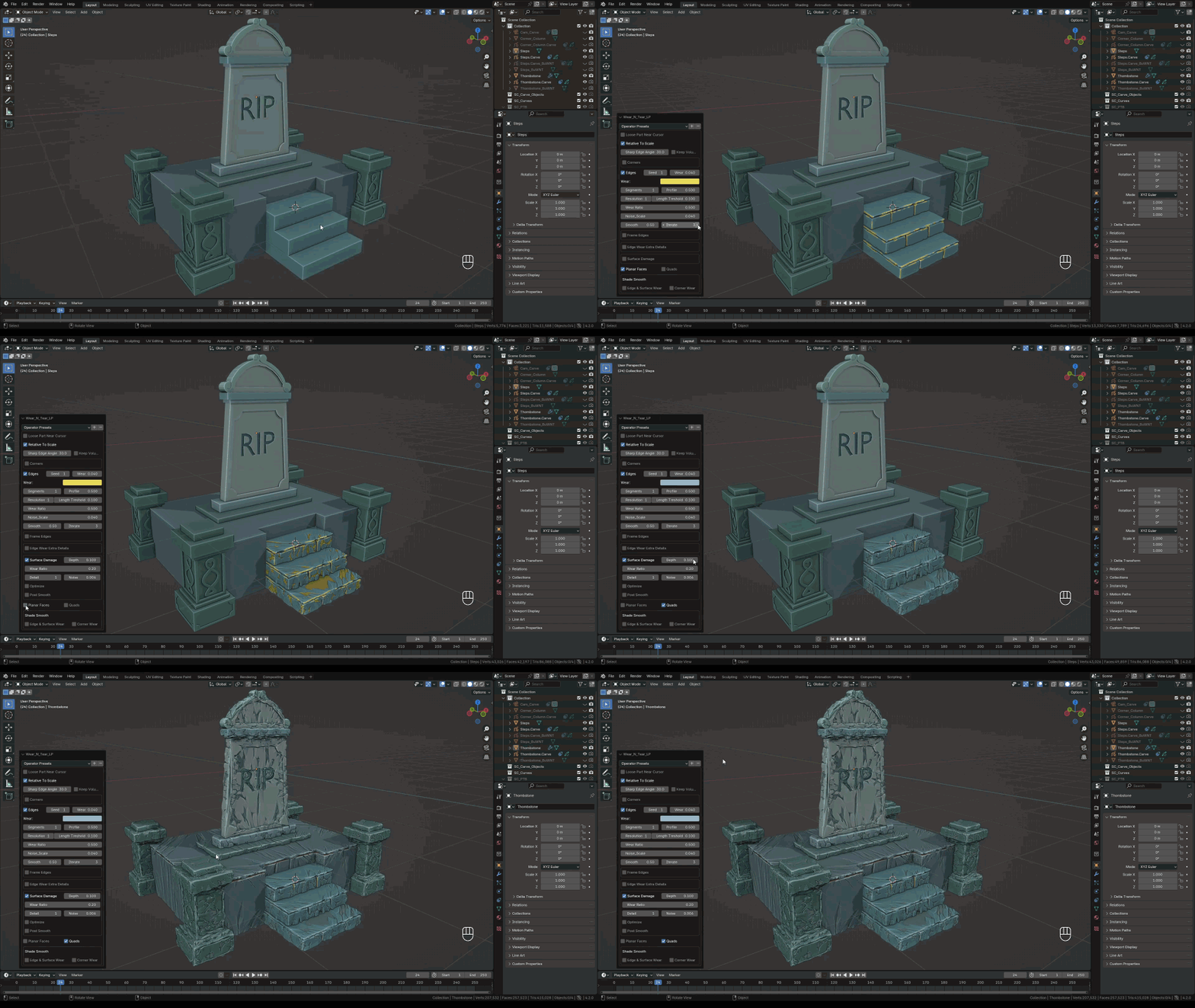
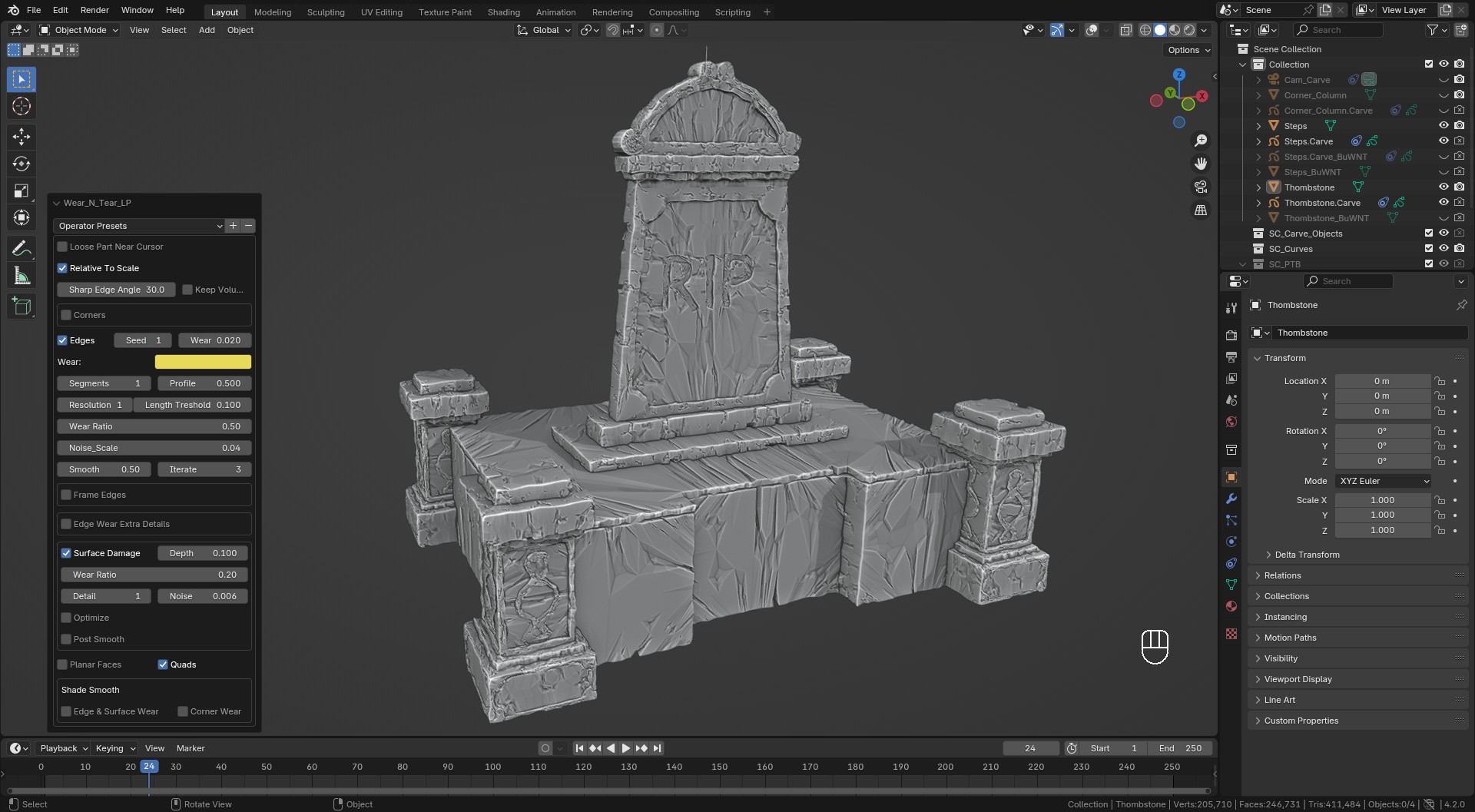
LP Surface Damage
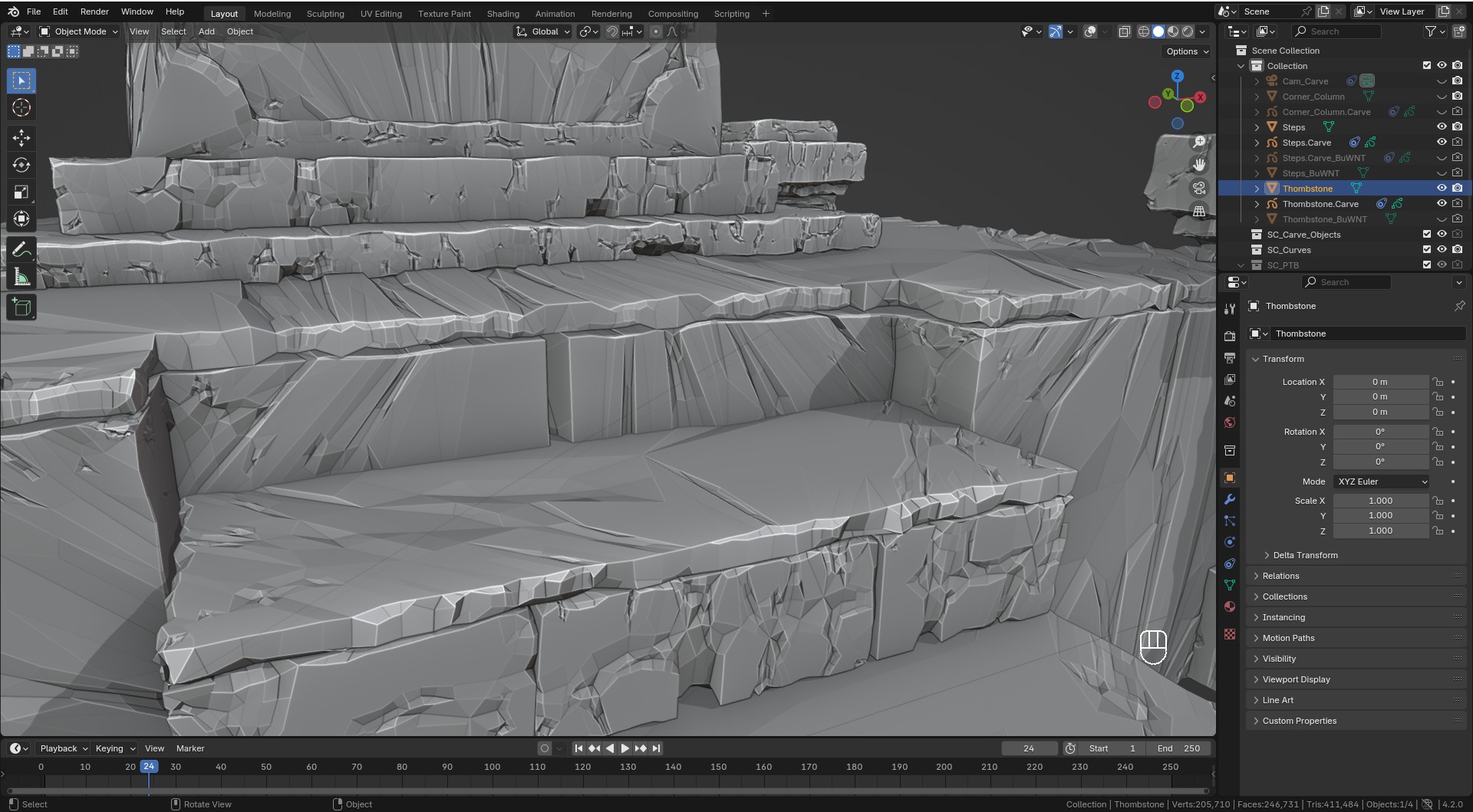 LP Surface Damage
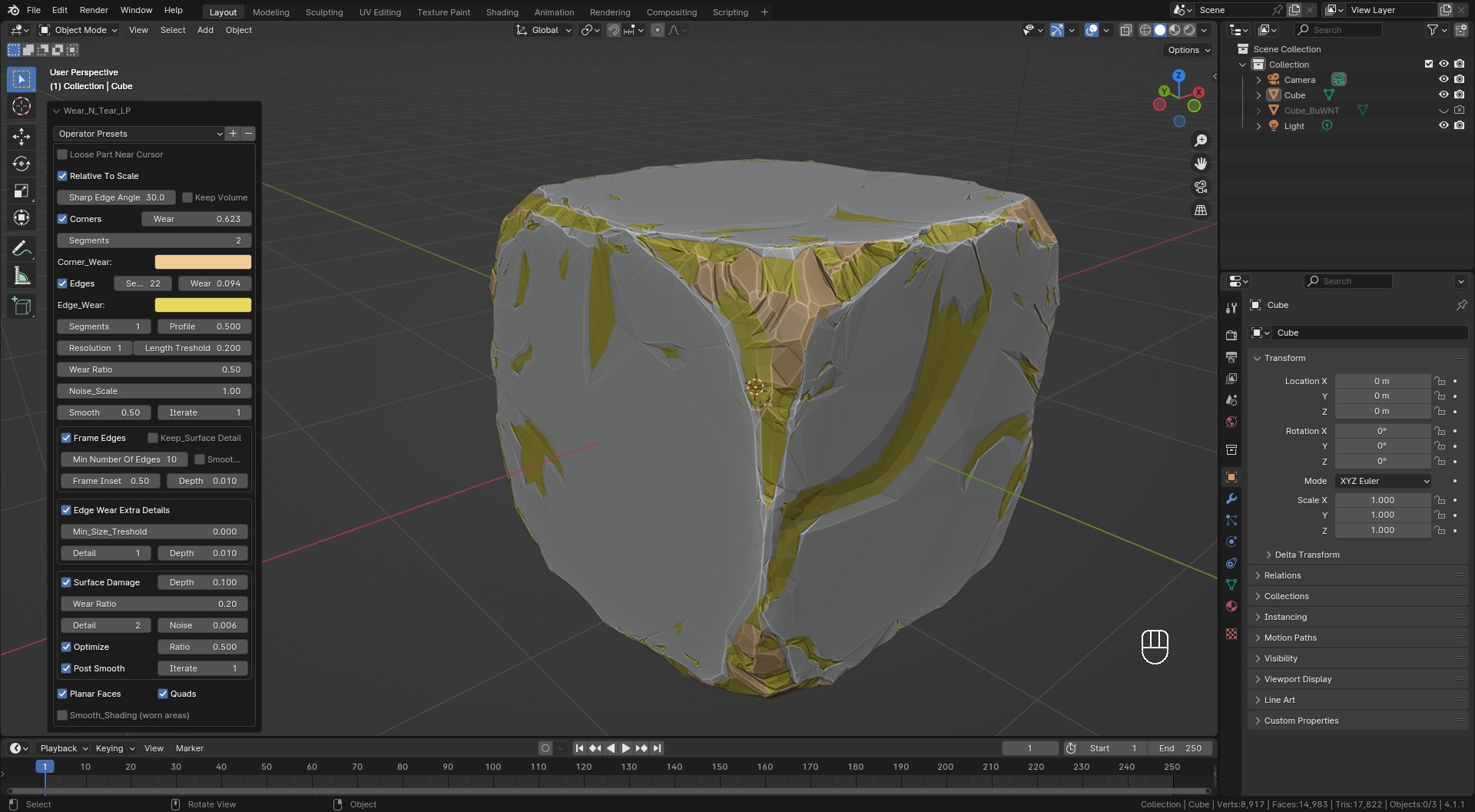 LP Surface Damage
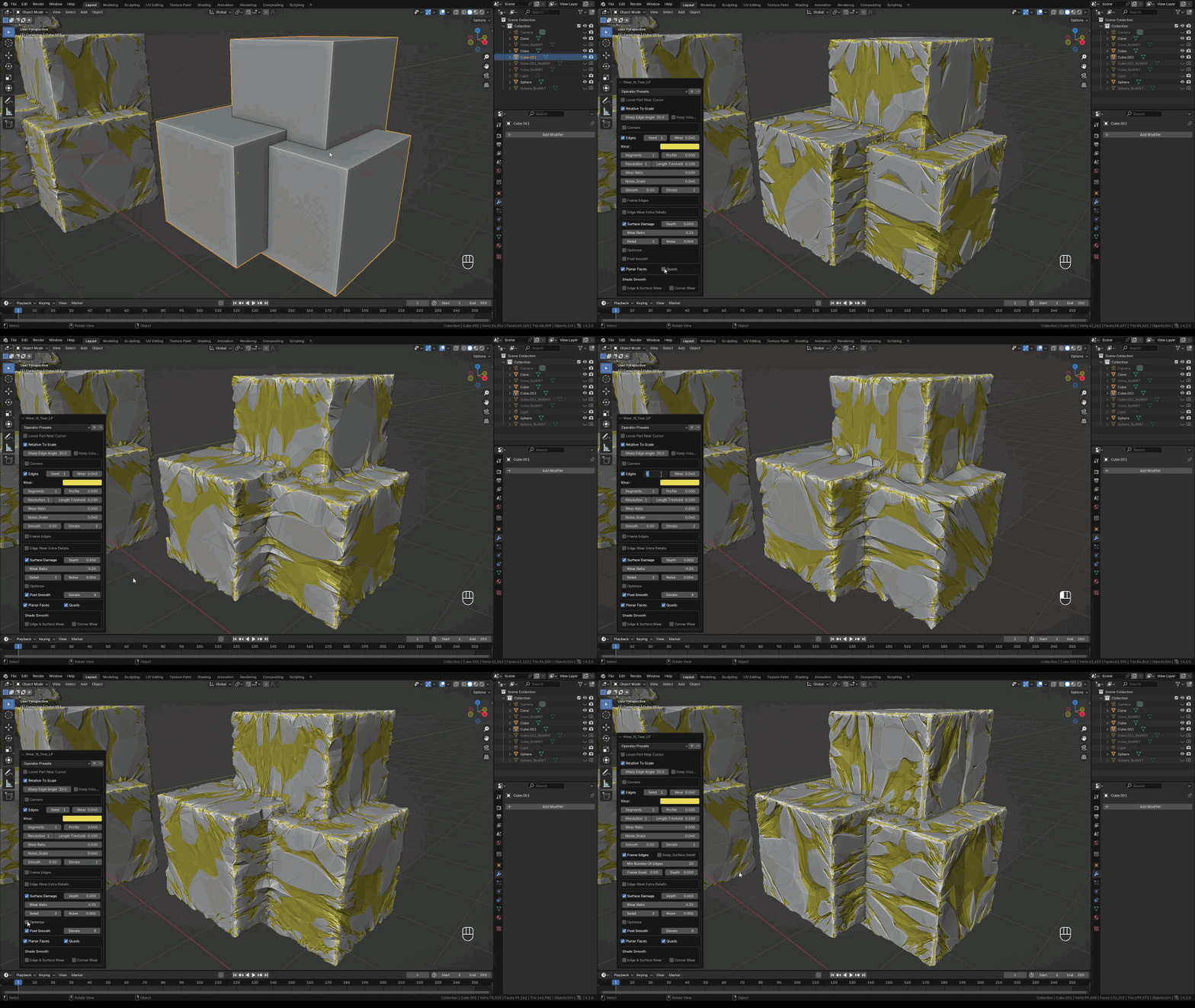
LP Surface Damage
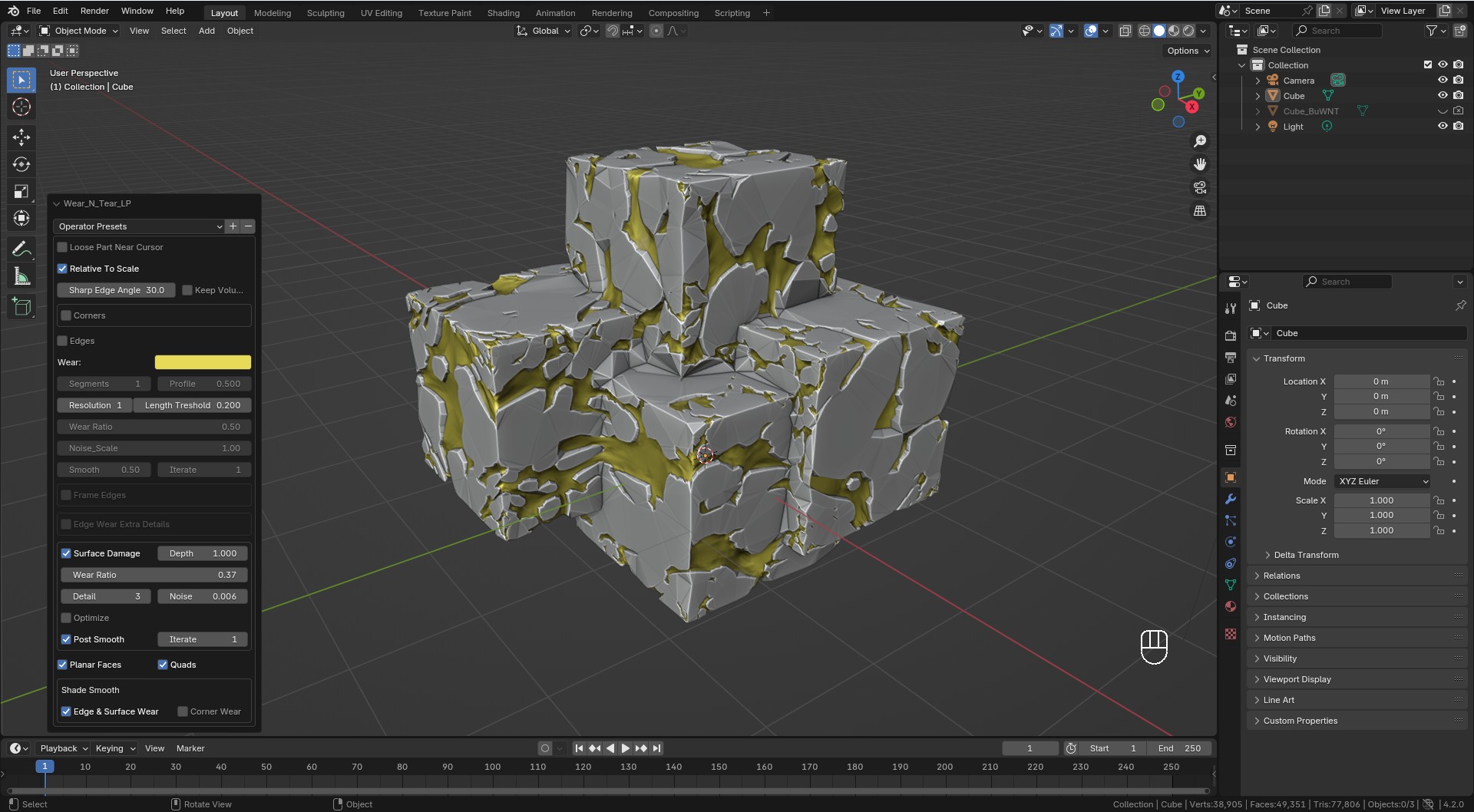 LP Surface Damage
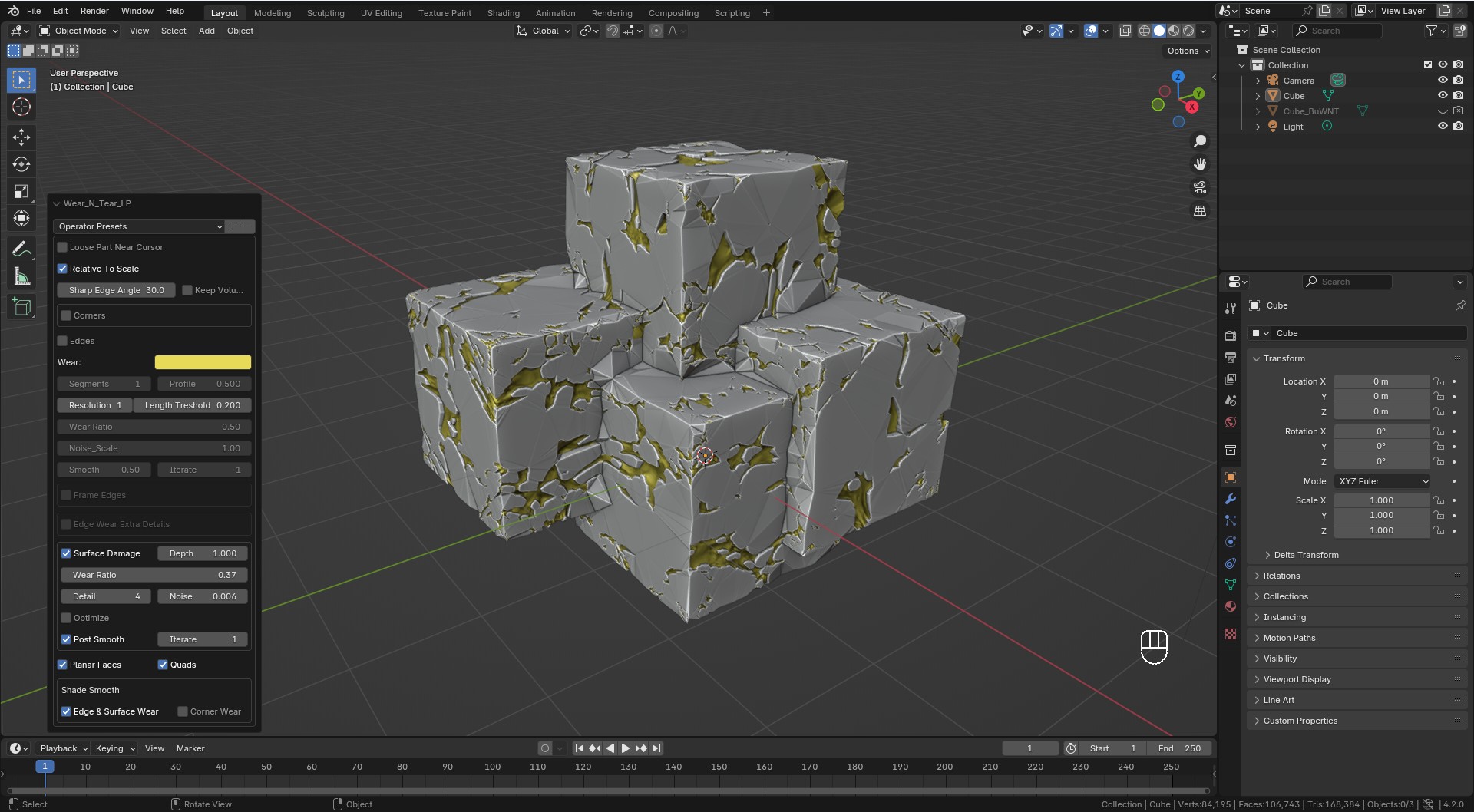 LP Surface Damage
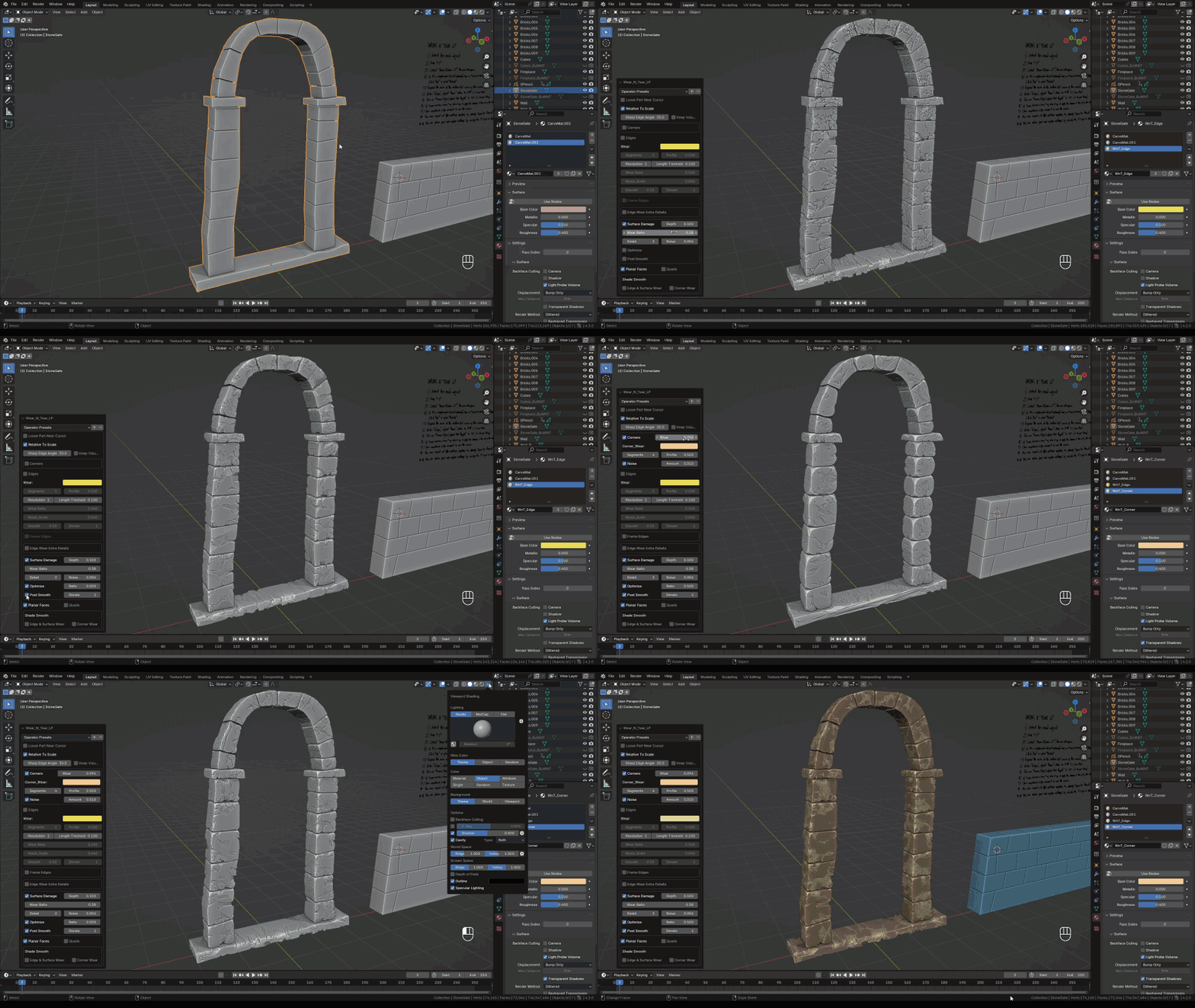
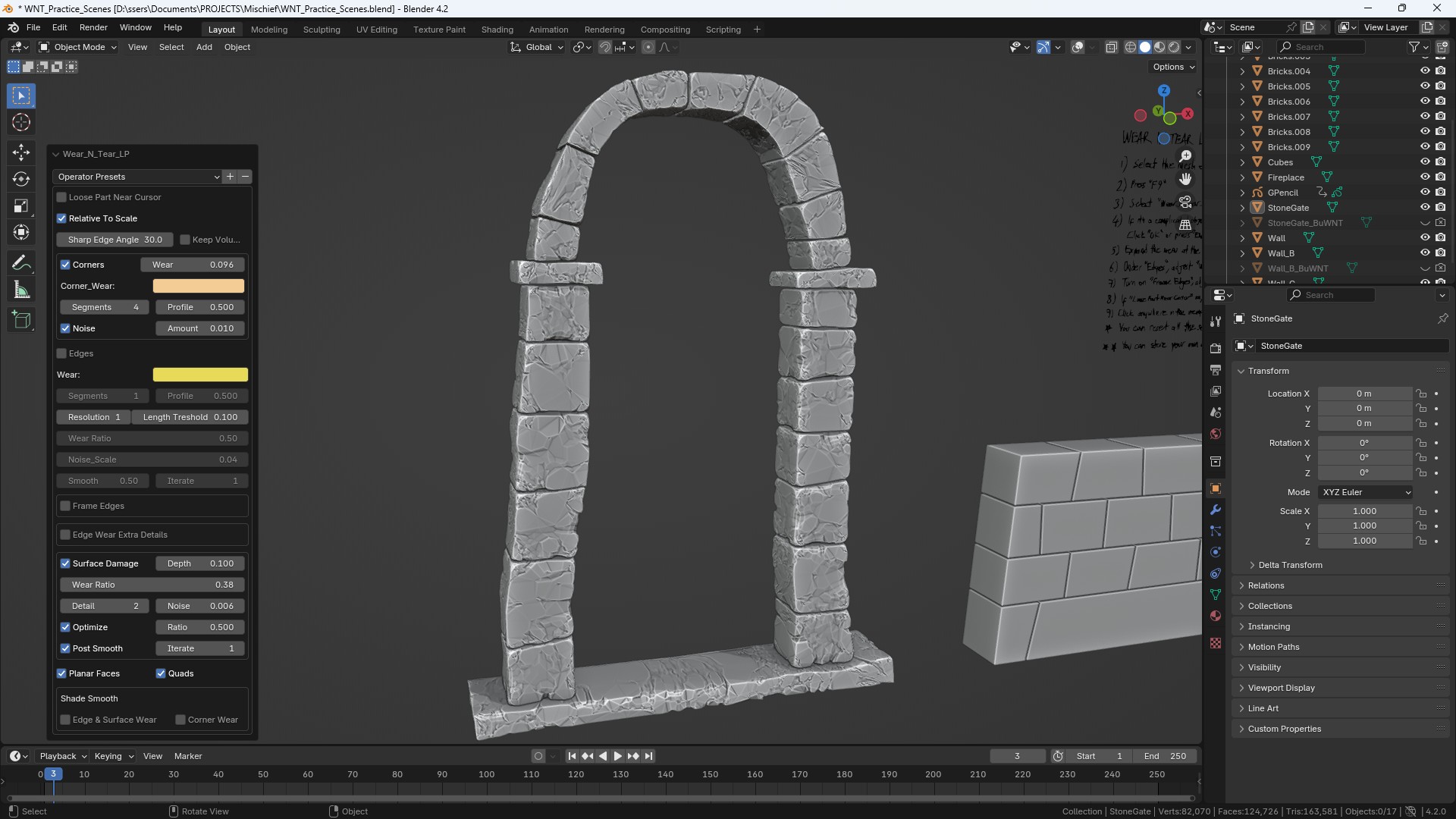 LP Surface Damage
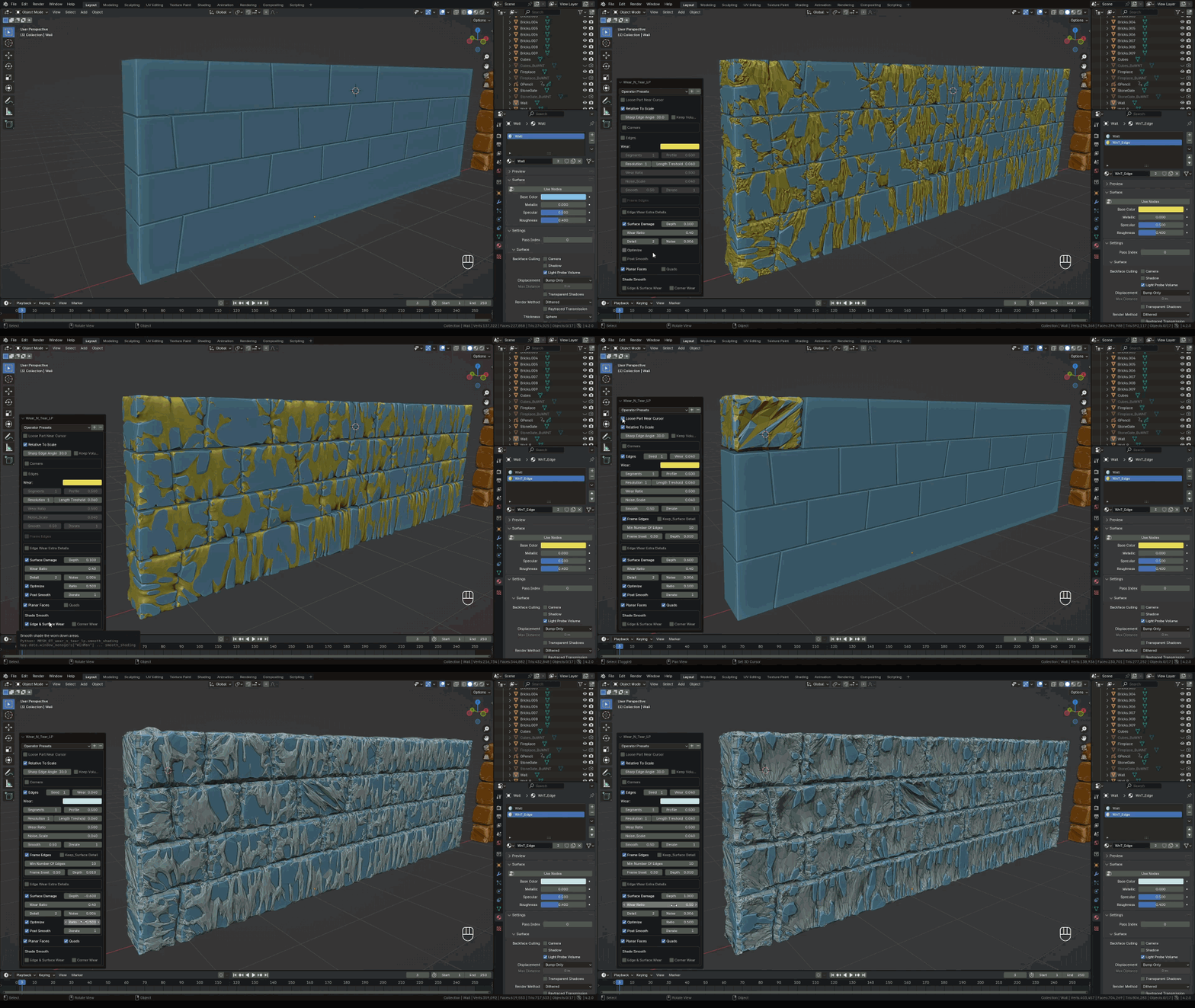
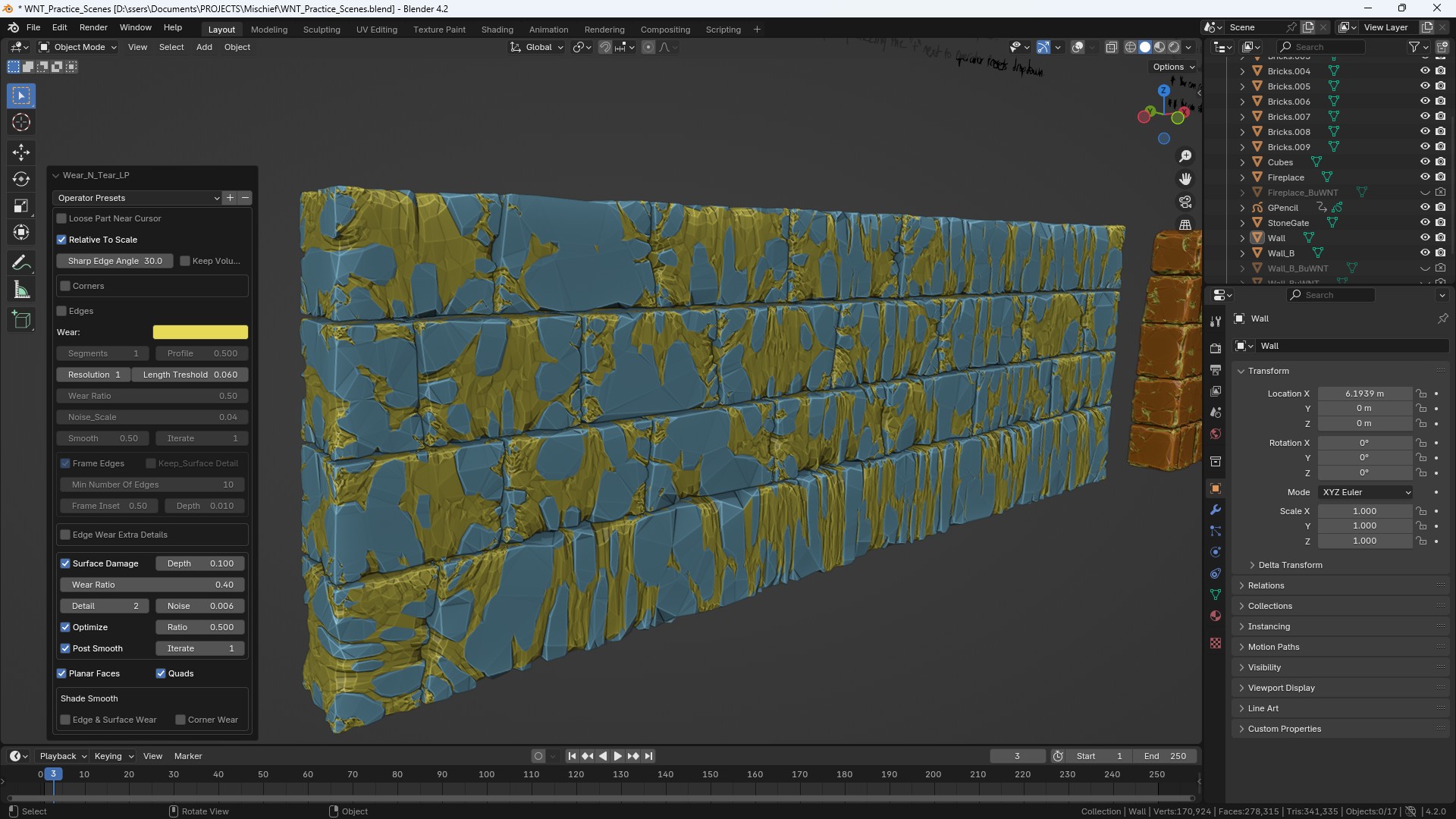 LP Surface Damage
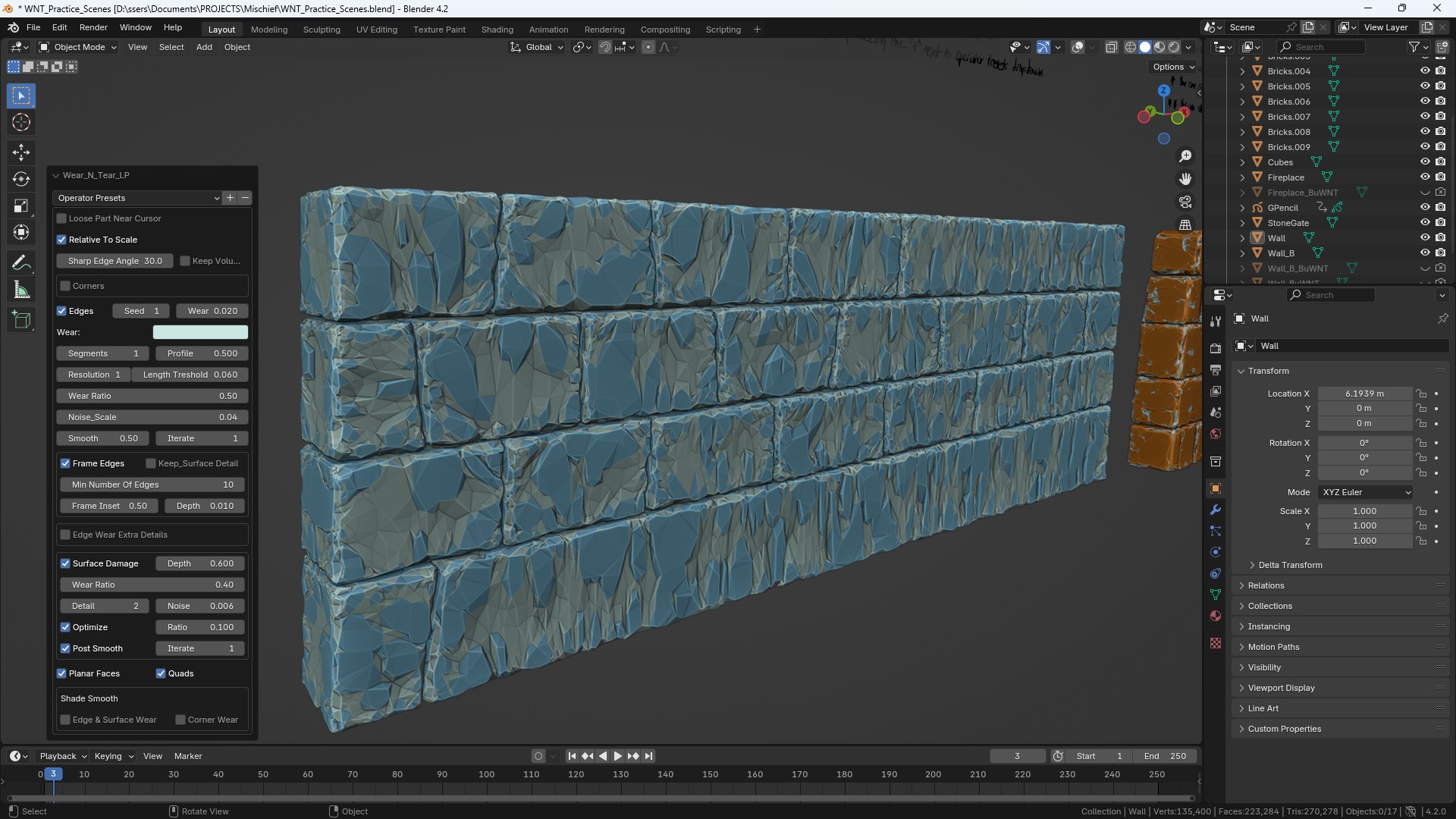 LP Surface Damage
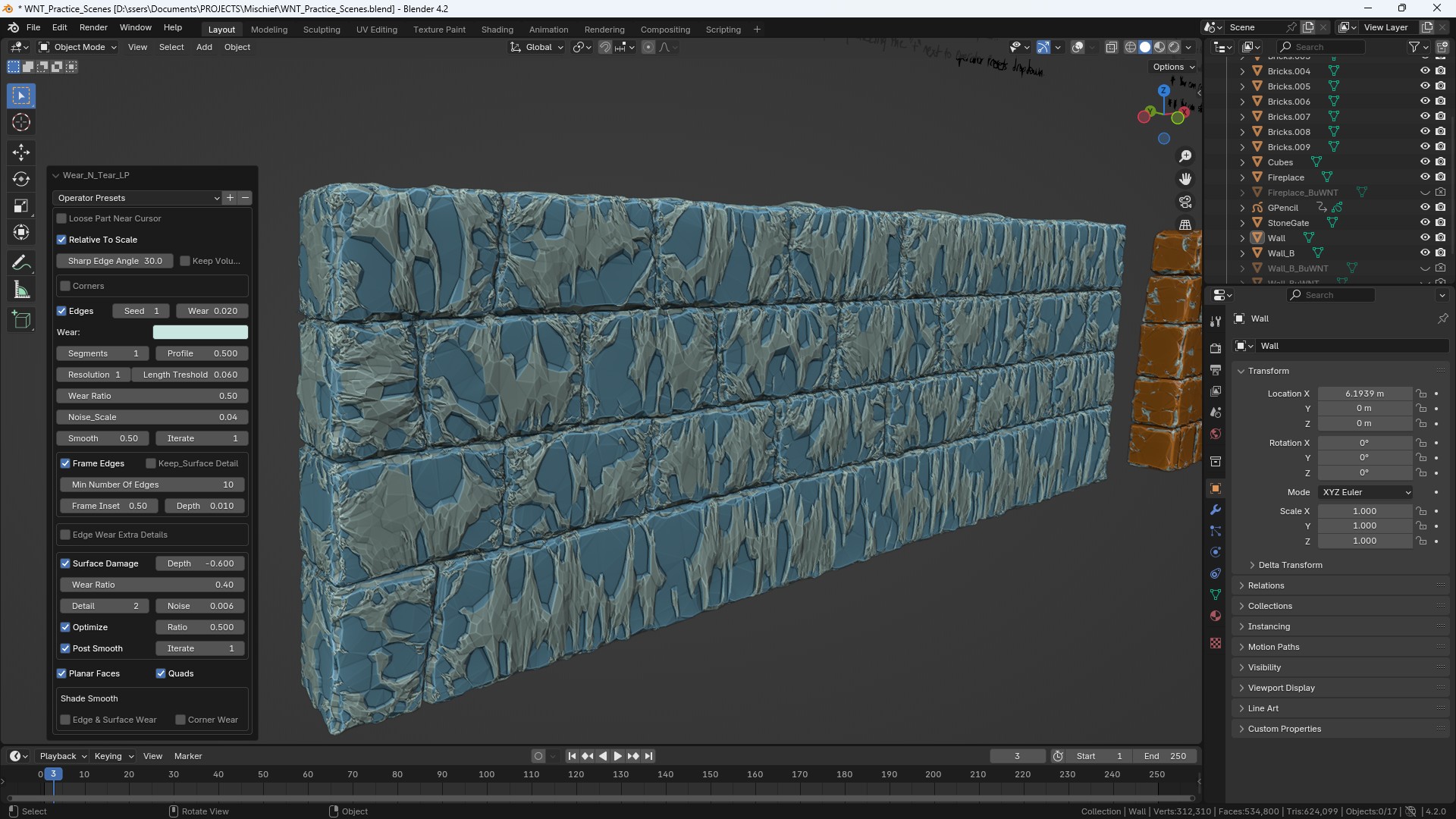 LP Surface Damage
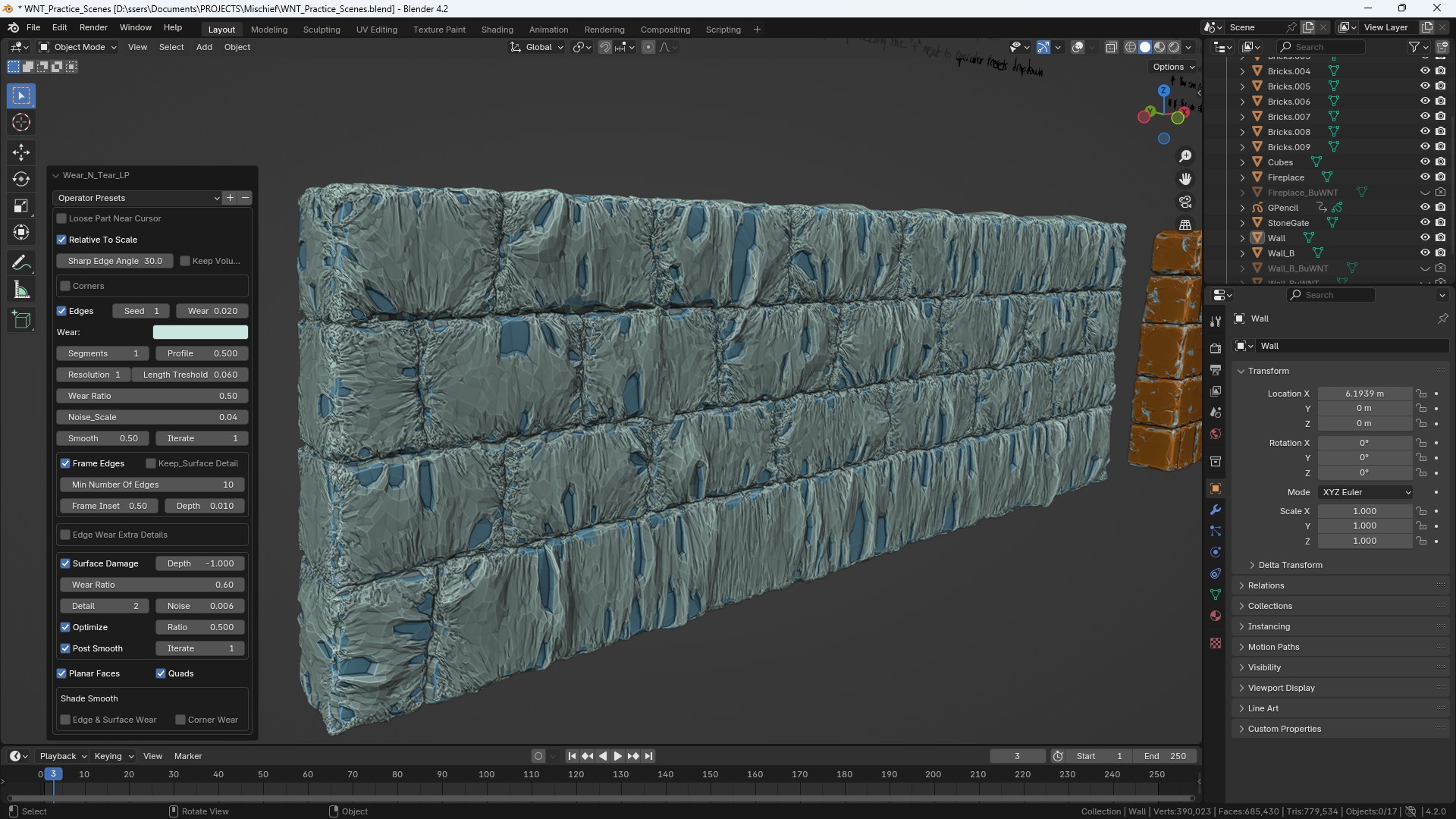 LP Surface Damage
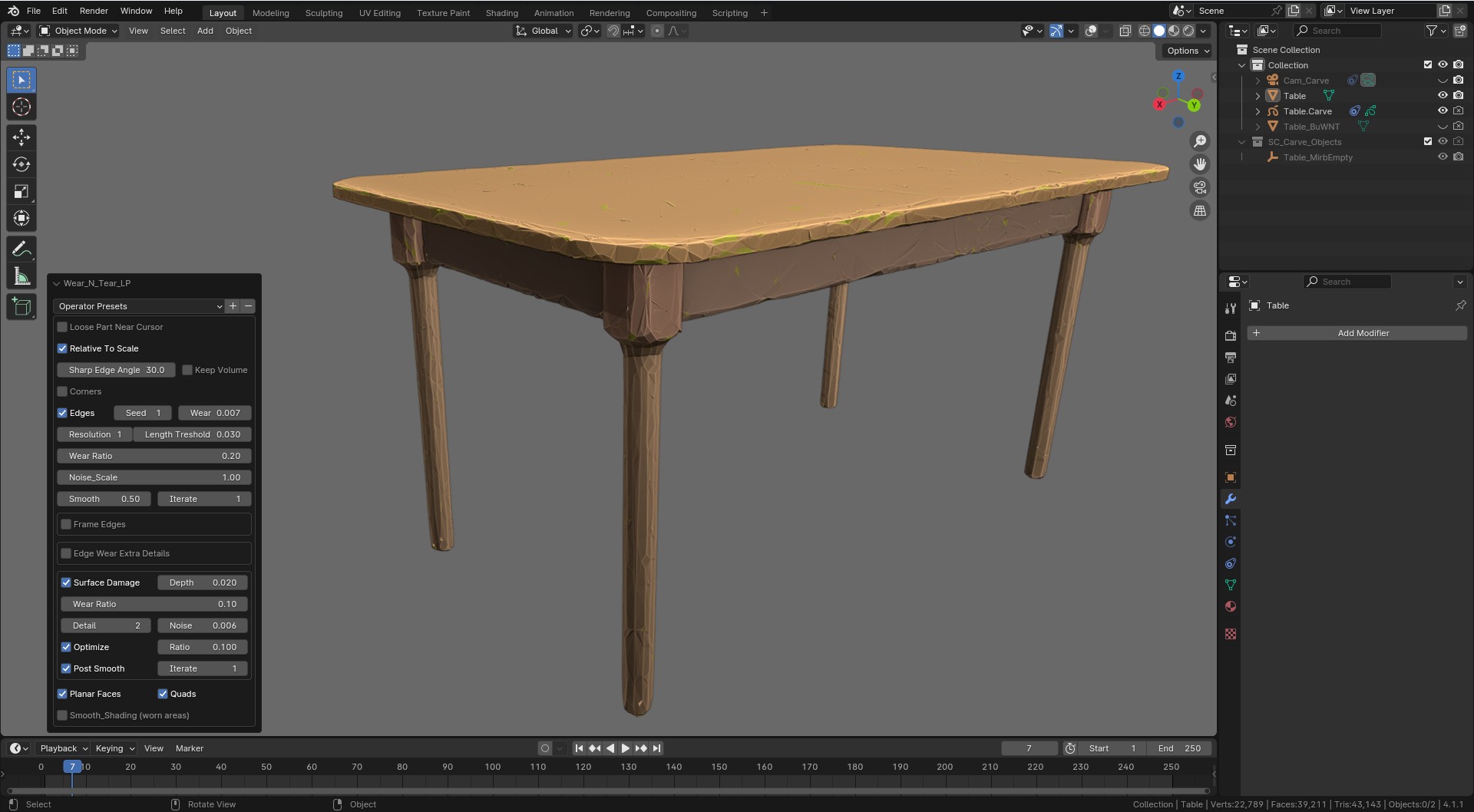 LP Surface Damage
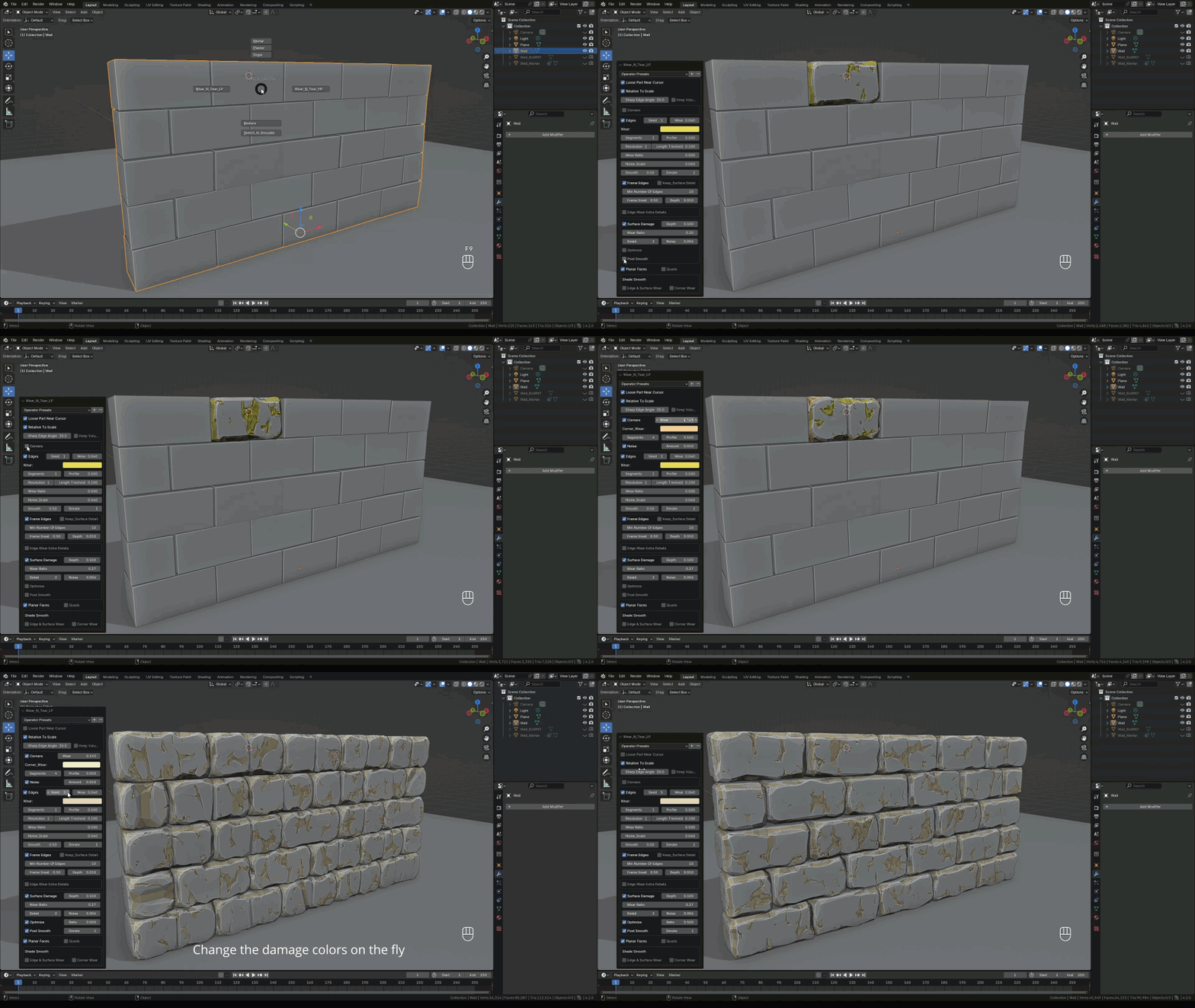
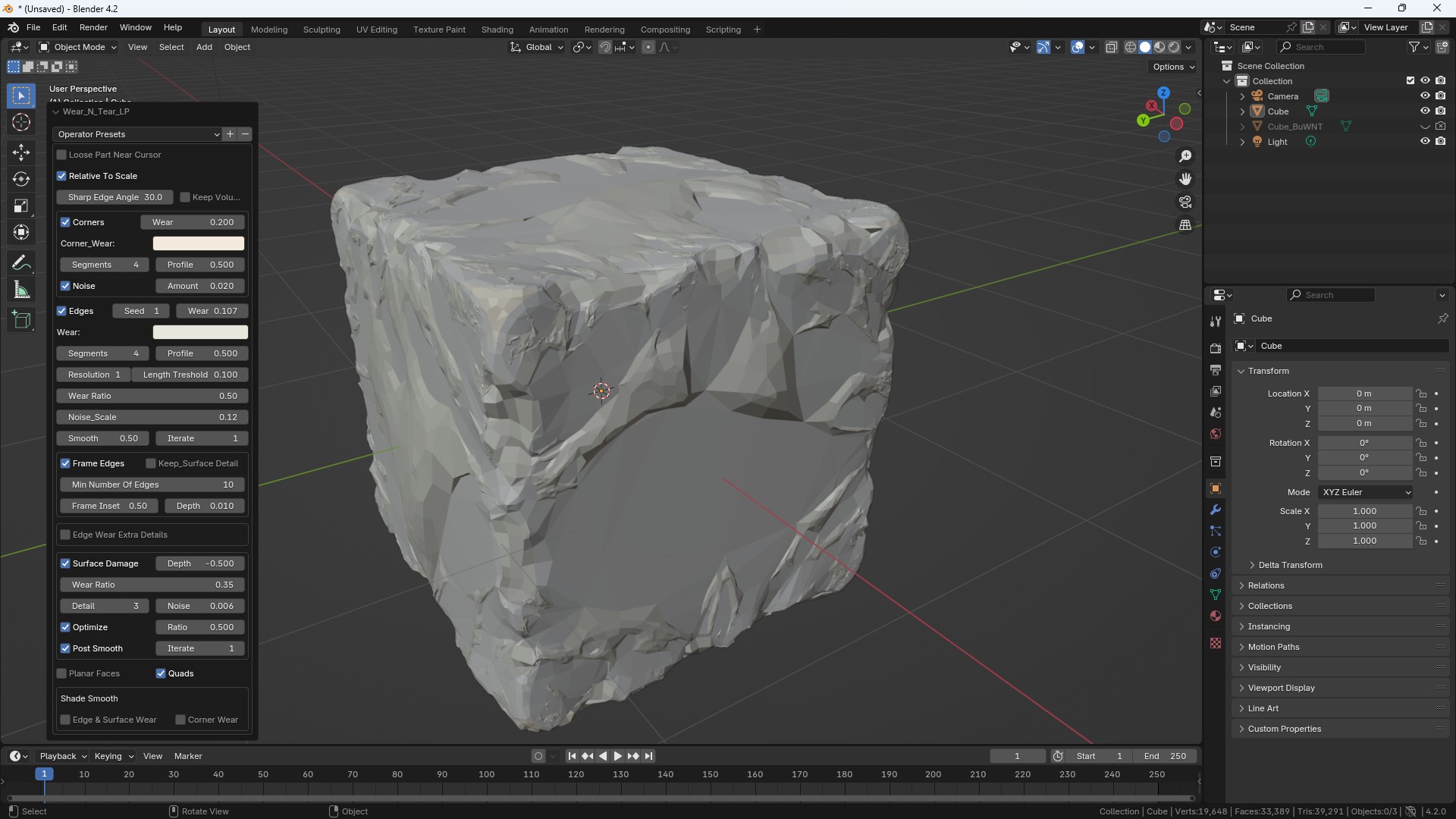 LP Surface Damage
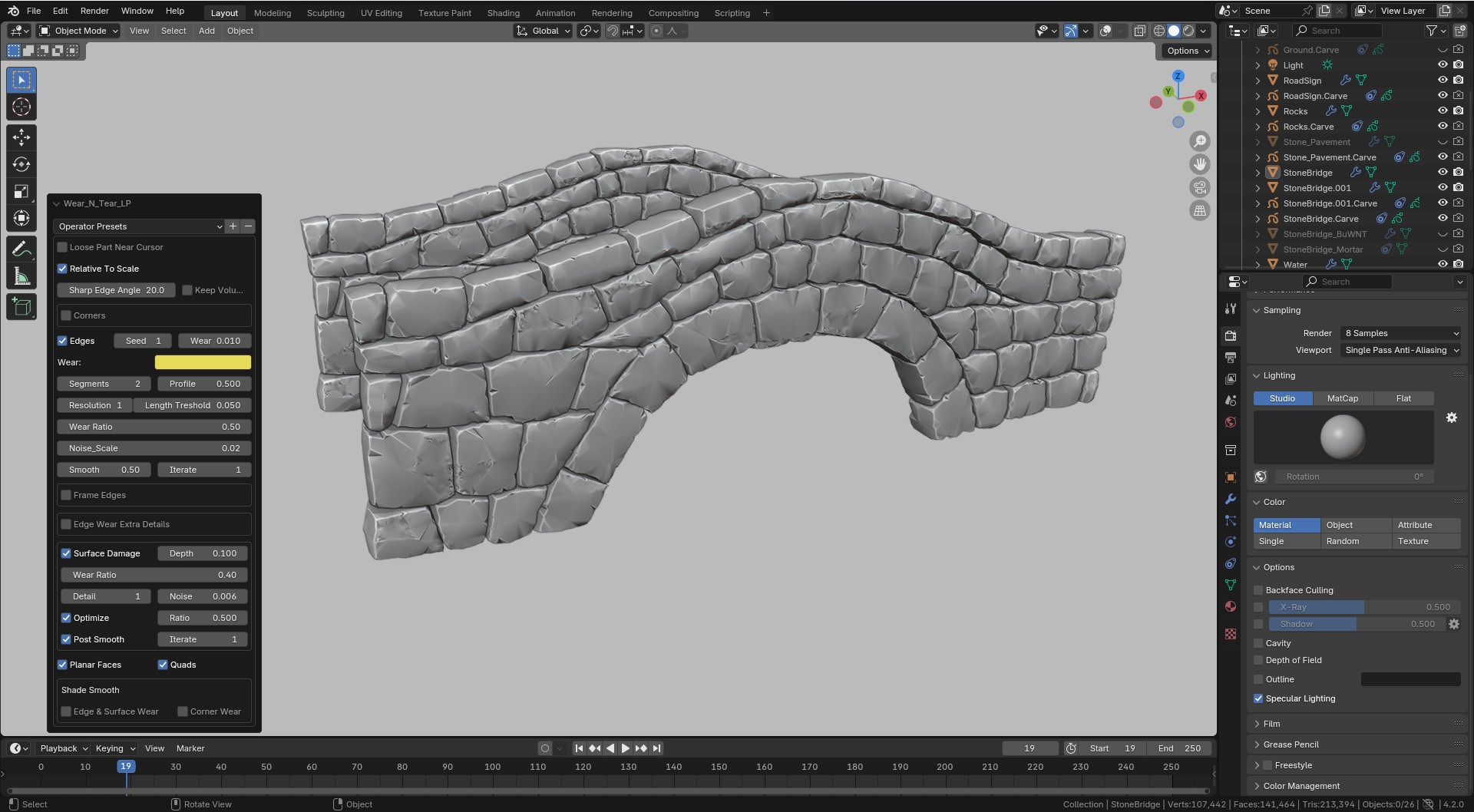 LP Surface Damage
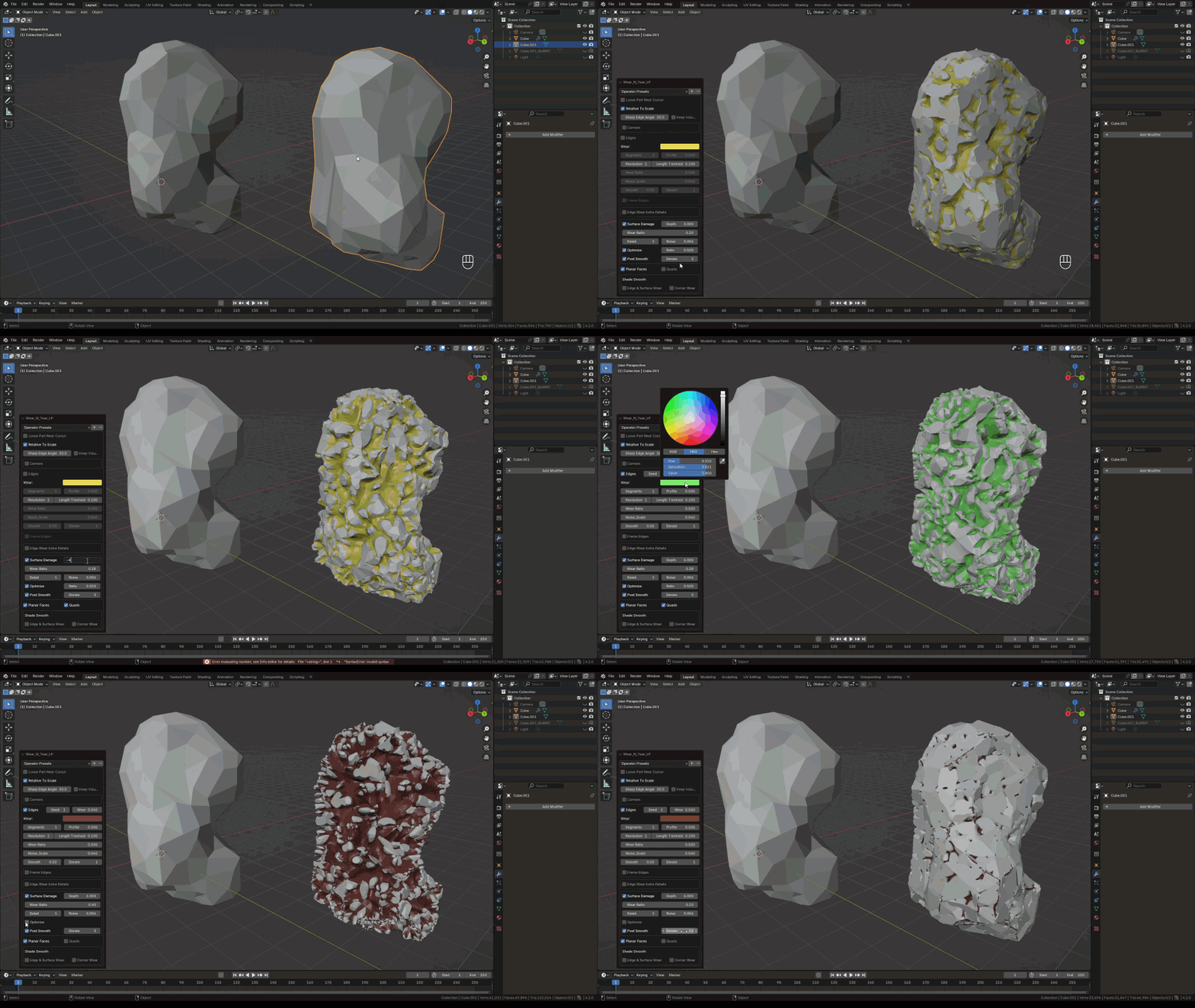
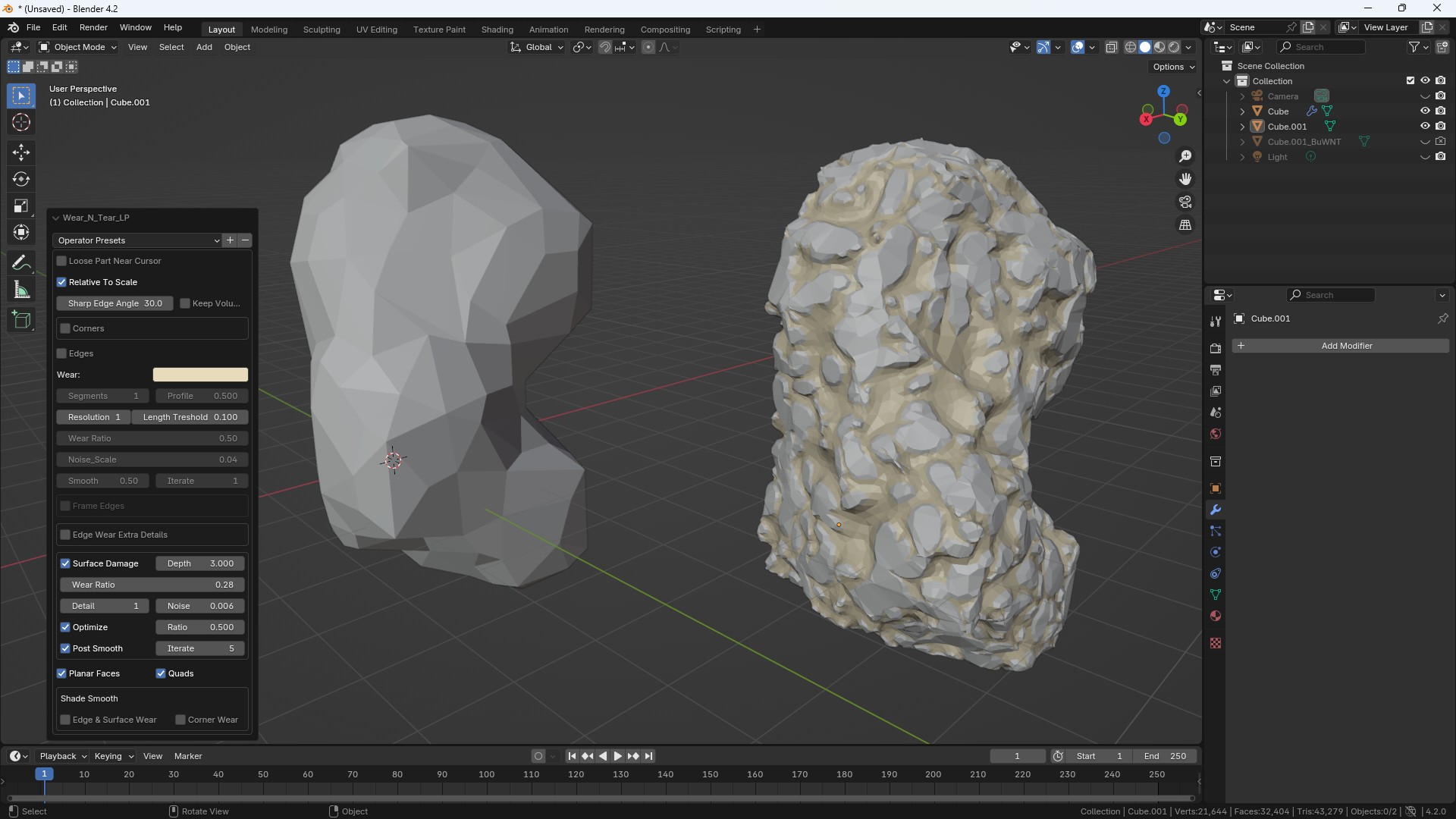 LP Surface Damage
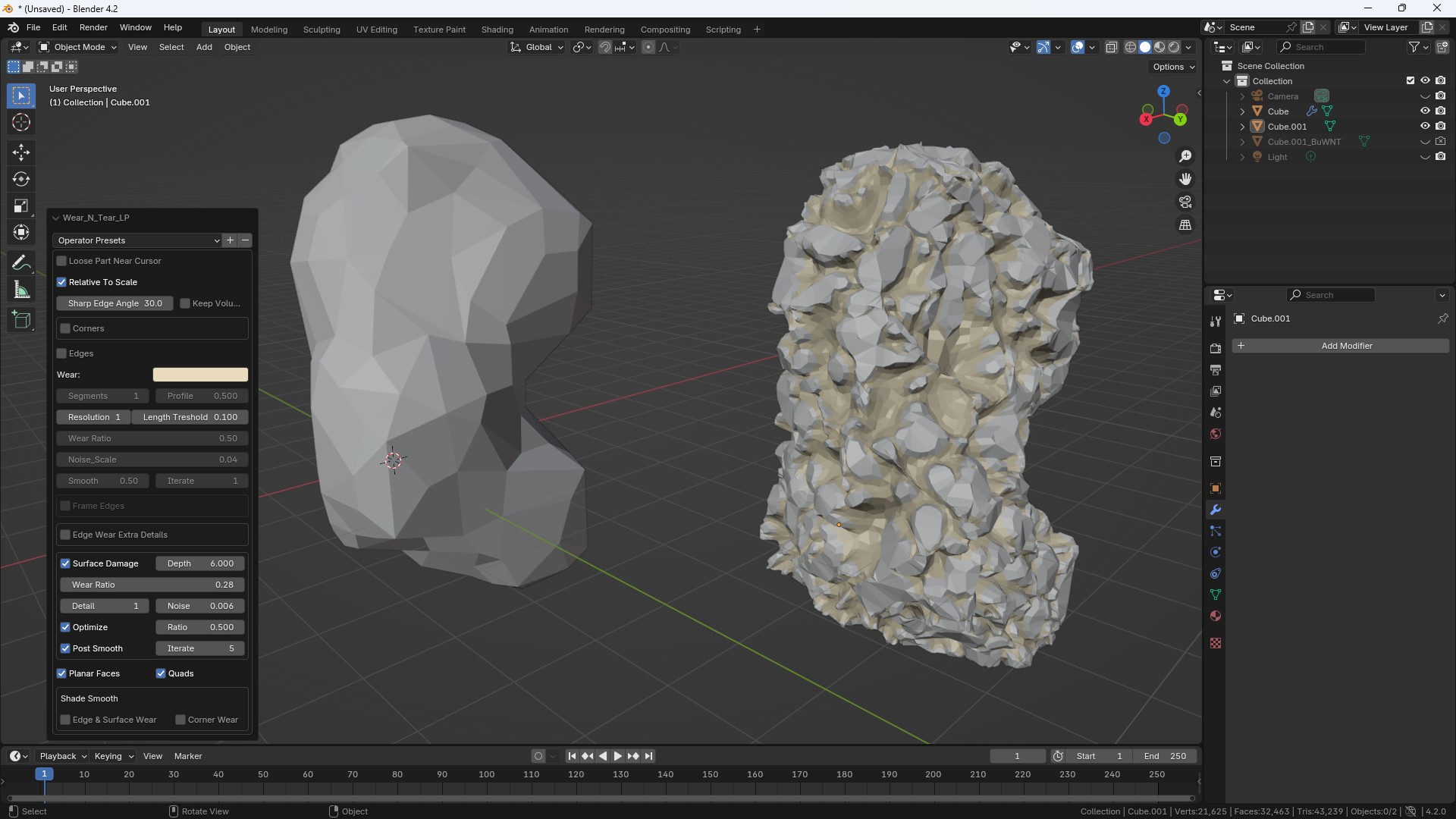 LP Surface Damage
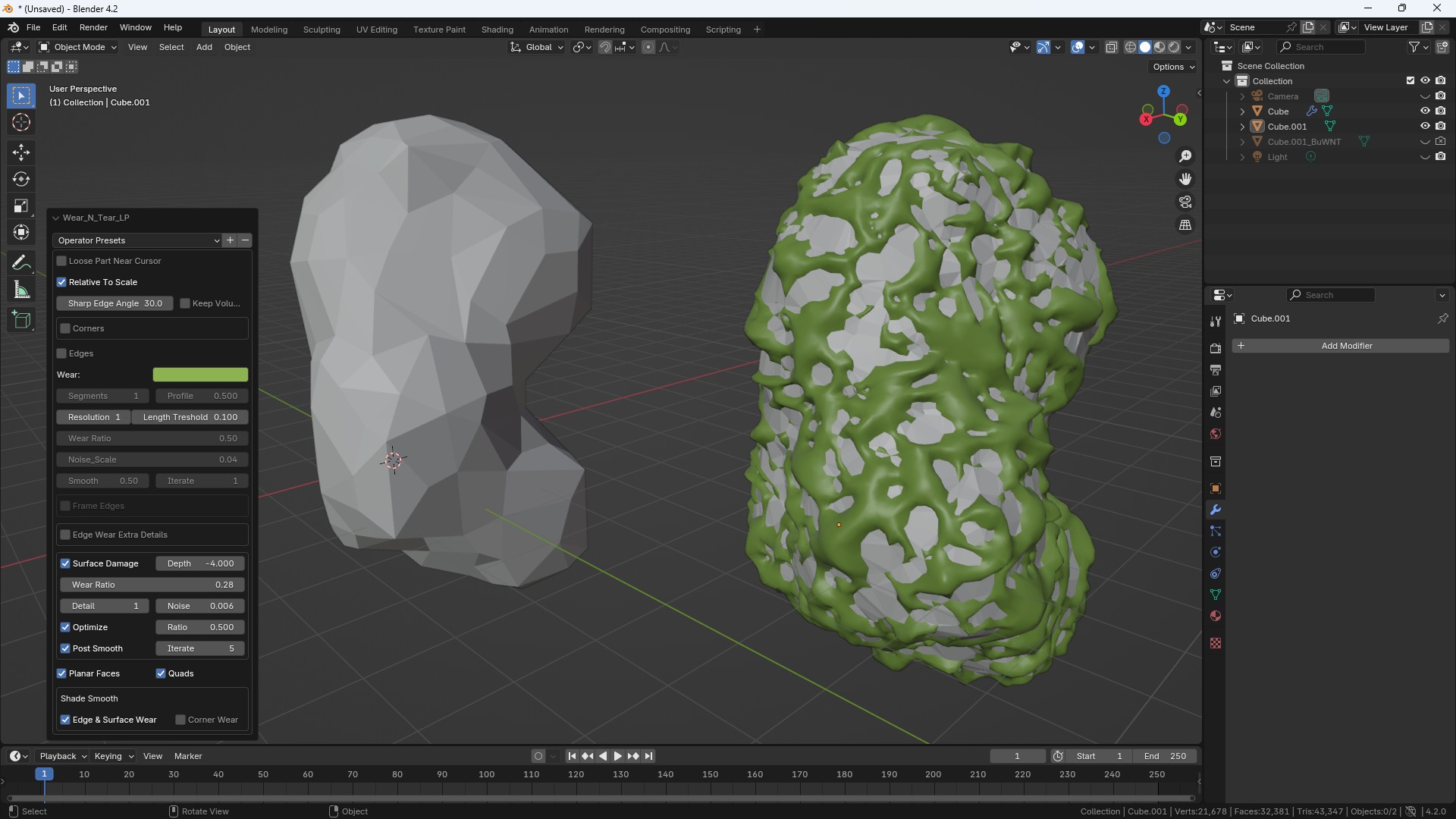 LP Surface Damage
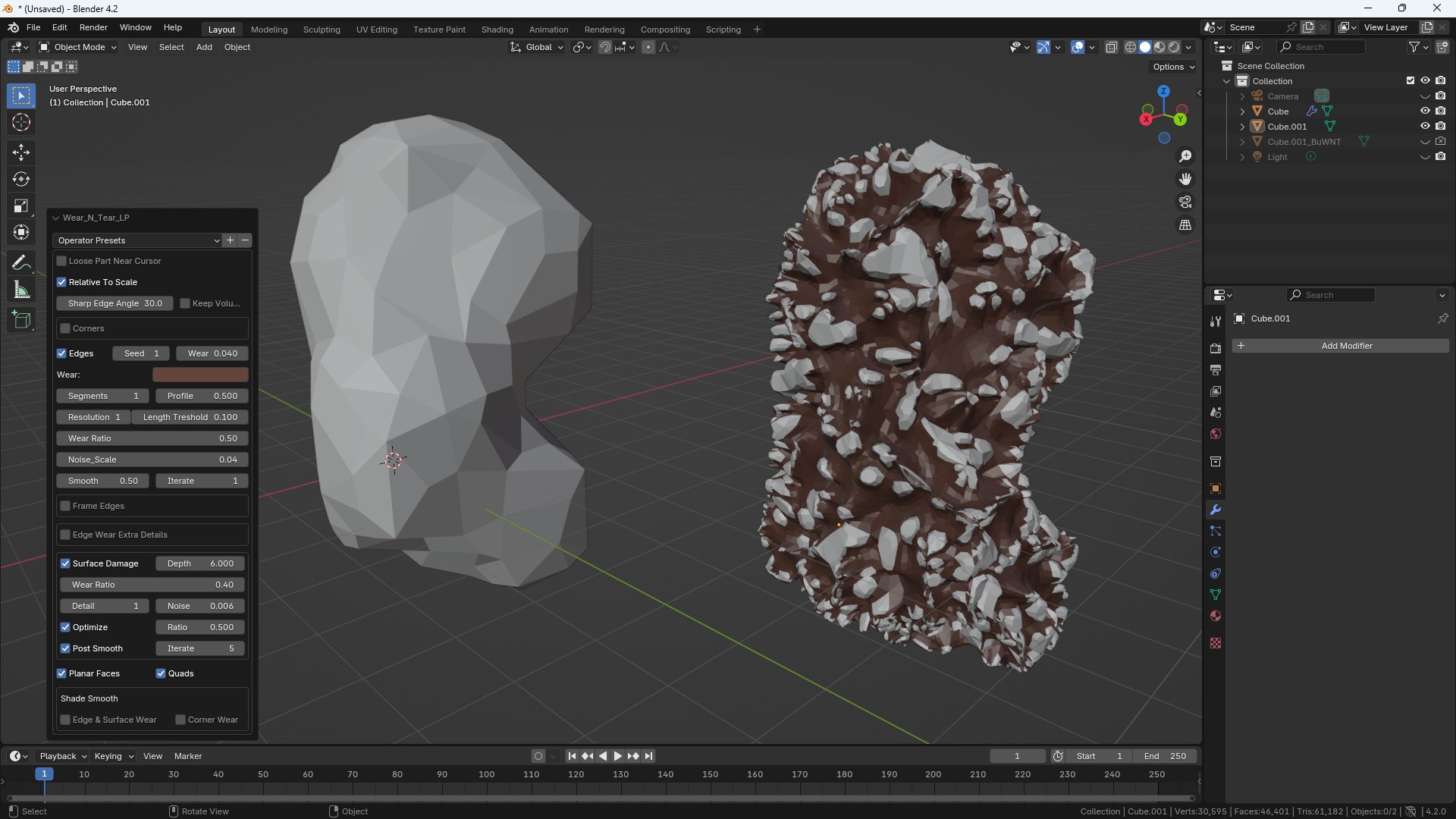 LP Surface Damage
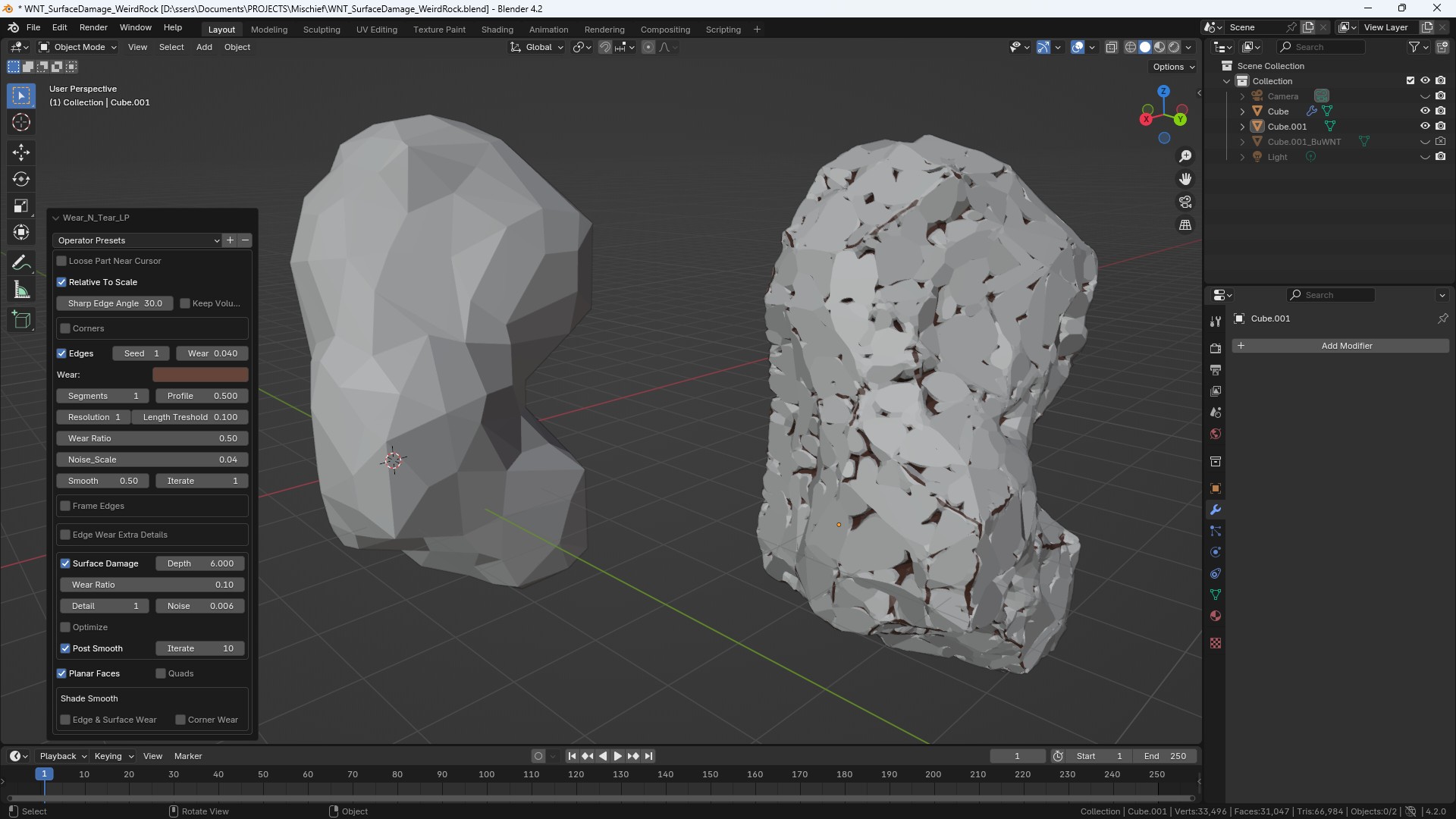 LP Surface Damage
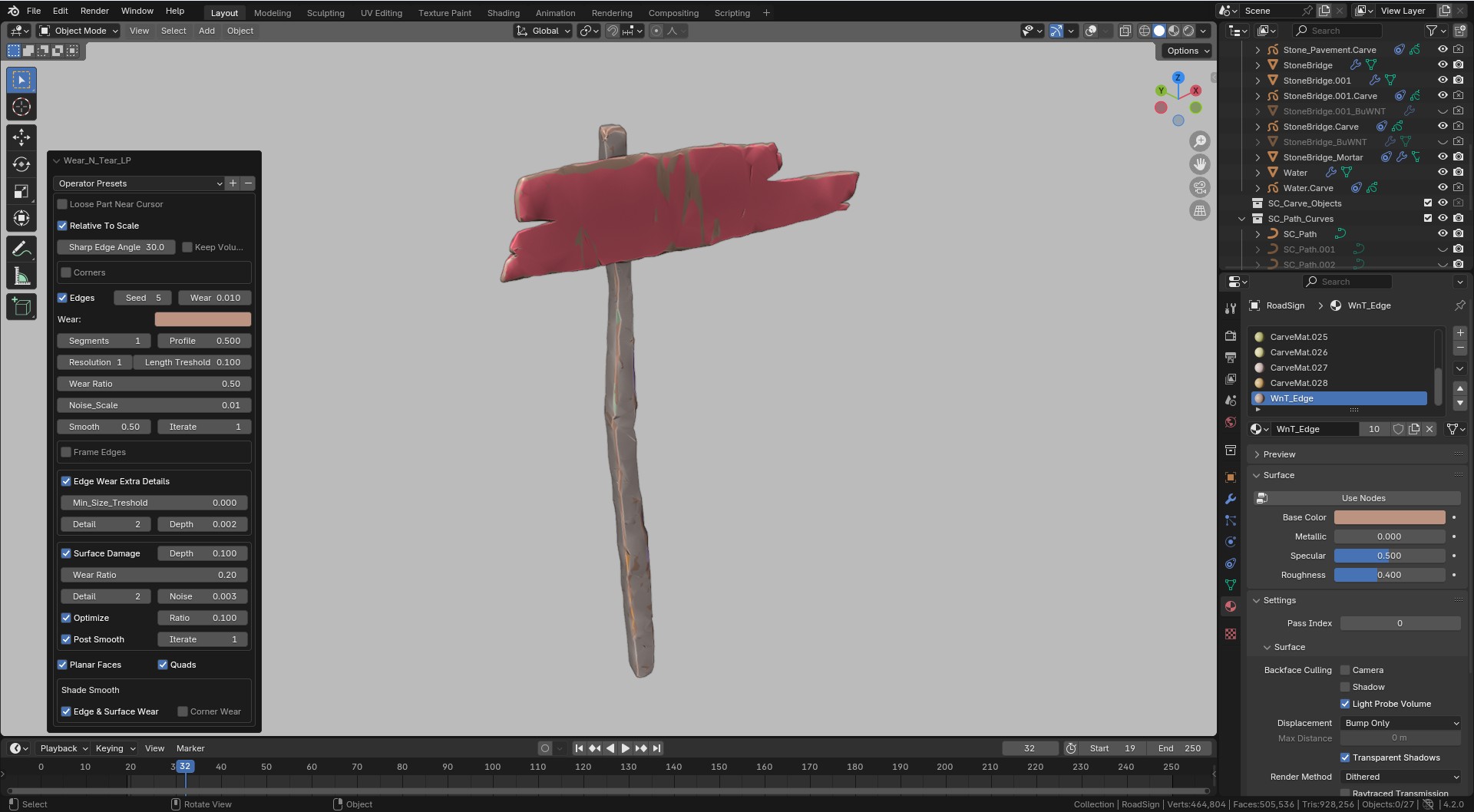 LP Surface Damage
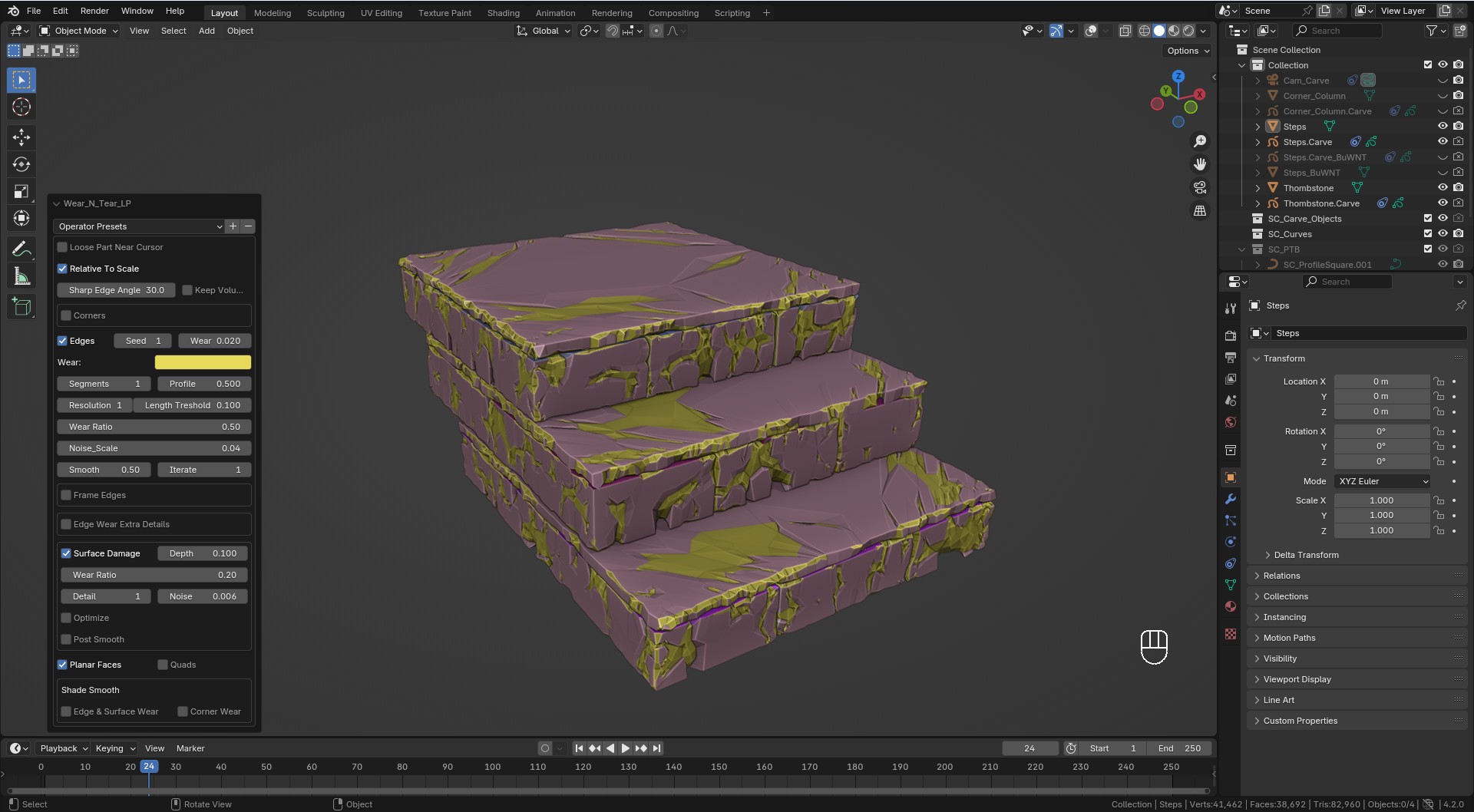 LP Surface Damage
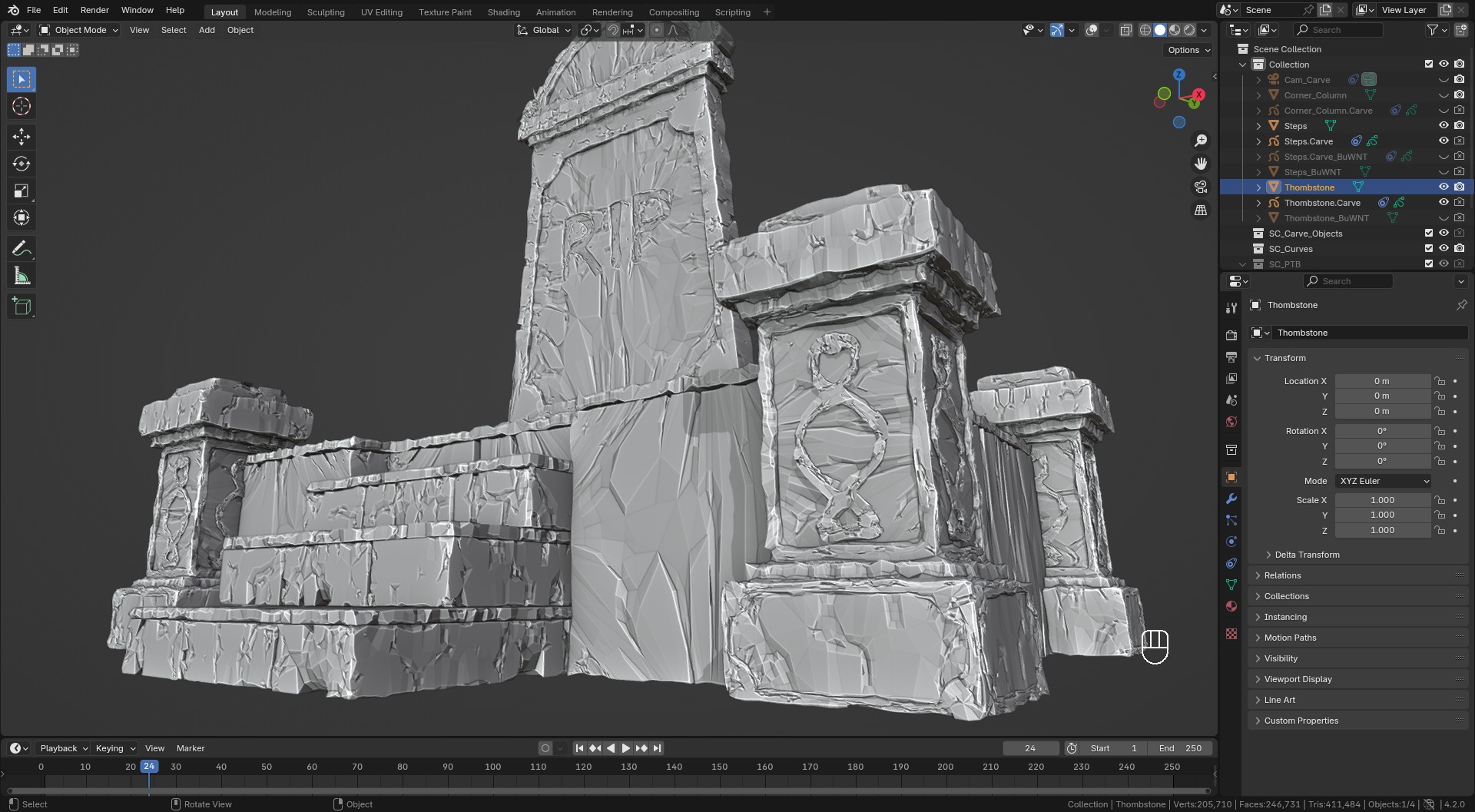 LP Surface Damage
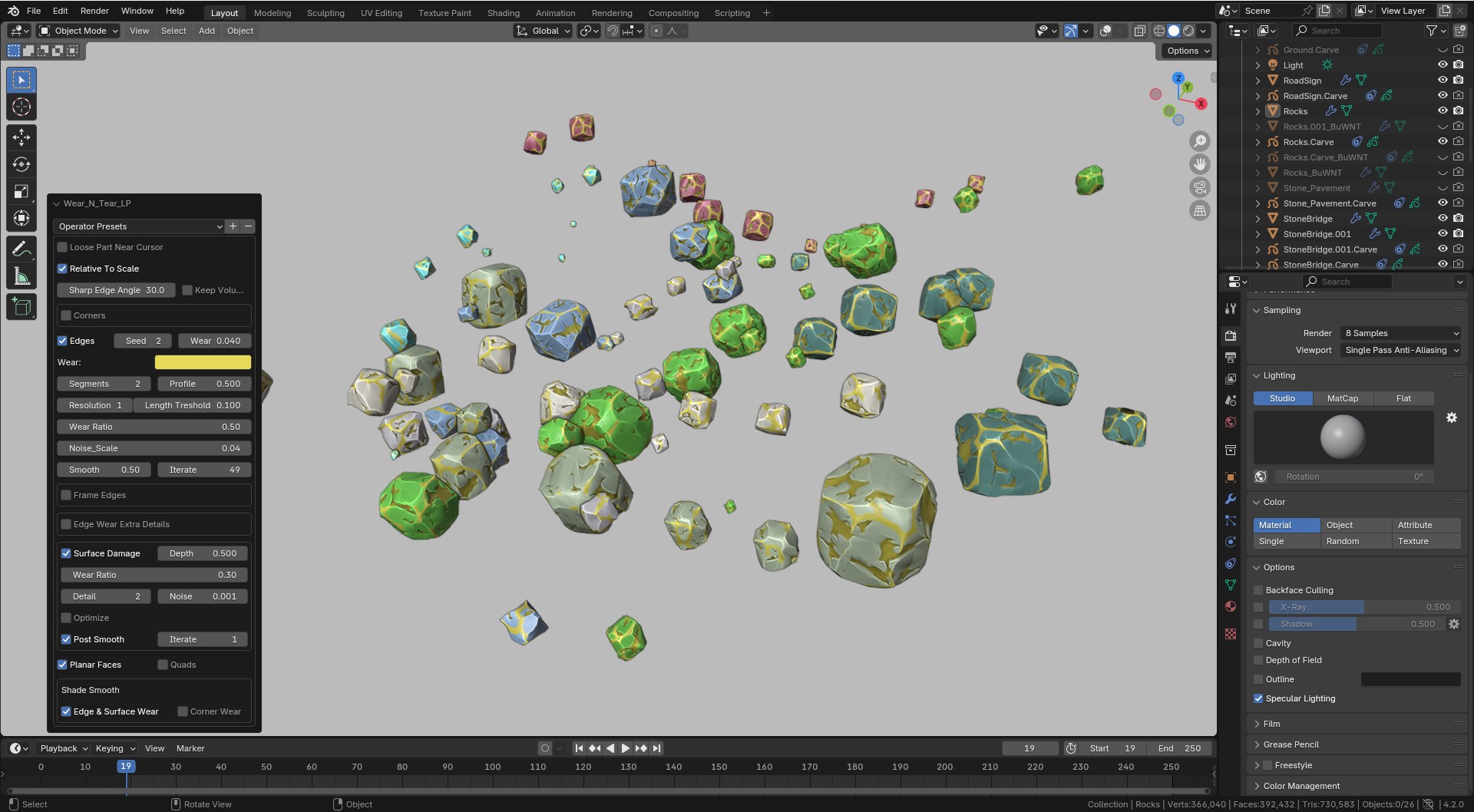 LP Surface Damage
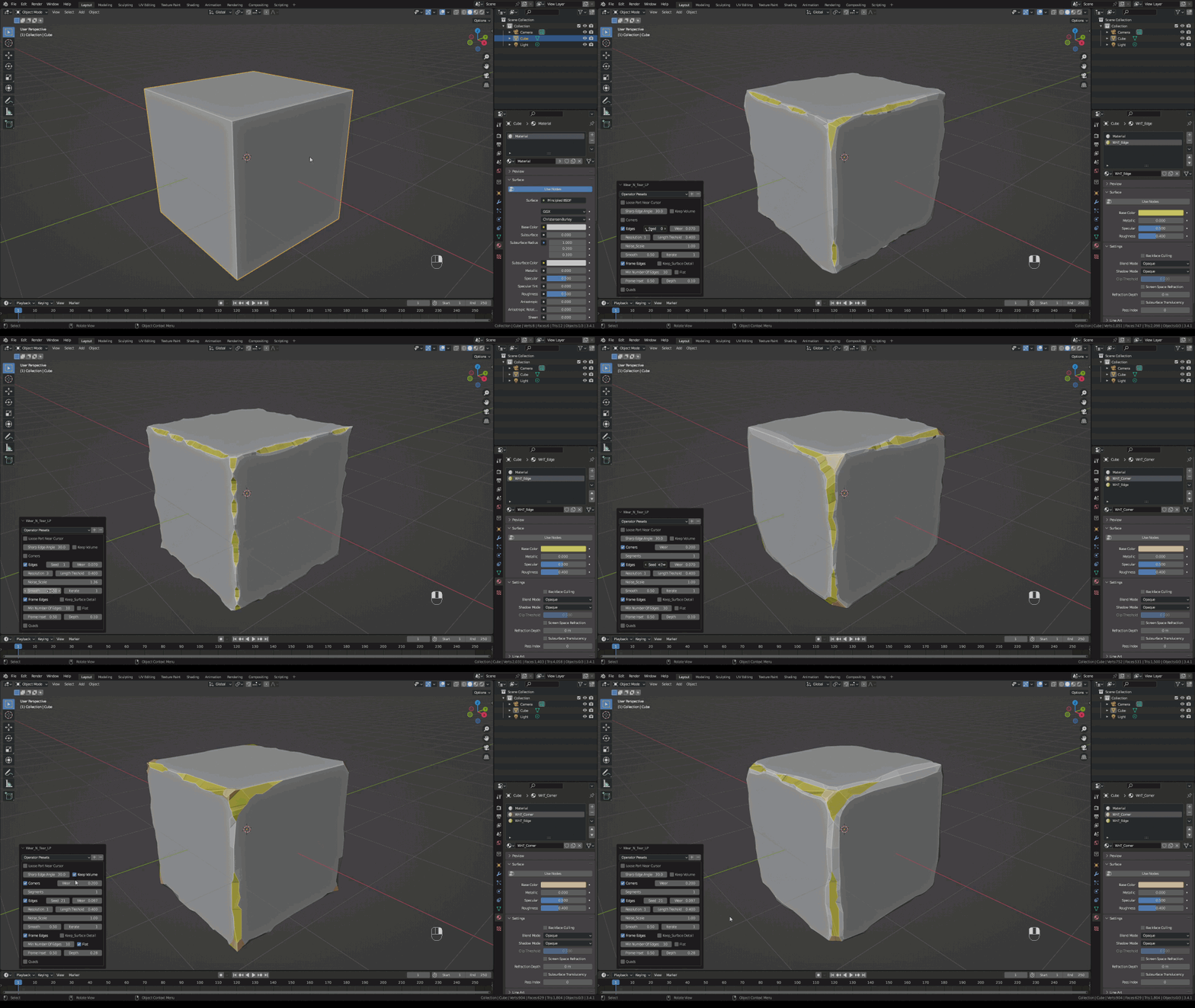
Wear N’ Tear LP: Edge damage for a stylized look.
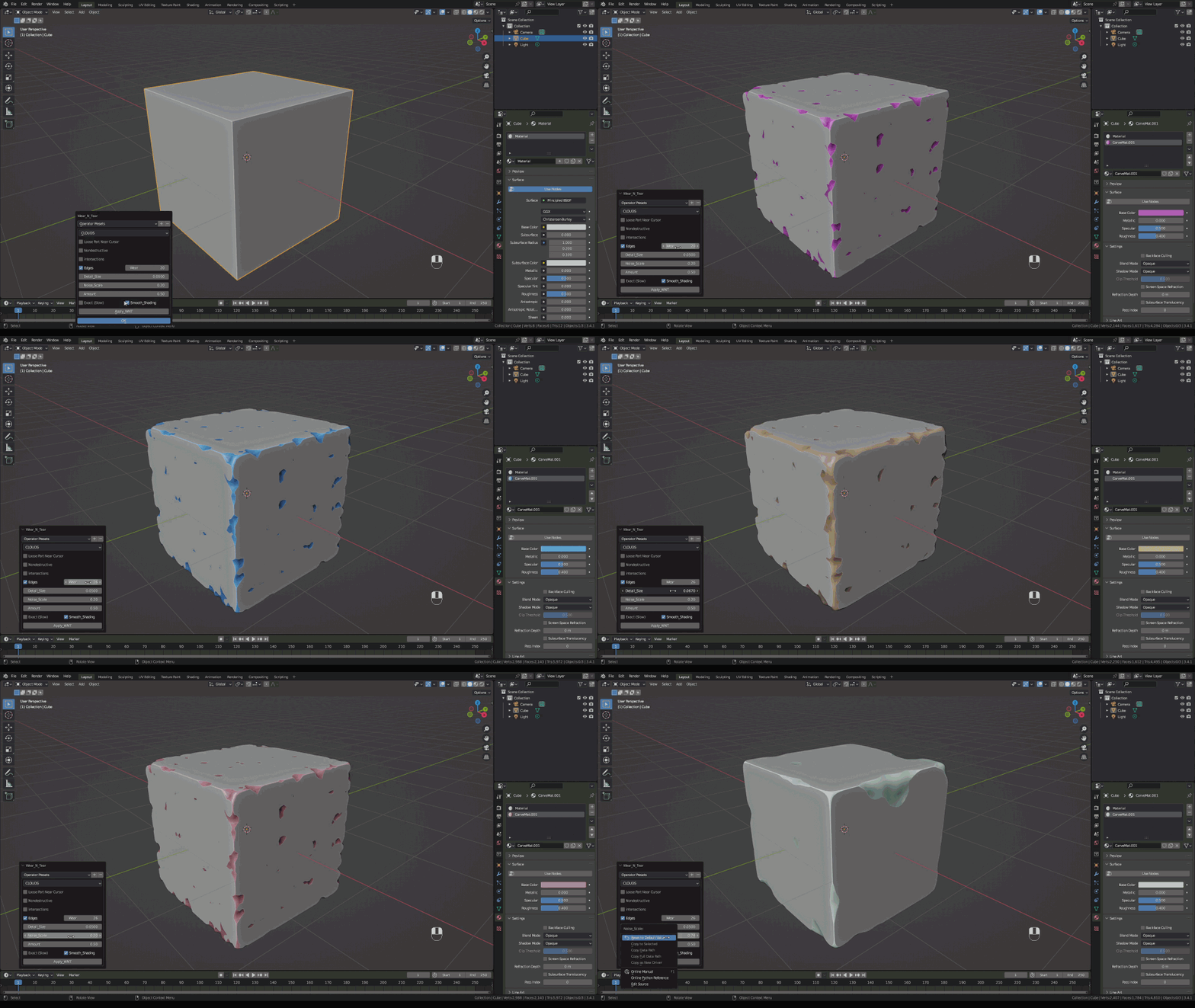
Wear N’ Tear HP: Choose between many textures.
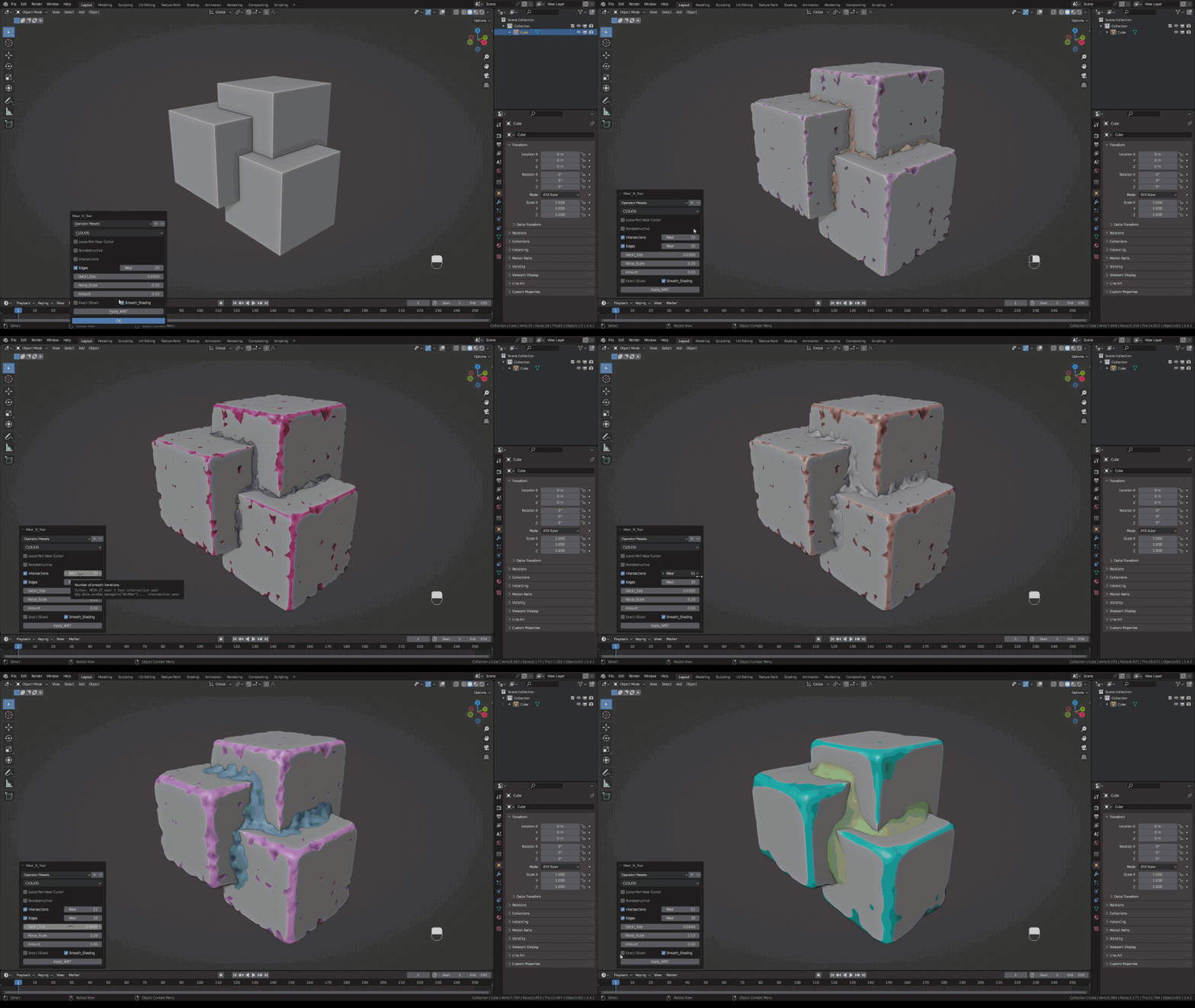
Wear N’ Tear HP: Cavities
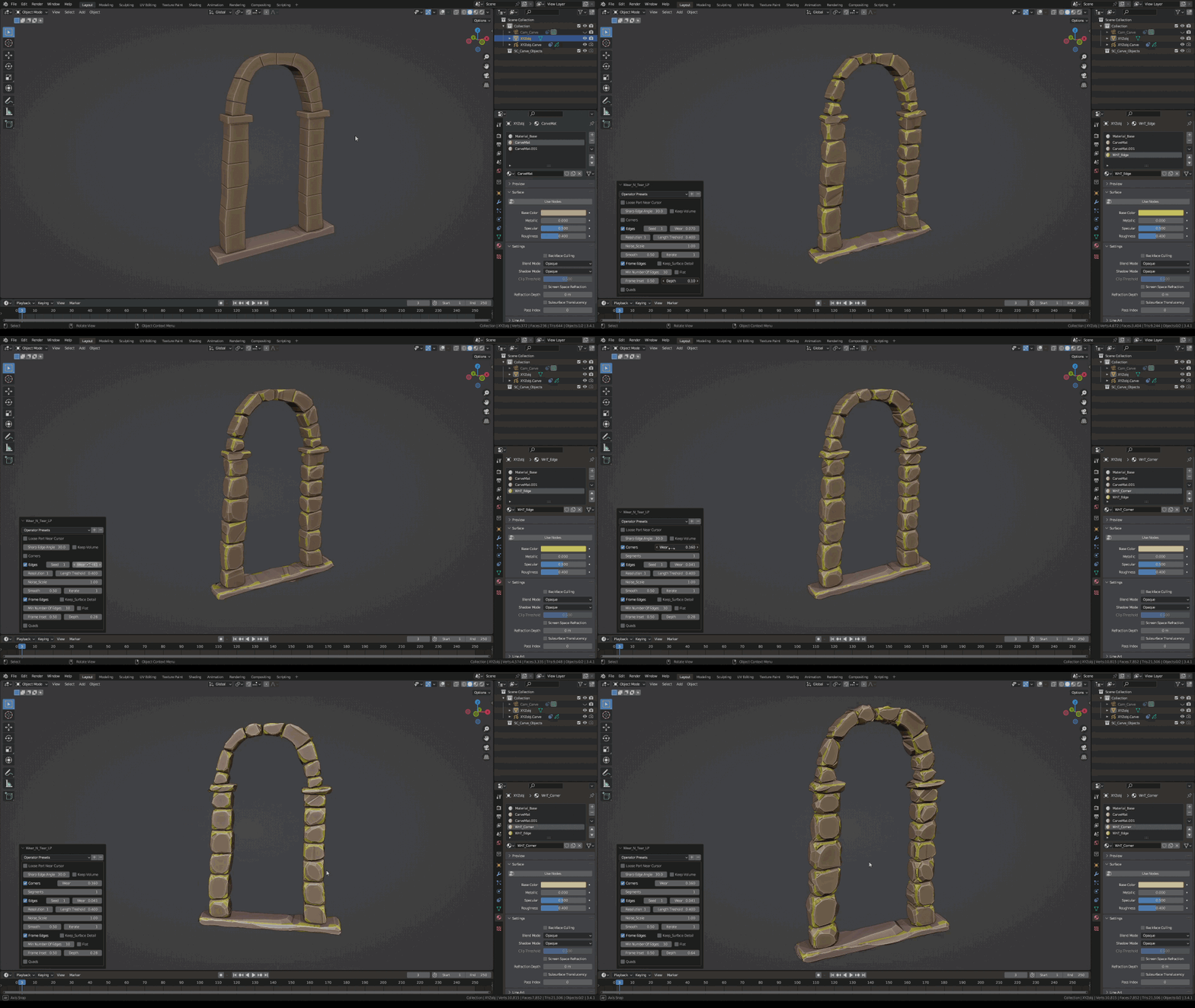
Wear N’ Tear LP
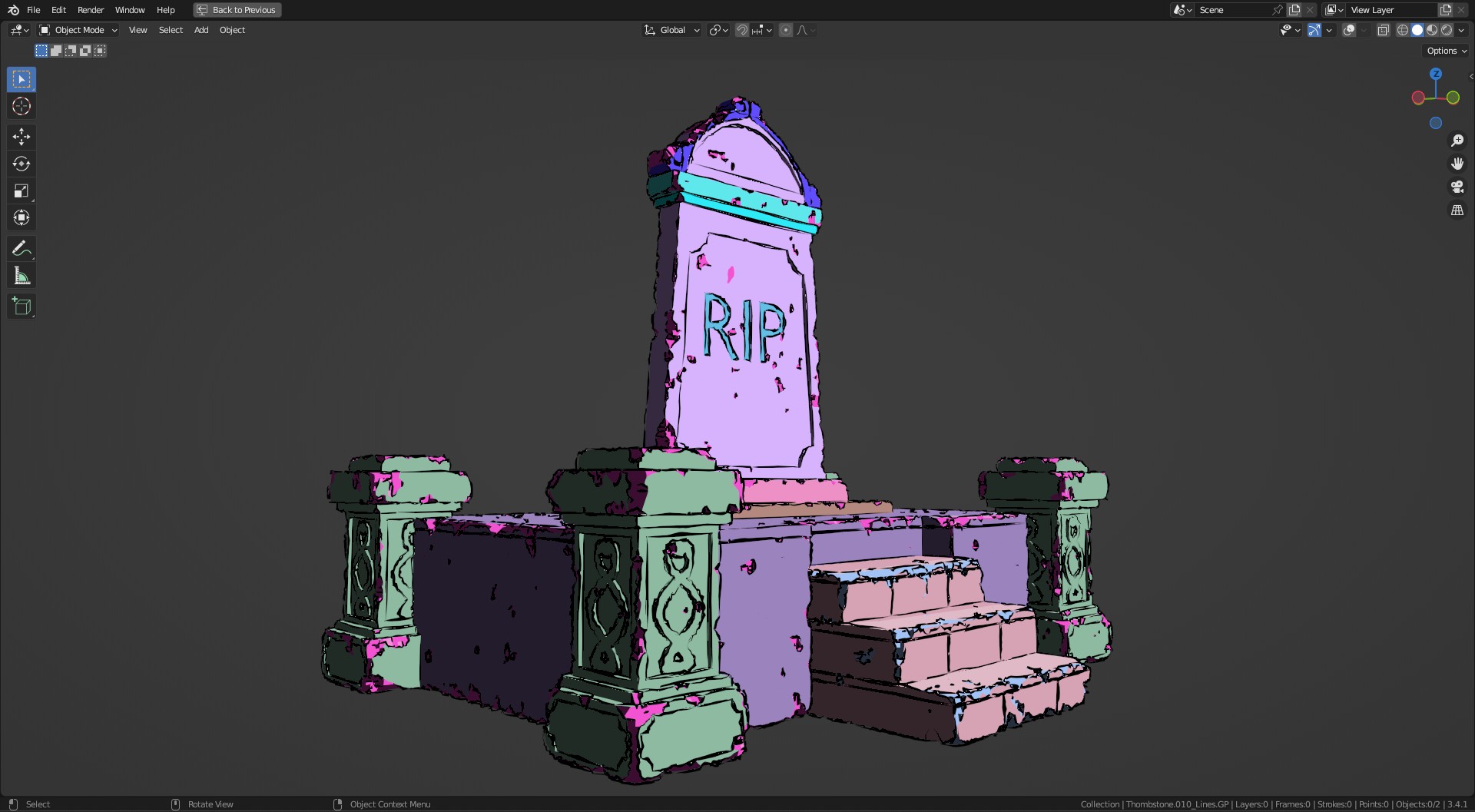
Wear N’ Tear HP + GP From Mesh (not included)
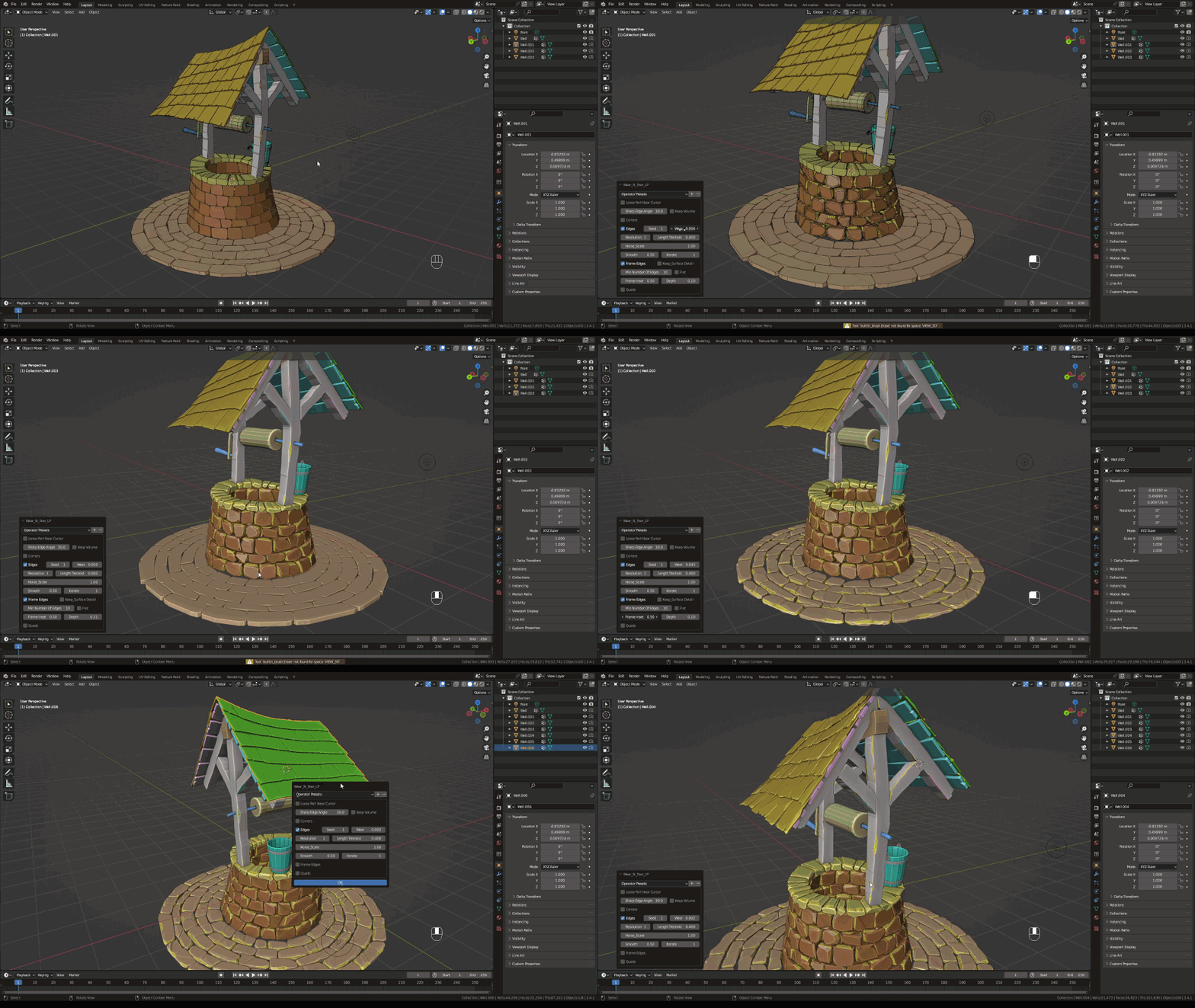
Wear N’ Tear LP: Process multiple parts in a single object as if they were separate objects.
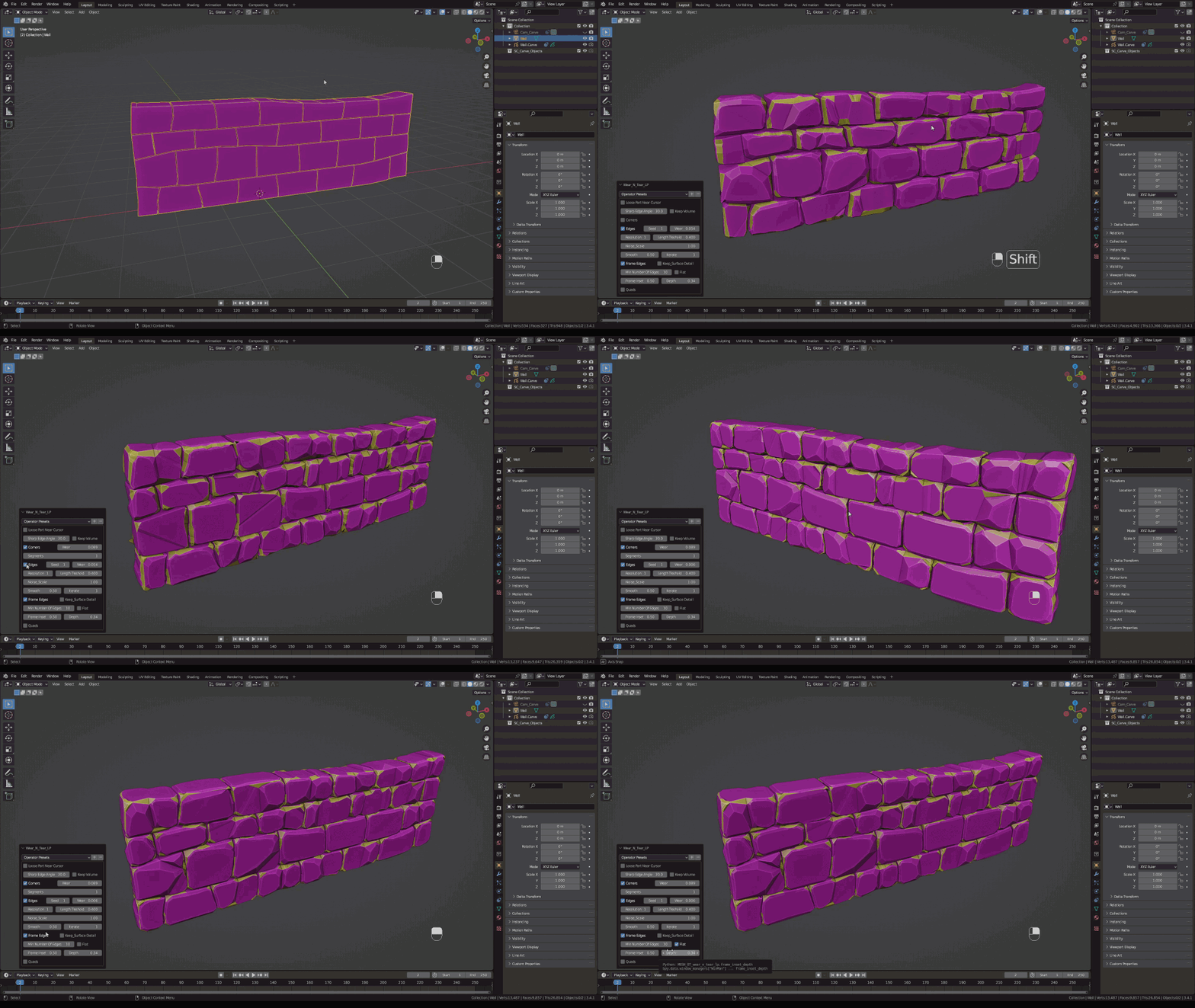
Wear N’ Tear LP: Achieve many different looks by adjusting the sliders (or not. Defaults are pretty good too)
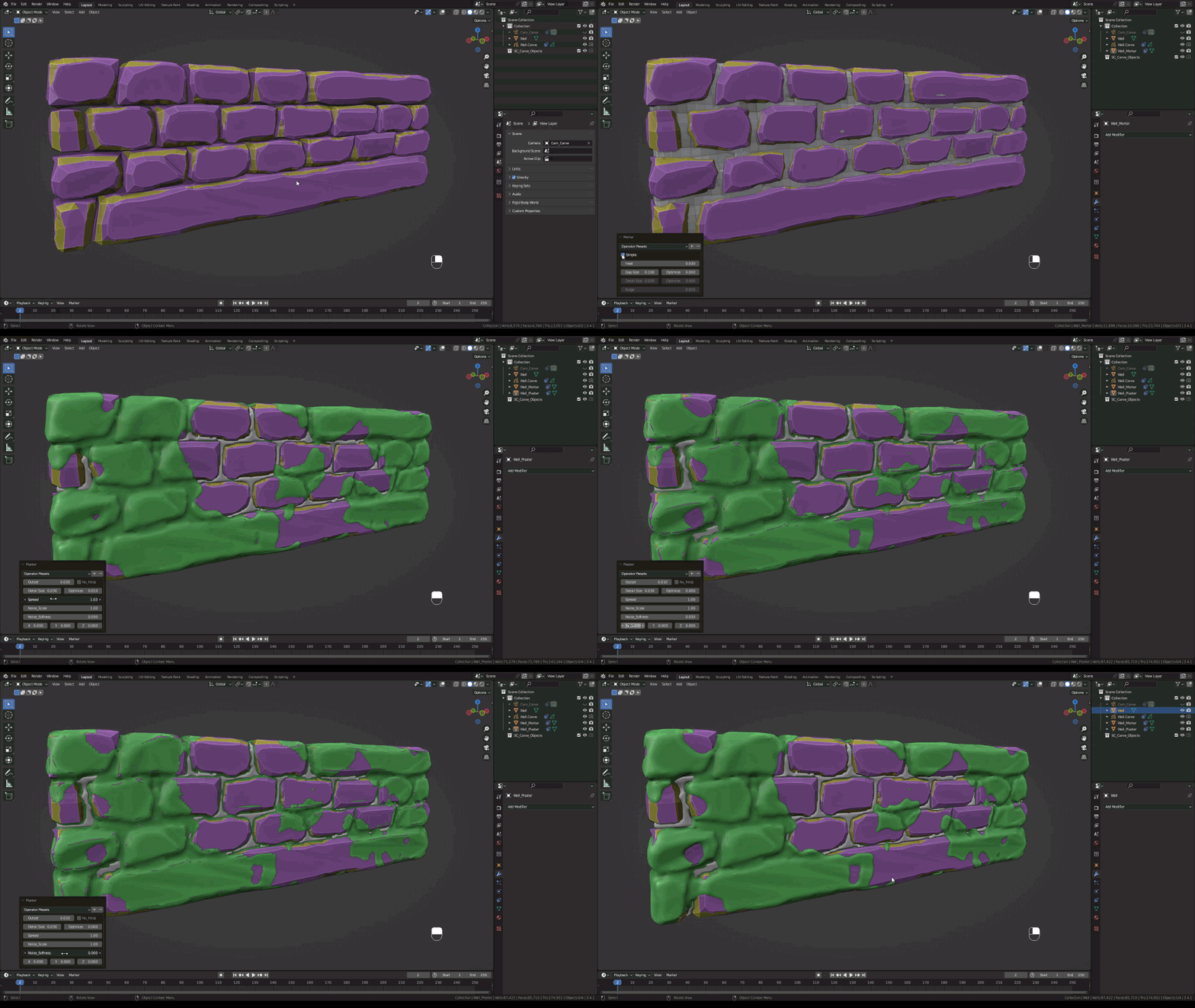
Wear N’ Tear PRO + Mortar + Plaster (Plaster will detect mortar automatically if present)
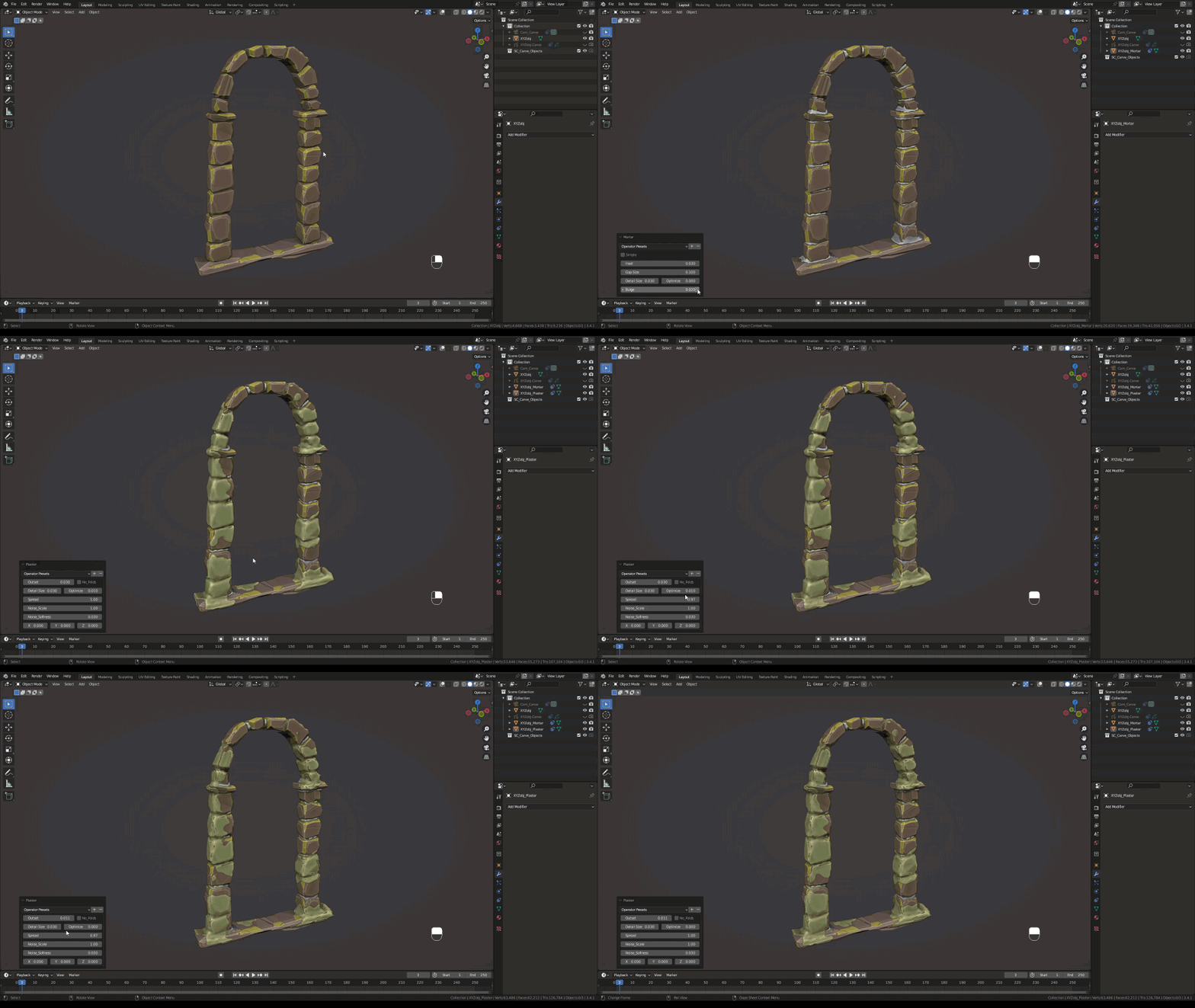
Wear N’ Tear PRO + Mortar + Plaster
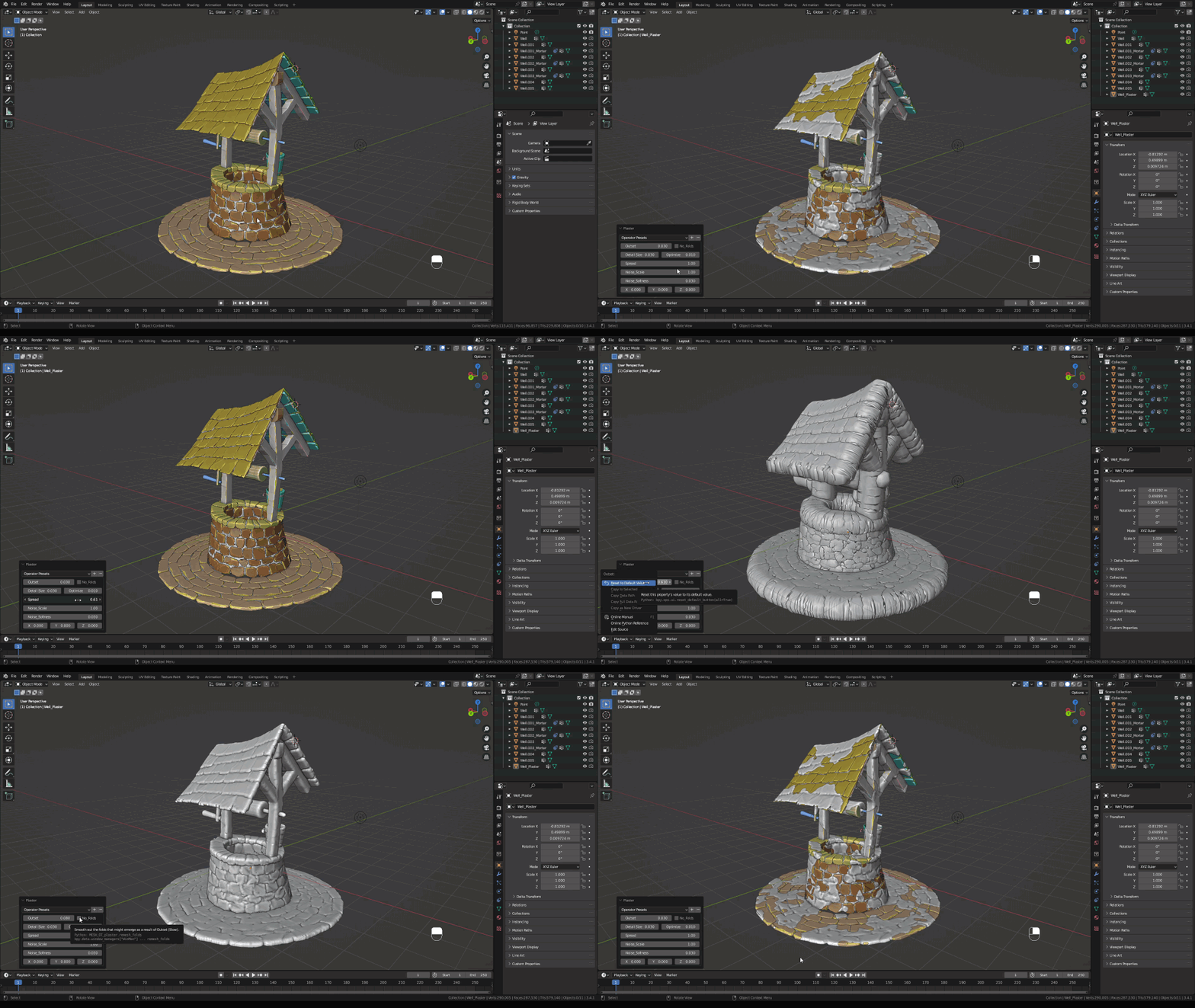
Wear N’ Tear PRO + Mortar + Plaster
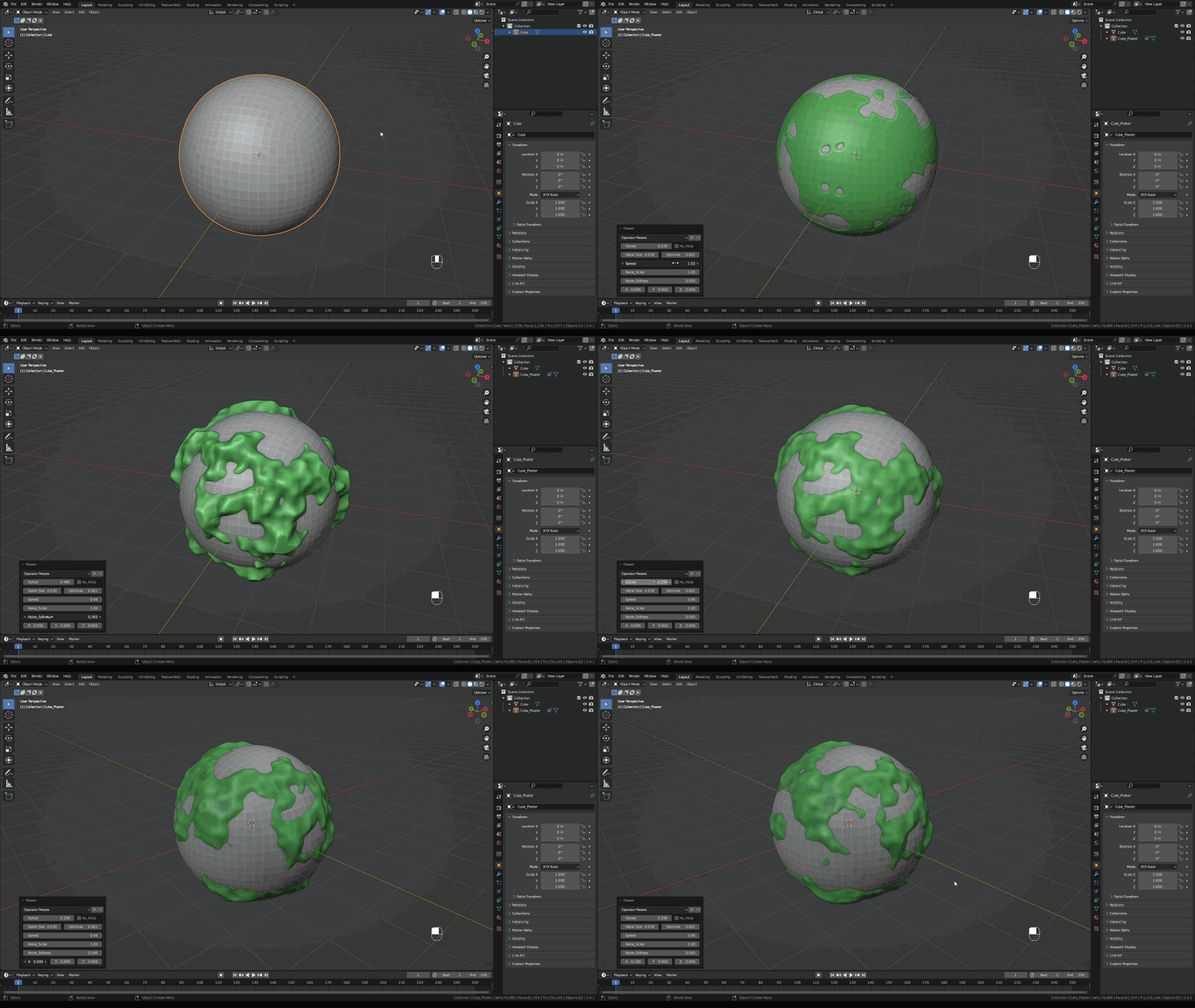
Wear N’ Tear PRO + Plaster: Plaster Planet
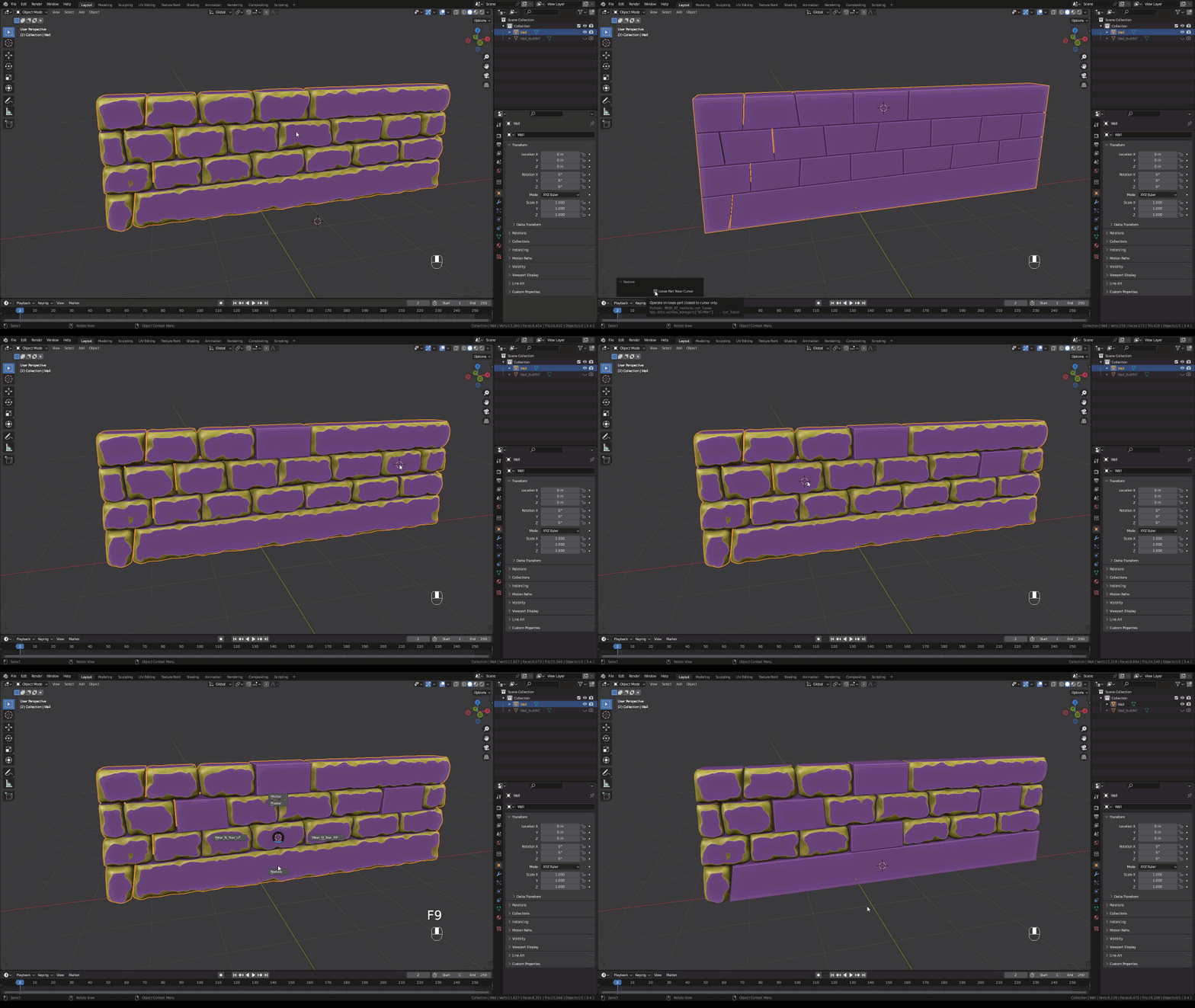
Restore your model in whole or partially (loose part) to its original state as many times as needed.
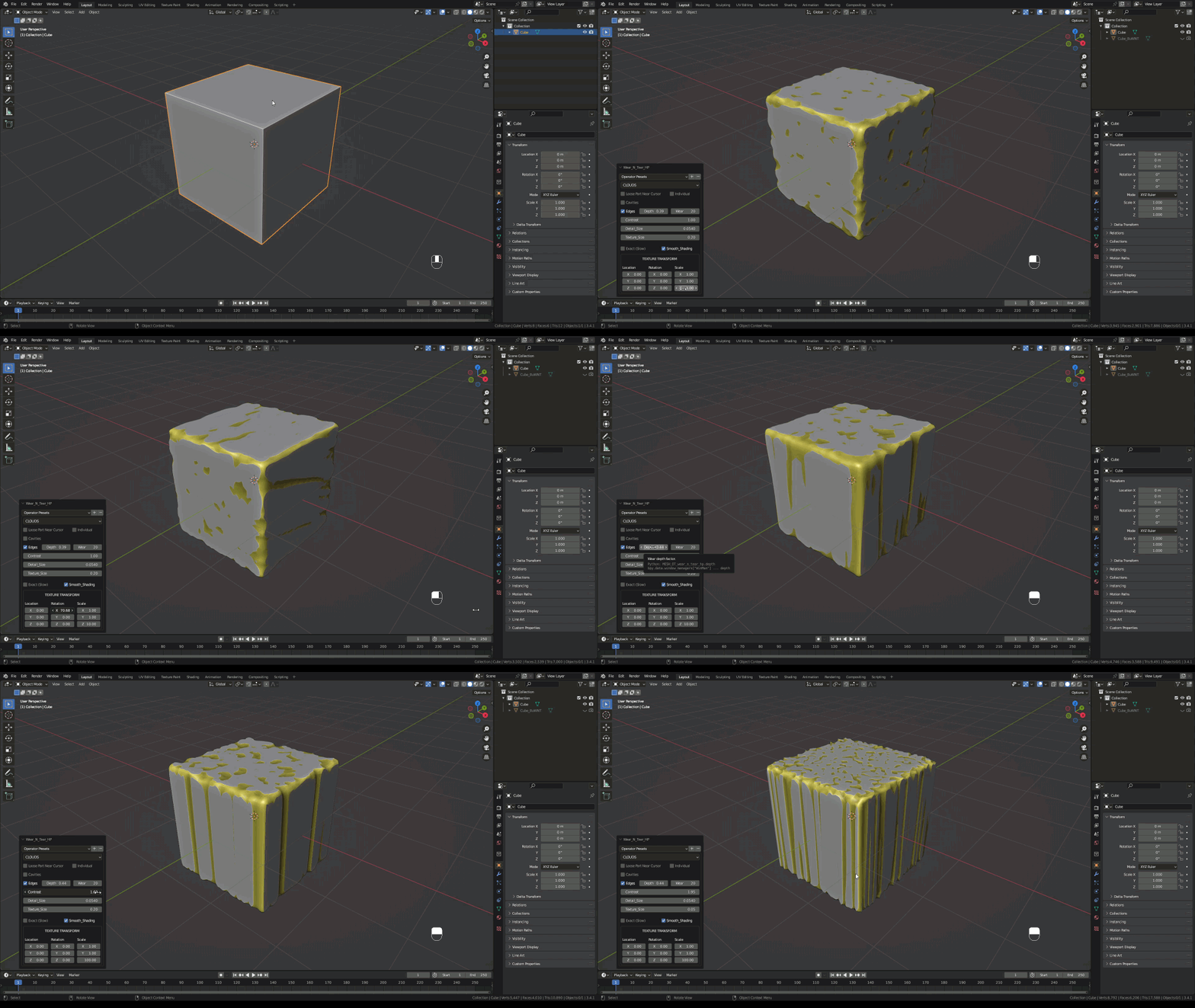
Wear N’ Tear HP: Texture Transform: Translate, rotate and scale
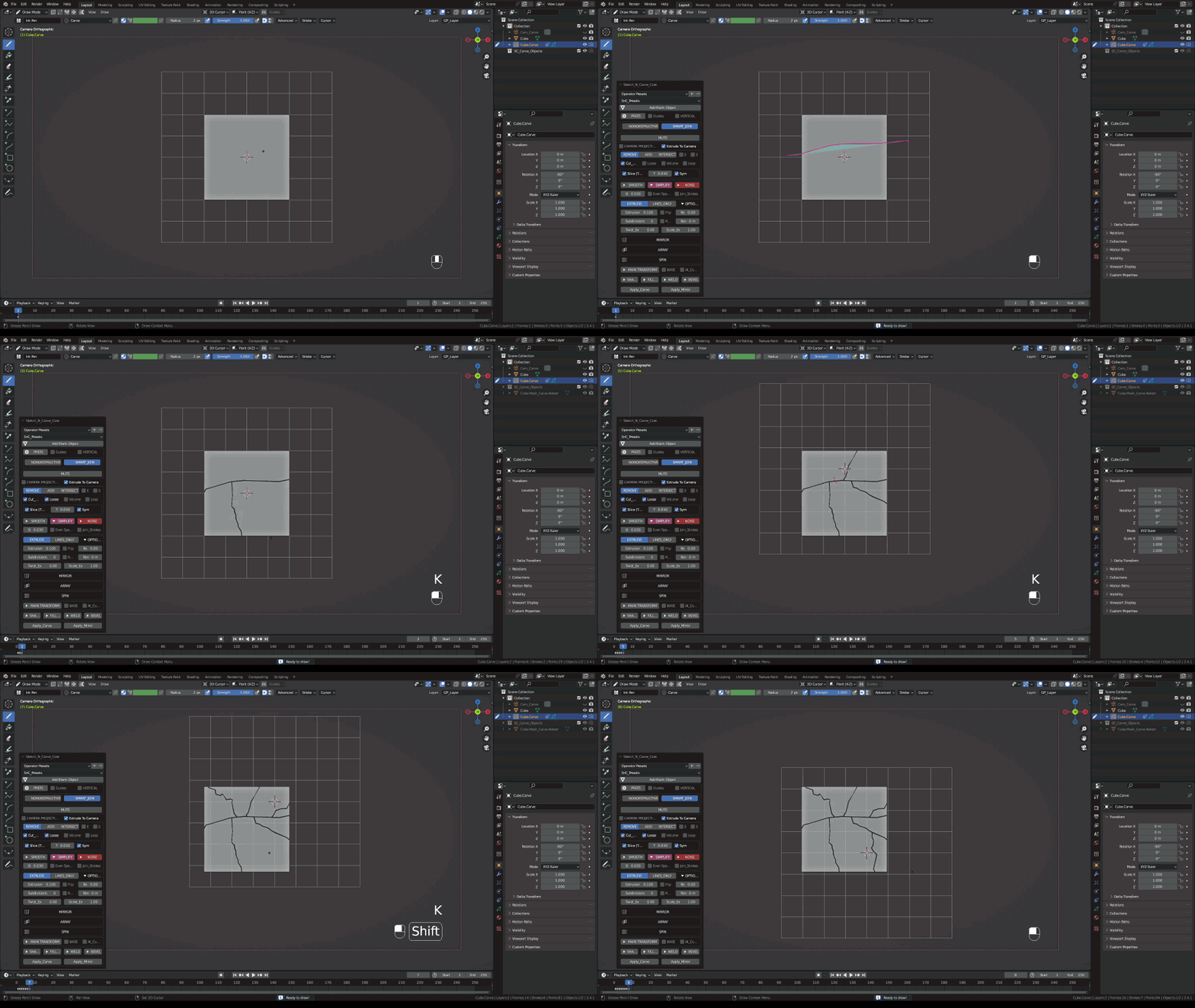
Wear N’ Tear (Damage Control, Full DC) Cut cracks, cut parts off, add scratches or model the whole thing first using Sketch N’ Carve CORE
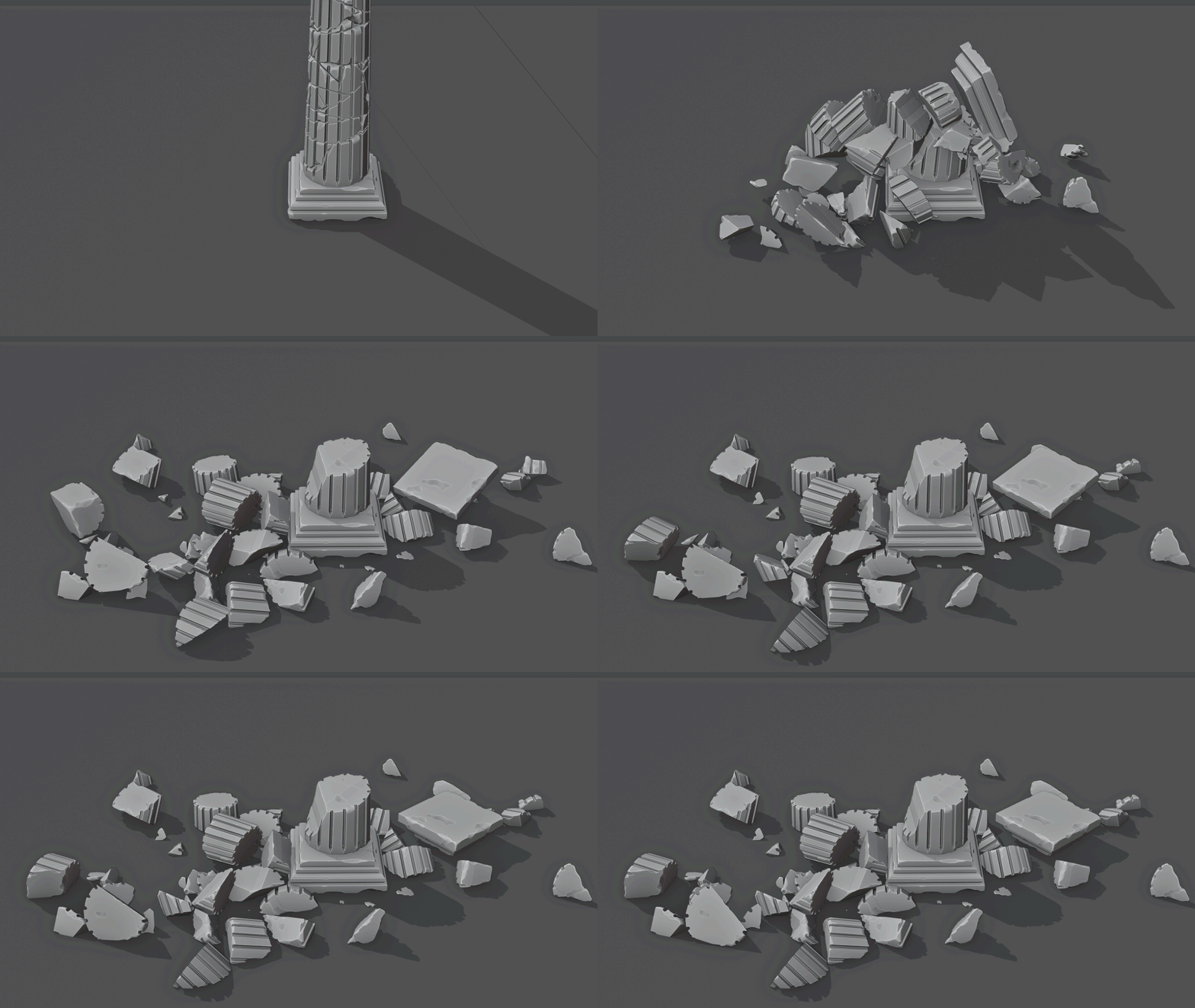
Sketch N’ Carve CORE (Modeling, cracks) + Wear N’ Tear HP + Sketch N’ Simulate SE
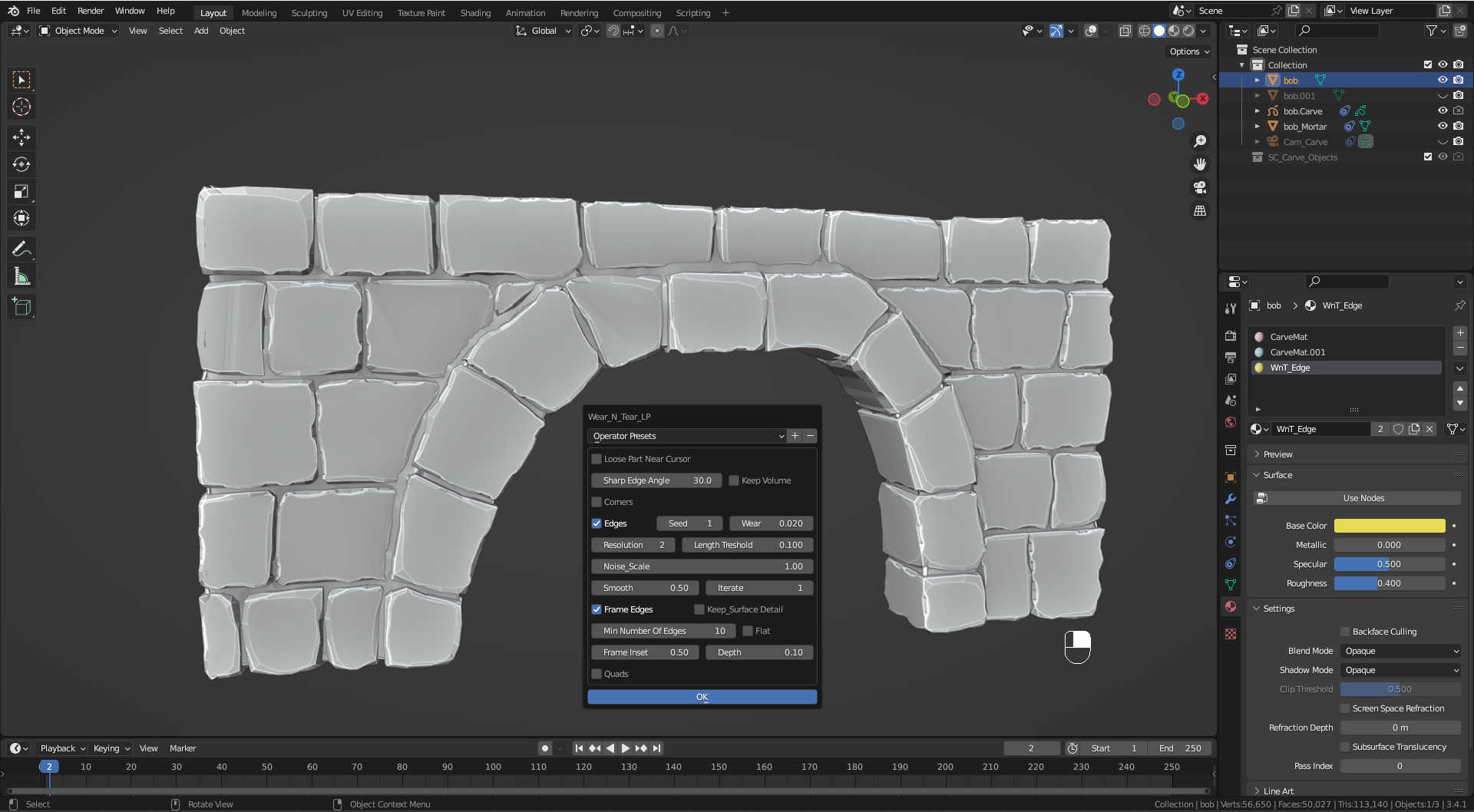
Wear N’ Tear PRO + Mortar
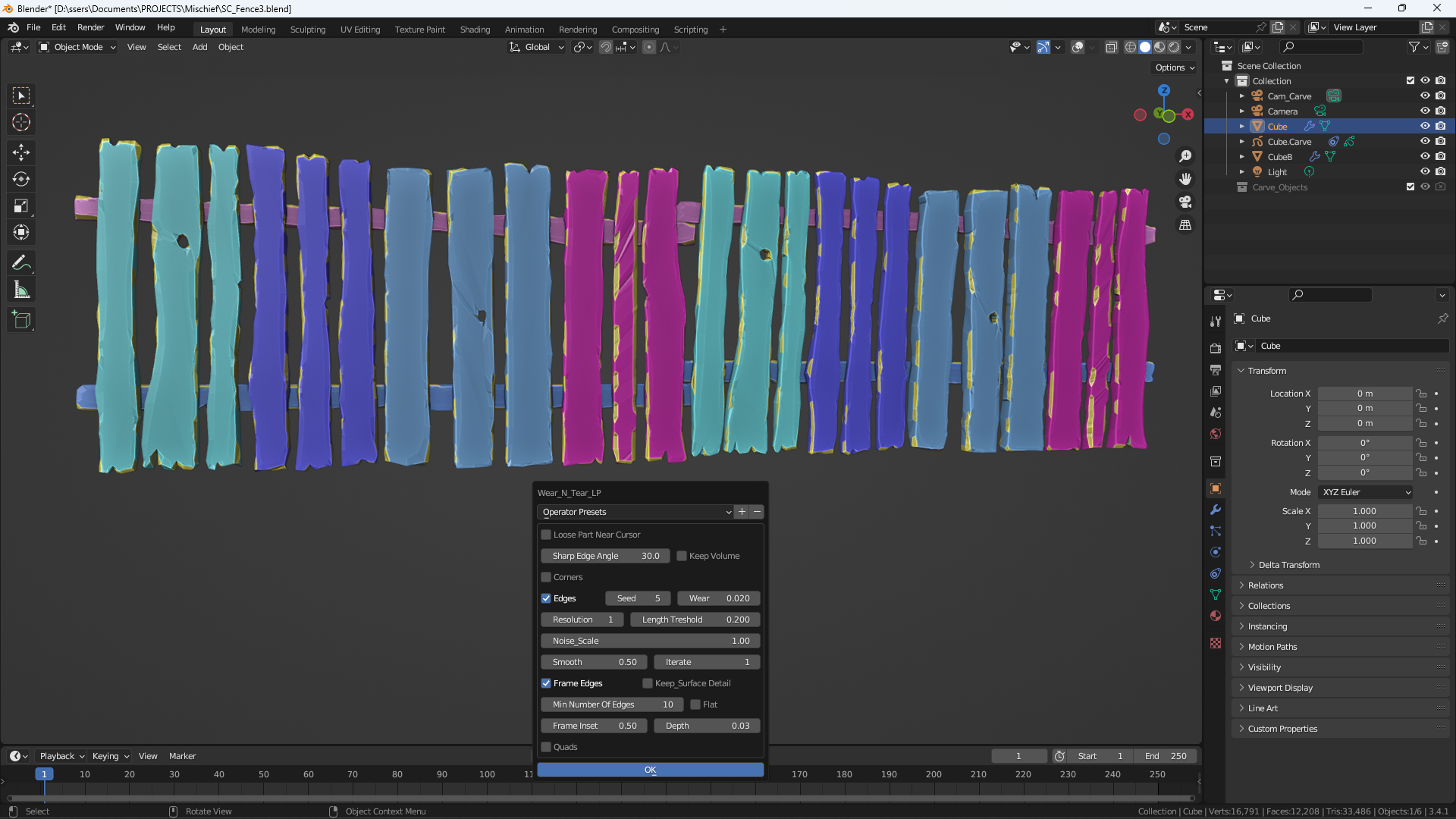
Wear N’ Tear LP
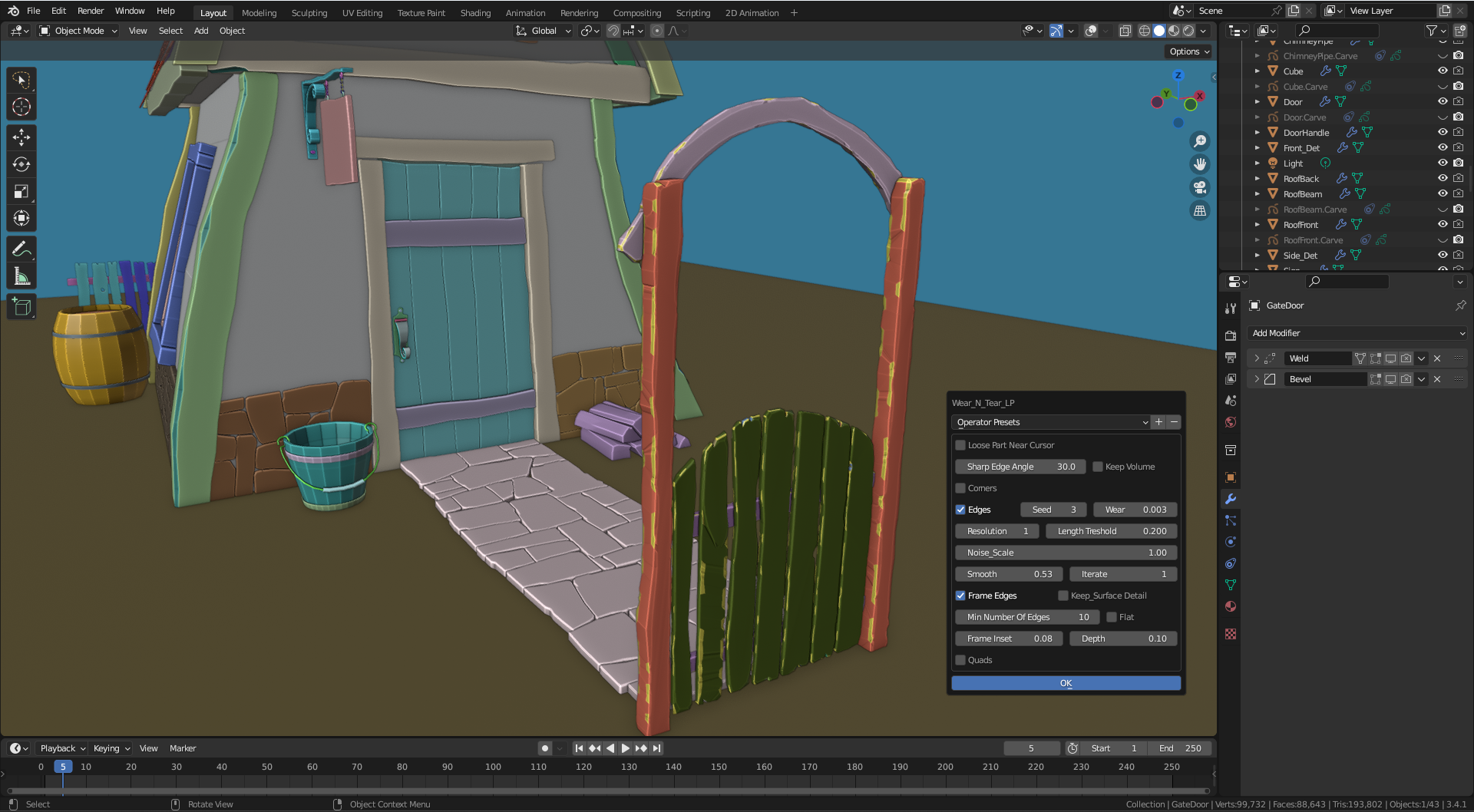
Wear N’ Tear LP
Supercharge your 3D creation workflow with premium selection of Blender Add-ons. Whether you are modeling intricate characters, sculpting realistic environments, or animating cinematic sequences, the right add-on can transform how you work inside Blender. Our curated collection includes powerful tools for UV unwrapping, procedural texture generation, rigging automation, rendering optimization, and more—each rigorously tested for compatibility with the latest Blender versions. Eliminate tedious manual processes and unlock advanced functionality that lets you focus on what matters most: bringing your creative vision to life. Explore our full range of professional Blender plugins today and take your 3D projects to the next level.
➡️ ➡️ For more Blender Plugins 😀 😀
Reviews
There are no reviews yet.