

Weather It for Blender
Weather It v1.0 for Blender
The Ultimate Weather Simulation and Atmospheric Effects Toolkit
Download Weather It v1.0 today. Consequently, you can create stunning, fully customizable weather effects in Blender—from intense storms and heavy rain to soft mists, snowfall, lightning, and fog—with just a few clicks . Because environmental storytelling often depends on dynamic atmospheric conditions, having access to a versatile weather simulation tool is absolutely essential. Nevertheless, manually setting up particle systems, shaders, and geometry nodes for realistic rain or snow can consume countless hours of production time. Fortunately, Weather It eliminates this bottleneck completely. Moreover, it leverages Blender’s powerful Geometry Nodes system to deliver physically-accurate weather phenomena that react realistically to your scene geometry . In short, you can transform any scene with immersive weather effects in a fraction of the usual time.
Comprehensive Weather Effects Library
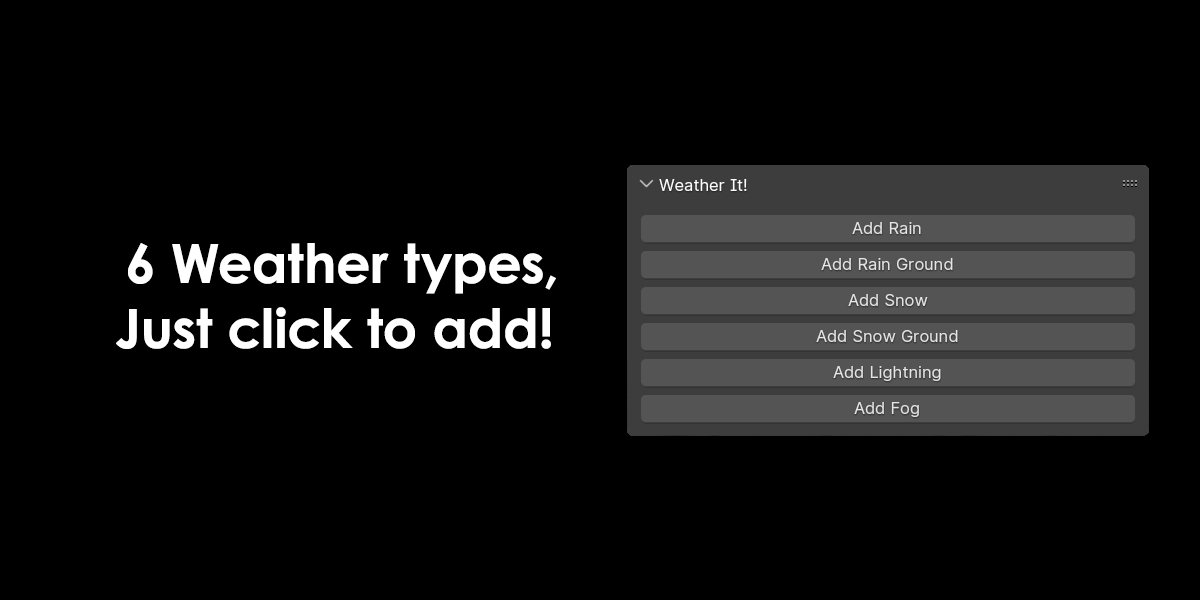
The foundation of this addon lies in its broad range of weather presets. For instance, you can generate rain, snow, lightning, fog, and storms from a unified interface . Furthermore, each weather type is highly customizable, allowing you to fine-tune parameters such as intensity, speed, density, and scale to match your creative vision . Since the system uses Blender’s Geo-Nodes, you can adjust settings in real-time and see immediate feedback in the viewport.
Realistic Rain and Bounce Effects
The rain system in Weather It includes a standout feature: realistic rain bounce on surfaces . For example, raindrops dynamically react upon impact with objects, enhancing immersion and adding a layer of detail to your scenes. Additionally, you can control rain speed, length, and density directly from the Geo-Nodes panel, and even designate specific objects to receive rain splash effects .
Dynamic Snow Buildup and Customization
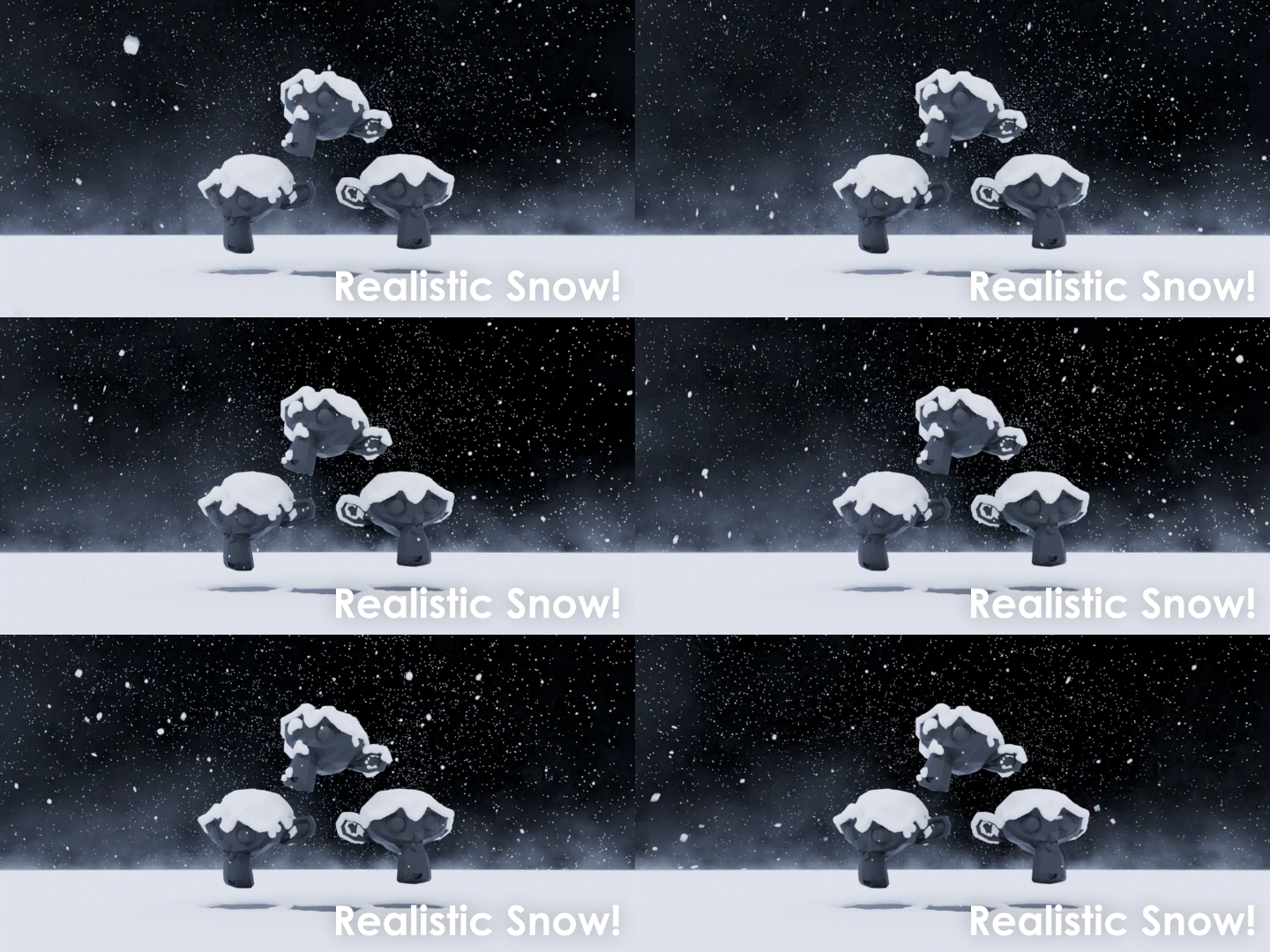
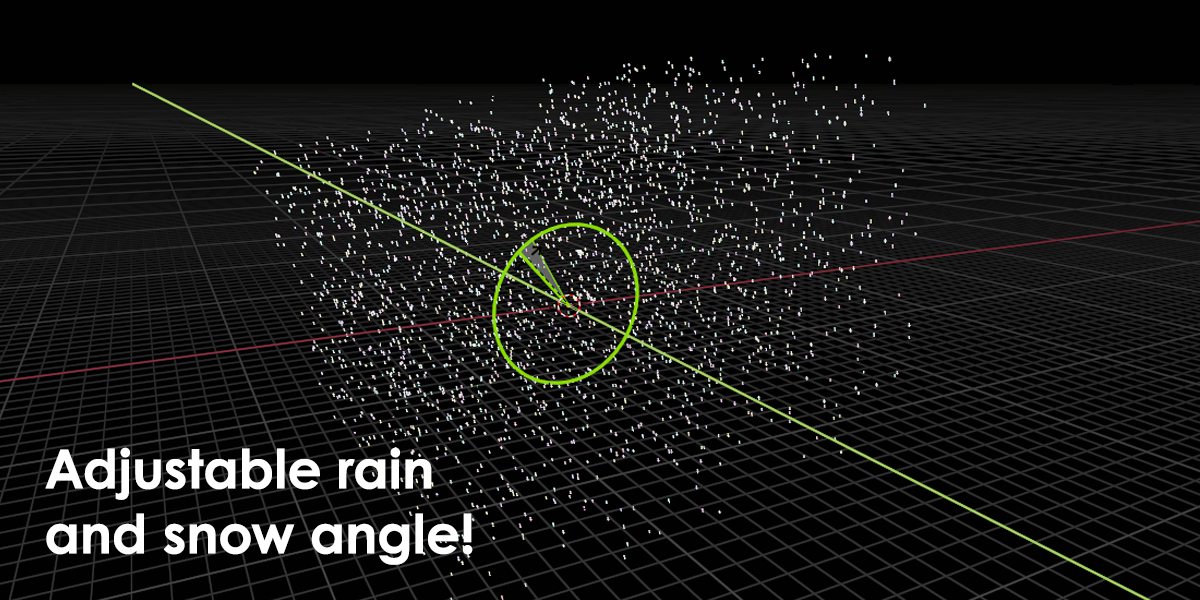
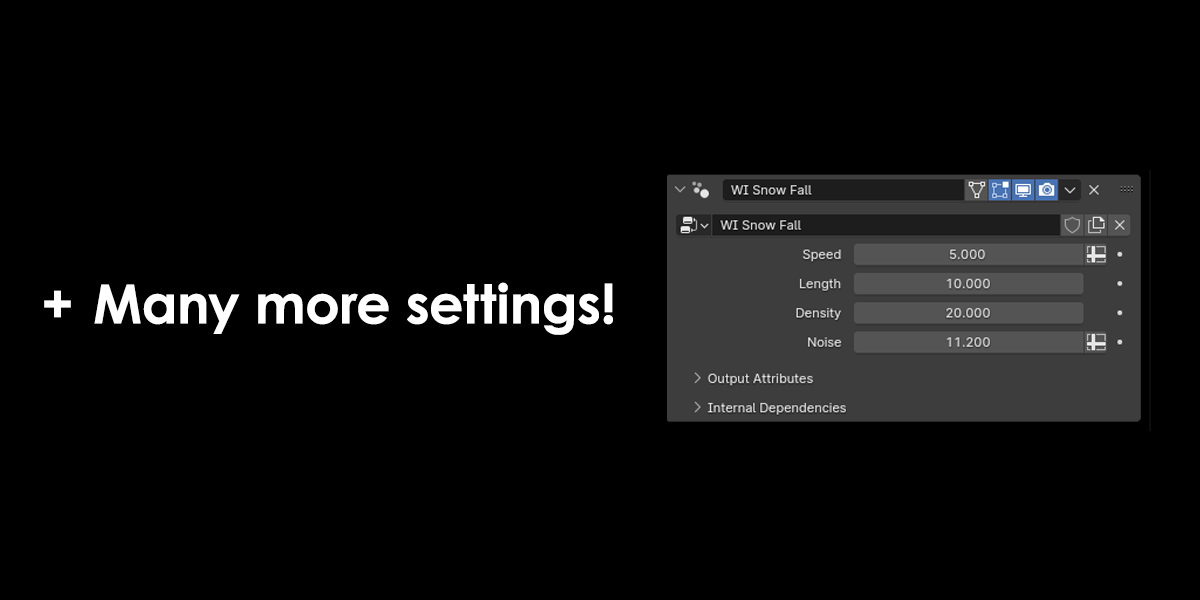
For snowy environments, Weather It simulates realistic snow accumulation on the ground . This means you can create convincing winter landscapes where snow visibly builds up over time. Furthermore, you have control over snow speed, density, noise (which affects how straight the snow falls), and point density for optimizing performance .
Lightning and Fog with Advanced Controls
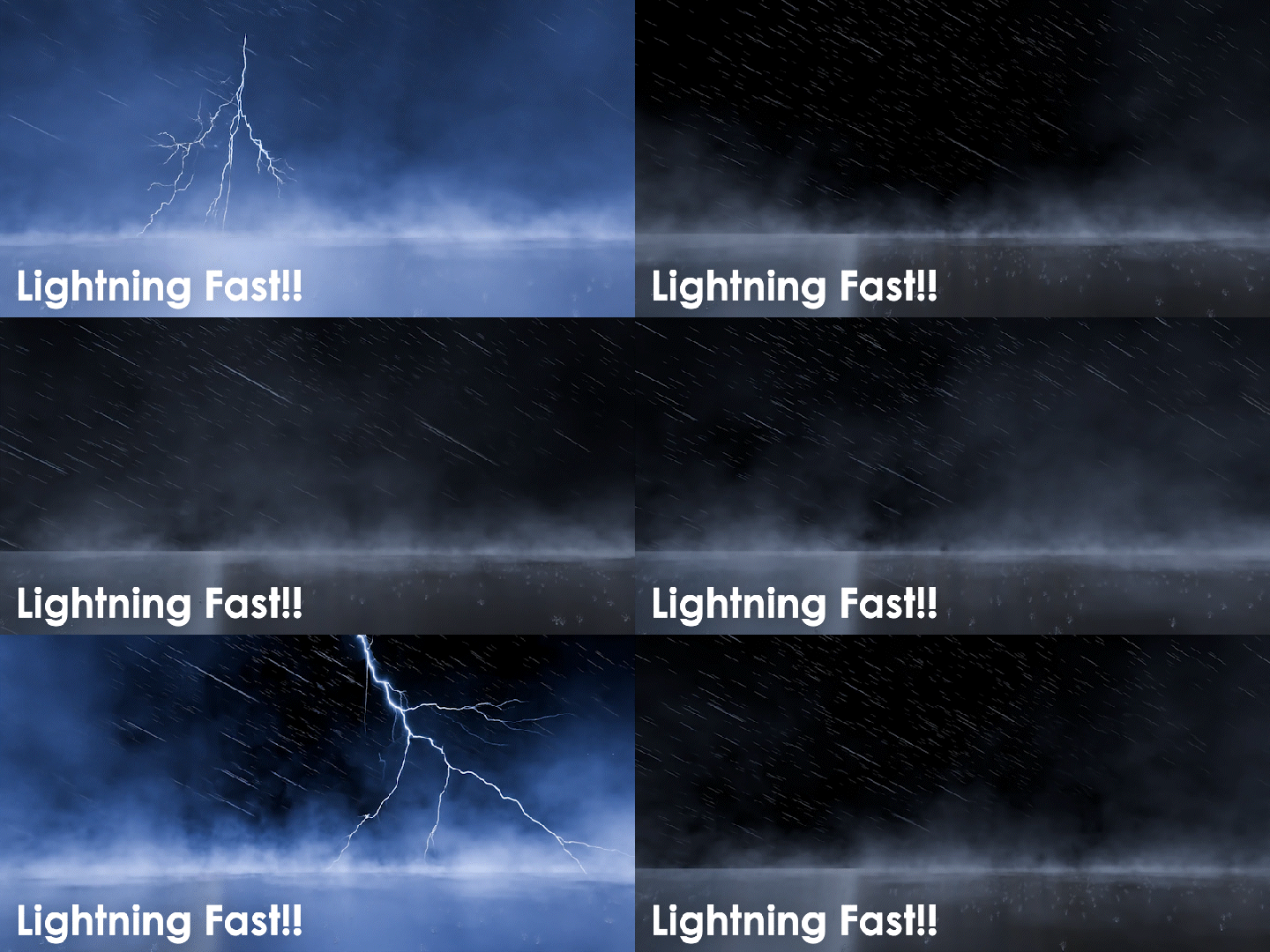
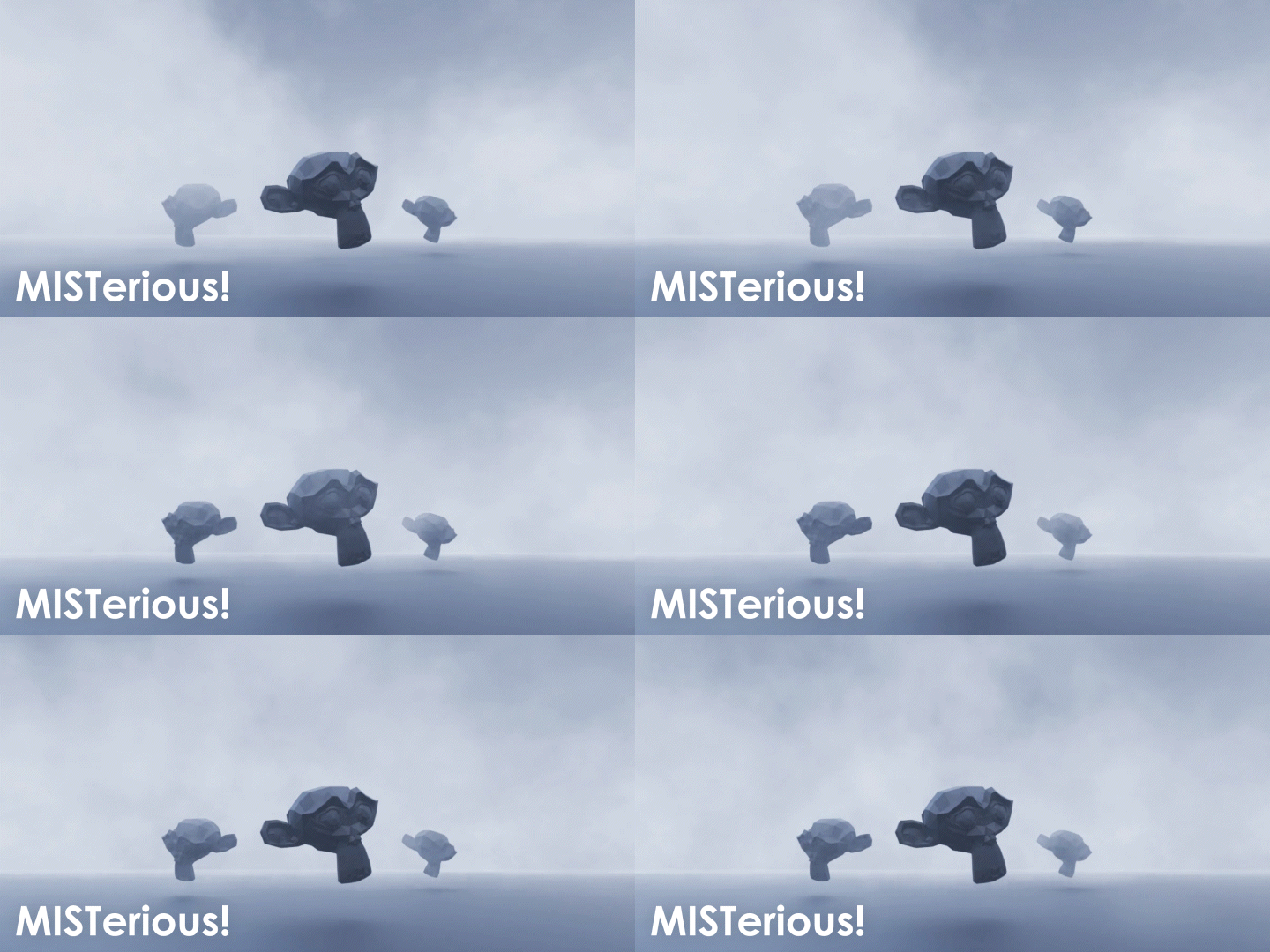
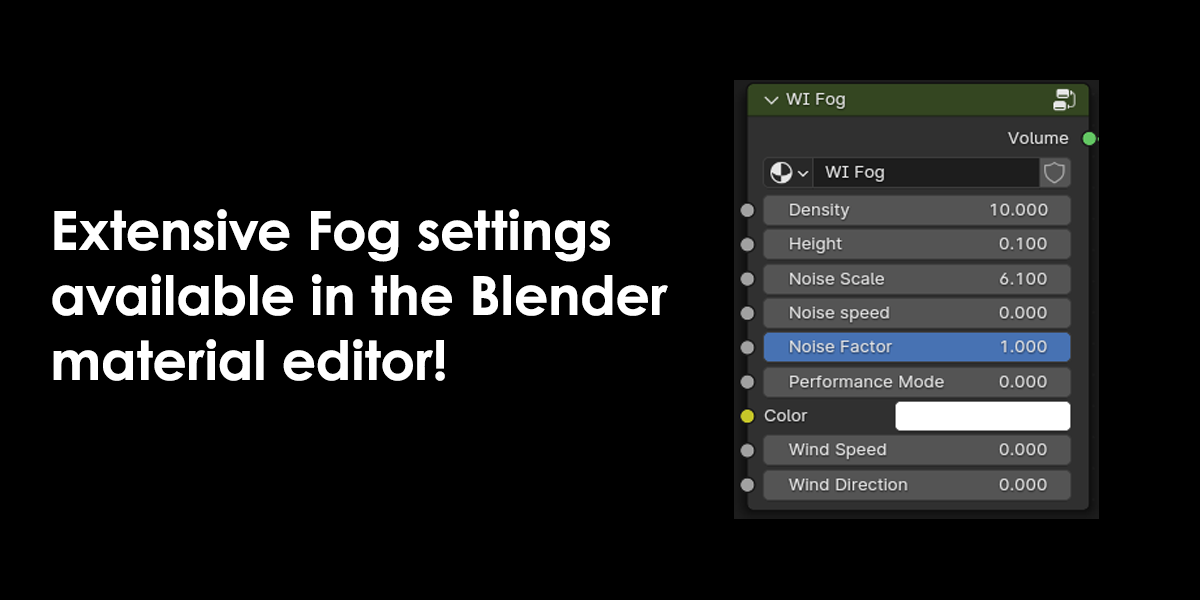
Beyond precipitation, the toolkit includes lightning and fog systems. For instance, lightning settings allow you to control bolt size and strike speed to create dramatic storm scenes . Meanwhile, the fog system is accessible through the material editor, where you can adjust density, height, noise scale, and wind direction for atmospheric depth . A performance mode is also available to toggle between emissive and volume scatter for balancing quality and speed .
Seamless Workflow and Compatibility
Weather It v1.0 supports a comprehensive range of Blender versions spanning from 4.0 through 4.3 . The addon is distributed as a standard ZIP file for easy installation through Blender’s Preferences panel . Furthermore, it is fully compatible with both Windows and Mac systems .
Perfect for Environment Artists, Animators, and Game Developers
This addon is particularly well-suited for environment artists who want to add dynamic atmosphere to their renders. Similarly, animators creating cinematic shots will appreciate the ability to quickly set up stormy or snowy scenes. Additionally, game developers prototyping levels with changing weather conditions can leverage the real-time adjustable parameters. Ultimately, Weather It accelerates your entire environmental design and animation pipeline.
Installation and Usage Guide
To install, first download the ZIP file from your library. Next, open Blender and navigate to Edit Preferences. Then, for Blender 4.0 and below, click Install and select the ZIP file. For Blender 4.1 and above, use the “Install from Disk” option from the dropdown menu . After that, enable the Weather It addon. Finally, access the weather settings from the Geometry Nodes panel or material editor, and begin creating your custom weather effects . Thus, your professional weather simulation workflow will be ready instantly.
Final Thoughts on the Addon
Effortless weather creation evokes profound creative freedom. Therefore, this addon provides the ultimate foundation for your environmental workflows. You can bring dynamic weather to life with unprecedented speed and realism. Consequently, your atmospheric vision becomes a stunning reality.


Create amazing weather effects!
Create fully customizable weather effects, from intense storms and heavy rain to soft mists and snowfall. Features include realistic rain bounce on surfaces and snow buildup on the ground for added immersion!
Limitations
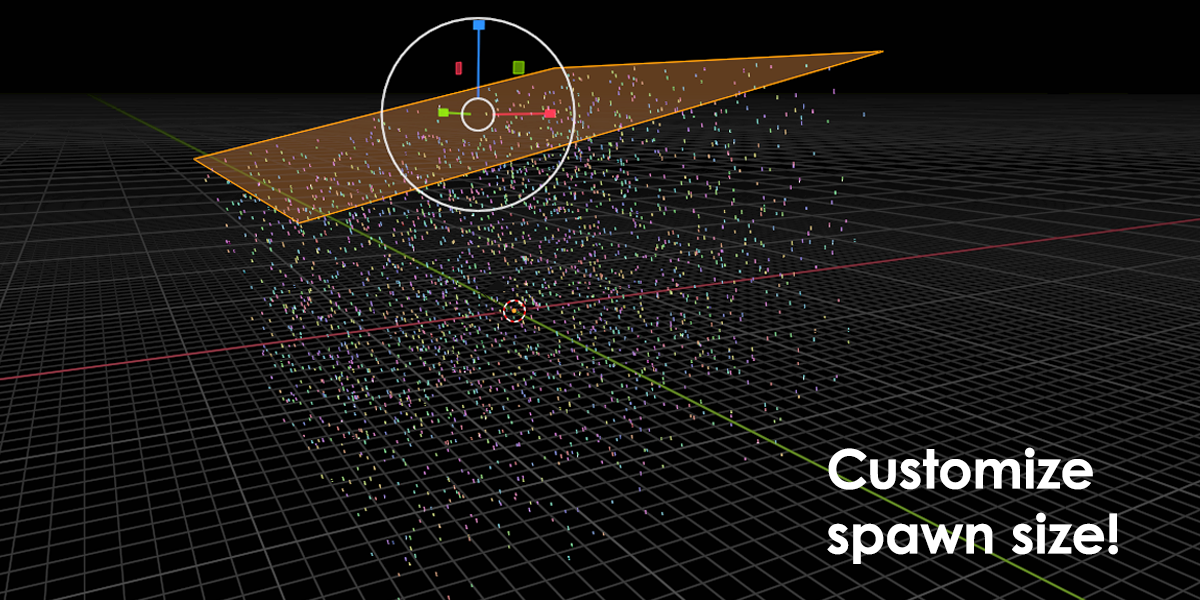
Currently changing the size of the spawner changes the speed of snow and rainfall. It can be easily fixed by adjusting “speed” in the geo-nodes tab
Supercharge your 3D creation workflow with premium selection of Blender Add-ons. Whether you are modeling intricate characters, sculpting realistic environments, or animating cinematic sequences, the right add-on can transform how you work inside Blender. Our curated collection includes powerful tools for UV unwrapping, procedural texture generation, rigging automation, rendering optimization, and more—each rigorously tested for compatibility with the latest Blender versions. Eliminate tedious manual processes and unlock advanced functionality that lets you focus on what matters most: bringing your creative vision to life. Explore our full range of professional Blender plugins today and take your 3D projects to the next level.
➡️ ➡️ For more Blender Plugins 😀 😀
Reviews
There are no reviews yet.