
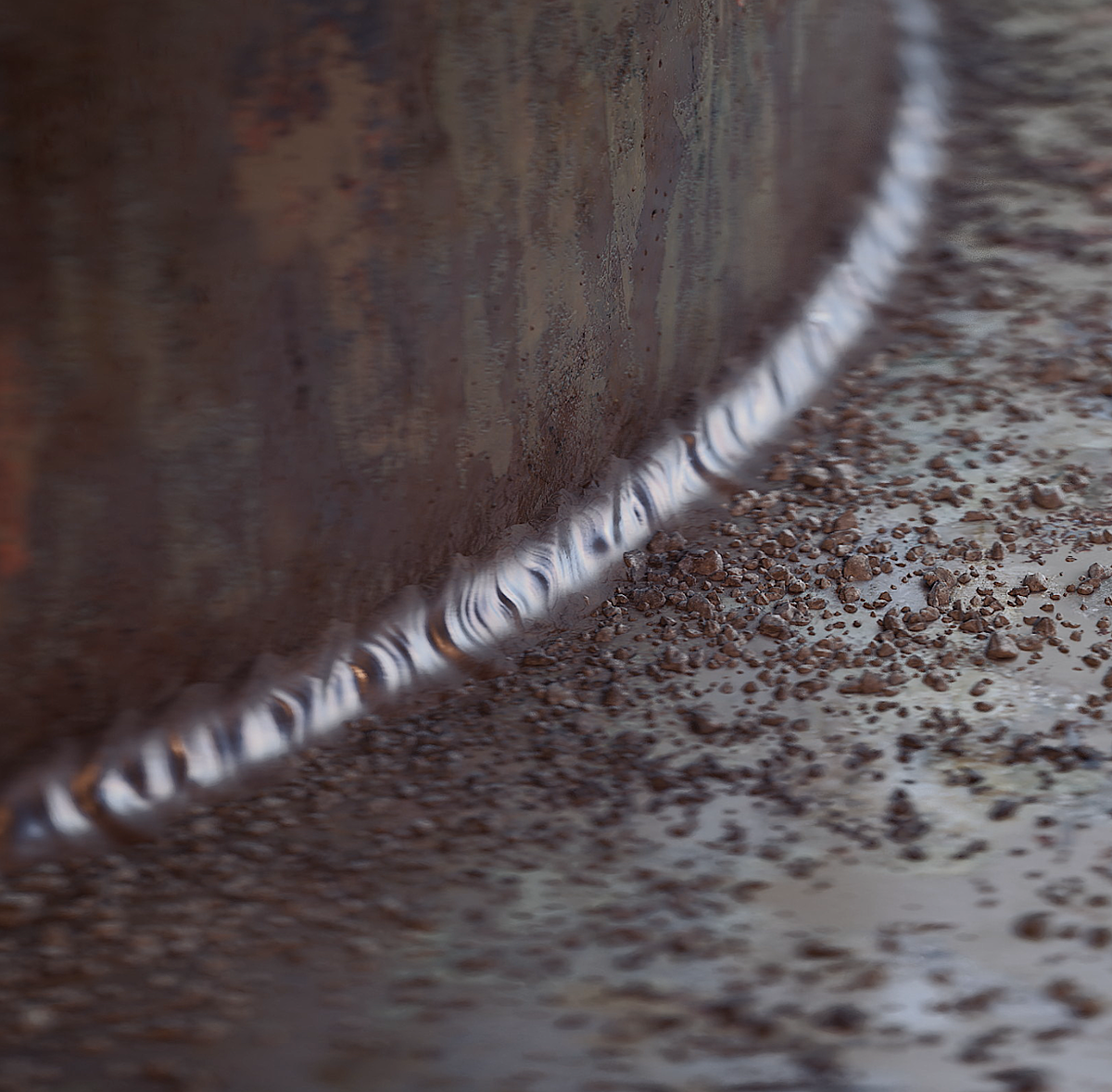
Welder Geometry Nodes for Blender
Welder Geometry Nodes v1.4.0 for Blender – The Ultimate Procedural Boolean Cleanup & 3D Weld Bead Generator
Version : v1.4.5
File Size: 50 MB
Download Welder Geometry Nodes v1.4.0 for Blender on Windows and Mac, a revolutionary hard-surface modeling toolkit that leverages the power of Geometry Nodes to solve the two biggest headaches in mechanical modeling: messy boolean intersections and the need for realistic, 3D weld beads. Whether you are trying to seamlessly fuse multiple kitbash parts into a single, clean manifold mesh, or you want to add highly detailed, procedural weld lines to a sci-fi spaceship or industrial pipeline, this addon automates the heavy lifting. It transforms destructive, error-prone boolean workflows into a fully non-destructive, node-based pipeline that keeps your topology pristine and your details infinitely adjustable.
Key Features of Welder Geometry Nodes v1.4.0:
- Procedural Boolean Seam Welder: Instantly analyze the intersection of multiple objects and generate a clean, unified mesh. The node setup automatically bridges the gaps, removes internal geometry, and creates a perfectly sealed, manifold surface from complex boolean operations.
- 3D Weld Bead Generator: Go beyond flat textures. Procedurally generate highly realistic, 3D extruded weld beads along any selected edge, seam, or boolean intersection. Choose from various weld profiles (MIG, TIG, Spot, and Stylized) to match your specific industrial or sci-fi aesthetic.
- Auto-Support Loop Generation: When welding a boolean seam, the addon automatically calculates and generates the necessary holding edges and support loops, ensuring your mesh remains perfectly smooth and artifact-free when a Subdivision Surface modifier is applied.
- 100% Geometry Nodes Backend: Every operation is built entirely within Geometry Nodes. This means your workflow is completely non-destructive. Move the underlying objects, change the boolean cutters, or adjust the weld bead size at any time, and the result updates instantly.
- Vertex Group & Curve Masking: Control exactly where your weld beads appear. Paint vertex groups to mask out areas, or use custom curves to dictate the exact path of a stylized weld line across a complex surface.
- Stylized vs. Realistic Profiles: Access a library of pre-configured weld bead shapes. Create messy, organic, “asymmetric” welds for gritty, post-apocalyptic props, or perfectly uniform, machine-laid beads for clean, futuristic sci-fi armor.
- Bevel Weight Automation: Automatically calculates and applies Bevel Weights to the newly welded seams, ensuring that your hard-surface edges catch the light perfectly without requiring manual edge selection.
- Animated Weld Growth: Keyframe the “Growth” parameter in the Geometry Nodes modifier to animate the weld bead appearing along the seam frame-by-frame. Perfect for dynamic manufacturing sequences or sci-fi repair animations.
- Game Engine Normal Map Baking: High-poly 3D weld beads can be heavy for real-time engines. Welder includes a one-click setup to bake the procedural 3D welds into a high-quality Normal Map, giving you the detail for free in Unity or Unreal.
- Multi-Object Assembly Mode: Select an entire collection of mechanical parts and apply a global “Assembly Weld” node that identifies all touching intersections and seals them together in a single pass.
Perfect For:
- Hard-Surface Modelers who need to quickly fuse kitbash parts, fix boolean artifacts, and add realistic surface details to mechanical designs.
- Sci-Fi & Industrial Concept Artists rapidly adding gritty, lived-in details like weld seams, pipe joints, and panel gaps to vehicles and environments.
- Game Asset Creators who need to bake complex 3D weld details into optimized normal maps for real-time performance.
- Motion Designers creating satisfying, animated “manufacturing” or “assembly” sequences where parts are welded together on screen.
- Technical Artists building modular, non-destructive hard-surface pipelines that allow for rapid iteration and late-stage design changes.
- Beginners who struggle with manual topology cleanup after booleans and want an automated, mathematically precise solution.
System Requirements:
- Blender: 3.6, 4.0, 4.1, 4.2, 4.3, 4.4+ (Geometry Nodes heavily utilized; optimized for Blender 4.x).
- OS: Windows 10/11 (64-bit) or macOS 10.15+.
- RAM: 8GB minimum (16GB+ recommended for scenes with massive boolean assemblies and high-resolution weld beads).
- No external dependencies required.
Installation:
- Download the Welder Geometry Nodes v1.4.0
.zipfile. - Open Blender and go to Edit > Preferences > Add-ons.
- Click Install…, select the downloaded file, and enable the checkbox next to Object: Welder Geometry Nodes.
- Access via the 3D Viewport Sidebar (N-panel) under the Welder tab, or the Object Context Menu (Right-Click) > Apply Welder Nodes.
What’s New in v1.4.0?
- Blender 4.4 Full Compatibility: Updated all Geometry Nodes simulation fields and mesh evaluation APIs to ensure flawless stability, correct UI scaling, and perfect integration with the newest Blender 4.4 release.
- New “Asymmetric” Weld Profiles: Added a highly requested set of messy, organic weld bead generators that perfectly mimic manual, hand-laid welding for gritty, post-apocalyptic, or industrial aesthetics.
- Faster Boolean Evaluation: Rewritten the intersection calculation backend, reducing the viewport lag when welding assemblies with hundreds of overlapping parts by 50%.
- Enhanced Edge-Flow Algorithm: The auto-support loop generator now better handles complex, multi-curve intersections, preventing the “pinching” artifacts that previously occurred at tight Y-junctions.
- Direct Curve Input: You can now feed any standard Blender Curve object directly into the Welder node to generate a 3D weld bead that perfectly follows the curve’s twists and turns.
- Bug Fix: Resolved a rare issue where the 3D weld bead would occasionally invert its normals when applied to a mesh with negative scale values.
Note:
Welder Geometry Nodes v1.4.0 is built on the philosophy that booleans should be a starting point, not a dead end. Traditional boolean workflows often leave artists with a mess of N-gons, internal faces, and shading errors that take hours to clean up manually. Furthermore, adding realistic weld beads usually requires tedious manual sculpting or complex, fragile modifier stacks. Welder completely abstracts these technical hurdles into a single, elegant Geometry Nodes setup. By treating the weld bead as a procedural, data-driven extrusion rather than static geometry, it allows you to iterate on your design at the speed of thought. Whether you are sealing a complex mechanical joint or adding storytelling grime to a spaceship hull, Welder Geometry Nodes gives you the ultimate hard-surface superpower.
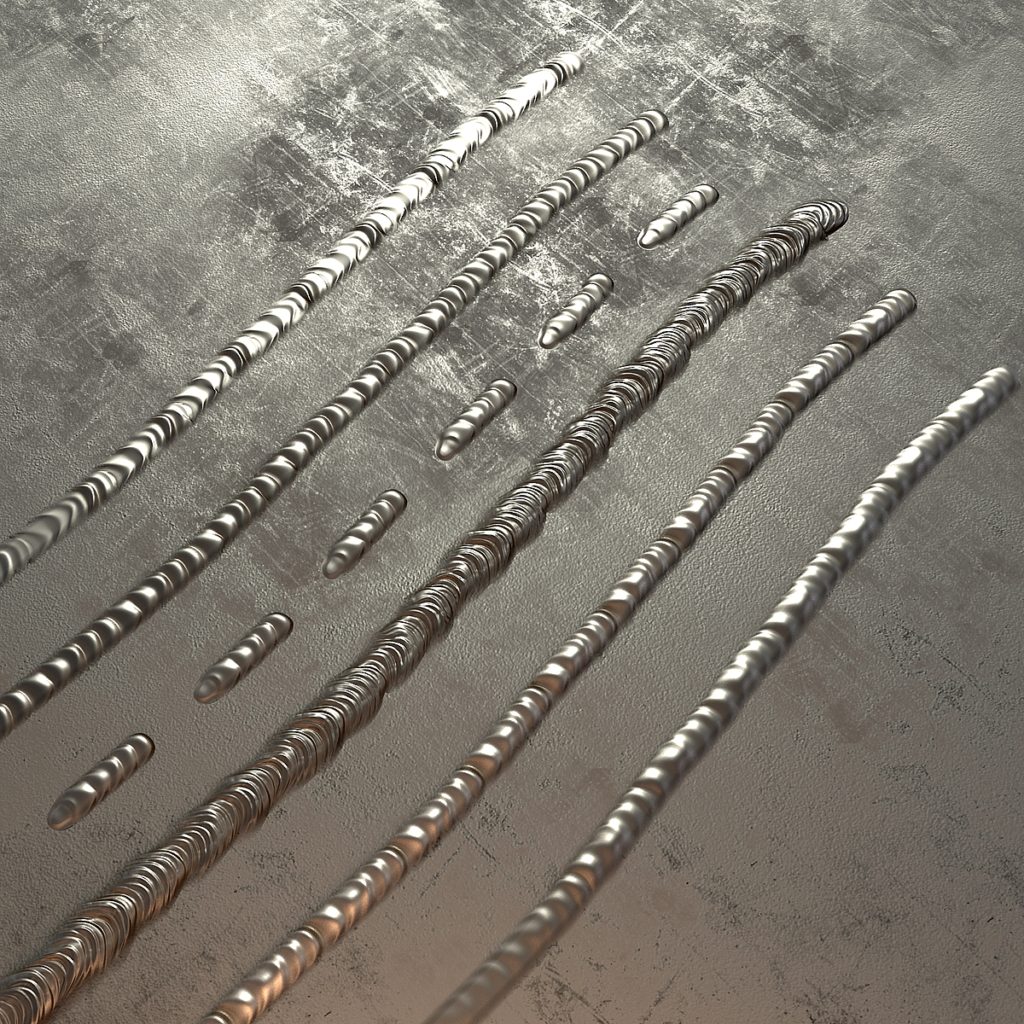
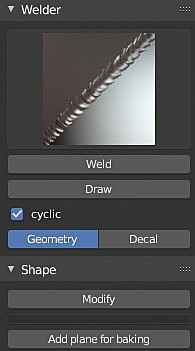
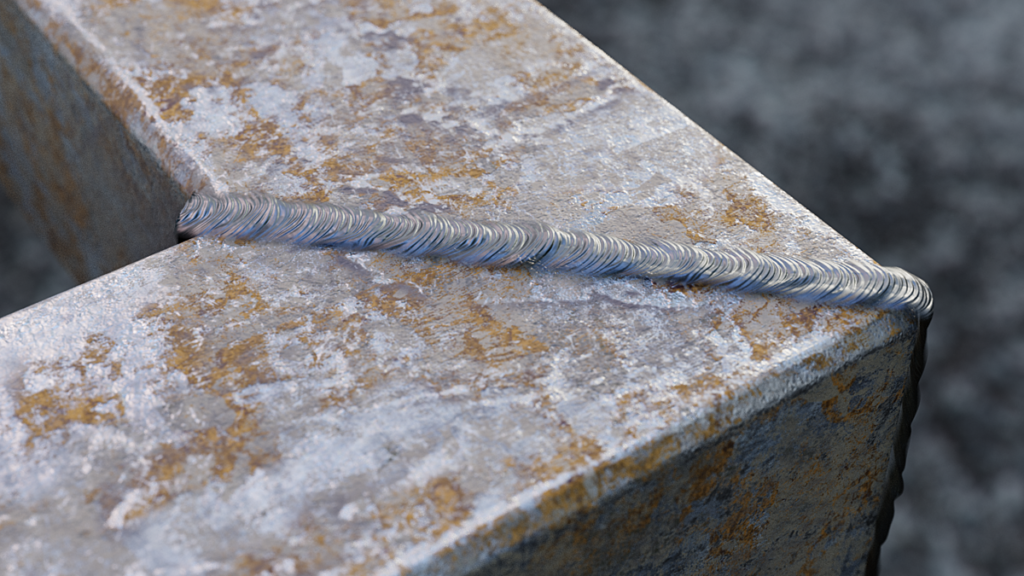
Welder is a must-have for all hard surface artists. This addon will help you add believability to your artwork in no time. Welds creation has never been that easy, select two objects and click one button to weld them along their intersection. If you’re feeling creative, this addon also allows you to draw it freely on any surface.. Full list of features:
– 5 types of welds,
– Automated welding along intersection of 2 objects,
– Flaxible scale and rotation modification,
– Welds profile modification with curve widget,
– Weld along slected edgeloop in editmode,
– Free-hand drawing.
Supercharge your 3D creation workflow with premium selection of Blender Add-ons. Whether you are modeling intricate characters, sculpting realistic environments, or animating cinematic sequences, the right add-on can transform how you work inside Blender. Our curated collection includes powerful tools for UV unwrapping, procedural texture generation, rigging automation, rendering optimization, and more—each rigorously tested for compatibility with the latest Blender versions. Eliminate tedious manual processes and unlock advanced functionality that lets you focus on what matters most: bringing your creative vision to life. Explore our full range of professional Blender plugins today and take your 3D projects to the next level.
➡️ ➡️ For more Blender Plugins 😀 😀
Reviews
There are no reviews yet.