
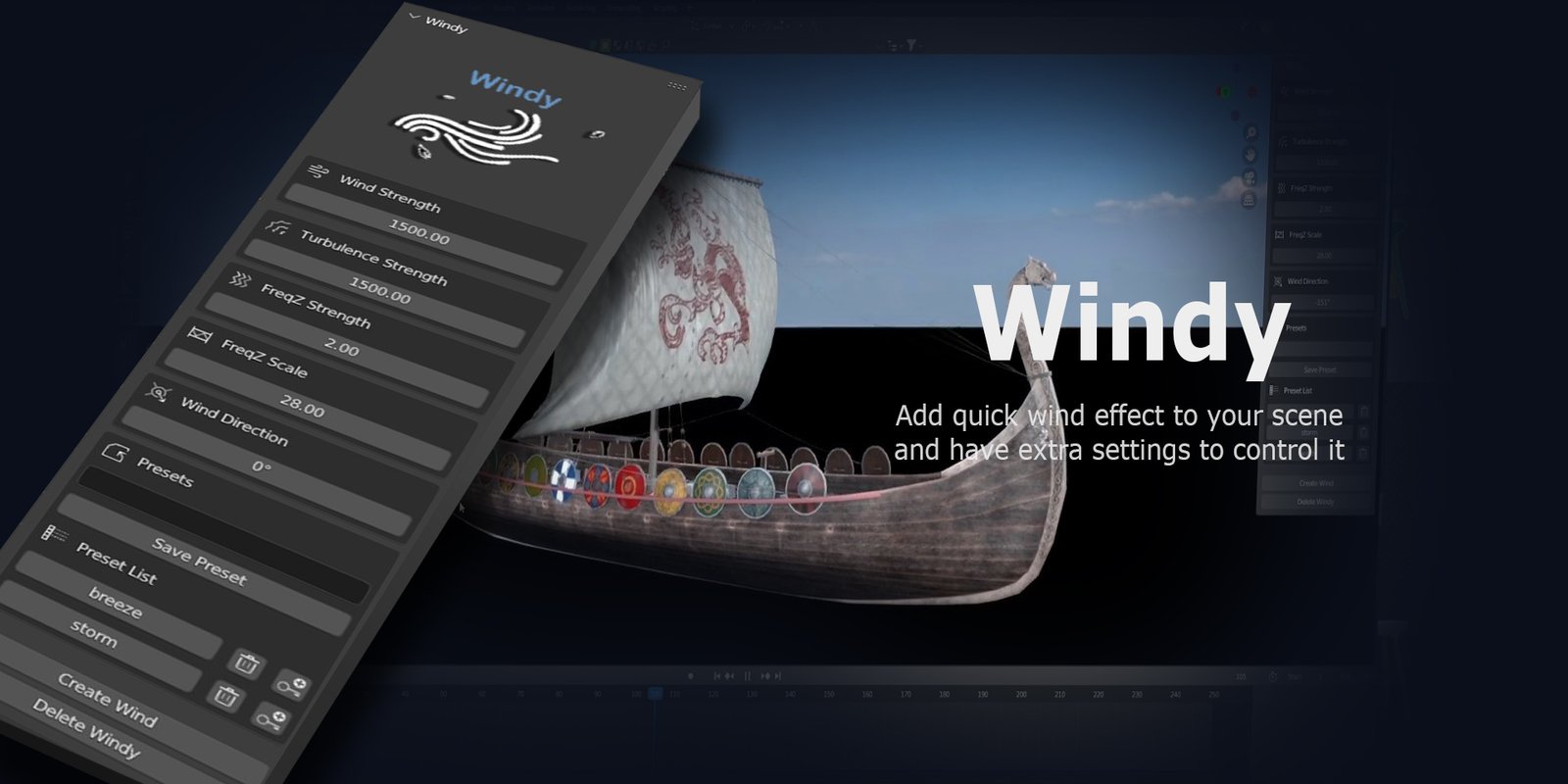
Windy for Blender
windy addon
Windy v1.0 for Blender – Realistic Wind & Airflow Simulation Tool
Versions: v1.0
File Size: 1.3 MB
Download Windy v1.0 for Blender on Windows, Mac, and Linux, a dynamic wind simulation add-on that adds realistic airflow effects to grass, trees, flags, hair, and soft surfaces. Create natural, organic motion with adjustable wind strength, gusts, turbulence, and direction—perfect for environment artists, animators, and motion designers .
Key Features of Windy v1.0:
- Realistic Wind Simulation: Adds natural wind motion to any object with adjustable strength and direction
- Gust Controls: Random gust intensity and frequency for organic variation
- Turbulence: Chaotic airflow patterns for natural movement
- Affected Objects: Grass, trees, flags, cloth, particle systems, hair, and fur
- Physics-Based: Simulated wind that responds to object properties
- Animation Ready: Animate wind direction and strength over time
- Real-Time Preview: See wind effects update instantly in the viewport
- Performance Optimized: Efficient simulation for complex scenes
- Eevee & Cycles Compatible: Works in both render engines
- v1.0 Release: Initial version with core wind simulation features
Perfect For:
- Environment artists creating natural outdoor scenes
- Animators adding organic motion to vegetation
- Game developers prototyping dynamic environments
- Motion designers creating flowing background effects
- Anyone needing realistic wind simulation in Blender
System Requirements:
- Blender 3.6, 4.0, 4.1, 4.2, 4.3
- Windows 10/11 (64-bit), macOS, or Linux
- 4GB RAM minimum (8GB+ recommended)
- 15MB available disk space
Installation:
- Download the add-on zip file
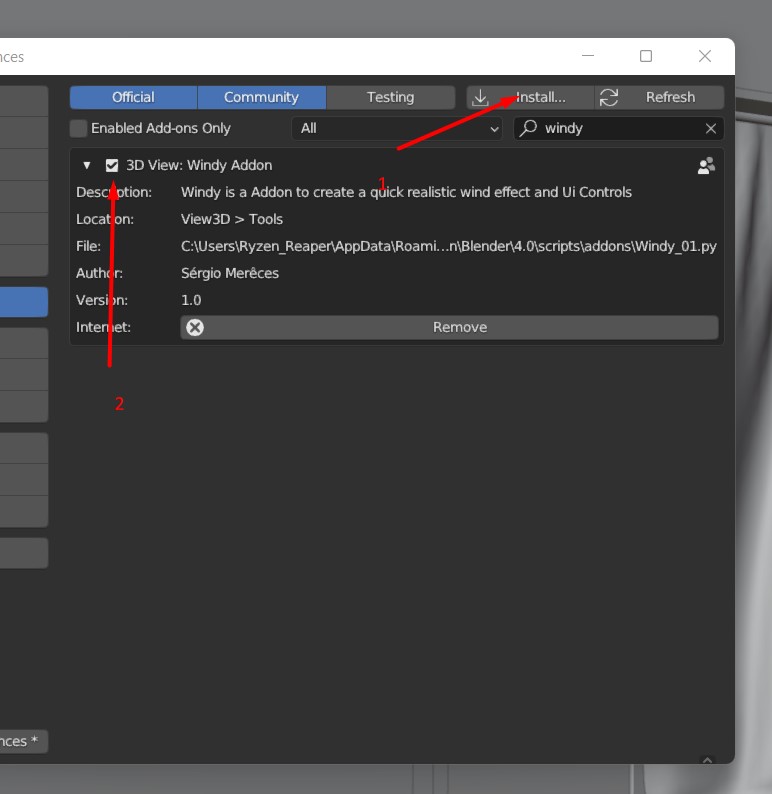
- In Blender, go to Edit > Preferences > Add-ons
- Click “Install” and select the downloaded zip file
- Enable the add-on by checking the box next to “Windy”
Note: Windy brings realistic wind simulation to Blender, adding natural motion to grass, trees, flags, hair, and other soft surfaces . The gust and turbulence controls make it essential for environment artists, animators, and motion designers . Designed for Blender 3.6 and above . Perfect for organic motion creation . Essential for any outdoor scene .

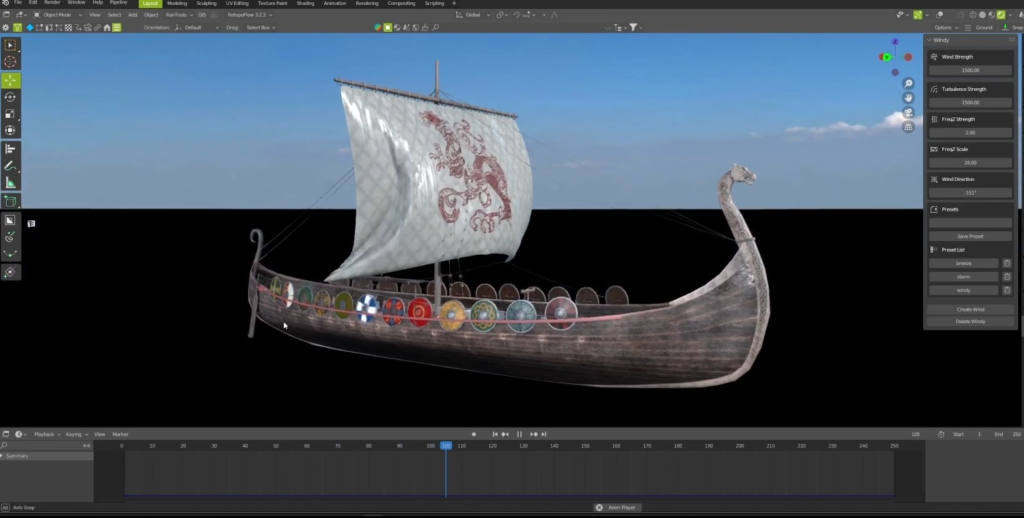
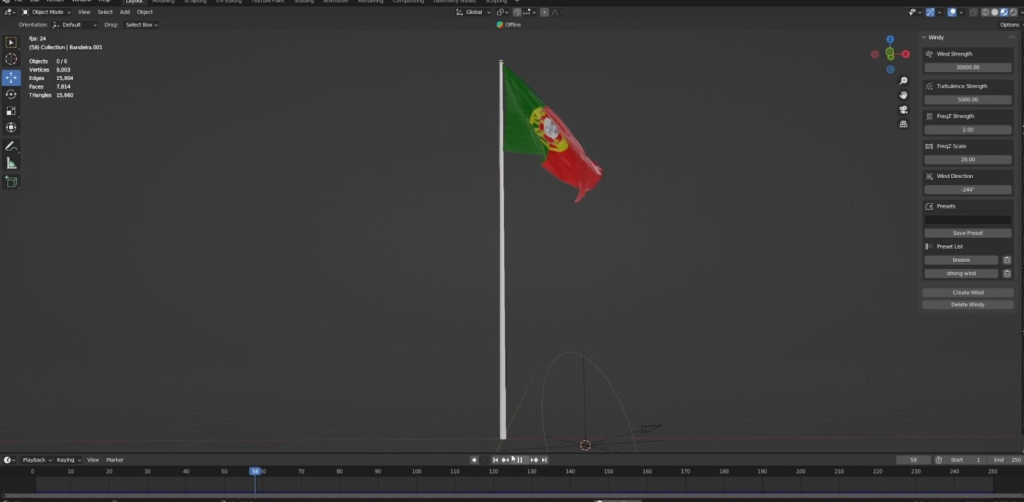

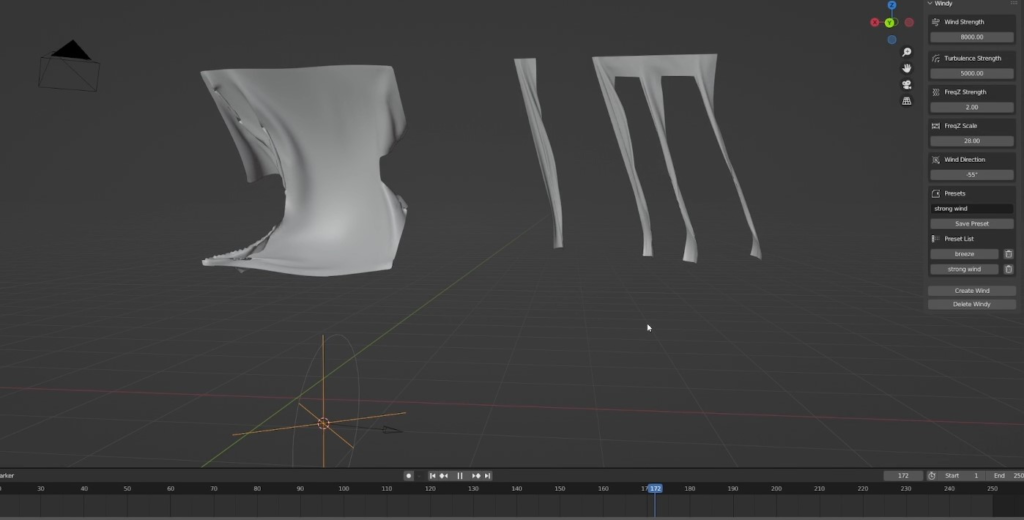
Windy: is a addon to add into your scene wind effect giving you instant realistic wind effect without losing time tweaking many parameters until achieve the desired effect each time you want to add wind! With this addon you can also save your presets of your wind configuration and you can change between each preset in in real-time, or create animations.
Blender Version Supported: Also work with the the upcoming Blender 4.0
Installation:
Go to Edit > Preferences >1- Choose Install and select the windy.zip file
2- Activate it
3- In the side Panel you should have now a tab with the name Windy where all the tools will be available.
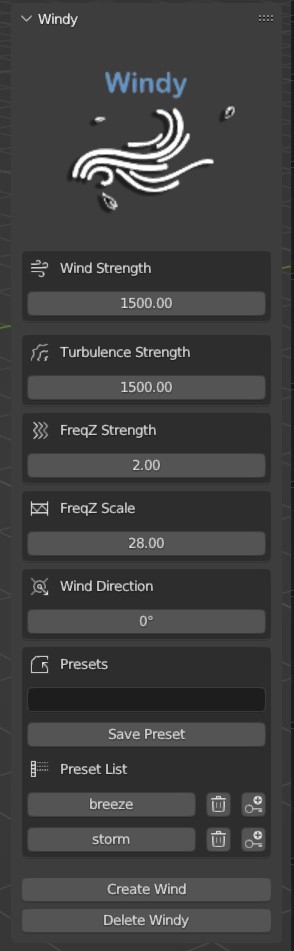
Create Wind:
Add into your scene the wind system ready to simulate realistic wind! The system is added where the 3d cursor is located.
Delete Windy:
Remove completely the wind system from your scene.
Wind Strength:
Controls the wind intensity in the scene
Turbulence Strength:
Controls the wind turbulence amount for the scene
FreqZ Strength:
Controls the intensity of the wind | turbulence animation
FreqZ Scale:
Controls the speed of the wind | turbulence animation
Presets:
You can save multiple wind presets and change them in real-time or create animations.
Supercharge your 3D creation workflow with premium selection of Blender Add-ons. Whether you are modeling intricate characters, sculpting realistic environments, or animating cinematic sequences, the right add-on can transform how you work inside Blender. Our curated collection includes powerful tools for UV unwrapping, procedural texture generation, rigging automation, rendering optimization, and more—each rigorously tested for compatibility with the latest Blender versions. Eliminate tedious manual processes and unlock advanced functionality that lets you focus on what matters most: bringing your creative vision to life. Explore our full range of professional Blender plugins today and take your 3D projects to the next level.
➡️ ➡️ For more Blender Plugins 😀 😀
Reviews
There are no reviews yet.