
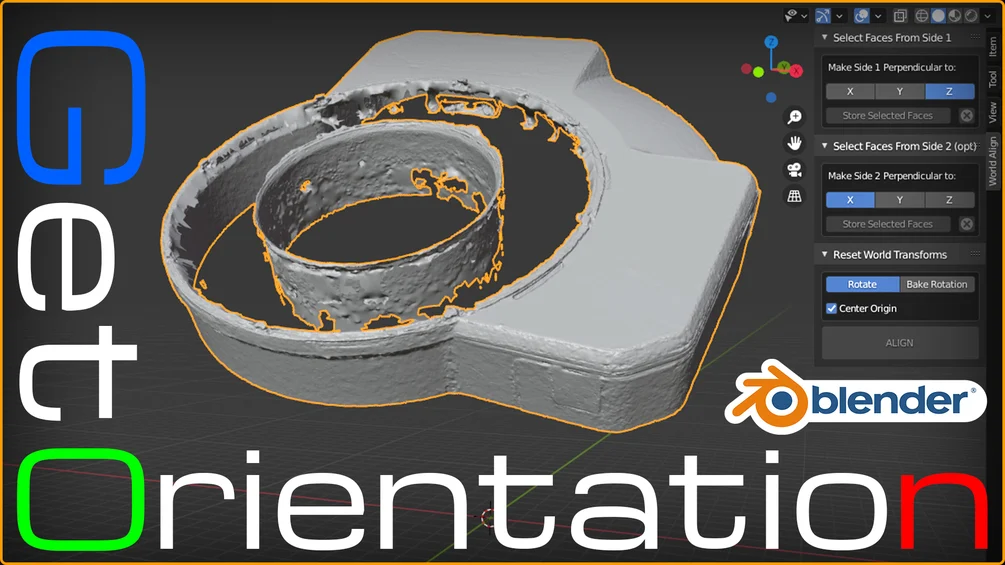
World Align for Blender
world align addon
World Align for Blender – Intelligent Object Alignment & Scene Orientation Tool
Version: 1.0
File Size: 1 MB
Download World Align for Blender on Windows, Mac, and Linux, a powerful alignment add-on that helps you precisely position objects relative to world axes, grids, and reference objects. Perfect for architects, product designers, and 3D artists who need exact alignment without manual adjustments .
Key Features of World Align:
- World Axis Alignment: Align objects to X, Y, or Z axes with one click
- Grid Snap: Snap objects to world grid with adjustable spacing
- Surface Alignment: Align objects to match world ground plane
- Multi-Object Align: Align multiple objects simultaneously
- Rotation Reset: Reset object rotation while preserving position
- Origin Reset: Move object origin to world origin
- Batch Operations: Apply alignment to selected objects
- Real-Time Preview: See alignment results instantly
Perfect For:
- Architects aligning building elements to world axes
- Product designers positioning objects on ground plane
- Game developers placing environment assets
- Technical artists preparing scenes for export
- Anyone needing precise world alignment
System Requirements:
- Blender 3.6, 4.0, 4.1, 4.2, 4.3
- Windows 10/11 (64-bit), macOS, or Linux
- 4GB RAM minimum (8GB+ recommended)
- 5MB available disk space
Installation:
- Download the add-on zip file
- In Blender, go to Edit > Preferences > Add-ons
- Click “Install” and select the downloaded zip file
- Enable the add-on by checking the box next to “World Align”
Note: World Align provides essential alignment tools for Blender, making it easy to position objects precisely relative to world axes and grids . The one-click alignment and batch operations make it essential for architects, product designers, and technical artists . Designed for Blender 3.6 and above . Perfect for precise scene setup . Essential for any alignment workflow .

Have you ever faced one of the following issues?
- Bake the rotation angles of a rotated object with reseted transforms
- Orient the object parallel to the world, with reseted transforms
- Align a cylinder with an odd number of segments
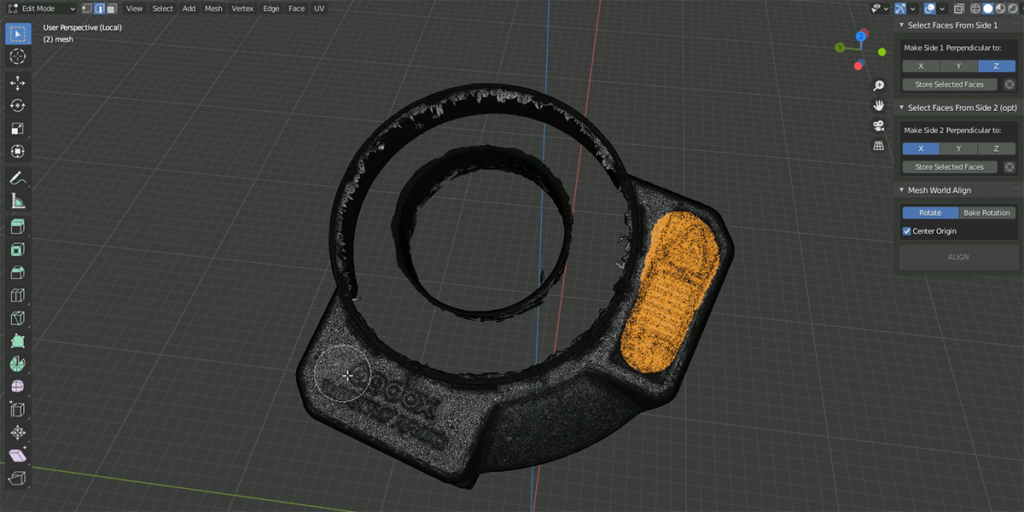
What if it’s a 3D scan or a high-poly model with an unknown rotation and tons of polygons?
As modeller I had all this headache. But the worst thing for me is to measure it all by eye. After another headache of aligning the 3D scan, I finally decided to create this addon and put the end to this monkey job 🙂
How does World Align add-on work?
All you have to do is to select face(s) on some two sides of a mesh, and your object will be world aligned or the rotation angles will baked into transforms (by option)
Key features of this add-on:
- The two sides of the model may not be perpendicular
- The ability to select multiple faces for each side. This is very useful if the surface is not perfect and has some noise (e.g. 3D scans)
Supercharge your 3D creation workflow with premium selection of Blender Add-ons. Whether you are modeling intricate characters, sculpting realistic environments, or animating cinematic sequences, the right add-on can transform how you work inside Blender. Our curated collection includes powerful tools for UV unwrapping, procedural texture generation, rigging automation, rendering optimization, and more—each rigorously tested for compatibility with the latest Blender versions. Eliminate tedious manual processes and unlock advanced functionality that lets you focus on what matters most: bringing your creative vision to life. Explore our full range of professional Blender plugins today and take your 3D projects to the next level.
➡️ ➡️ For more Blender Plugins 😀 😀
Reviews
There are no reviews yet.