
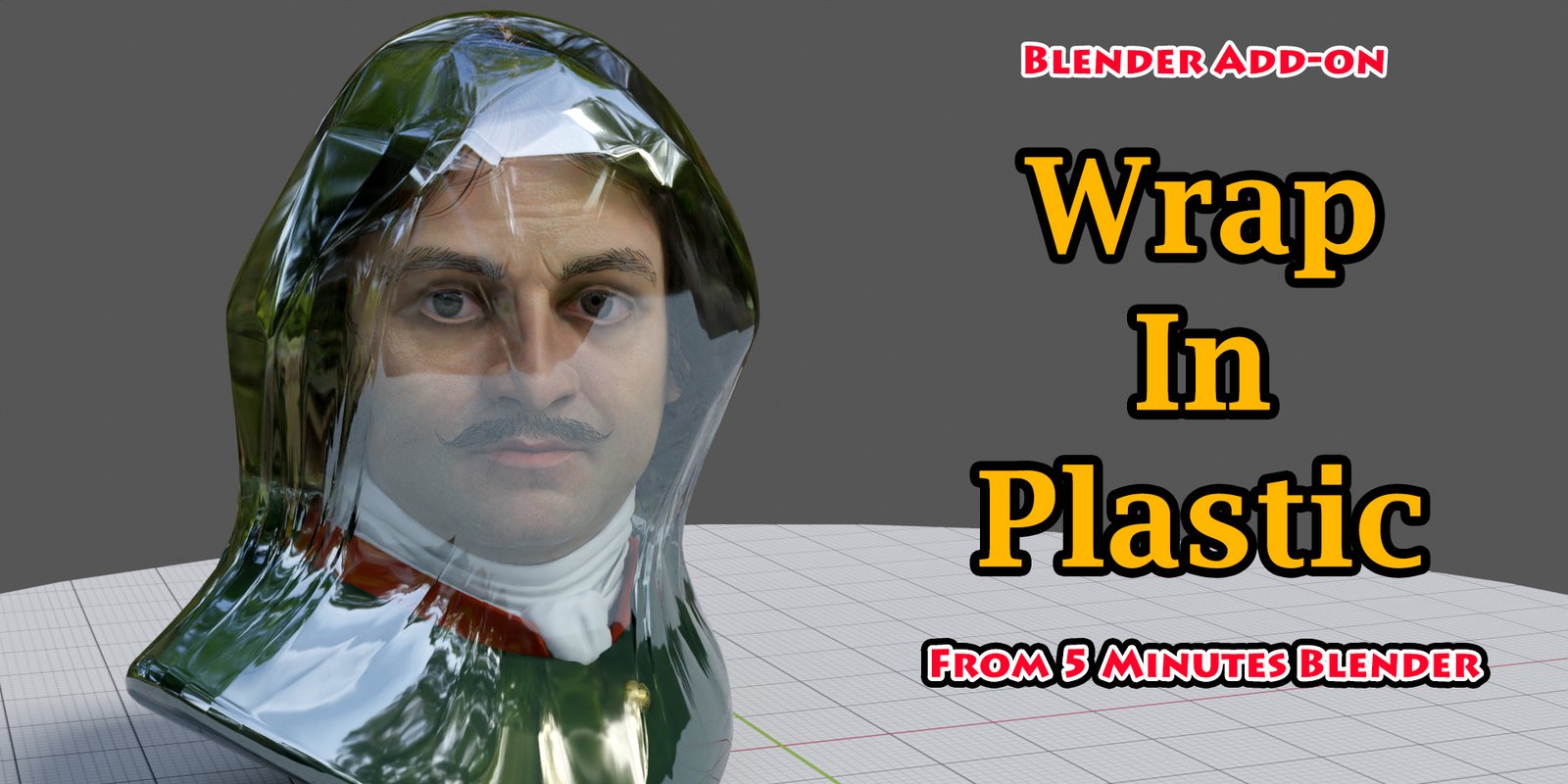
Wrap In Plastic for Blender
wrap in plastic addon
Wrap in Plastic v1.0 for Blender – Realistic Plastic Wrap & Shrink Wrap Material System
Versions: v1.0
File Size: 8 KB
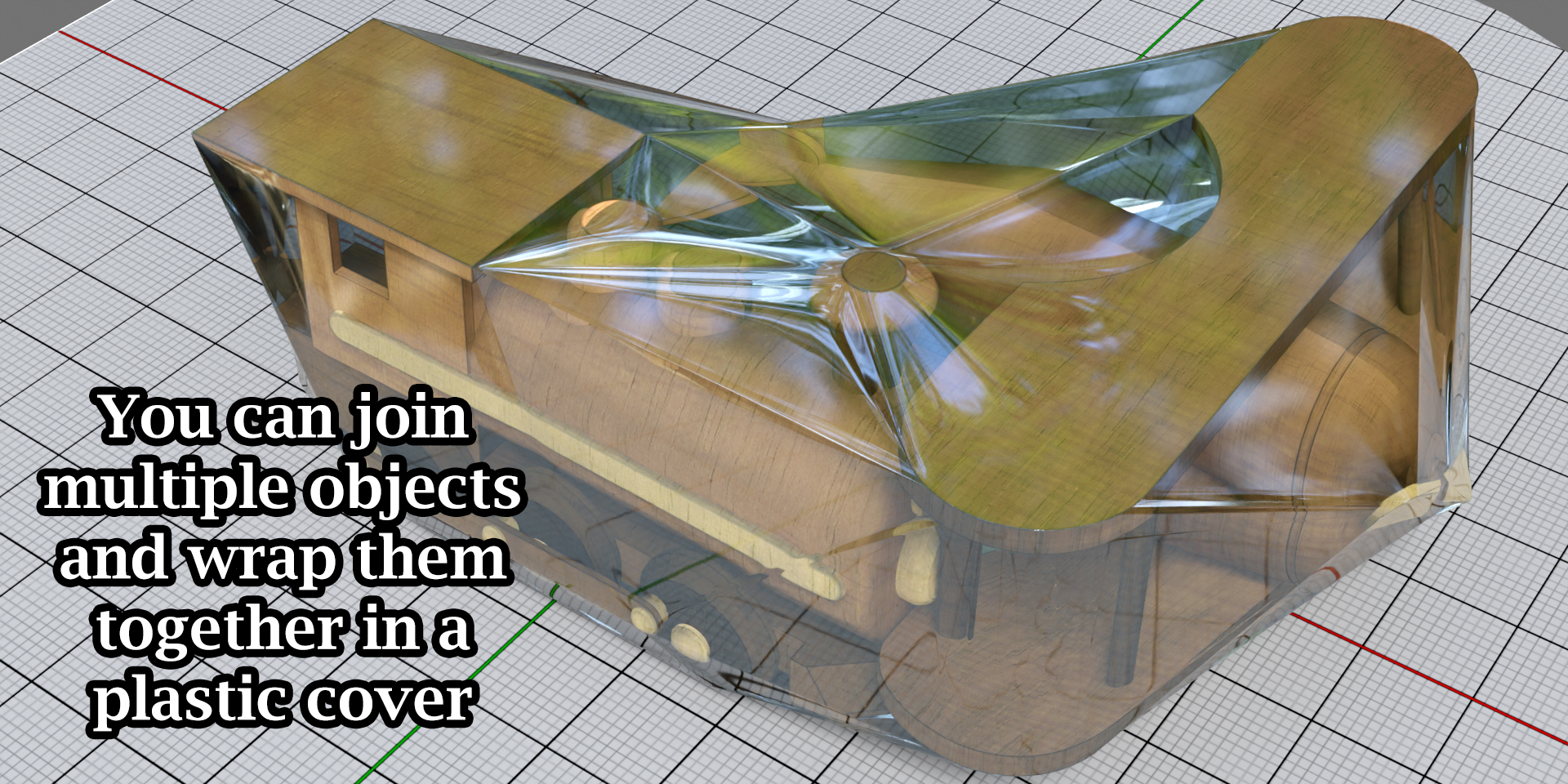
Download Wrap in Plastic v1.0 for Blender on Windows, Mac, and Linux, a powerful material add-on that creates photorealistic plastic wrap, shrink wrap, and cellophane effects for any object. Perfect for product designers, food packaging artists, and motion designers who need realistic transparent wrapping with reflections, distortions, and highlights .
Key Features of Wrap in Plastic v1.0:
- Plastic Wrap Material: Realistic transparent plastic with adjustable thickness and reflectivity
- Shrink Wrap Effect: Tight conforming plastic that follows object contours
- Cellophane Material: Crisp, crinkly transparent material for packaging
- Reflection & Gloss: Adjustable specular highlights and environment reflections
- Distortion Control: Light refraction and background distortion
- Tint Options: Customizable plastic colors and opacity
- Texture Support: Add wrinkles, seams, or printed patterns to plastic
- Edge Seals: Optional heat-sealed edges and fold lines
- Eevee & Cycles Compatible: Works in both render engines
- Real-Time Preview: See plastic wrap effects update instantly
- v1.0 Release: Initial version with core plastic wrap features
Perfect For:
- Product designers creating packaged product visualizations
- Food packaging artists rendering wrapped food items
- Motion designers creating product reveal animations
- Game developers adding plastic wrap to props
- Anyone needing realistic plastic wrap effects
System Requirements:
- Blender 3.6, 4.0, 4.1, 4.2, 4.3
- Windows 10/11 (64-bit), macOS, or Linux
- 4GB RAM minimum (8GB+ recommended)
- 15MB available disk space
Installation:
- Download the add-on zip file
- In Blender, go to Edit > Preferences > Add-ons
- Click “Install” and select the downloaded zip file
- Enable the add-on by checking the box next to “Wrap in Plastic”
Note: Wrap in Plastic provides photorealistic plastic wrap and shrink wrap materials for Blender, perfect for product packaging, food visualization, and create reveal animations . The adjustable reflectivity and distortion controls make it essential for product designers and motion designers . Designed for Blender 3.6 and above . Perfect for realistic packaging visualization . Essential for any product rendering workflow .
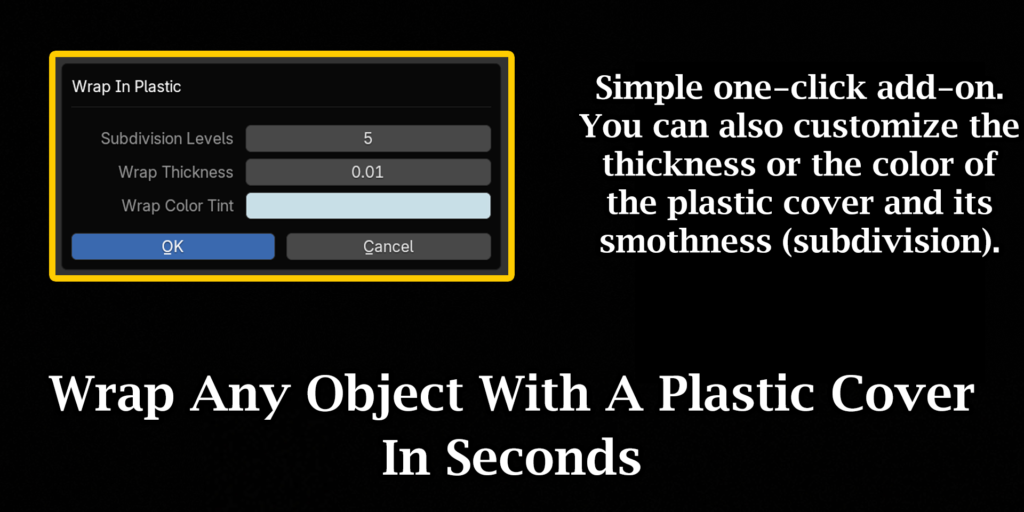
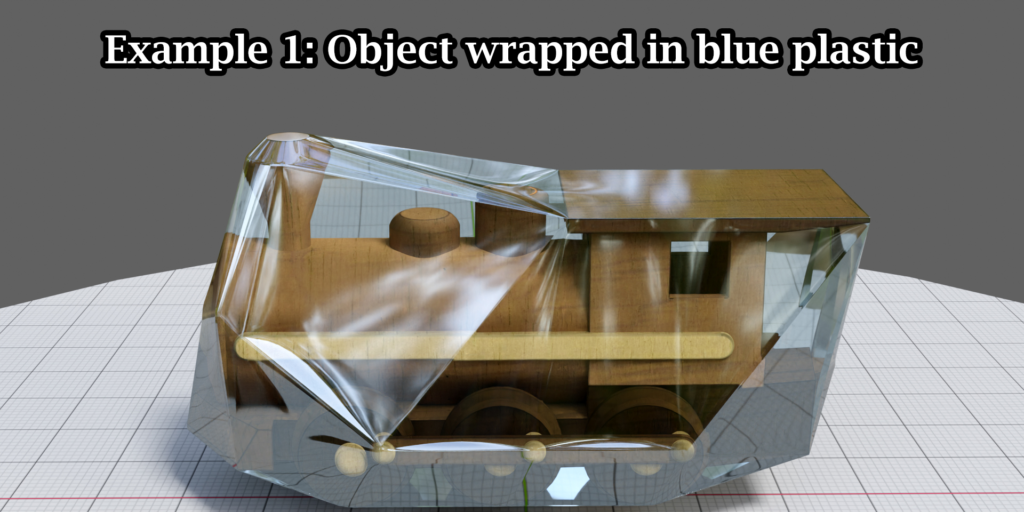
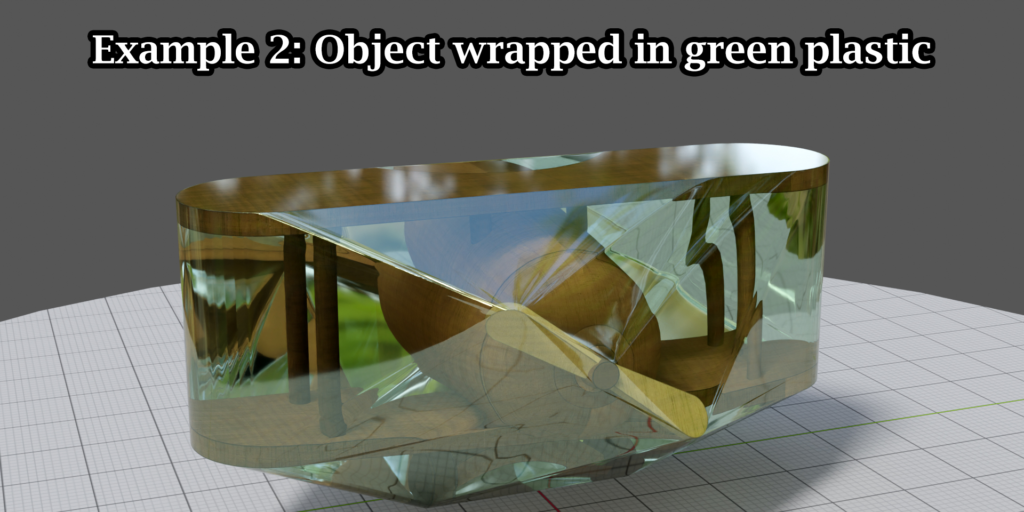
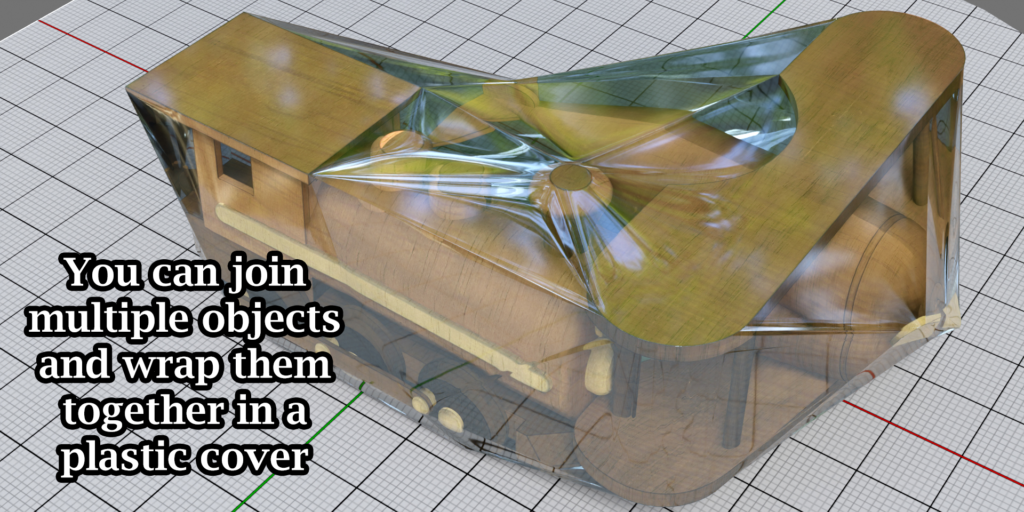
Watch our video tutorial to quickly understand the functions & various options.
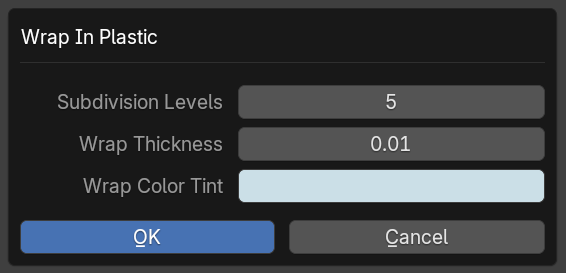
Subdivision Levels:
This field controls the subdivision levels of the plastic cover. A higher number will give you a smooth cover, use something like 5 or 6 for the best result.
Wrap Thickness:
This is the thickness of the plastic cover. You can customize it as per the look-n-feel you need.
Wrap Color Tint:
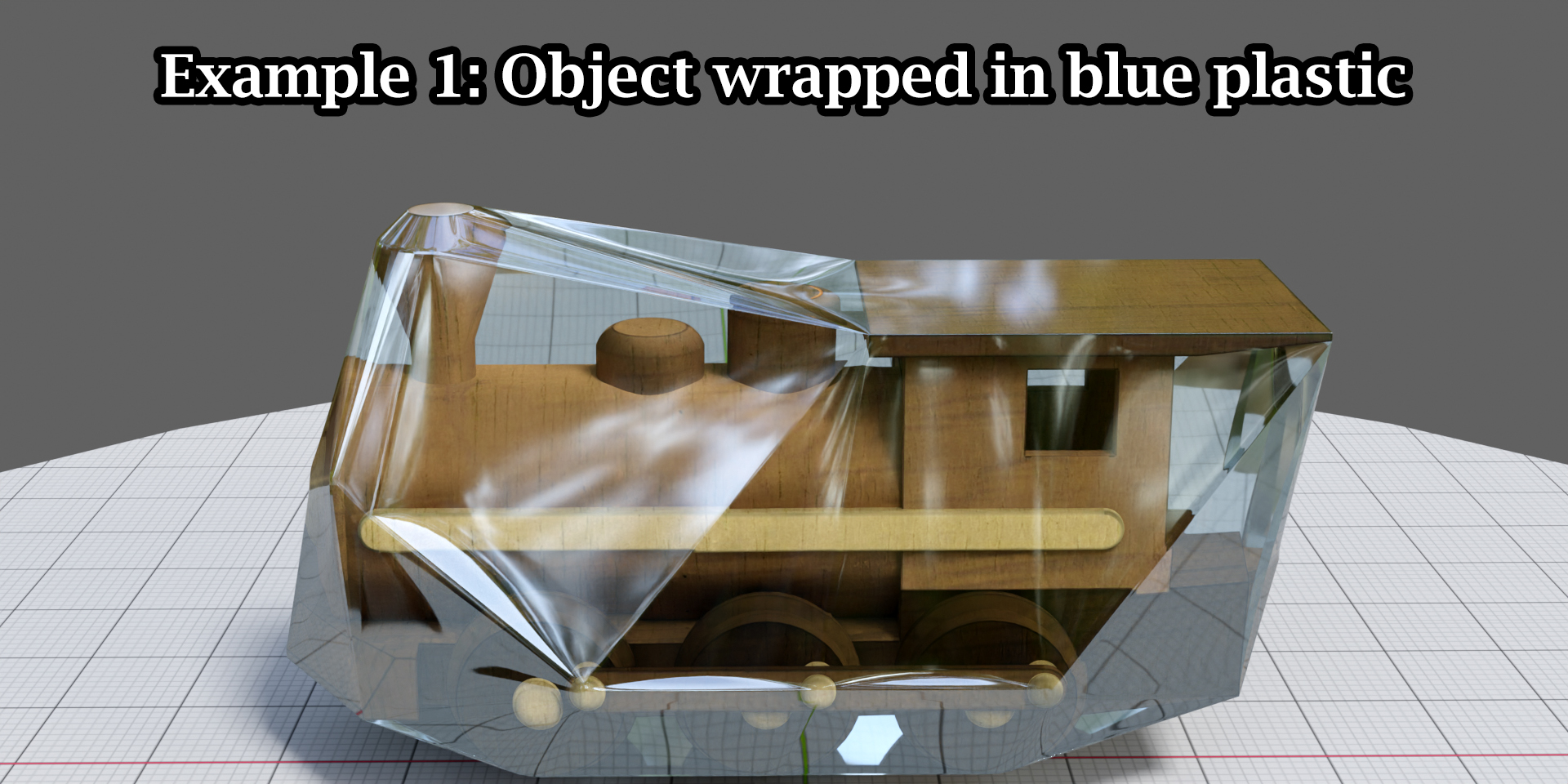
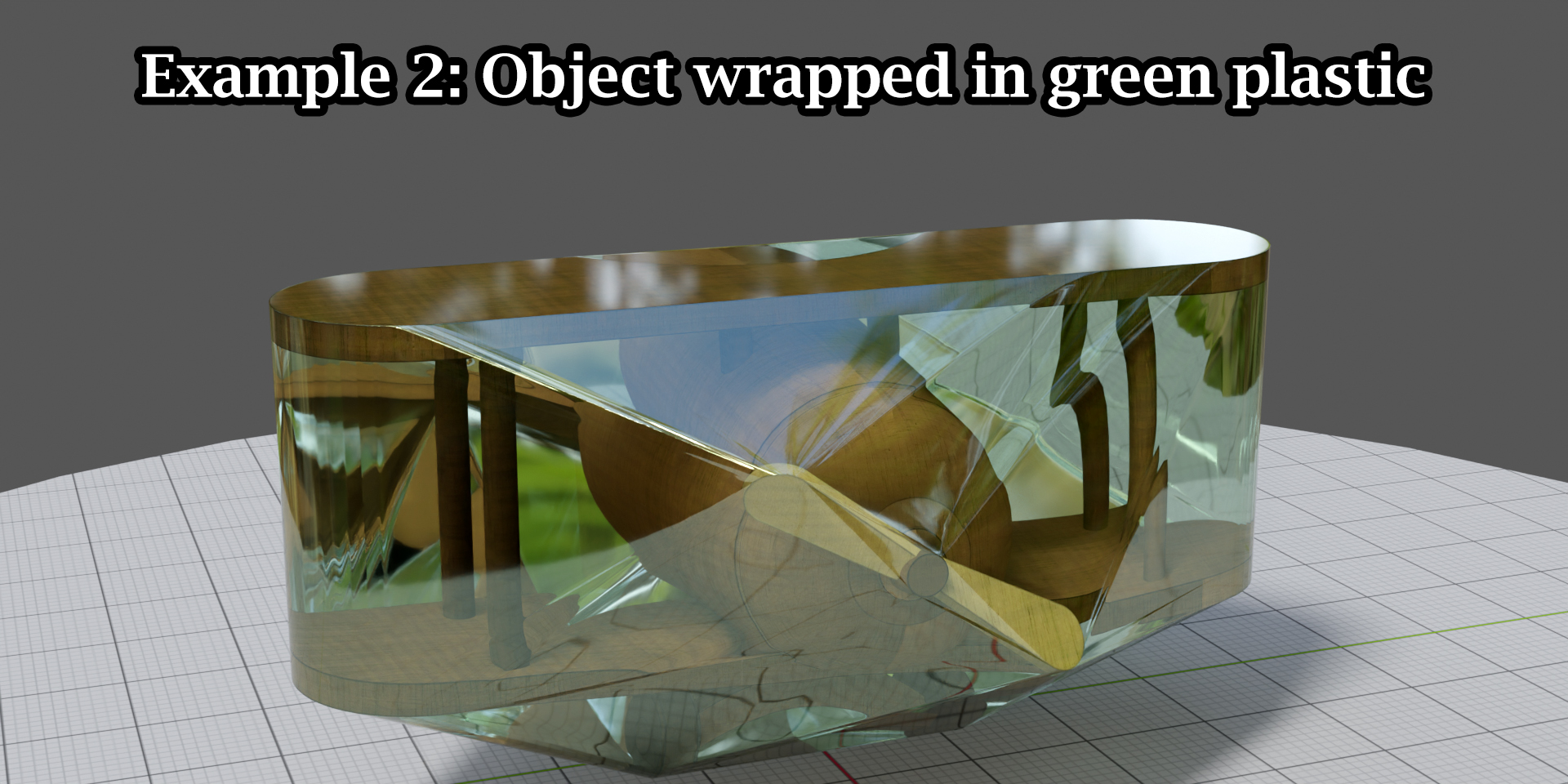
This defines the color tint for the plastic cover. Please note that the plastic will have a transparent look like a normal plastic, so it won’t follow the exact color selected by you. Instead, it will get a tint or a very light shade of the color which you select here.
Supercharge your 3D creation workflow with premium selection of Blender Add-ons. Whether you are modeling intricate characters, sculpting realistic environments, or animating cinematic sequences, the right add-on can transform how you work inside Blender. Our curated collection includes powerful tools for UV unwrapping, procedural texture generation, rigging automation, rendering optimization, and more—each rigorously tested for compatibility with the latest Blender versions. Eliminate tedious manual processes and unlock advanced functionality that lets you focus on what matters most: bringing your creative vision to life. Explore our full range of professional Blender plugins today and take your 3D projects to the next level.
➡️ ➡️ For more Blender Plugins 😀 😀
Reviews
There are no reviews yet.