
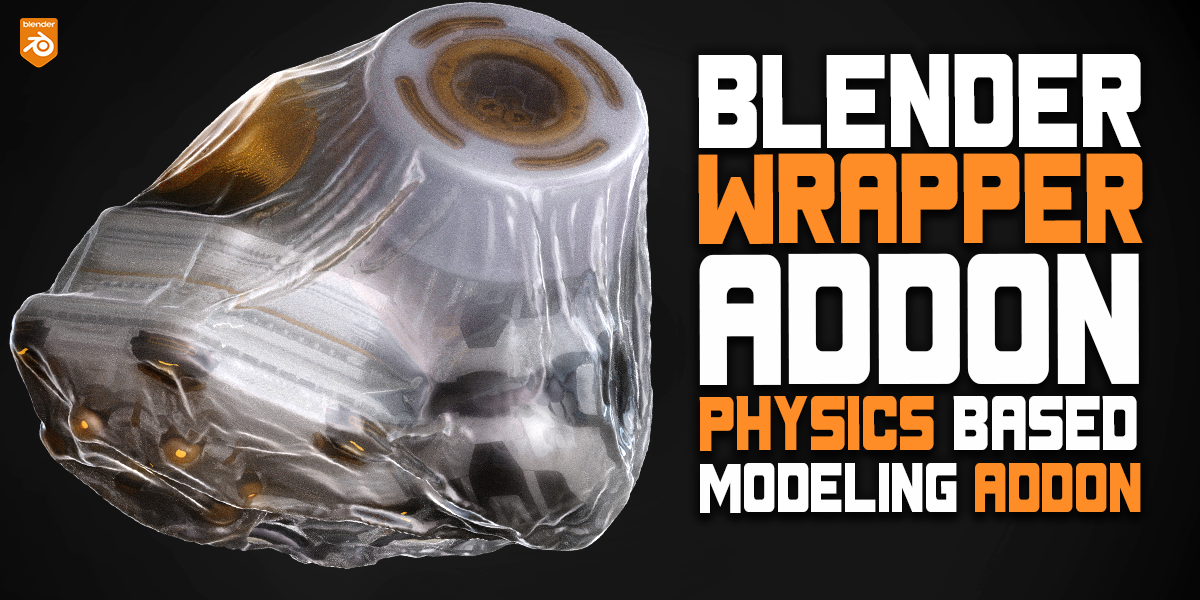
wrapper addon for Blender
Wrapper Addon v1.0.0 for Blender – The Ultimate Surface Conforming & Geometry Projection Toolkit
Download Wrapper Addon v1.0.0 for Blender on Windows and Mac, a specialized modeling utility designed to solve one of the most frustrating challenges in 3D product visualization and hard-surface modeling: perfectly wrapping flat geometry, labels, decals, and complex meshes onto curved, cylindrical, or irregular surfaces. While Blender’s native Shrinkwrap modifier often results in distorted UVs, pinched corners, and Z-fighting artifacts, Wrapper introduces a proprietary, intelligent projection engine. It allows you to effortlessly conform geometry to any underlying shape while preserving perfect texture mapping and clean topology.
Key Features of Wrapper Addon v1.0.0:
- Smart Surface Conforming Engine: Instantly project and wrap flat meshes, text, or decals onto complex underlying geometry. The algorithm calculates the shortest, most mathematically accurate path to the surface, eliminating the “stretching” and “pinching” common in native tools.
- Cylindrical & Spherical Mapping Modes: Specialized projection algorithms designed specifically for product packaging. Wrap labels perfectly around bottles, cans, and pipes without the dreaded UV distortion at the seams or poles.
- Automatic UV Preservation: Unlike standard shrinkwrap tools that destroy your UV layout, Wrapper recalculates and preserves the UV coordinates of the wrapped object. Any text, logos, or textures applied to the flat mesh will remain perfectly proportioned on the 3D surface.
- Micro-Offset & Anti Z-Fighting: Automatically calculates a microscopic offset based on the underlying mesh’s thickness and normals, ensuring your wrapped labels sit perfectly on top of the base object without any texture flickering or Z-fighting in the render.
- Interactive 3D Surface Gizmo: Manipulate the wrapped object directly in the viewport. Slide it along the surface curves, rotate it to match the surface normal, and scale it non-destructively using custom, color-coded handles.
- Thickness & Extrusion Control: Give your wrapped decals physical thickness. Perfect for creating raised lettering, embossed logos, or thick stickers that catch the light realistically.
- Corner & Crease Artifact Removal: Advanced smoothing logic detects sharp edges and corners on the base mesh and automatically adjusts the wrapper’s topology to prevent ugly shading artifacts and pinched vertices.
- Batch Wrapping: Select multiple flat objects (like a sheet of different warning labels or stickers) and wrap them all onto a complex mechanical surface simultaneously.
- Non-Destructive Modifier Stack: All wrapping operations are handled via a clean, optimized stack of custom modifiers. You can change the base mesh, adjust the label size, or move it to a different part of the object at any time.
- Edge Blending & Booleans: Optional tools to automatically boolean the wrapped geometry into the base mesh, or smoothly blend the edges of the wrapper so it looks painted directly onto the surface.
Perfect For:
- Product Visualizers who need to quickly apply perfectly aligned labels, barcodes, and branding to curved packaging, bottles, and consumer goods.
- Hard-Surface Modelers adding panel lines, warning decals, rivets, and surface details to vehicles, weapons, and sci-fi props.
- Motion Designers creating dynamic animations of stickers, labels, or geometric wrappers assembling onto products.
- Game Developers projecting decals and surface details onto characters and environments without manual UV unwrapping headaches.
- Architectural Visualizers applying signage, posters, and screen graphics to curved walls and displays.
- Beginners who struggle with the native Shrinkwrap modifier and want a guided, artifact-free projection workflow.
System Requirements:
- Blender: 3.6, 4.0, 4.1, 4.2, 4.3, 4.4+ (Latest LTS recommended).
- OS: Windows 10/11 (64-bit) or macOS 10.15+.
- RAM: 4GB minimum (8GB+ recommended for high-resolution batch wrapping).
- No external dependencies required.
Installation:
- Download the Wrapper Addon v1.0.0
.zipfile. - Open Blender and go to Edit > Preferences > Add-ons.
- Click Install…, select the downloaded file, and enable the checkbox next to Object: Wrapper.
- Access via the 3D Viewport Sidebar (N-panel) under the Wrapper tab, or the Object Context Menu (Right-Click) > Wrap to Surface.
What’s Included in the v1.0.0 Foundational Release:
- The Core Projection Engine: The initial release of the proprietary surface-conforming algorithm, offering vastly superior UV preservation and corner handling compared to native tools.
- Planar, Cylindrical, and Spherical Modes: The three essential projection types required for 95% of product visualization and hard-surface tasks.
- Interactive Viewport Gizmo: Fully functional, real-time 3D handles for sliding, rotating, and scaling the wrapper directly on the base mesh.
- Zero Z-Fighting Offset System: Built-in micro-offset calculation to guarantee clean renders without texture flickering.
- Blender 4.4 Full Compatibility: Built from the ground up to support the latest mesh evaluation APIs, ensuring rock-solid stability and correct UI scaling in the newest Blender release.
- Quick-Apply Material Sync: Automatically detects the material slots of the base mesh and creates a matching, perfectly aligned material slot on the wrapper for instant texturing.
Note:
Wrapper Addon v1.0.0 is built on the philosophy that surface projection should be effortless and mathematically perfect. Every 3D artist who has tried to put a label on a curved bottle knows the pain of the native Shrinkwrap modifier—distorted text, pinched corners, and flickering renders. Wrapper completely eliminates these bottlenecks. By treating the wrapping process as an intelligent, UV-aware projection rather than a simple physical shrink, it ensures your branding and details look exactly as they were designed in 2D. Whether you are finalizing a commercial product render or detailing a sci-fi helmet, Wrapper Addon gives you the precision and speed you need to get the perfect wrap every single time.
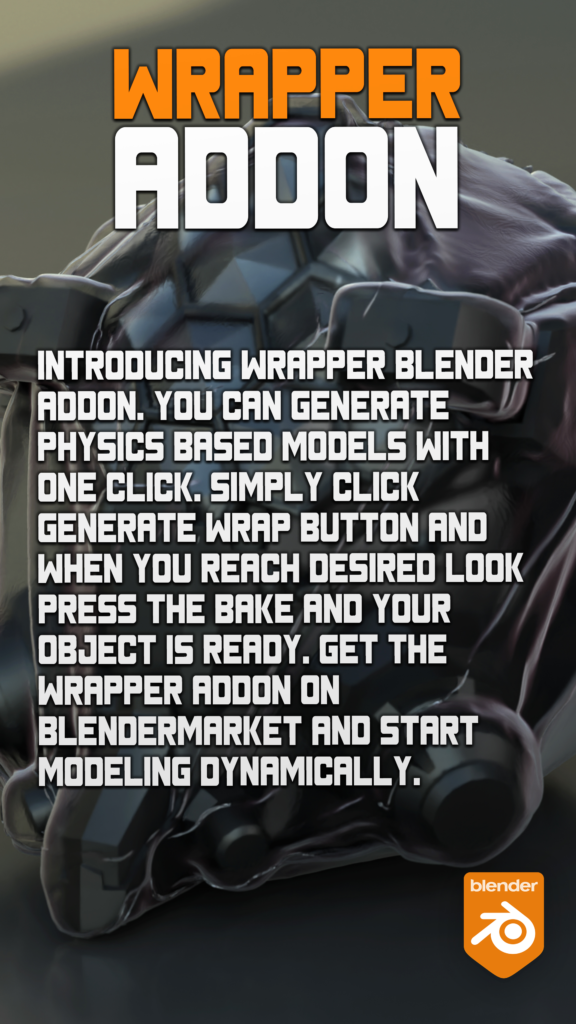
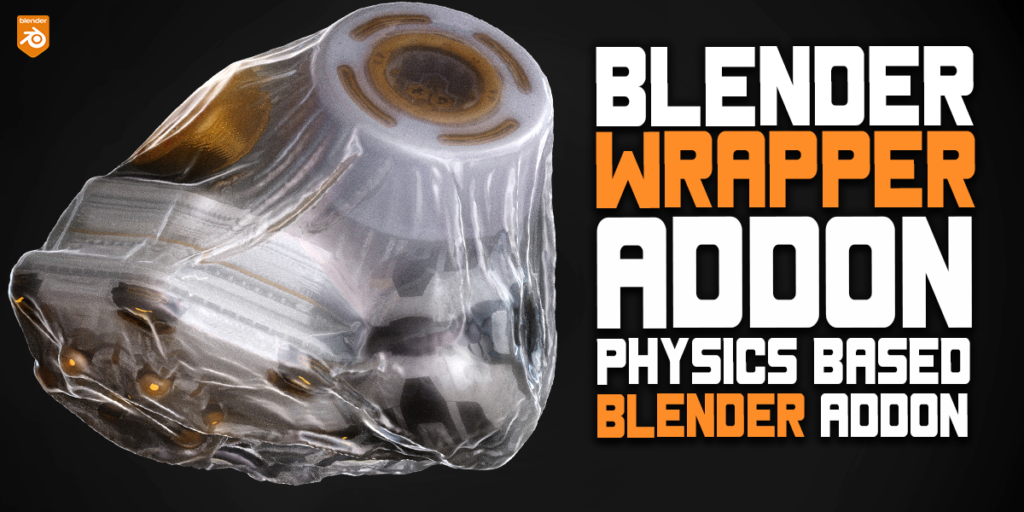
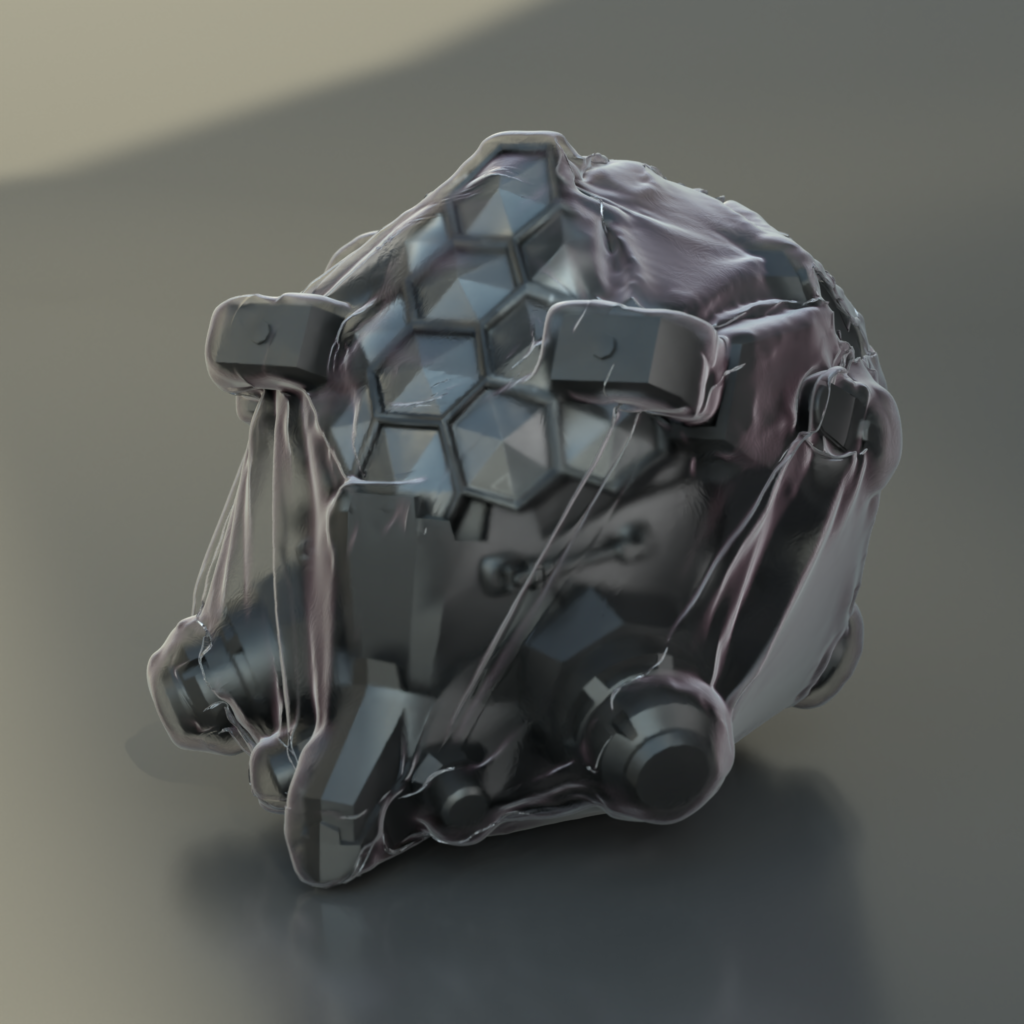


Supercharge your 3D creation workflow with premium selection of Blender Add-ons. Whether you are modeling intricate characters, sculpting realistic environments, or animating cinematic sequences, the right add-on can transform how you work inside Blender. Our curated collection includes powerful tools for UV unwrapping, procedural texture generation, rigging automation, rendering optimization, and more—each rigorously tested for compatibility with the latest Blender versions. Eliminate tedious manual processes and unlock advanced functionality that lets you focus on what matters most: bringing your creative vision to life. Explore our full range of professional Blender plugins today and take your 3D projects to the next level.
➡️ ➡️ For more Blender Plugins 😀 😀
Reviews
There are no reviews yet.