
GEOlayers 2.28 v1.2.1 Plugin For After Effects
Graphics map plugin in Aftereffect
GEOlayers 2 lets you move maps directly in After Effects, you can create graphic maps in After Effects. This plugin connects After Effects to the image server to update maps. It also provides direct access to all the geographical features of the world. With this plugin you can easily drag buildings into layers of aftereffect shapes, some country borders, streets, lakes, rivers, places, moving paths, extruded buildings and more.
General specifications of this plugin: – Making graphic
maps in After Effects – Download maps online – Online search – Has multiple styles and options
GEOlayers 2.28 v1.2.1 Plugin For After Effects
Design and animate maps directly in After Effects. Rebuilt from the ground up with tons of new features and faster and more powerful than ever!
GEOlayers 3 lets you design and animate maps directly in After Effects.
It renders custom maps for you from different online data sources. It also provides direct access to extensive databases of geospatial features of the world. You can easily draw buildings to After Effects shape layers, highlight country borders, streets, lakes, rivers, places, regions, animate driving routes, and extrude buildings. Anything in the world that has geodata can be integrated as an editable asset in After Effects.
GEOlayers 3 comes with a large set of default map styles. But that’s not all. One-click lets you create a style from the colors of a composition, an image or Adobe Swatch file. You can also retrieve imagery from any common image-based tileserver. Platforms such as MapTiler Cloud can bring all its advantages of customizable basemaps directly into After Effects.
What’s new in GEOlayers 3
Version 3 is rebuilt from scratch. Since version 2, we’ve been collecting user input and improving the extension. GEOlayers 3 has been developed to fit your needs.
- New UI
- Maps can be pitched and rotated in 3D
- Automatic Labels
- Mapstyling directly in After Effects
- Faster Finalization
- Scripting API
…and much more
In order to make all this possible, After Effects CC 2015 (13.6) or higher is required. Legacy projects created with GEOlayers version 1 or 2 are not supported by GEOlayers 3. You can still import old GEOlayers 2 server profiles, shape layer styles, and label templates.
Features
Animate in 3D Space
Intuitive controls to animate maps in 3D space
You can scroll, zoom, pitch, and rotate your maps inside After Effects, create keyframes and animate them. GEOlayers 3 renders all the imagery for your animation.
Online Search
Find geographical features online
Search online for countries, cities, famous buildings, points of interest, and much more. The features you find can be labeled in your animation, they can be drawn to your map, downloaded, and even exported out for further analysis in an external GIS program.
Mapstyling
Style your maps however you want
You can style maps directly inside After Effects. Choose colors, adjust the line width, swap fonts, add hillshading to your maps and even show and hide certain groups of features. Note that for full control a MapTiler Cloud account is required.
Labels
Add labels to your animation
Label features with one click. Use and customize the default label templates or feel free to create your own ones. Every After Effects composition can be used as a label template.
Data Visualization
Create Data-driven shape layer styles.
GEOlayers 3 allows you to easily import datasets in .csv or .tsv file format. Data-driven styling helps you to quickly visualize datasets in After Effects compositions with just a few clicks.
3D Landscapes
Create 3D landscapes with one click
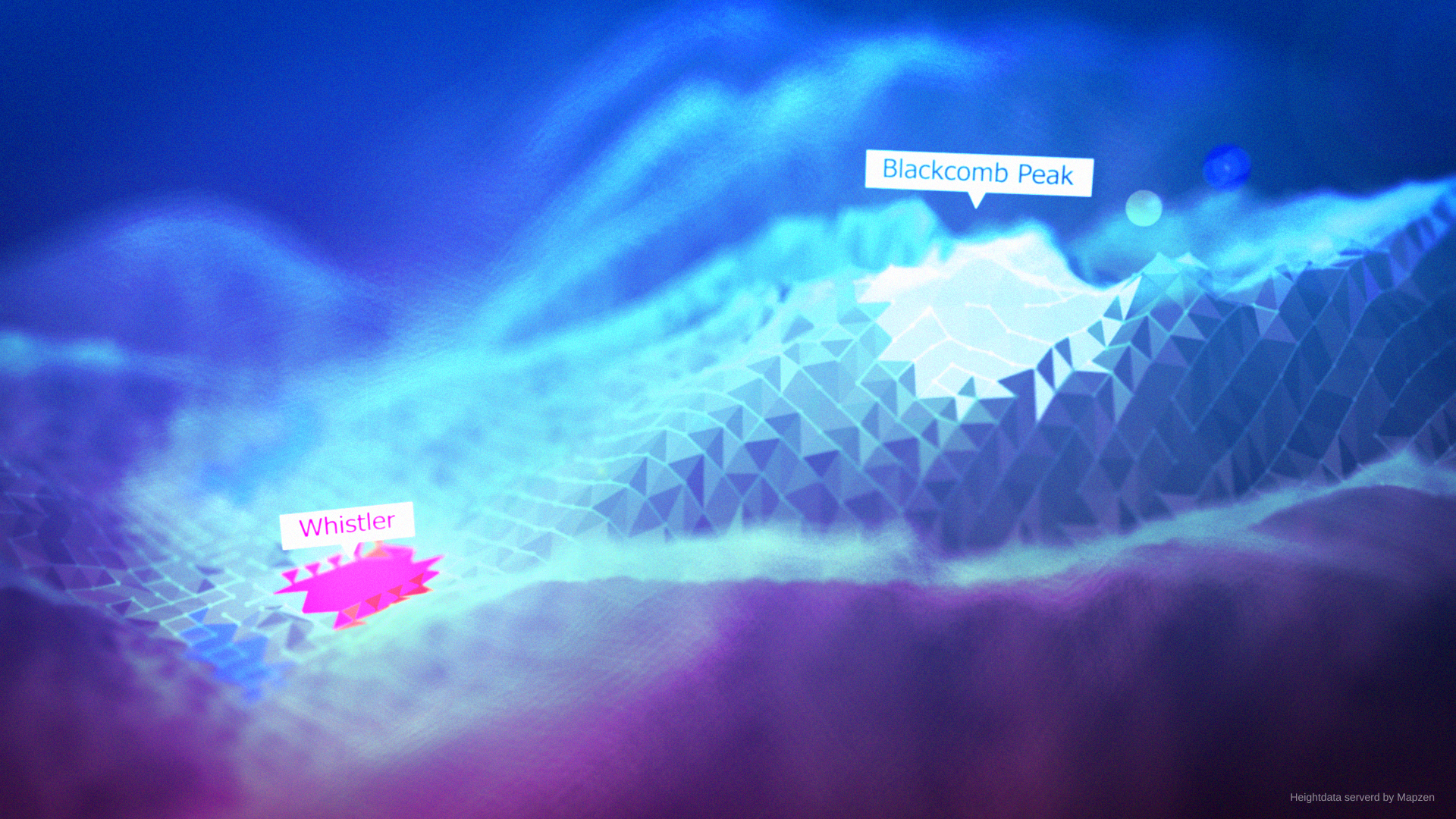
If you have Trapcode Mir 3, Mettle FreeFormPro, or Rowbyte Plexus 3 installed you can create gorgeous 3D landscapes setups in one click. You can achieve stunning animations based on real elevation data.
Bundle Offers
Mettle FreeForm Pro
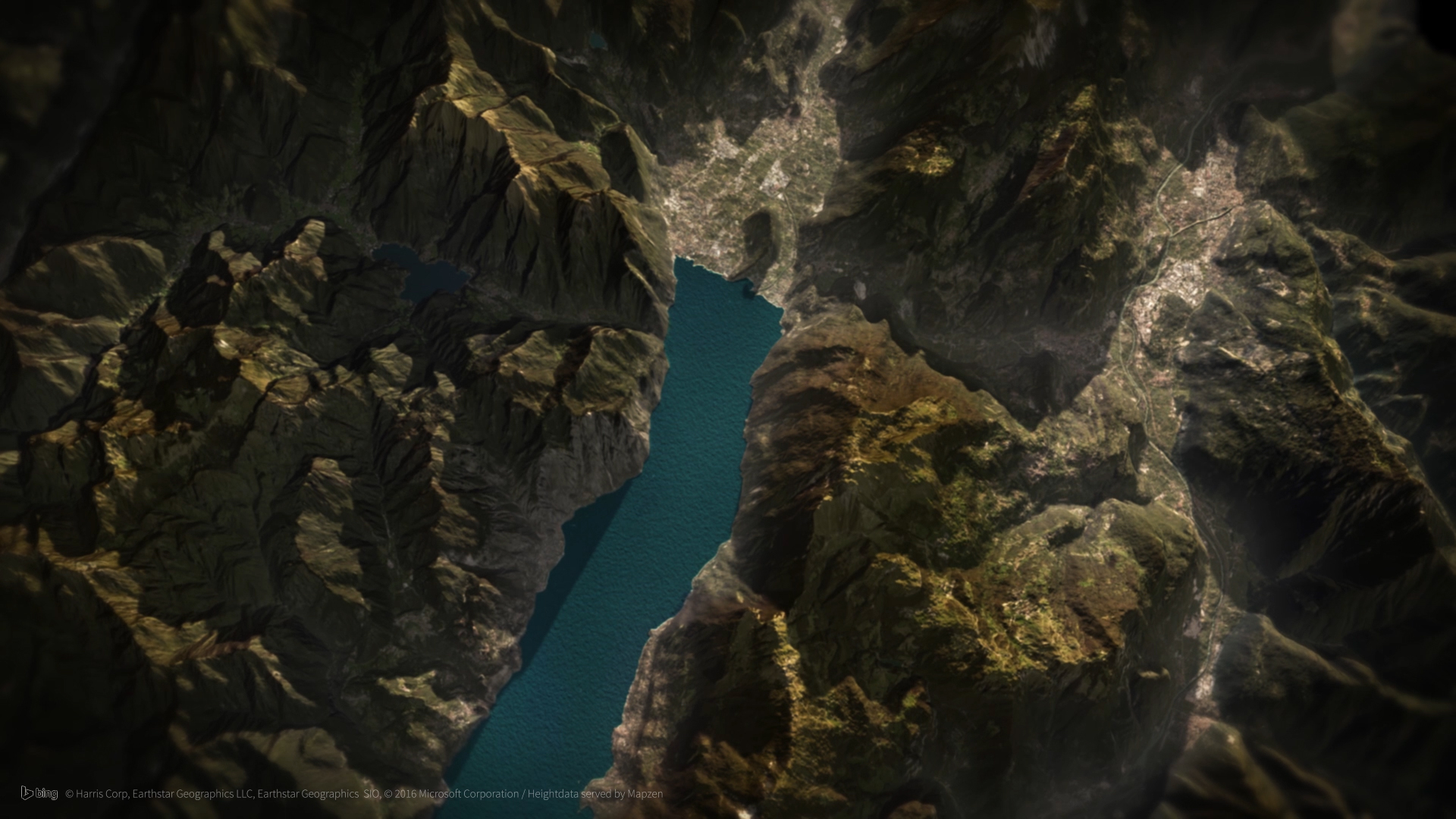
- Realistic shading
- Multiple Material Channels on one surface
- Fog and Mist
- Shadows
- Skydome
Rowbyte Plexus 3
User Guide Video Tutorials
3D Plugins are a way to extend the functionality of your video editing software. They can be used for anything from color correction to 3D animation and compositing…
3D Plugins are a set of utilities for after effects, premiere, cinema 4D.., created specifically for the professional needs of video Editors artists.
➡️ ➡️ For more 3D Pluggins 😀 😀
System Requirement For adobe after effects


Reviews
There are no reviews yet.