
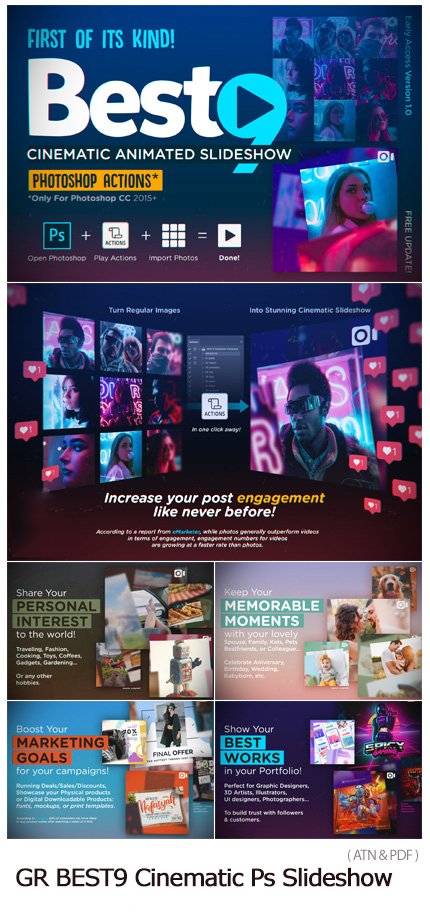
BEST9 Cinematic Photoshop Slideshow
Photoshop action to make a cinematic slideshow with a video tutorial | 0.968 MB | ATN & PDF format
In this collection, you can see another example of the effect of images in action format and with the title of making a cinematic slideshow, along with a video tutorial , which is available for download in ATN and PDF formats on the site.
BEST9 Cinematic Photoshop Slideshow

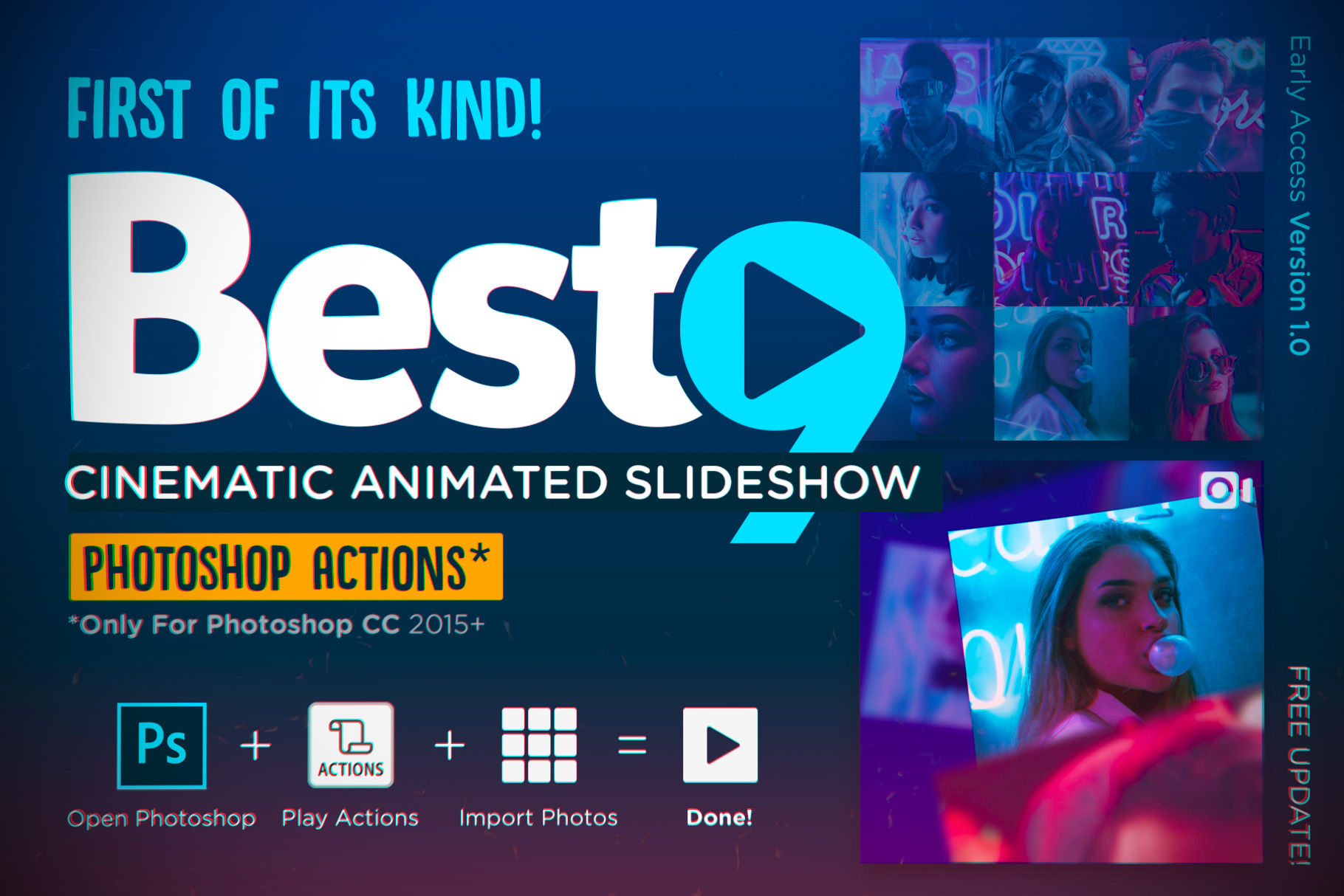


Video Preview
A Picture is worth a thousand words.
But Videos can help covey even more!
Whether you’re trying to build awareness around a campaign, promote your products, educate your audience, or something else entirely, video offer much more story-telling leeway than photos.
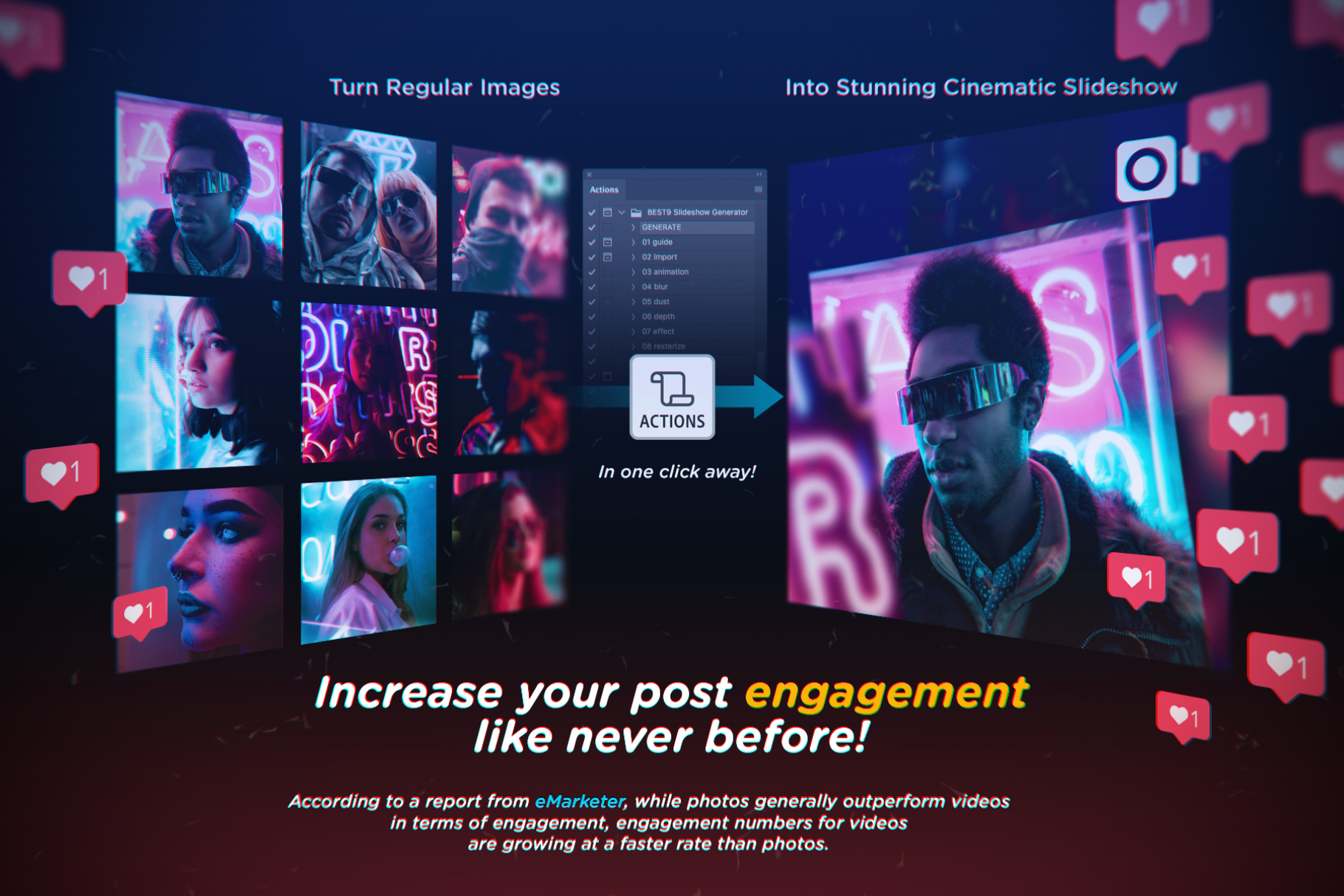
The engagement number for videos are growing at a faster rate. Also, sharing Videos are a great way to build trust with your followers & customers.
But Videos are intimidating and expensive to create?
What if I don’t have video software?
I only have Photoshop?
No worries… Your wait is over!
There’s no need to use any fancy video editing softwares anymore.
We’ve got you covered! 
Now you can create amazing video with your Photoshop.
Hundreds of photoshop activities, many hours of work, now compiled in a single actions. You’re just one click away to create a cinematic slideshow!
Be the first to try the most powerful feature on your Photoshop!
Perfect for you to share your portfolios, photographs, illustrations, quotes, stories, memories, or collections…
Also great to use as marketing tools to boost your campaigns, advertising material, tutorials, e-commerce, sell digital assets or even physical products.
And the great news is, this item now available in early-access price at only $12 (for a limited time).
Main features on this version 1.0:
- 9 slide images.
- 15 second duration.
- mp4 video output.
- Square format (720px suggested).
- Brief guideline.
What you will get:
- BEST9 Slideshow Generator V1.0.atn
- BEST9 Guideline.pdf
Price may change on upcoming updates.
Purchase now and get the updates for free!
What to expected in the next updates*:
- More complex guideline and tutorials.
- Ability to select amount of slides.
- Instagram Story templates.
SUPER EASY STEPS:
1. Prepare your images, put them in the same folder.
2. Open Photoshop, create a new square document (720×720 is recommended).
3. Open Actions panel, play the GENERATE actions.
4. Select your background color and press OK..
5. Import all your images into the canvas.
6. Open Timeline panel.
7. And see the result. Ready to export into video!
Watch the Video Presentation HERE.
SAMPLES:
A Photoshop action is an incredible feature tool that allows you to record a series of steps
To achieve remarkable effects, and then play the sequence back to apply those effects on any image.
Because these actions are reusable you can improve your workflow by chopping countless hours off your design process.
you can transform your images into polished works of art while saving a lot of time and money.
Designed to save you time in the editing process for actions that you do repeatedly and create lots more elements that can be edited manually.
Exclusively designed for graphic designers & photographers .
we’ve cut out the hard work for you by putting the best collection of excellent Premium Photoshop actions!
Photoshop actions are perfect for both beginners and advanced Photoshop users
➡️ ➡️ For More Actions Photoshop 😀 😀
System Requirement For Photoshop CC
How to Change Language Setting


Reviews
There are no reviews yet.