
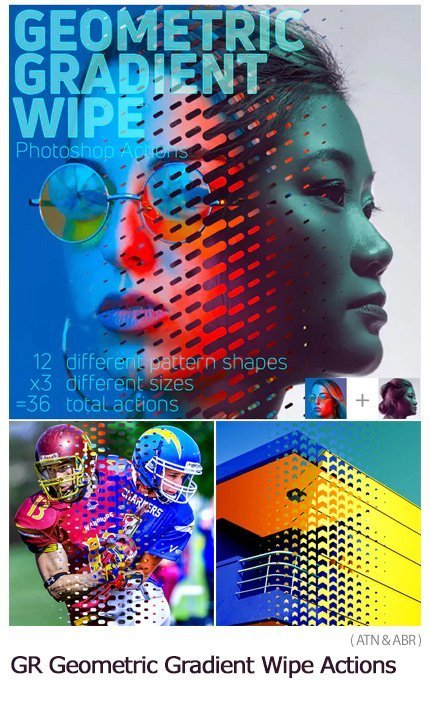
Geometric Gradient Wipe Actions
Photoshop action combining images with geometric effects along with a video tutorial | 0.667 MB | ATN & ABR format
In this collection, you can see another example of Photoshop action called combining images with geometric effects along with a video tutorial , which is available for download in ATN and ABR formats.
Geometric Gradient Wipe Actions

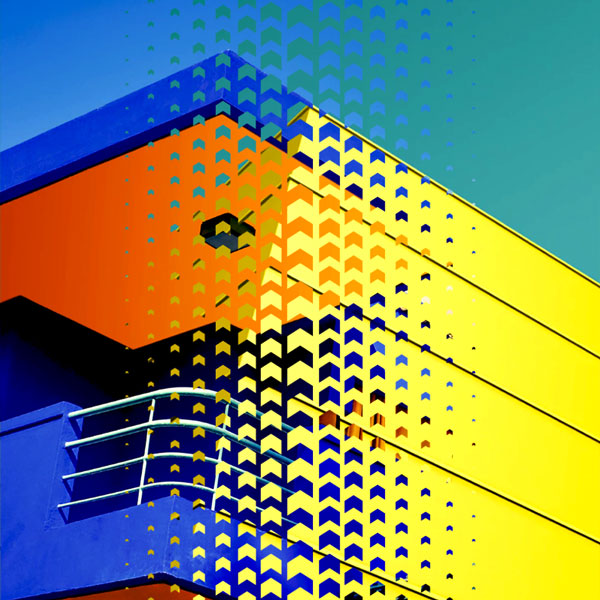
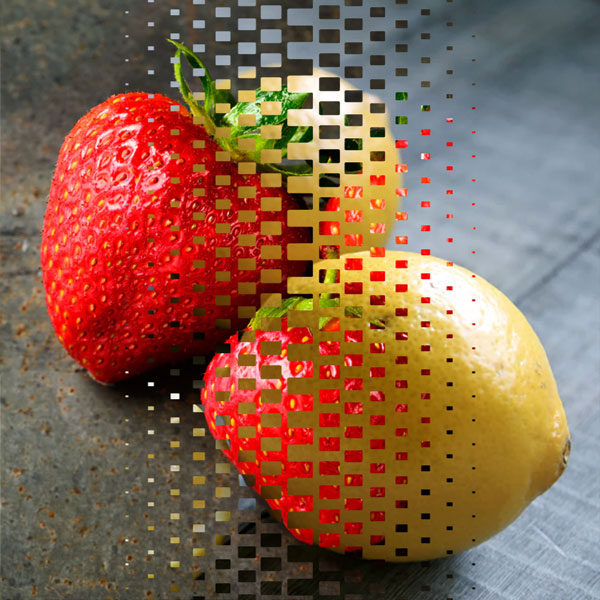
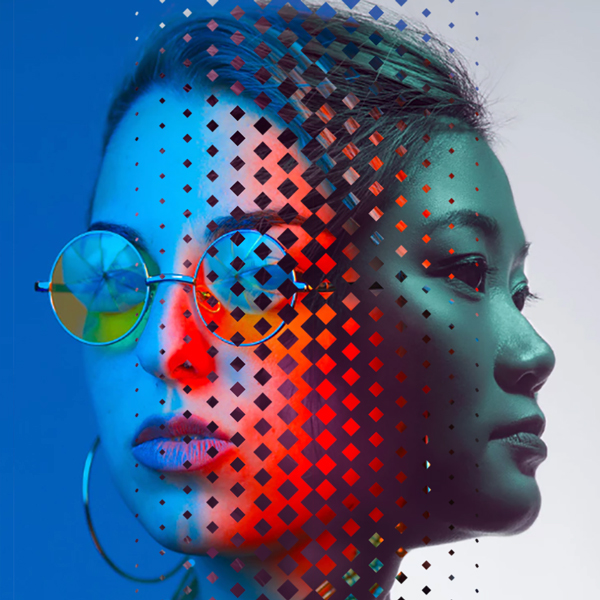
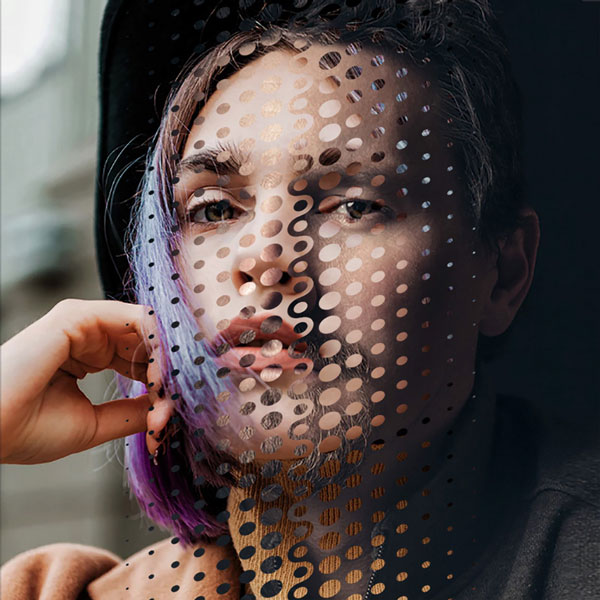
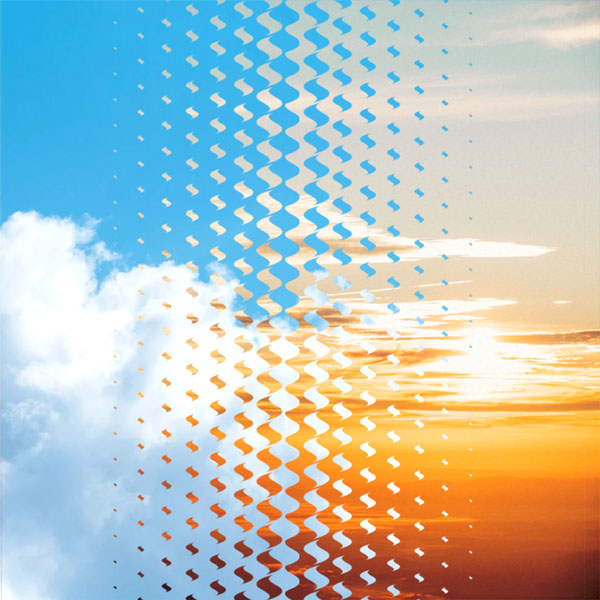
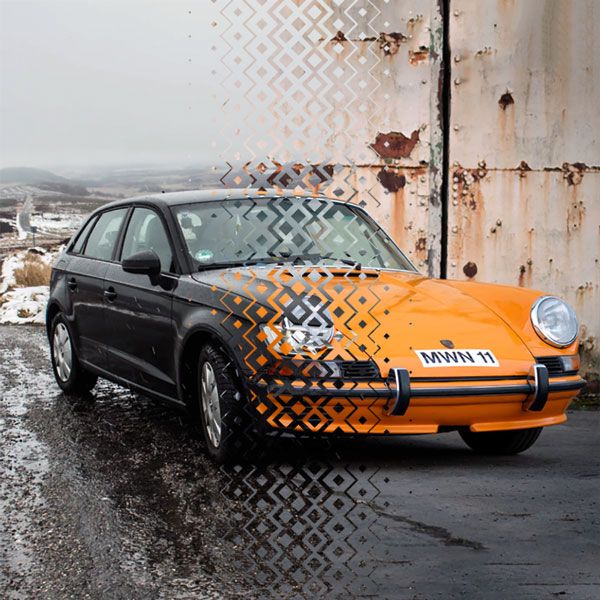
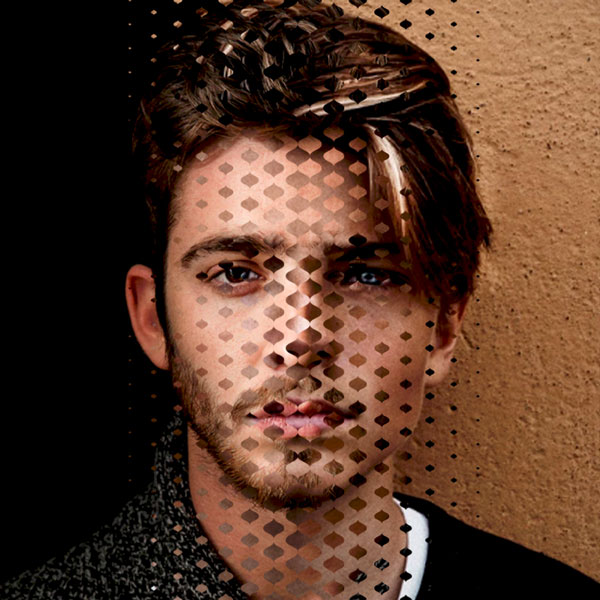
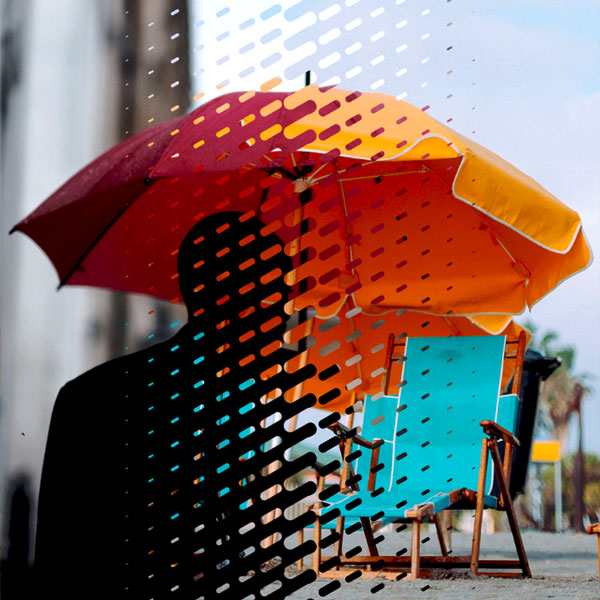

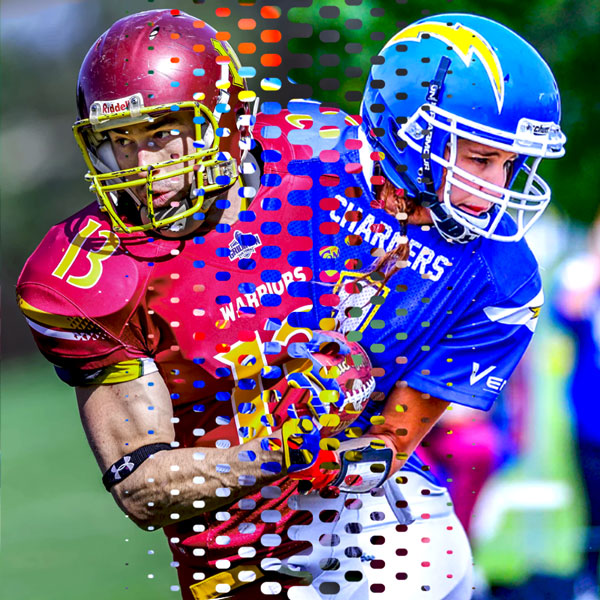
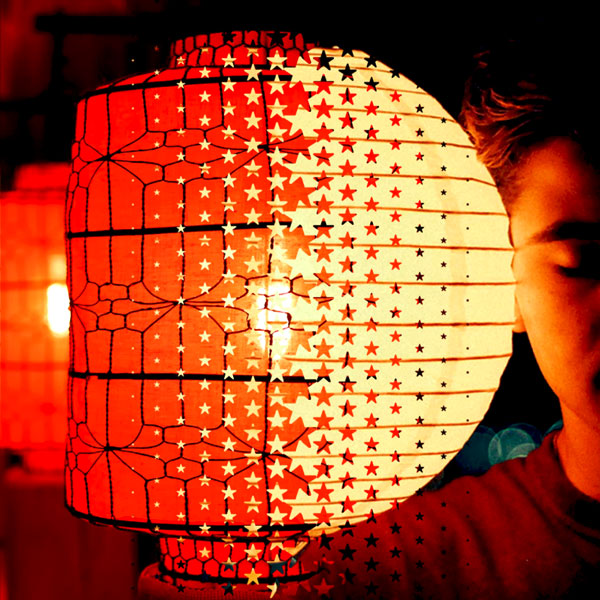
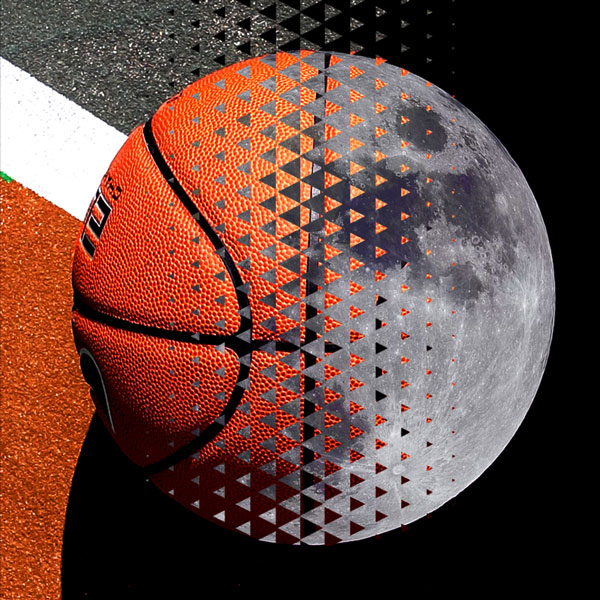
- Easy to use: just 1 Click actions!
- No mask or selection needed: place the images in different layers, click and hide the top layer, choose the action and play it
- Non-destructive, keeps the original images untouched
- 12 different pattern shapes
- x 3 types: Small, Medium and Large to use in different images sizes
- = 36 total actions
Content:
- 3 Geometric Gradient Wipe .atn files with 36 total actions
- GEOMETRIC_WIPE_01_SMALL.atn
- GEOMETRIC_WIPE_01_MEDIUM.atn
- GEOMETRIC_WIPE_01_LARGE.atn
- 1 WIPETILES_01.abr file
- 1 PDF Help File, English-Español
Install:
Load the Geometric Gradient Wipe Actions
- GEOMETRIC_WIPE_01_SMALL.atn
- GEOMETRIC_WIPE_01_MEDIUM.atn
- GEOMETRIC_WIPE_01_LARGE.atn
Load the Geometric Gradient Wipe Tiles Brushes
- WIPETILES_01.abr
Use:
- Open one of the images and place the second one on top
- Adjust the top image size to cover the document if necessary
- Click the top layer and hide it
- Choose the action from the Actions Panel
- Play the action
- The action ends with a New Layer named as the action played with the Geometric Gradient Wipe Mask
Optional:
Invert the resulting mask to change the wipe direction
Video link:
A Photoshop action is an incredible feature tool that allows you to record a series of steps
To achieve remarkable effects, and then play the sequence back to apply those effects on any image.
Because these actions are reusable you can improve your workflow by chopping countless hours off your design process.
you can transform your images into polished works of art while saving a lot of time and money.
Designed to save you time in the editing process for actions that you do repeatedly and create lots more elements that can be edited manually.
Exclusively designed for graphic designers & photographers .
we’ve cut out the hard work for you by putting the best collection of excellent Premium Photoshop actions!
Photoshop actions are perfect for both beginners and advanced Photoshop users
➡️ ➡️ For More Actions Photoshop 😀 😀
System Requirement For Photoshop CC
How to Change Language Setting


Reviews
There are no reviews yet.